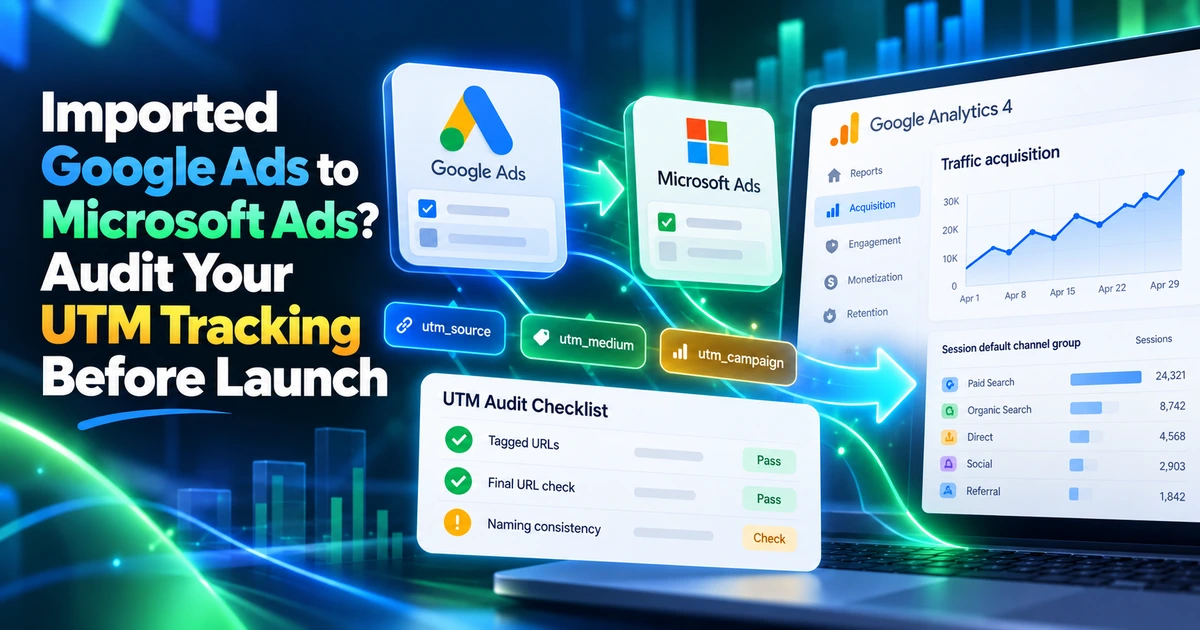
Find the right starting point
An imported Google Ads setup may carry Google-specific source labels or tracking assumptions. Audit the imported Microsoft destination separately. Preserve supported click identifiers and check the UTM labels used by GA4 and your CRM before treating the import as ready.
- Review the imported settings
Check source labels, suffix inheritance and supported tokens.
- Plan Microsoft measurement
Understand the roles of MSCLKID and readable campaign labels.
- Validate the destination
Confirm parameter retention, collection and processed reporting.
Featured Article
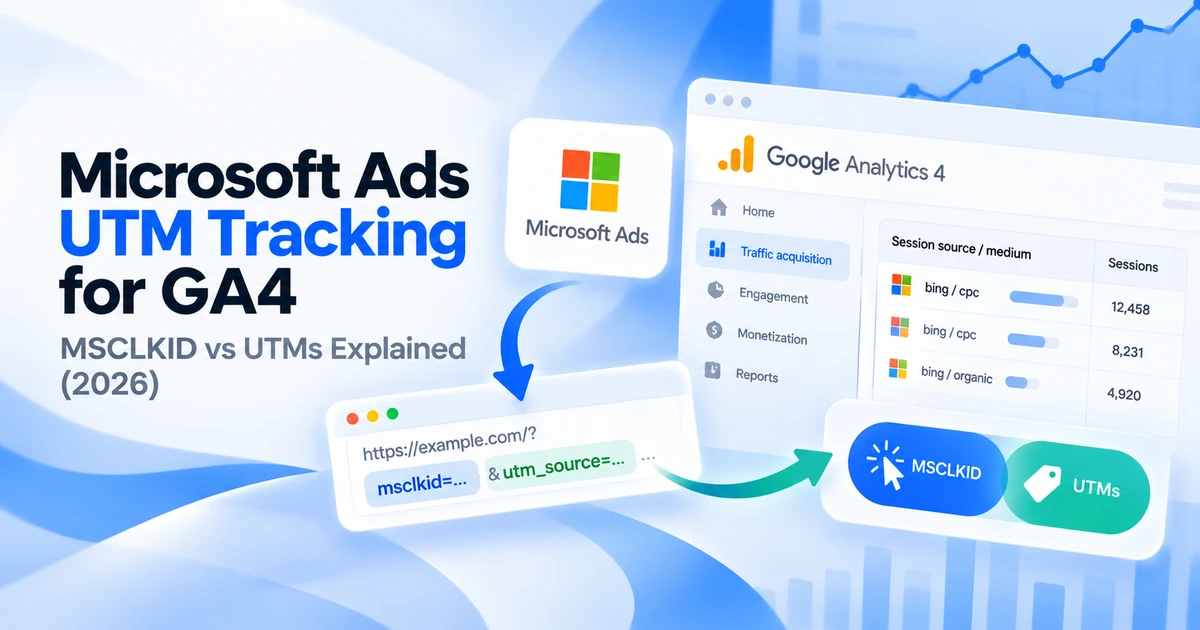
Microsoft Ads UTM Tracking for GA4: MSCLKID vs UTMs Explained (2026)
Set up Microsoft Ads UTMs for GA4 with a final URL suffix. Learn how MSCLKID differs, test dynamic parameters, and check campaign reporting.