Table of Contents
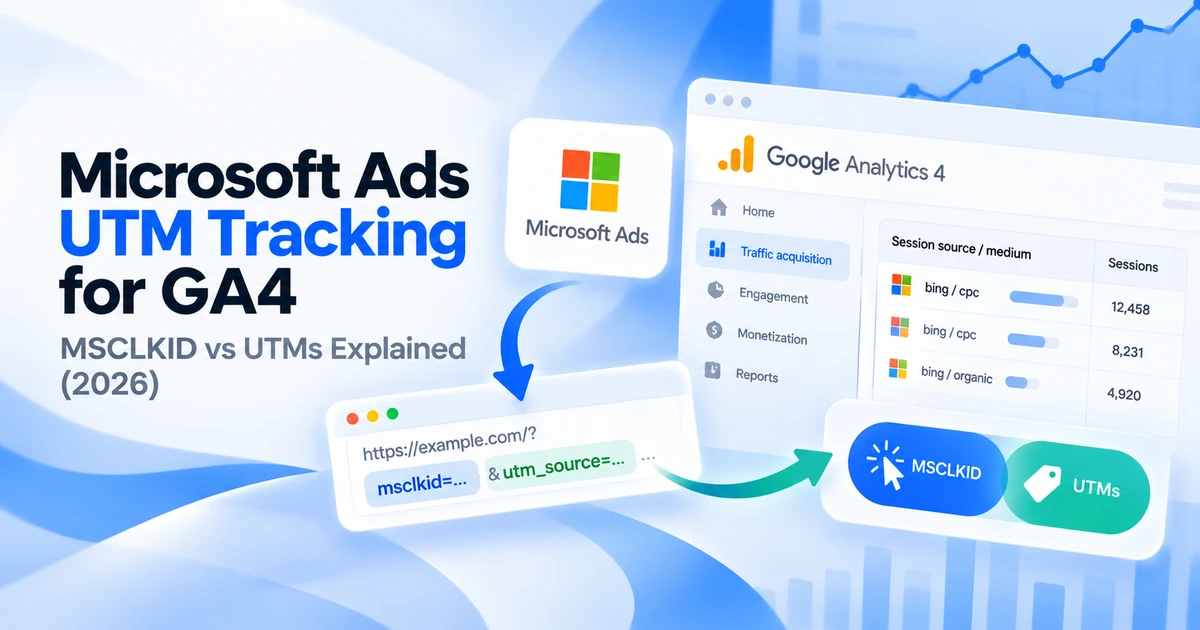
Use UTM parameters to label Microsoft Ads visits in GA4, and keep MSCLKID configured for Microsoft’s click-based conversion measurement. The two serve different reporting purposes, so enabling a Microsoft click ID is not a substitute for checking your GA4 campaign labels.
This guide walks through a paid-search suffix, the checks needed before rollout and the GA4 dimensions to review. The examples are illustrative, with platform documentation reviewed on October 5, 2026.
MSCLKID and UTMs answer different questions
Microsoft Advertising can append msclkid to a landing URL when click-ID auto-tagging is enabled. Microsoft uses that identifier to associate conversion activity with an ad click. UTM parameters provide readable campaign labels for analytics and other systems that collect them. Microsoft’s click-ID and conversion guidance
| Tracking value | Purpose | What to check |
|---|---|---|
msclkid | Microsoft ad-click identifier | Auto-tagging, conversion setup and capture |
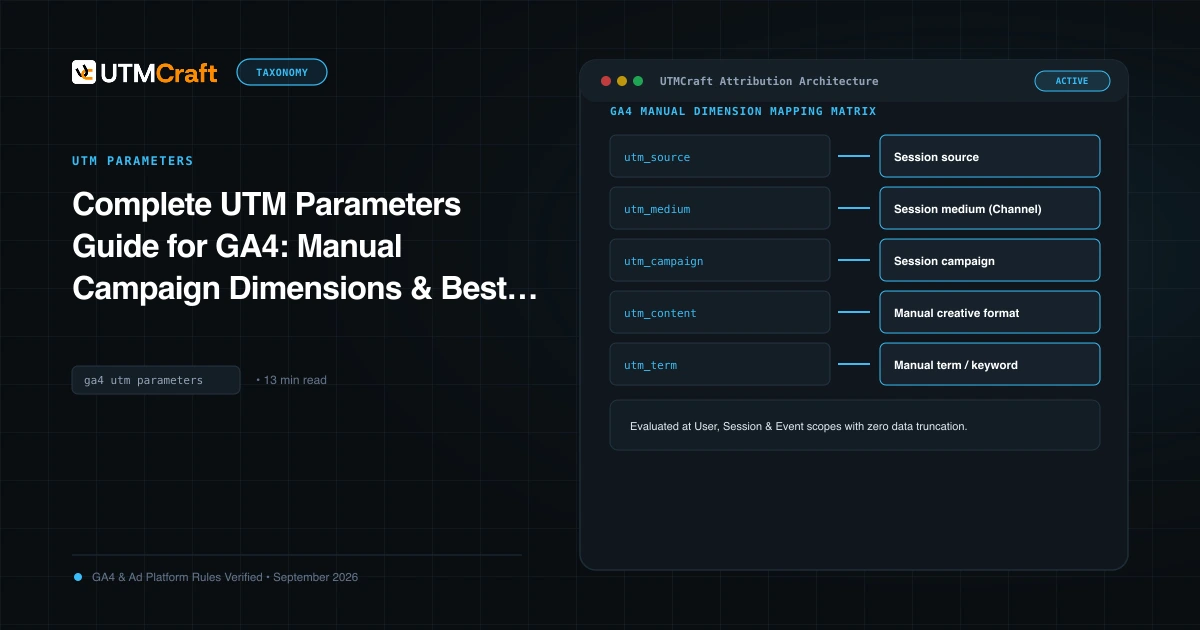
utm_source / utm_medium | Manual acquisition labels in GA4 | Consistent values such as bing / cpc |
utm_campaign / utm_id | Campaign name or identifier | The Microsoft campaign lookup |
utm_content | Manual creative label or identifier | The ad-ID lookup |
Do not expect Microsoft’s click ID to behave like a linked Google Ads GCLID integration in GA4. Google’s manual-tagging documentation describes the UTM fields you can supply when an advertising integration does not provide the required traffic-source data. GA4 manual and automatic tagging
Use UTMs for website campaign reporting and keep Microsoft conversion measurement configured for its own purpose. Neither a tagged URL nor a click ID alone proves that a conversion tag or GA4 event is working.
Choose consistent source and medium values
For a Microsoft paid-search campaign, a practical starting convention is utm_source=bing and utm_medium=cpc. Keep both lowercase. Use the same convention across your campaign worksheet, links and reporting filters.
This guide uses bing as a reporting label. It does not mean every Microsoft ad placement is a Bing search result. If you also run audience campaigns, document a separate naming rule and inspect the resulting channel classification instead of applying a paid-search example indiscriminately.
A campaign ID is useful when names change. If your team prefers readable campaign names, supply a maintained campaign-specific value such as autumn_demo_2026 and retain utm_id for the identifier. Do not invent a campaign-name token: use supported parameters or a custom parameter you actually define.
Add a final URL suffix
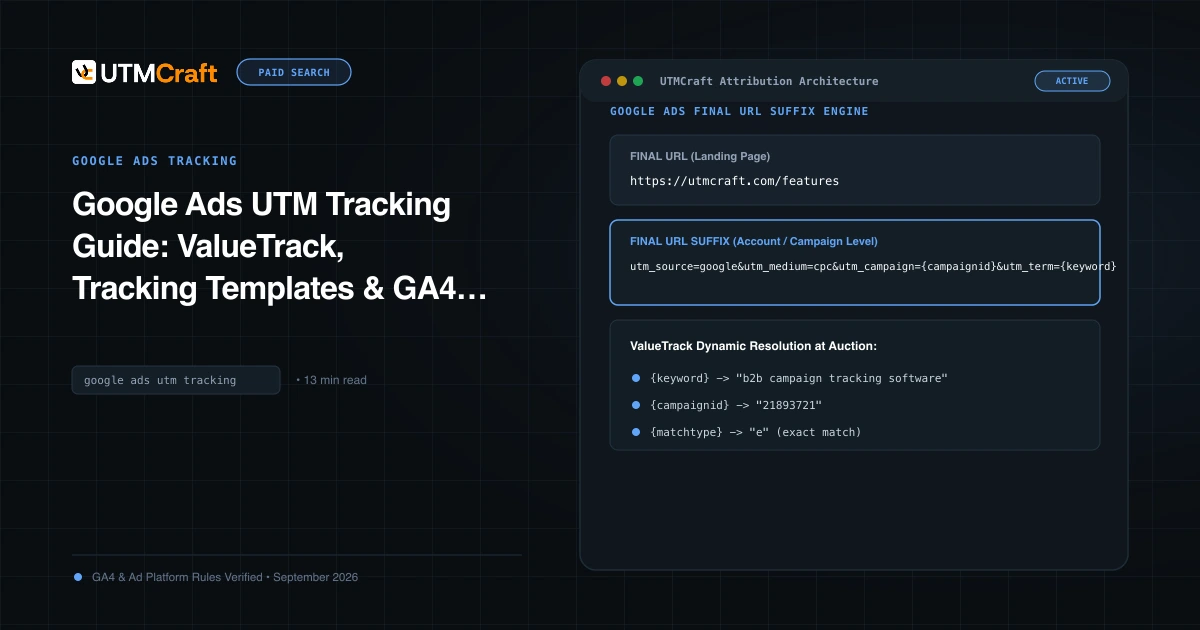
For a website search campaign, this suffix uses Microsoft’s documented campaign and ad identifiers:
utm_source=bing&utm_medium=cpc&utm_campaign={CampaignID}&utm_id={CampaignID}&utm_content={AdID}Place this string in Final URL suffix within the relevant Microsoft Advertising URL options. It is a parameter string, so it contains no domain, leading ?, leading & or {lpurl}. Microsoft documents the distinction between suffixes and tracking templates. Microsoft URL tracking reference
- Record the current URL options before editing.
- Inspect existing UTMs in final URLs, templates and suffixes.
- Choose one location to maintain each UTM key.
- Apply the suffix to a limited test campaign.
- Review lower-level exceptions before expanding the change.
If you need keyword detail for a supported keyword-based campaign, add &utm_term={Keyword} after checking parameter support for your campaign type. An absent keyword on a different format is not evidence that all campaign tracking failed.
An illustrative resolved destination could look like this:
https://example.com/demo?utm_source=bing&utm_medium=cpc&utm_campaign=123456&utm_id=123456&utm_content=789012The IDs above are examples. UTMCraft can help prepare and inspect campaign values; the advertising platform performs dynamic token substitution when it builds the click destination.
When do you need a tracking template?
A final URL suffix is a straightforward place for parameters that should reach the landing page. A tracking template is useful when your setup involves a click-tracking service or another supported tracking workflow.
If a tracker already exists, review its required configuration before replacing it. Confirm where the destination URL is passed, which values must be encoded and whether parameters reach the browser’s landing page.
Microsoft supports settings at multiple entity levels. A lower-level template or suffix can override the corresponding higher-level setting. An account default therefore needs an exception audit, including ads and sitelinks, rather than a single account-level screenshot. URL-option inheritance and validation
Keep destination URLs, suffixes and templates separate in your change log. This makes a failed test easier to trace and gives you a precise previous value to restore.
Test the landing URL and GA4 collection
Test one representative destination before rollout. Include another destination with an existing query string, a redirecting page and any lower-level override. Use the platform’s URL test where available to inspect substitution without generating unnecessary paid clicks.
- Inspect the resolved URL: the expected source, medium and IDs should be present; braces should not remain around unresolved tokens.
- Follow redirects: confirm the landing page preserves the intended values.
- Check duplicates: each UTM key should appear once.
- Confirm analytics collection: verify that the GA4 tag sends the expected page location under the test’s consent state.
- Check Microsoft measurement separately: confirm the relevant UET or conversion implementation and click-ID handling.
You can manually load a static tagged URL to test your website collection. That does not test Microsoft’s dynamic substitution or prove that MSCLKID auto-tagging is enabled. Keep those checks distinct in your test record.
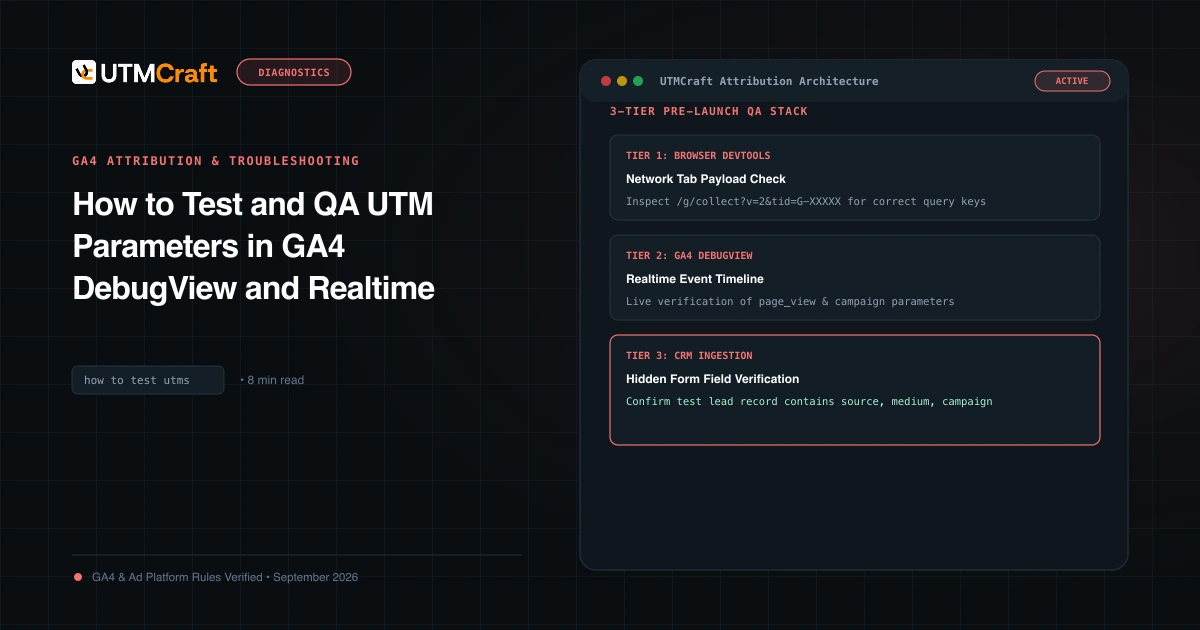
Use the UTM testing guide for collection checks and the duplicate-parameter guide when more than one setting adds the same key.
Find Microsoft campaigns in GA4
Open Traffic acquisition in GA4. Select Session source / medium and look for the source and medium you supplied, such as bing / cpc. Use the date range containing your test and allow time for processed reports to update.
For a deeper view, build a free-form exploration with Session manual campaign name, Session manual campaign ID and Session manual ad content. Add Sessions and Engaged sessions, then filter to the campaign being investigated. These fields correspond to the manual tags in the example. Google’s UTM dimension mappings
If your campaign values are numeric IDs, use an exported Microsoft campaign/ad lookup to interpret them. Adding UTMs does not automatically import Microsoft cost data or create a native campaign integration.
Compare advertising clicks and GA4 sessions as different measurements. Repeat clicks, collection timing, consent and existing sessions can produce different totals. Investigate unexpected gaps rather than assuming the numbers must match exactly.
Common setup questions
Can I use MSCLKID and UTMs together?
Yes. Keep Microsoft click-ID auto-tagging configured for your measurement setup and supply UTMs for manual campaign reporting. Verify that redirects preserve both where required.
Why does paid Microsoft traffic appear as organic or referral?
Inspect the actual collected landing URL first. Missing or incorrect manual labels can leave GA4 without your intended paid-campaign context. Check lower-level overrides, redirects, consent and the report’s scope before changing channel rules.
Should I use bing or microsoft as the source?
This guide uses bing. Choose a documented convention and test classification. Changing a source label creates a new reporting value; it does not relabel historical sessions.
What if I imported the campaigns from Google Ads?
Audit the import job as well as the destination settings. Read the Google-to-Microsoft import audit before a scheduled sync can reapply tracking values.
Choose a focused guide
Use these guides when you need to investigate a specific part of this topic.
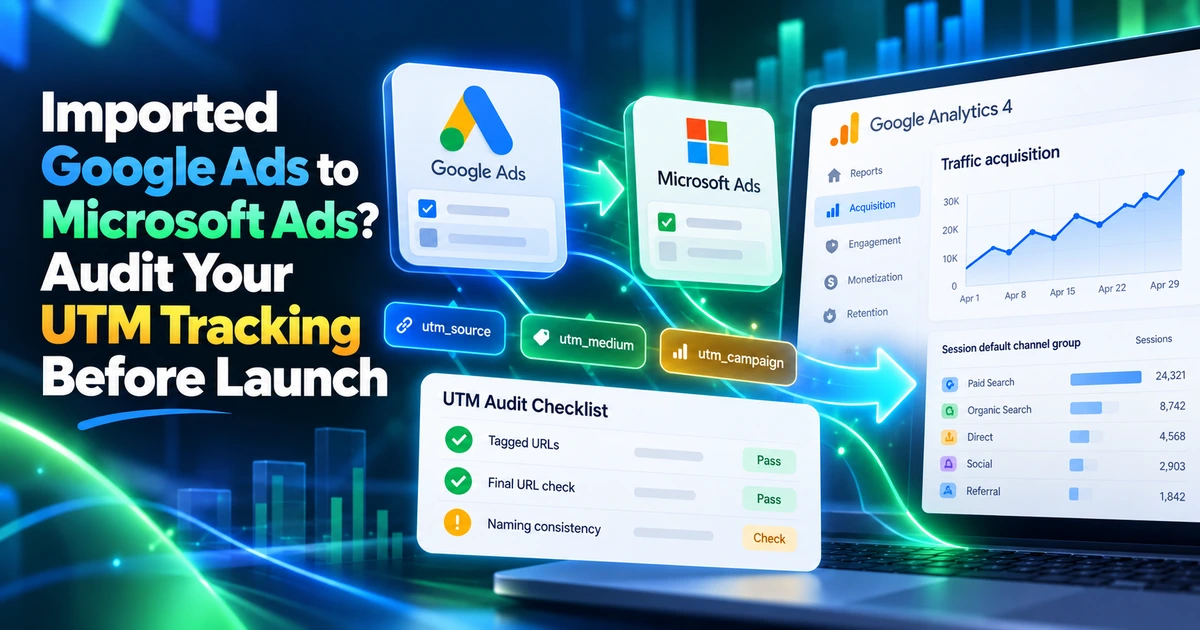
- Imported Google Ads to Microsoft Ads? Audit Your UTM Tracking Before Launch
Audit UTMs after importing Google Ads to Microsoft Ads. Check source labels, dynamic tokens, overrides and scheduled imports before launching campaigns.
References
- URL tracking with Upgraded URLs (Microsoft Learn)
- Click identifiers and conversion measurement (Microsoft Learn)
- GA4 manual tagging and traffic-source dimensions (Google Analytics Help)