Table of Contents
- Why a successful import still needs a tracking audit
- Record the import job and current URL settings
- Check source labels and copied platform values
- Validate dynamic tokens and custom parameters
- Find overrides, duplicate keys and redirect losses
- Control what the next scheduled import can overwrite
- Verify GA4 reporting and Microsoft conversions separately
- A final pre-launch checklist
- Common import questions
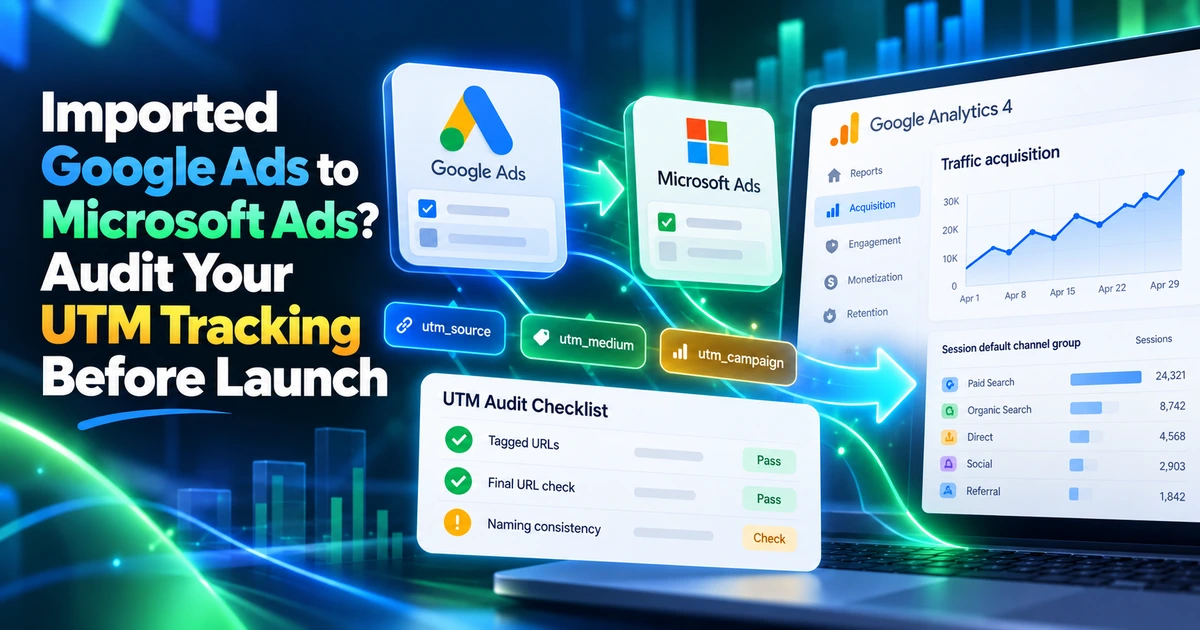
After importing Google Ads campaigns into Microsoft Advertising, audit the effective landing URLs before launch. Campaigns can transfer successfully while their tracking still needs platform-specific labels, valid dynamic tokens or protection from a later scheduled import.
This guide focuses on the migration audit: what to record, where copied settings can cause problems and how to verify that the next import preserves your intended tracking. Documentation was reviewed on October 5, 2026. Start with Microsoft’s Google Ads import overview for the supported import workflow.
Why a successful import still needs a tracking audit
An import result tells you which entities were transferred or updated. Your tracking audit asks a different question: what URL will someone reach, and what campaign context will your website collect?
Microsoft provides options for importing new URL settings and updating existing ones. Its import-option reference also documents account-level URL options and search-and-replace controls. The effective behaviour depends on the job’s selected options. Microsoft’s import-option reference
Do not assume every Google label survives unchanged, or that every incorrect label will be corrected for you. Inspect the result. An imported suffix with utm_source=bing could still contain a Google-specific platform label or an unresolved creative token.
Keep this audit separate from the initial Microsoft Ads tracking setup. Here the priority is finding imported exceptions and controlling what the next sync can change.
Record the import job and current URL settings
Before editing imported campaigns, save their URL configuration and the import job’s selected options. If campaigns are awaiting launch, complete the audit while they remain paused.
| Record | Include | Reason |
|---|---|---|
| Import job | Schedule, selected campaigns and URL update options | Identify what the next run can change |
| Account URL options | Template, suffix and auto-tagging configuration | Establish the shared default |
| Campaigns and ad groups | Templates, suffixes and custom parameters | Find exceptions to the default |
| Ads, keywords and sitelinks | Destination URLs and entity-specific URL options | Catch lower-level overrides |
| Measurement configuration | GA4 collection, Microsoft conversion setup and redirect owners | Assign failures to the right system |
For each planned fix, record the entity ID, old value, replacement value and owner. Keep a separate row for the import option that could overwrite that fix later.
If another team owns the click tracker, CRM capture or import schedule, resolve ownership before editing its configuration. A shared worksheet helps avoid two teams correcting the same setting in different ways.
Check source labels and copied platform values
Search the imported settings for utm_source=google, utm_source_platform=google_ads and your other Google-specific labels. Review where each match occurs rather than globally replacing the word “google” in every URL.
For example, this imported parameter string deserves review:
utm_source=google&utm_medium=cpc&utm_campaign={campaignid}&utm_content={creative}&utm_source_platform=google_adsFor a Microsoft website search campaign, one possible replacement is:
utm_source=bing&utm_medium=cpc&utm_campaign={CampaignID}&utm_id={CampaignID}&utm_content={AdID}This example intentionally uses documented Microsoft campaign and ad-ID tokens. If you need a source-platform value, add a consistent manual label such as microsoft_ads after confirming how your team will use that dimension. It is a naming convention, not a dynamic token.
When find-and-replace is appropriate, target the exact parameter/value pair and preview its scope. A brand name, legitimate destination path or tracker configuration might contain the same text for a different reason.
Validate dynamic tokens and custom parameters
Do not treat Google ValueTrack syntax as a complete Microsoft parameter specification. Review each imported token against the destination platform’s supported parameters and the campaign format using it.
Microsoft documents {CampaignID}, {AdGroupID}, {AdID} and {Keyword} in its URL-tracking examples. A copied {creative} should trigger review; use the supported Microsoft ad-ID token when that is the information you need. Microsoft URL parameters and custom-parameter behaviour
Check custom parameters independently. An imported {_campaign} reference is useful only if the intended entity has a defined value. Validate the name, value and effective level, then inspect the resolved URL for literal placeholders.
If both platforms use the same readable campaign label, keep their platform identifiers separate in your lookup. Google and Microsoft campaign IDs are not interchangeable simply because the campaign names match.
Find overrides, duplicate keys and redirect losses
An account-level correction will not necessarily fix a lower-level exception. Inspect the settings that apply to the actual ad, keyword or sitelink in your test.
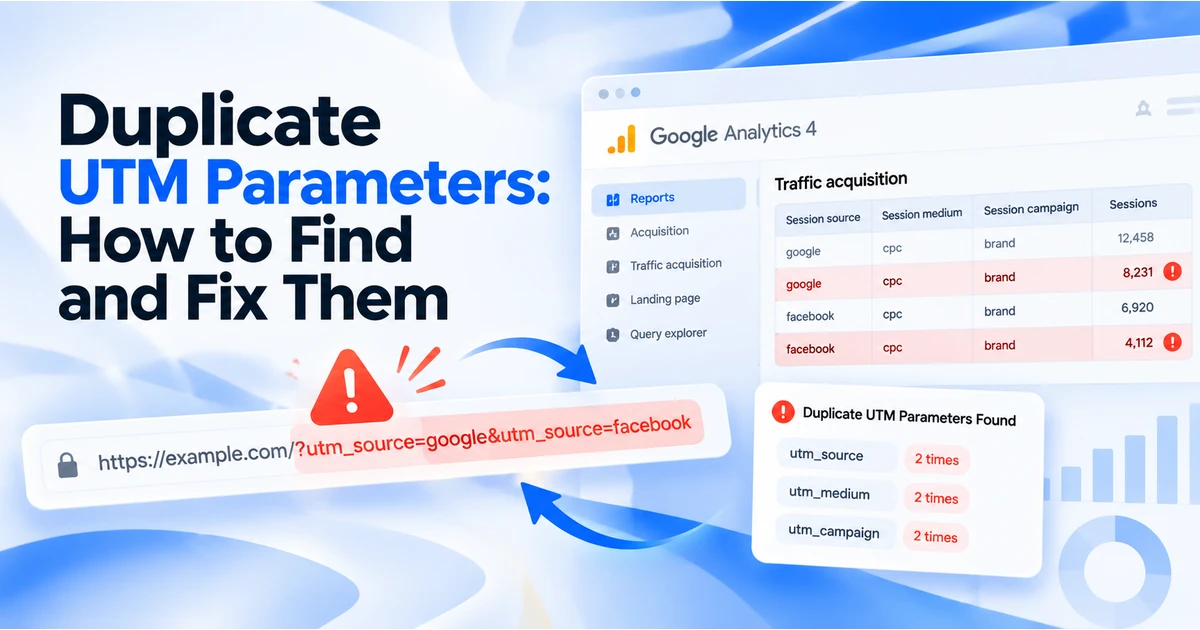
Trace each UTM key through the final URL, tracking template, suffix and any redirect service. If utm_source is already in the destination URL, adding it again in a suffix creates an ambiguous configuration. Choose one owner for that key instead of relying on whichever repeated value a downstream system happens to use.
Test a small set that covers different URL journeys:
- A standard website search ad using shared URL options.
- An ad with a campaign or ad-level exception.
- A destination with an existing query string.
- A mobile destination or sitelink if your account uses one.
- A destination routed through a click tracker or redirect.
Record the resolved URL and the final collected page location. A clean value in the editor is only the start of the evidence chain. The redirect tracking checklist covers common points where query parameters disappear.
Control what the next scheduled import can overwrite
A manual fix can be lost if a scheduled job continues updating the same URL settings. Review the schedule and import options before considering the issue resolved.
Microsoft distinguishes importing new URL options from updating existing URL options. It also documents search-and-replace for tracking templates, custom parameters and destination URLs. Check the actual controls available in your workflow; the API field SearchAndReplaceForFinalURLSuffix is marked reserved, so its name is not proof of a usable suffix replacement feature. Supported and reserved import options
Choose a maintenance approach that matches your account:
- Microsoft owns its tracking: configure the import job to avoid updating the URL fields you maintain separately, where supported.
- The import owns tracking: use supported transformations and validate the resulting values after every relevant job change.
- A managed tracker owns tracking: coordinate platform-specific settings and the import scope with its owner.
After a controlled import run, compare the settings with your saved expected values. Check account defaults and lower-level exceptions again. This catches a recurring overwrite before you attribute it to a website or GA4 failure.
Verify GA4 reporting and Microsoft conversions separately
Once URL tests pass, use a controlled website collection test. Check that GA4 receives the campaign parameters under the applicable consent state. Then review processed Session source / medium and the relevant session campaign dimensions in the correct date range.
A static link can establish that your landing page collects a supplied UTM value. It cannot establish that an imported dynamic token resolves correctly or that a real advertising click receives MSCLKID. Validate those parts through the advertising configuration and its supported tests.
Review Microsoft’s conversion implementation separately. An imported conversion goal or a correctly tagged destination does not, by itself, establish that the website sends the required conversion activity. Confirm the destination account’s measurement configuration before using results for bidding decisions.
Document what passed: URL assembly, redirect preservation, GA4 collection, processed reporting and the Microsoft measurement check. If one fails, restore the affected previous setting or keep the campaign paused while resolving that specific failure.
A final pre-launch checklist
- Source and platform labels match the Microsoft naming convention.
- Campaign and creative tokens resolve to the intended Microsoft values.
- Custom parameters exist at the appropriate entity level.
- Lower-level URL options have been reviewed.
- Each UTM key appears once in the landing journey.
- Redirects preserve required campaign values and click identifiers.
- GA4 collection and Microsoft conversion measurement have separate recorded checks.
- The import job’s schedule and URL update behaviour are documented.
- A subsequent controlled import leaves the intended configuration intact.
Use UTMCraft to prepare consistent campaign values and inspect resolved links. Keep the import job and platform settings in your audit record: a URL builder cannot determine which advertising setting will override another.
Common import questions
Does Microsoft automatically replace google with bing?
Import behaviour can transform tracking values, but the result depends on the settings and fields involved. Audit the effective imported URL instead of relying on a universal replacement assumption.
Why did the corrected UTM value return after a sync?
Check whether the job updates the URL setting you edited. Compare the job’s run time with the change log, then fix the import ownership or supported transformation before editing the value again.
Will fixing the suffix correct historical GA4 data?
It changes the context supplied on future visits. It does not rewrite previously collected campaign values. Annotate the change date in your reporting workflow.
Can I copy the Google tracking template without changes?
Review the tracker, supported tokens, custom values and source labels first. Reuse only the parts confirmed to work in the Microsoft destination account.
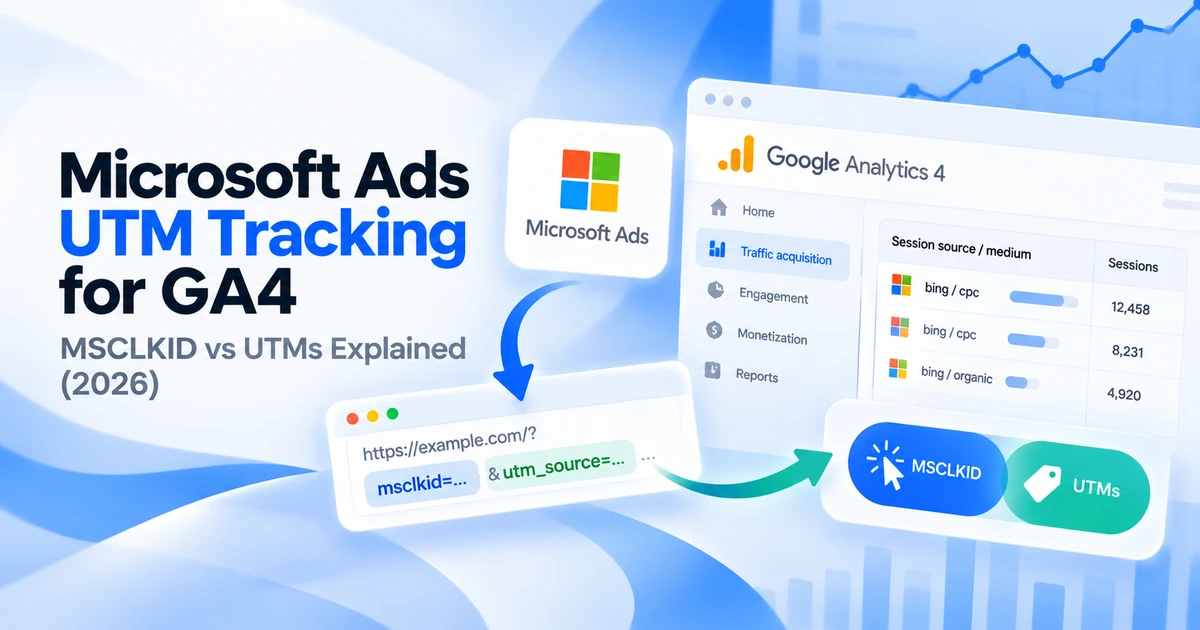
For the broader setup, read Microsoft Ads UTM Tracking for GA4: MSCLKID vs UTMs Explained (2026). Browse the Microsoft Ads Tracking guides to choose another troubleshooting task.
References
- Google Ads import overview (Microsoft Learn)
- Google import options (Microsoft Learn)
- URL tracking with Upgraded URLs (Microsoft Learn)