

Find the right starting point
Keep Google Ads auto-tagging and readable campaign labels conceptually separate. Auto-tagging supports the linked Ads integration; UTMs can also label CRM records. Audit account inheritance and token expansion on a real destination before applying a suffix broadly.
- Choose what to collect
Understand click identifiers, manual dimensions and the role of the Google Ads link.
- Check templates and suffixes
Review inherited settings and preserve existing destination parameters.
- Roll out in a controlled batch
Preview expanded URLs and test a small batch before account-wide changes.
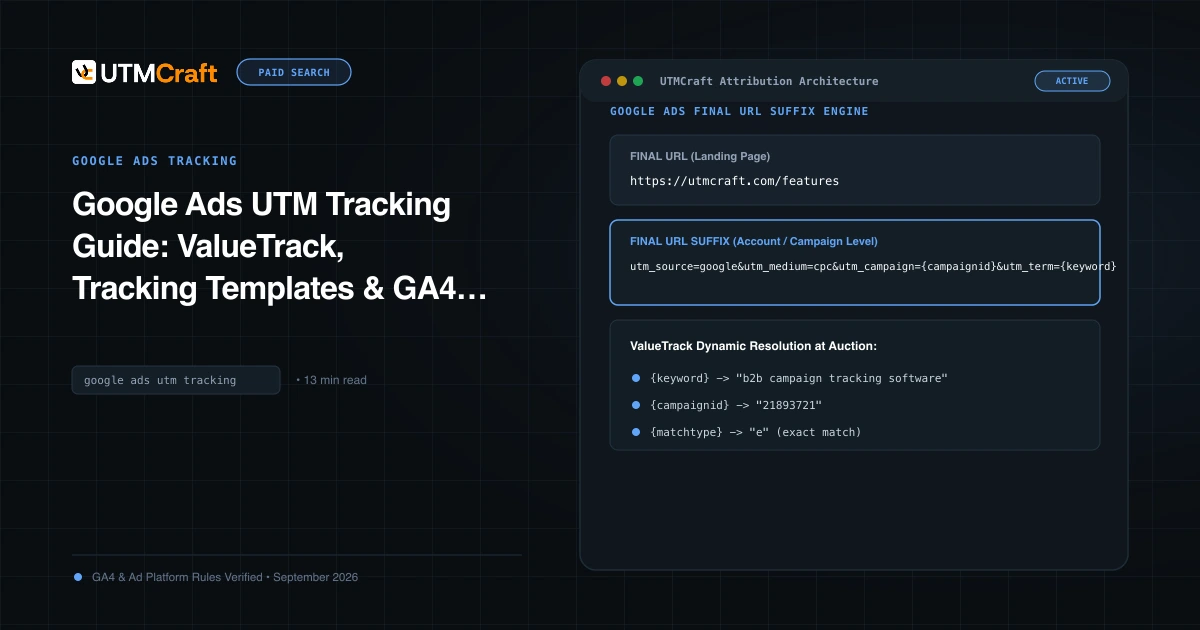
Google Ads UTM Tracking Guide: ValueTrack, Tracking Templates & GA4 Attribution
Set up Google Ads UTM parameters with a copy-ready final URL suffix, a ValueTrack parameter list, tracking templates, and auto-tagging that works with GA4.
More guides on this topic
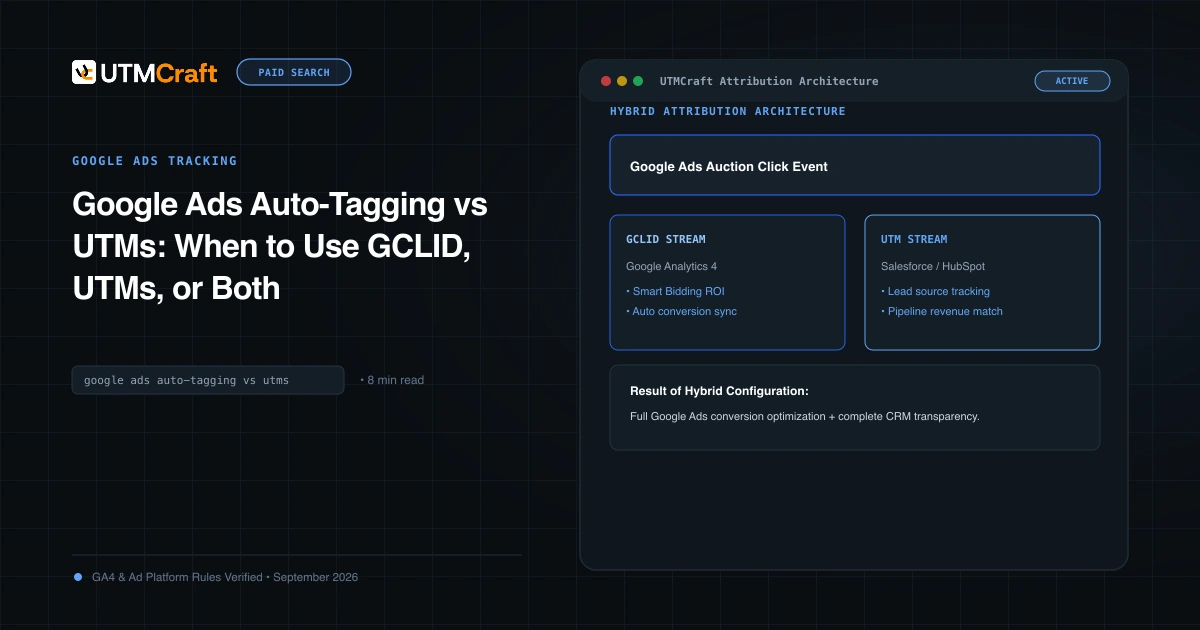
Google Ads Auto-Tagging vs UTMs: When to Use GCLID, UTMs, or Both
Compare Google Ads auto-tagging and UTMs. Learn when to use both, what each provides and how to keep readable campaign values in your CRM.
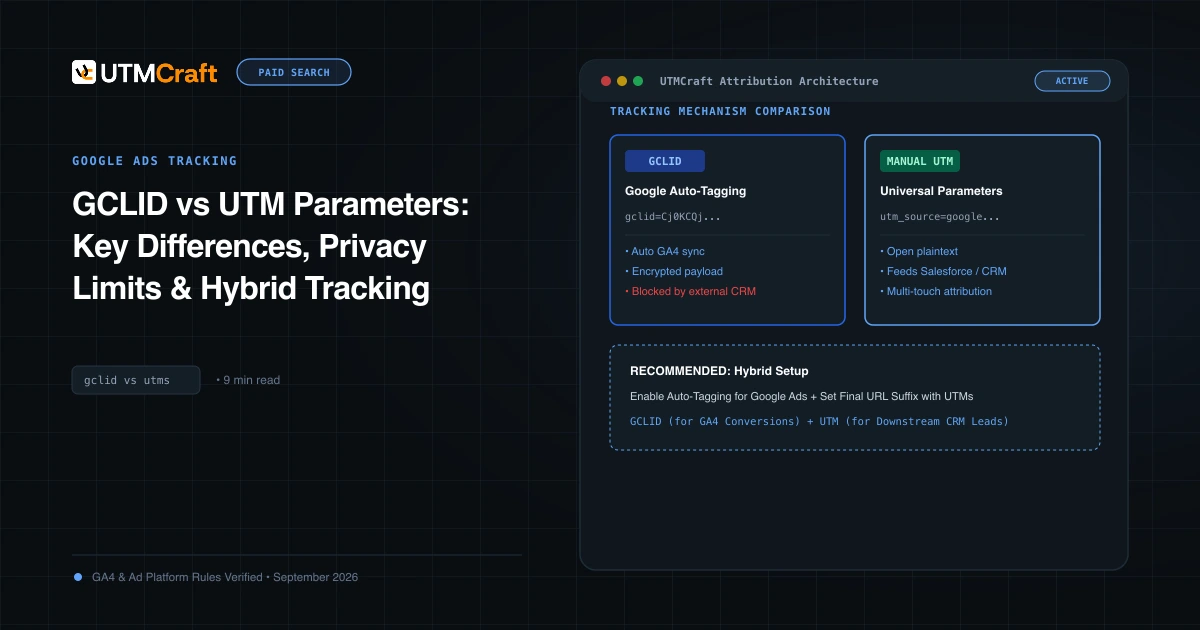
GCLID vs UTM Parameters: Safari Privacy & Offline Conversion Tracking
See how Safari privacy limits affect Google Ads click IDs, and how to capture GCLID with UTMs in lead forms for offline conversions and CRM attribution.
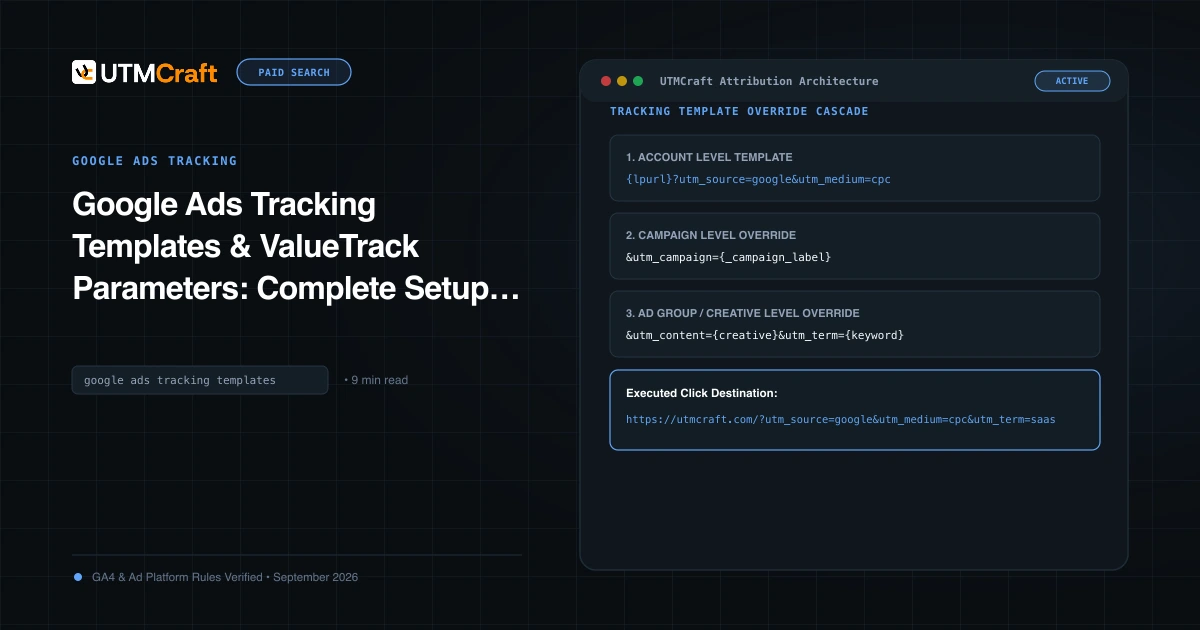
Google Ads Tracking Template Setup: Custom Parameters & Parallel Tracking
Configure Google Ads tracking templates across account levels, define custom parameters, and meet parallel tracking requirements with a tested setup workflow.
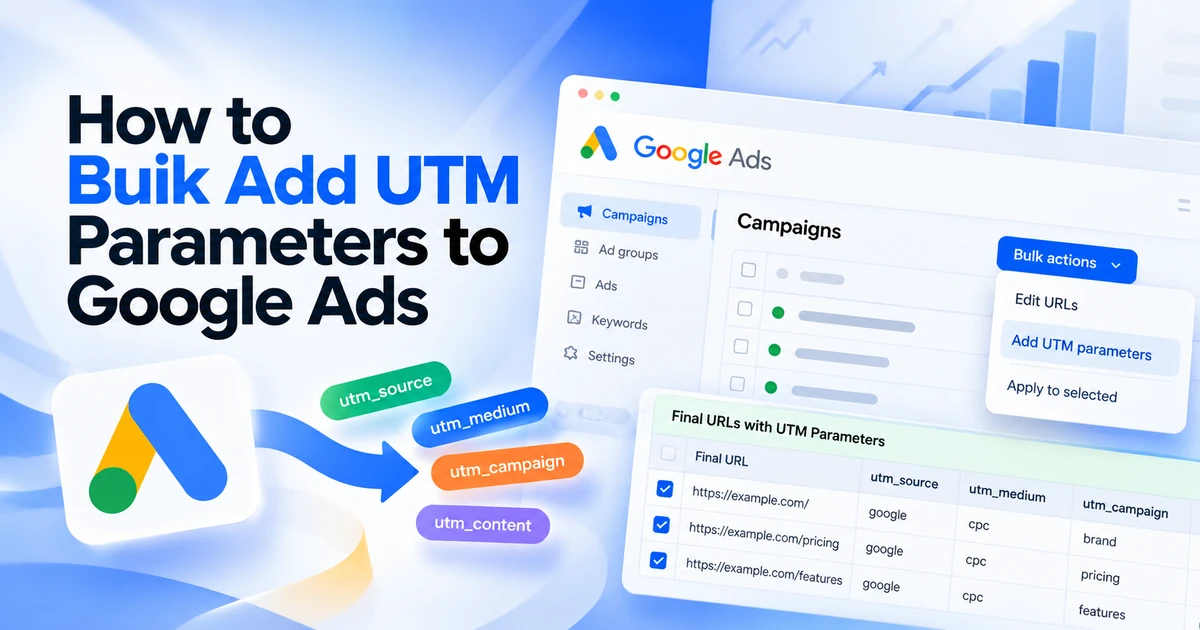
How to Bulk Add UTM Parameters to Google Ads
Add UTMs across Google Ads campaigns using a shared final URL suffix or campaign-specific CSV changes. Includes examples, checks and rollback steps.