

Google Ads Tracking Templates & ValueTrack Parameters: Complete Setup Guide
Step-by-step tutorial on setting up Google Ads tracking templates and ValueTrack parameters at account, campaign, and ad group levels. Free copyable templates.
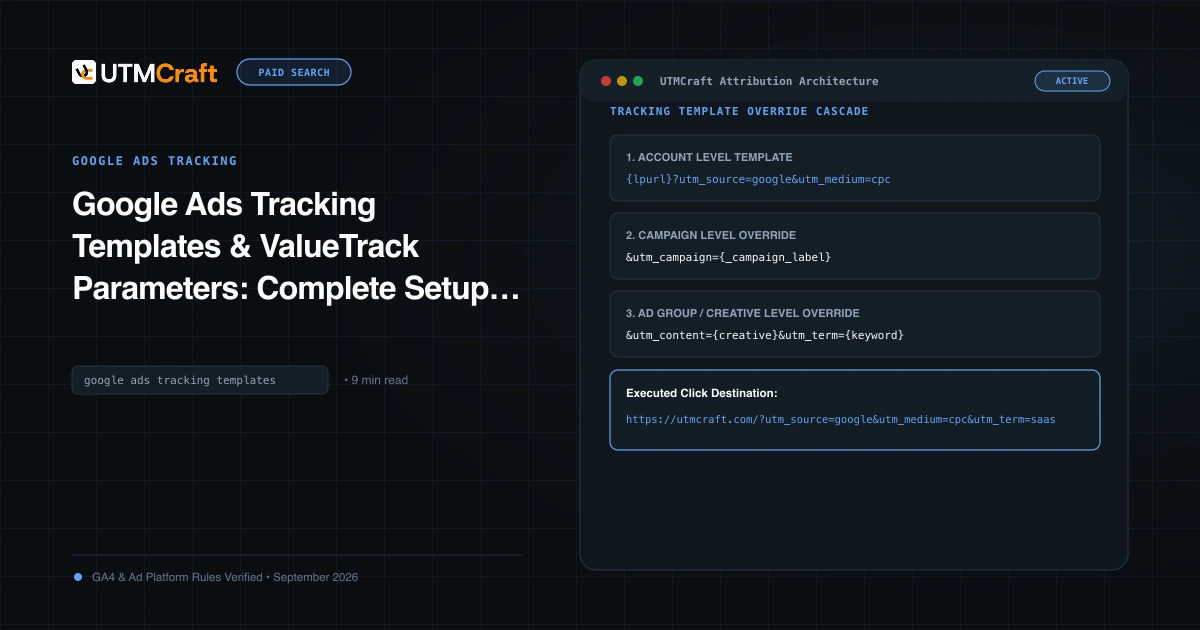
Table of Contents
Setting tracking parameters individually on every Google ad is an operational nightmare. By configuring tracking at the account level using Google Ads URL Options and ValueTrack parameters, you ensure 100% of current and future ads are tagged consistently without touching individual ad creatives.
The Google Ads Tracking Hierarchy
Google Ads evaluates tracking templates using a top-down inheritance model:
- Account Level: Applies to all campaigns in the account (Highest efficiency, easiest governance).
- Campaign Level: Overrides account-level settings for specific campaigns.
- Ad Group Level: Overrides campaign-level settings.
- Ad / Keyword / Sitelink Level: Overrides all parent templates.
Always configure your baseline tracking at the Account Level, using campaign-level overrides only when special tracking redirects are mandatory.
How to Set Up an Account-Level Final URL Suffix
- Sign in to your Google Ads account.
- In the left navigation menu, click Admin > Account settings.
- Click to expand the Tracking section.
- In the Final URL suffix field, paste your parameter string:
utm_source=google&utm_medium=cpc&utm_campaign={_campaign}&utm_term={keyword}&utm_content={creative}&utm_id={campaignid} - Click Test. Google Ads will test your landing pages to ensure the parameter string does not trigger HTTP errors.
- Click Save.
Using Custom Parameters ({_campaign}) for Clean Names
By default, ValueTrack only provides {campaignid} (a number like 1948201948). If you want human-readable campaign names in your CRM, use a custom parameter:
- In campaign settings, expand Campaign URL options.
- Under Custom parameters, enter:
Name:_campaign
Value:us_saas_brand-search_2026
When an ad is clicked, Google Ads dynamically replaces {_campaign} in your account-level suffix with the specific campaign name!
Parallel Tracking Requirements and HTTPS
Under Google's Parallel Tracking architecture, tracking templates must point to secure HTTPS endpoints. If your tracking redirect uses HTTP, Google Ads will reject the URL or pause the ad.
Sources & Authoritative References
- Use ValueTrack parameters in tracking templates (Google Ads Help)
Related Measurement Guides
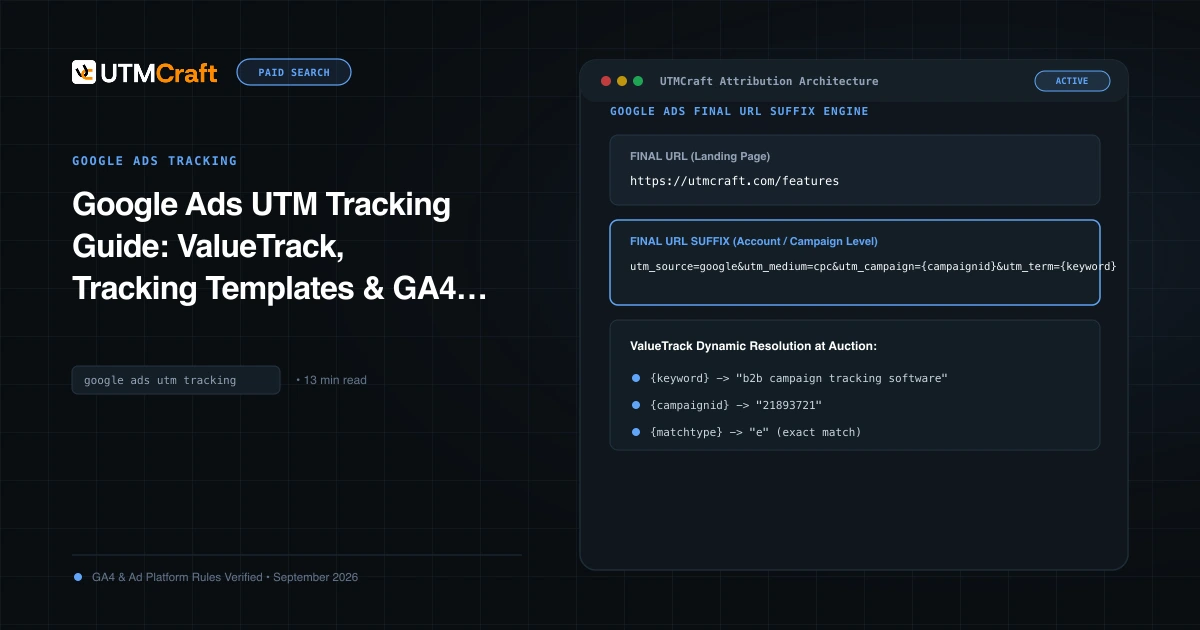
Google Ads UTM Tracking Guide: ValueTrack, Tracking Templates & GA4 Attribution
The complete technical guide to Google Ads UTM tracking. Configure account-level tracking templates, ValueTrack parameters, and GA4 auto-tagging without conflicts.
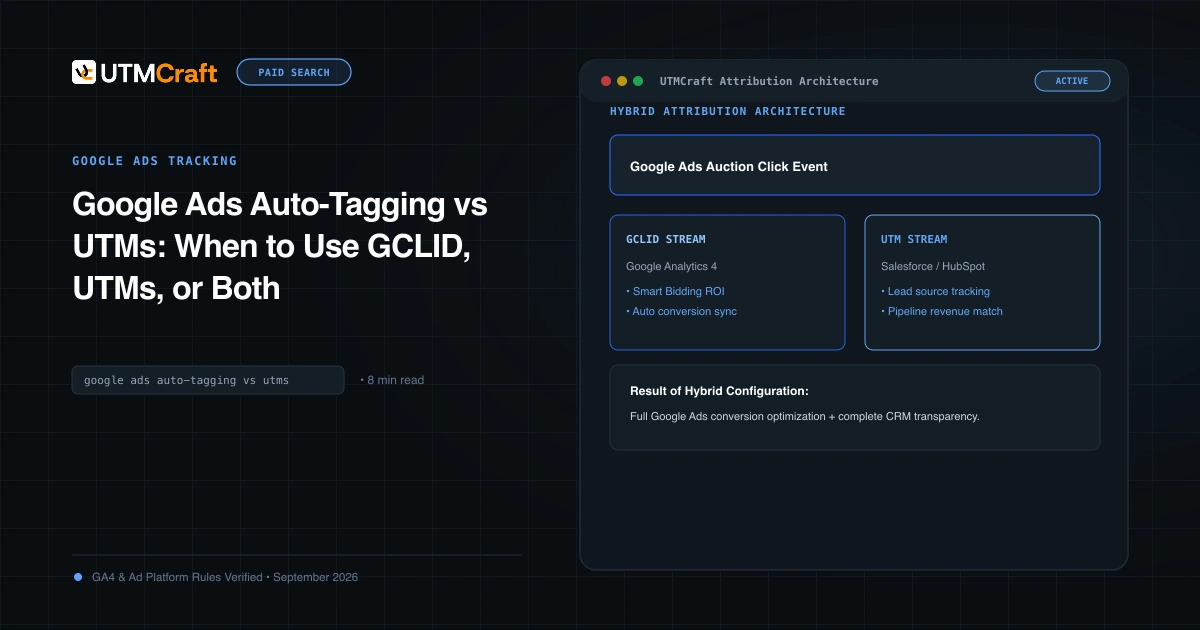
Google Ads Auto-Tagging vs UTMs: When to Use GCLID, UTMs, or Both
Compare Google Ads auto-tagging (GCLID) and manual UTM parameters. Discover why the hybrid tracking model provides maximum analytics accuracy and CRM visibility.
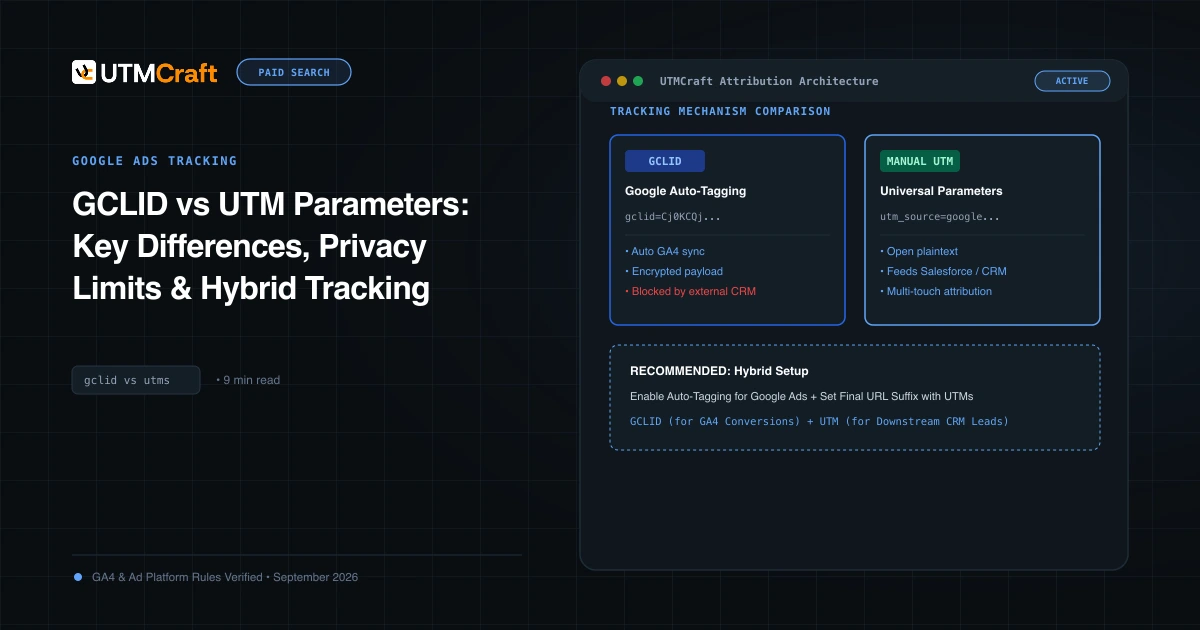
GCLID vs UTM Parameters: Key Differences, Privacy Limits & Hybrid Tracking
Understand the technical architecture of GCLID vs UTM parameters. Learn how Apple ITP impacts click IDs and how to build a privacy-durable attribution pipeline.