

GCLID vs UTM Parameters: Key Differences, Privacy Limits & Hybrid Tracking
Understand the technical architecture of GCLID vs UTM parameters. Learn how Apple ITP impacts click IDs and how to build a privacy-durable attribution pipeline.
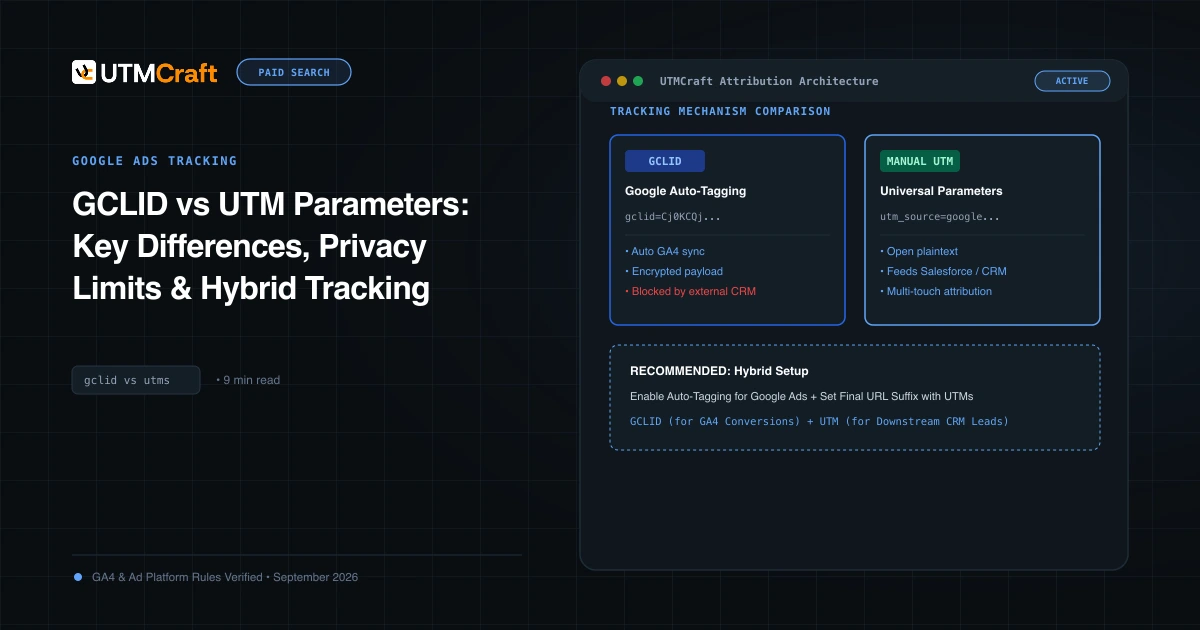
Table of Contents
At the surface, GCLID and UTM parameters both append query parameters to URLs to track ad clicks. But beneath the surface, they represent two fundamentally opposing tracking paradigms: encrypted proprietary tokens versus open, human-readable metadata.
The Anatomy of a GCLID
A Google Click Identifier (gclid=Cj0KCQjw...) is a dynamically generated, base64-encoded binary protobuf string created by Google's ad servers at the microsecond an ad is clicked. It contains:
- The Google Ads Account ID, Campaign ID, Ad Group ID, and Creative ID.
- The exact search auction timestamp and device metadata.
- The keyword, match type, and bid strategy active during the auction.
Because only Google's servers hold the private cryptographic key to decode this string, third-party software cannot parse its contents directly from the URL.
Browser Privacy Restrictions: WebKit ITP & Link Decoration
Apple's WebKit team (Safari on iOS and macOS) classifies GCLID as "link decoration" used for cross-site tracking. Under Intelligent Tracking Prevention (ITP):
- When a user navigates to a site via a link decorated with a known click ID (such as
gclidorfbclid), Safari limits the lifespan of all client-side JavaScript cookies (document.cookie) to 24 hours to 7 days. - If the user converts on day 8, client-side attribution is completely broken.
Standard UTM parameters (utm_source, utm_medium), however, are widely recognized as first-party contextual parameters and do not trigger aggressive cookie cap penalties in the same way.
Data Durability & Offline Conversion Imports
If your sales cycle exceeds 14 days (common in B2B SaaS and enterprise sales), storing GCLID alone in a browser cookie is dangerous. When a lead fills out a form, capture both the gclid and the utm_* parameters into your CRM hidden fields. Use GCLID to upload offline conversions (Enhanced Conversions for Leads) back into Google Ads, while using UTM parameters for multi-month pipeline attribution in your CRM.
Sources & Authoritative References
- Google Click Identifier (GCLID) Overview (Google Ads Help)
- WebKit Intelligent Tracking Prevention 2.1 (WebKit)
Related Measurement Guides
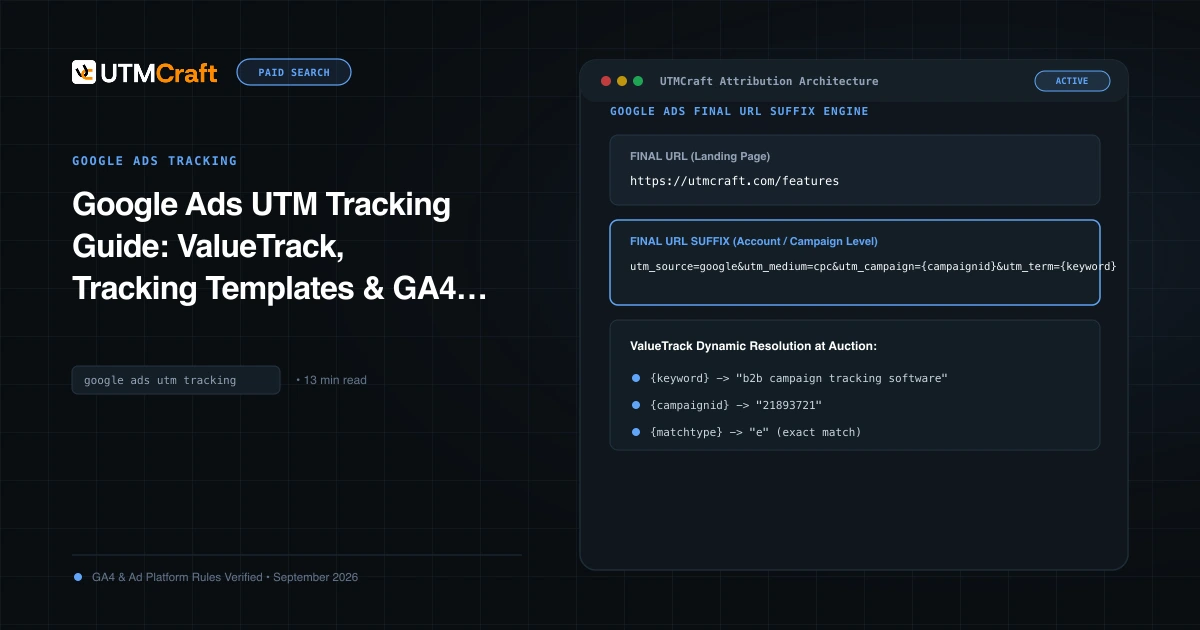
Google Ads UTM Tracking Guide: ValueTrack, Tracking Templates & GA4 Attribution
The complete technical guide to Google Ads UTM tracking. Configure account-level tracking templates, ValueTrack parameters, and GA4 auto-tagging without conflicts.
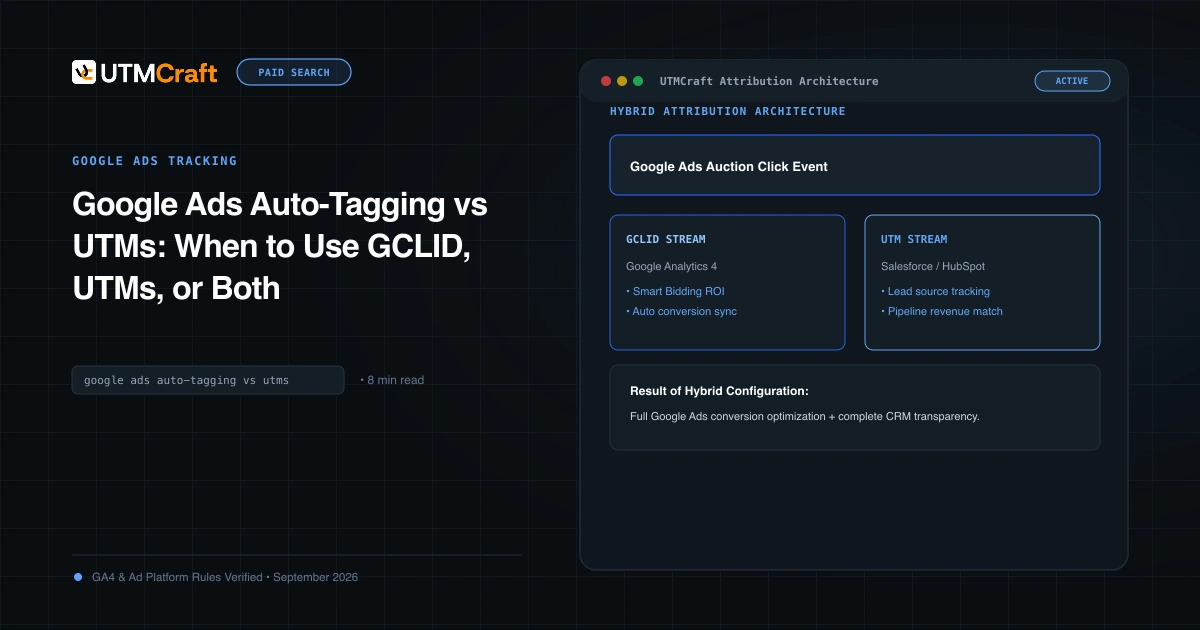
Google Ads Auto-Tagging vs UTMs: When to Use GCLID, UTMs, or Both
Compare Google Ads auto-tagging (GCLID) and manual UTM parameters. Discover why the hybrid tracking model provides maximum analytics accuracy and CRM visibility.
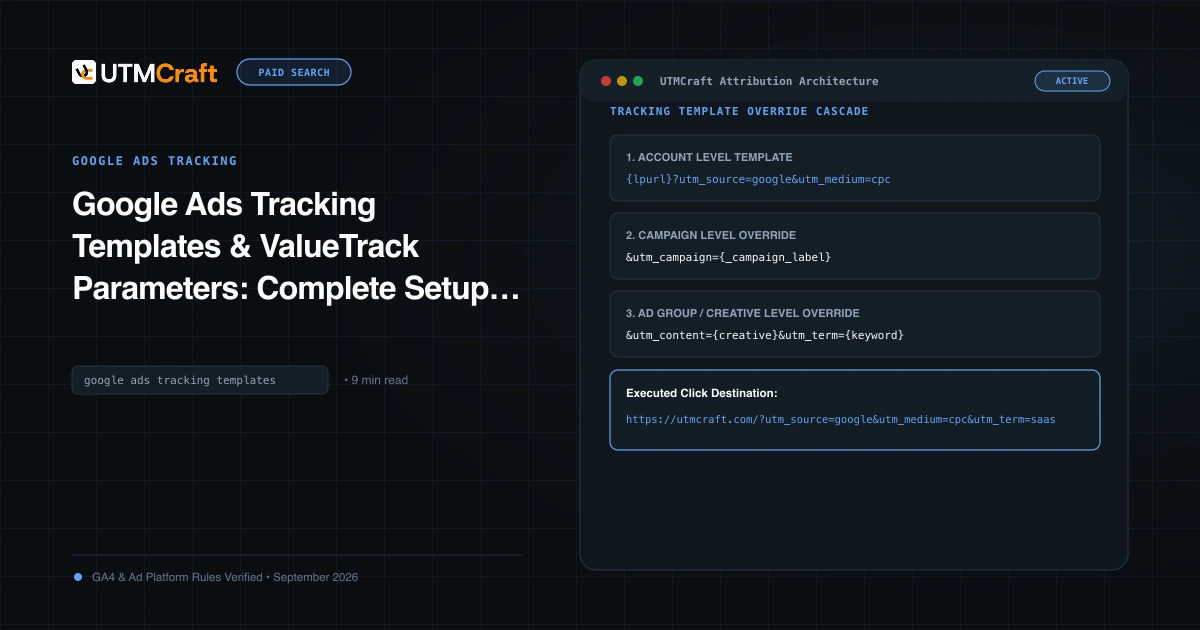
Google Ads Tracking Templates & ValueTrack Parameters: Complete Setup Guide
Step-by-step tutorial on setting up Google Ads tracking templates and ValueTrack parameters at account, campaign, and ad group levels. Free copyable templates.