

7 Campaign Naming Mistakes That Fragment GA4 Reports
Stop fragmenting campaign reporting across dozens of duplicate rows. Learn the 7 campaign naming mistakes to avoid and how to design durable taxonomies.
Table of Contents
- Why Fragmented Campaign Names Break Reporting
- The 7 Worst Campaign Naming Mistakes
- 1. Creating 15 Variations of the Same Campaign Name
- 2. Omitting Year or Quarter Identifiers
- 3. Overstuffing Targeting Details into Campaign Name
- 4. Delimiter Anarchy (Mixing -, _, and %20)
- 5. Renaming Campaigns Mid-Flight in Ad Platforms
- 6. Using Non-Standard Date Conventions
- 7. Using Generic Placeholders (promo, test, campaign1)
- The 4-Part Durable Taxonomy Formula
- Frequently Asked Questions
Open Google Analytics 4, navigate to Acquisition > Traffic Acquisition, and set the primary dimension to Session campaign. If you see ten slightly different rows for your Summer Sale campaign, your naming taxonomy is broken.
Why Fragmented Campaign Names Break Reporting
When campaign names are not standardized, performance data fragments across multiple rows. Media teams spend hours exporting data to spreadsheets and writing manual VLOOKUPs just to calculate total campaign ROI.
The 7 Worst Campaign Naming Mistakes
1. Creating 15 Variations of the Same Campaign Name
Team members write summer_sale, SummerSale, summer-sale-2026, and summersale. In GA4, these are four independent reporting entities.
2. Omitting Year or Quarter Identifiers
Naming a campaign black-friday without a year means 2024, 2025, and 2026 data will aggregate into a single row or conflict historically.
3. Overstuffing Targeting Details into Campaign Name
Do not pack audience criteria, creative versions, and placements into utm_campaign. That is what utm_term and utm_content are designed for.
4. Delimiter Anarchy (Mixing -, _, and %20)
Establish one delimiter standard. We recommend standard hyphens (kebab-case) for all campaign names.
5. Renaming Campaigns Mid-Flight in Ad Platforms
Changing your campaign name in Meta Ads Manager mid-campaign splits GA4 attribution across two distinct entities, destroying trend analysis.
6. Using Non-Standard Date Conventions
Avoid May2026 or 05-26. Use standard ISO formats (2026-05) so your reports sort chronologically.
7. Using Generic Placeholders (promo, test, campaign1)
Generic placeholder names provide zero analytical context and devalue your historical analytics archives.
The 4-Part Durable Taxonomy Formula
[market]-[objective]-[theme]-[year]
Example: eu-acquisition-saas-launch-2026
Frequently Asked Questions
Can I merge fragmented campaign rows directly in GA4?
No. GA4 does not allow retroactive data edits. You must consolidate fragmented names in reporting layers like Looker Studio using CASE statements or REGEX.
Should I put dates in utm_campaign?
Yes. Including the year or year-month (e.g., 2026 or 2026-q2) prevents seasonal campaigns from colliding with past or future iterations.
Sources & Authoritative References
- Campaigns and traffic sources in GA4 (Google Support)
Related Measurement Guides
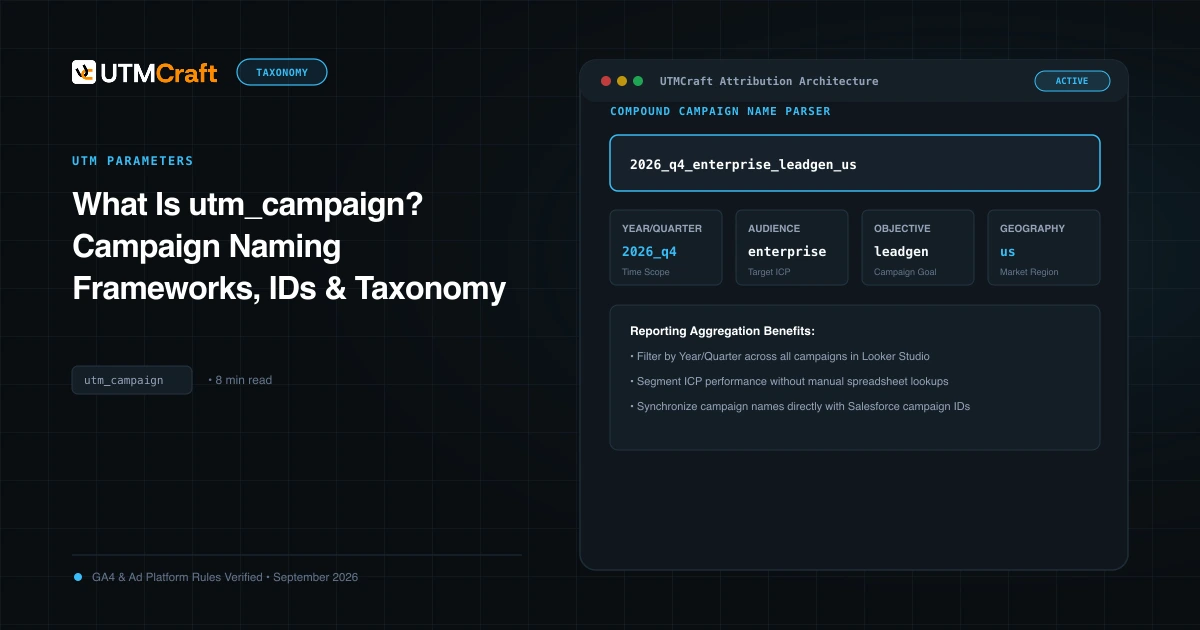
What Is utm_campaign? Campaign Naming Frameworks, IDs & Taxonomy
Learn how to structure utm_campaign for clear GA4 reporting. Discover formula frameworks, campaign IDs (utm_id), delimiter best practices, and real examples.
7 UTM Naming Mistakes Marketing Teams Keep Making
Avoid the 7 most common UTM naming mistakes that fragment campaign reports, create duplicate rows in GA4, and derail marketing attribution.
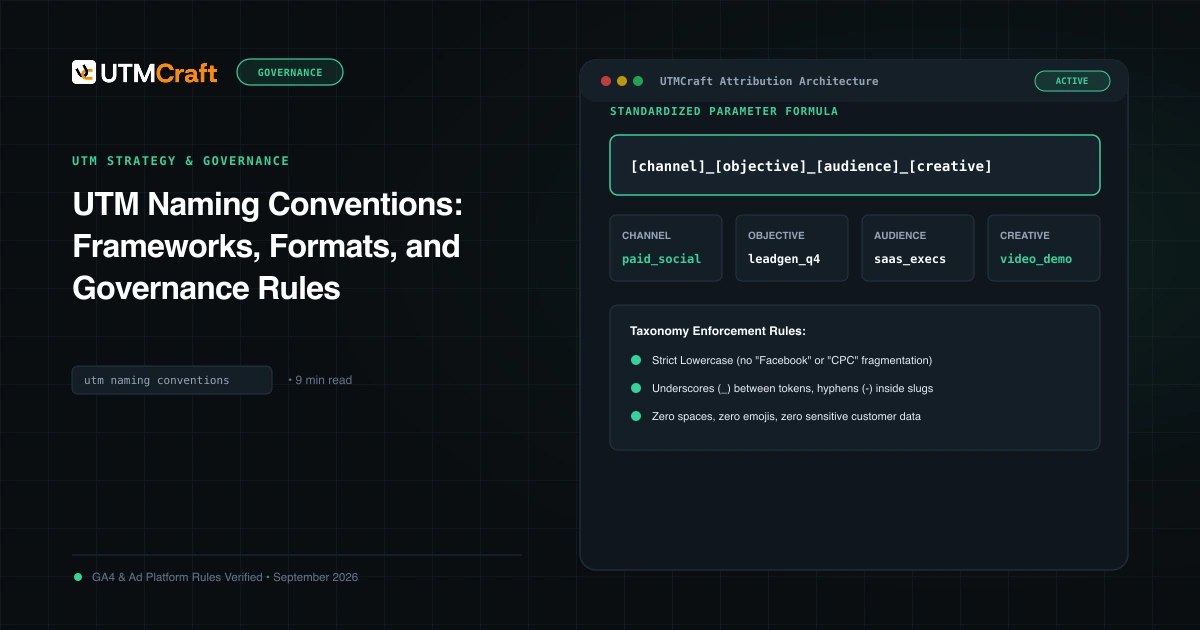
UTM Naming Conventions: Frameworks, Formats, and Governance Rules
Master UTM naming conventions. Discover field-tested campaign naming formulas, delimiter rules, case-sensitivity guidelines, and downloadable taxonomy SOPs.