

Meta Dynamic URL Parameters: {{campaign.name}}, {{adset.name}}, and {{ad.name}} Guide
Master Meta dynamic URL parameters. Learn syntax rules, how tokens expand at click time, and how to prevent raw token strings from appearing in GA4.
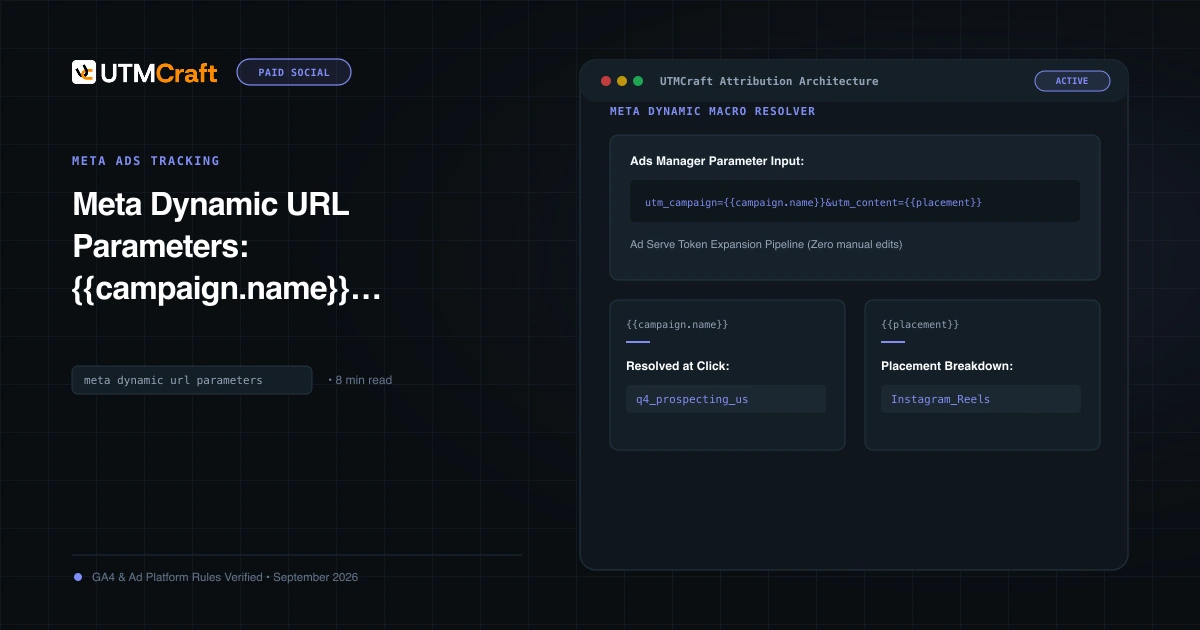
Table of Contents
Meta dynamic URL parameters allow you to automatically inject campaign, ad set, and ad names into tracking links without manually editing every single creative. Understanding how these macros evaluate and avoiding syntax typos is critical for clean attribution.
How Meta Dynamic Parameters Work Under the Hood
When you insert a dynamic token such as {{campaign.name}} into the URL Parameters field, Meta stores the token template. When an ad impression is delivered and clicked, Meta's edge servers replace the placeholder with the actual string from Ads Manager before redirecting the browser to your landing page.
Syntax Rules: Double Braces and Lowercase Dots
Meta enforces strict syntax rules for dynamic parameters:
- Must use double curly braces:
{{...}}. Single braces (like Google ValueTrack) will fail and be passed as literal text. - Must use lowercase dot notation:
{{campaign.name}}, NOT{{campaign_name}}or{{CAMPAIGN.NAME}}. - No spaces inside the braces:
{{ ad.name }}is invalid.
Why Raw Tokens ({{campaign.name}}) Show in GA4
If you see literal strings like {{campaign.name}} or %7B%7Bcampaign.name%7D%7D in your GA4 campaign reports, one of three things happened:
- Preview Links Clicked: Someone clicked an ad preview inside Ads Manager or Facebook feed preview. Meta does not expand dynamic parameters in preview modes!
- Syntax Typos: Using underscores or incorrect capitalization (e.g.
{{Campaign.Name}}). - Boosted Posts / Page Posts: Boosting an existing organic post from your Facebook page using the simplified boost interface rather than full Ads Manager. The simplified interface does not support dynamic URL parameter expansion.
Copy-and-Paste Production Parameter Strings
utm_source=facebook&utm_medium=paid_social&utm_campaign={{campaign.name}}&utm_content={{ad.name}}&utm_term={{adset.name}}&utm_id={{campaign.id}}Sources & Authoritative References
- Meta Dynamic URL Parameters Reference (Meta Business Help Center)
Related Measurement Guides
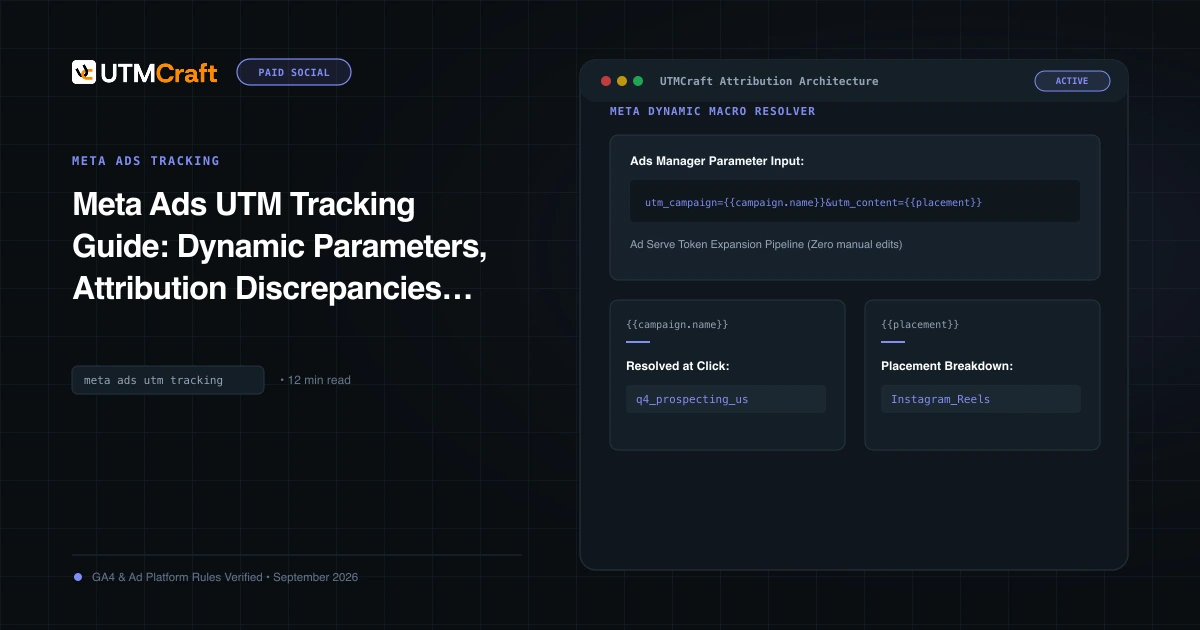
Meta Ads UTM Tracking Guide: Dynamic Parameters, Attribution Discrepancies & Setup
The definitive guide to Facebook and Instagram UTM tracking. Configure Meta dynamic URL parameters, reconcile Ads Manager vs GA4 attribution, and track placements.
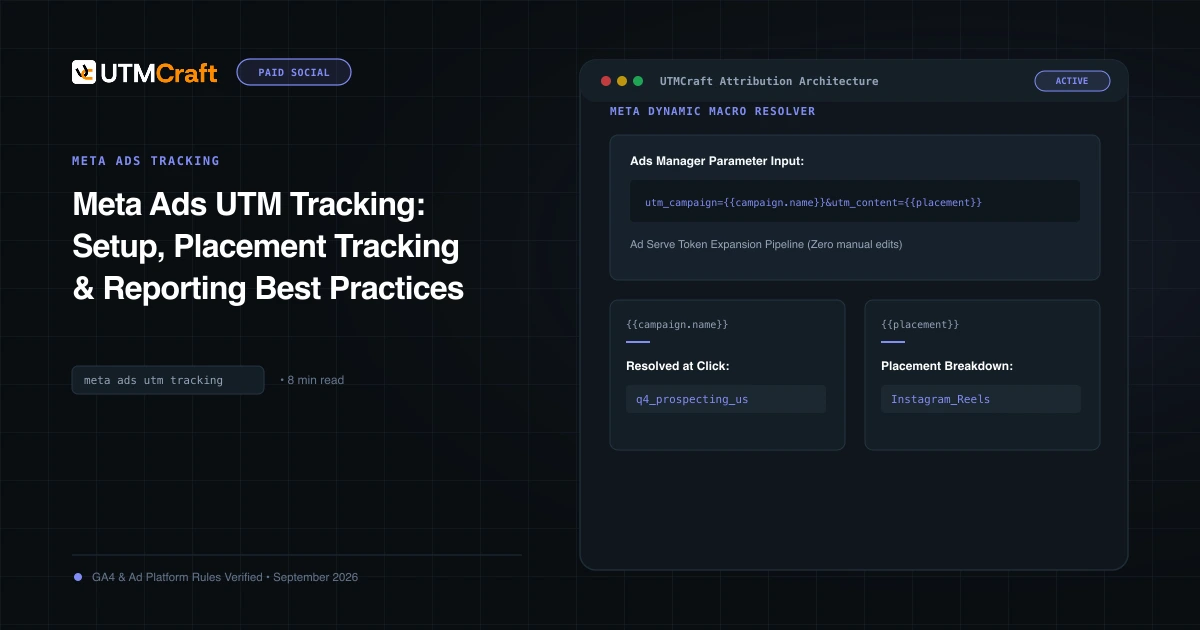
Meta Ads UTM Tracking: Setup, Placement Tracking & Reporting Best Practices
Learn how to set up Meta Ads UTM parameters properly. Best practices for source/medium conventions, placement tracking, and diagnosing Meta traffic in GA4.
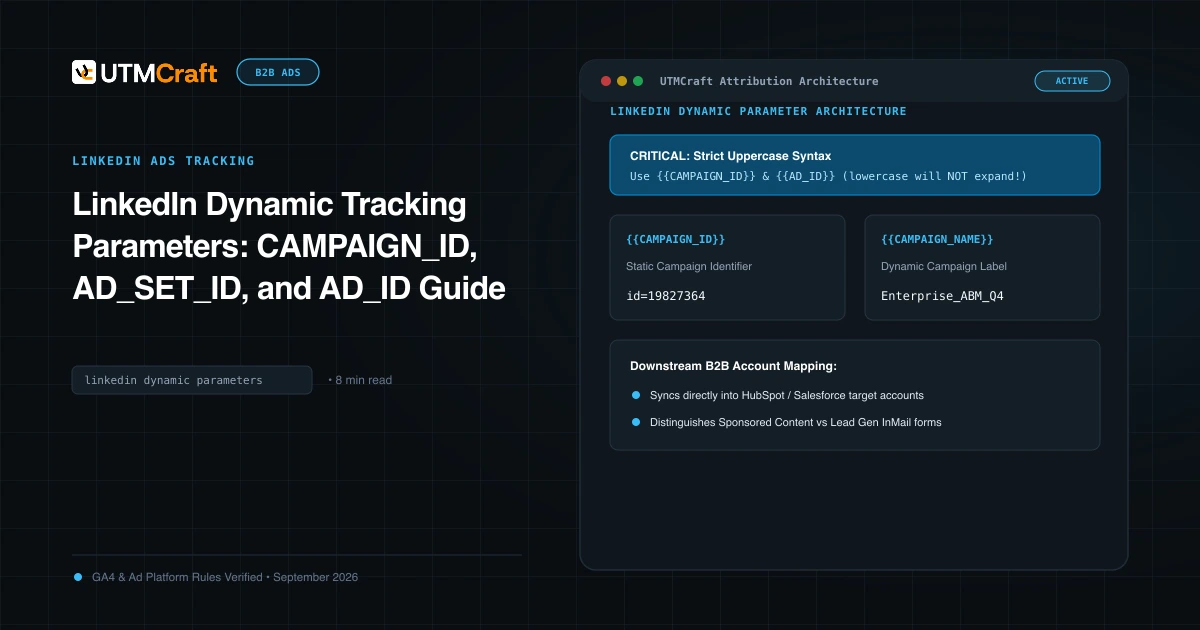
LinkedIn Dynamic Tracking Parameters: CAMPAIGN_ID, AD_SET_ID, and AD_ID Guide
Learn how to use LinkedIn dynamic URL parameters: CAMPAIGN_ID, CAMPAIGN_NAME, AD_SET_ID, and AD_ID. Complete syntax rules and CRM mapping.