Table of Contents
utm_campaign identifies the promotion behind a tagged link, such as a product launch or seasonal sale. Use the same campaign value across related channels so you can compare their results, and keep separate promotions easy to distinguish.
What Is utm_campaign?
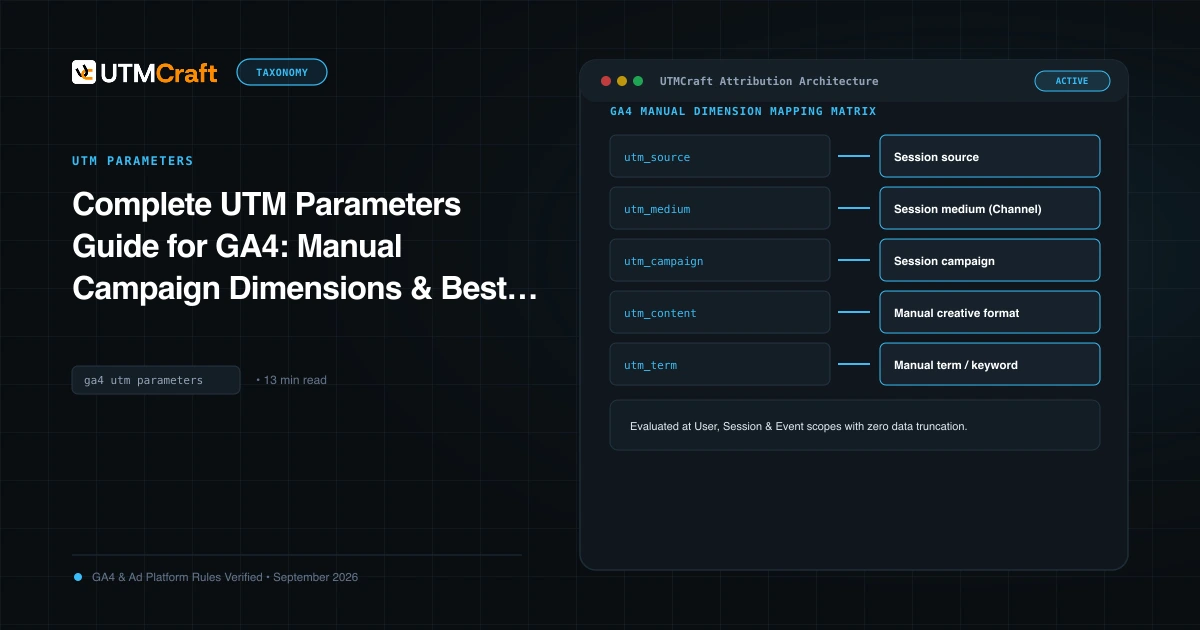
In Google Analytics 4, utm_campaign populates the Session campaign, First user campaign, and Manual campaign dimensions. Campaign names can follow your own taxonomy; document the convention so values remain useful and comparable in reports.
The Anatomy of an Enterprise Campaign Name
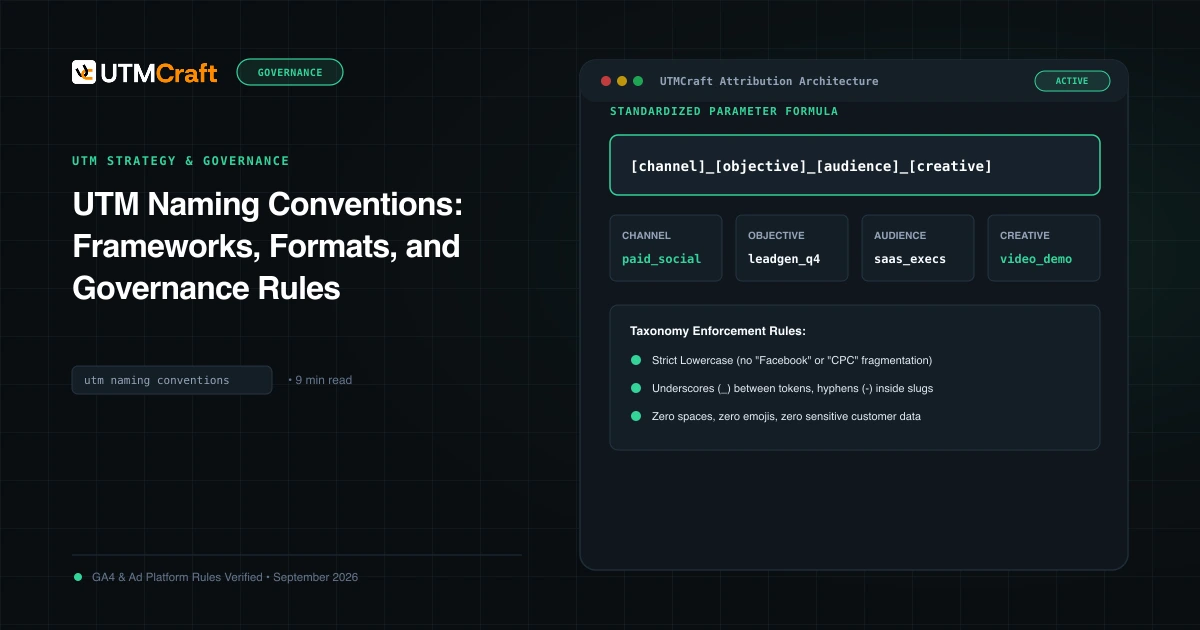
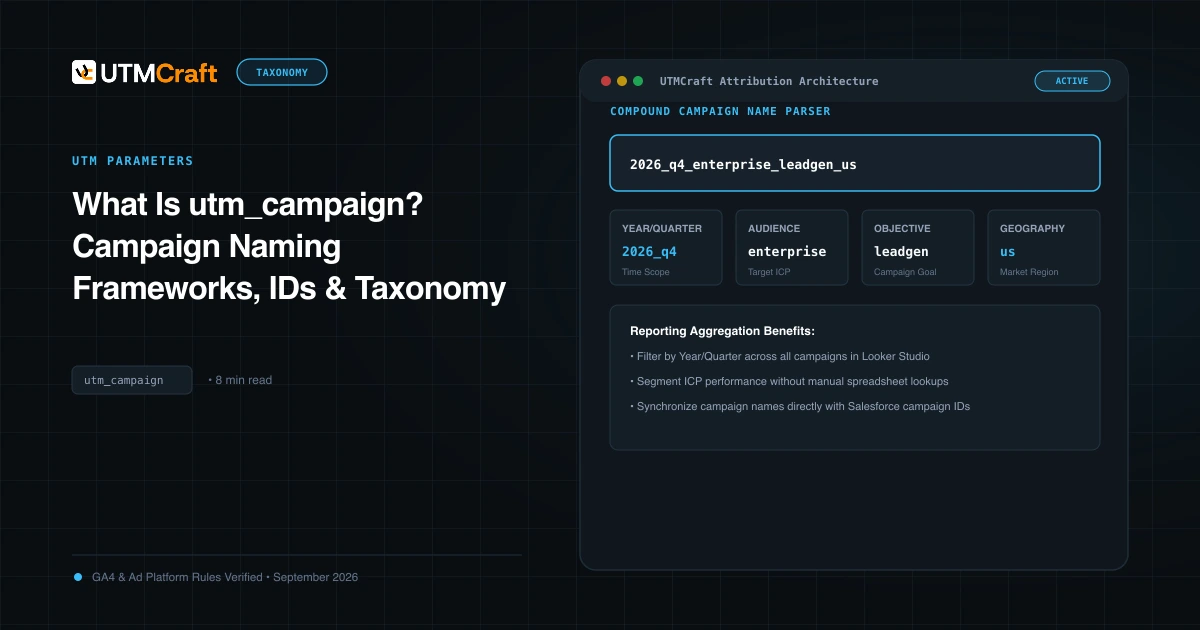
To avoid useless names like summer-promo-final-v2, structure your campaign parameter using a standardized token formula separated by underscores:
[target-market]_[product-line]_[objective-type]_[flight-identifier]

Example:
utm_campaign=us_enterprise-suite_demo-funnel_2026-q1utm_campaign vs utm_id: Why You Need Both
Many marketers ignore utm_id, assuming that utm_campaign is sufficient. However, in GA4, utm_id is essential for cost data import:
- utm_campaign: Provides human-readable reporting in standard GA4 dashboards and BigQuery queries.
- utm_id: Acts as the primary foreign key that links non-Google ad spend (Meta, LinkedIn, TikTok) uploaded via CSV into GA4 with tracked sessions and conversions.
Google Ads, Meta Ads, and LinkedIn Ads offer campaign ID tokens that can populate utm_id. Check each platform's supported syntax and verify the expanded ID against the identifier used in your cost import files.
Production Campaign Examples Across Channels
Google Search:
utm_campaign=na_core-brand_exact_2026&utm_id={campaignid}

Meta Ads Prospecting:
utm_campaign=eu_pro-plan_lookalike-trial_2026q2&utm_id={{campaign.id}}

Weekly Product Newsletter:
utm_campaign=global_community_changelog-v42_2026-03For the broader setup, read Complete UTM Parameters Guide for GA4: Manual Campaign Dimensions & Best Practices. Browse the UTM Parameters guides to choose another troubleshooting task.
References
- Campaigns and traffic sources in GA4 (Google Analytics Help)