

Email Marketing UTM Tracking: ESP Tagging, Link Wrappers & Security Bot Defense
Learn how to implement email marketing UTM tracking. Fix link wrapping issues, prevent anti-spam bot clicks from skewing GA4, and standardize newsletter tags.
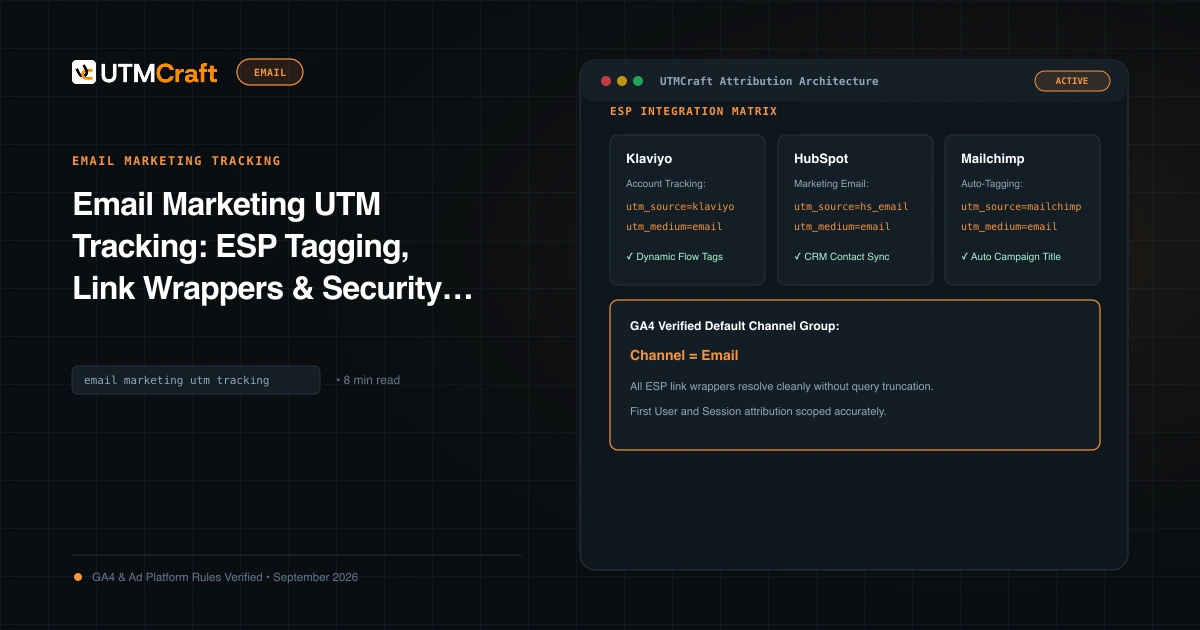
Table of Contents
Effective email marketing tracking requires understanding how your Email Service Provider (ESP) rewrites URLs for click tracking, enforcing exact medium taxonomy to satisfy GA4, and protecting your data from security scanner bots.
How ESP Link Wrapping Interacts with UTMs
When you send an email through Mailchimp, Klaviyo, or HubSpot, the ESP replaces your original destination URL with a tracking redirect link (e.g. https://ctk.klaviyo.com/redirect?url=...). When the recipient clicks, the ESP logs the click, then immediately issues a 302 redirect to your landing page. If you append UTMs before the ESP wraps the link, verify that the ESP's redirect server preserves all query parameters upon arrival.
The Mandatory utm_medium=email Rule
GA4's Default Channel Grouping algorithm checks if utm_medium matches email|e-mail|e_mail|newsletter. Always enforce utm_medium=email universally across all email communications to ensure 100% classification under the Email channel.
Naming Standards: Newsletters vs Lifecycle Flows
- One-Time Broadcasts: Format with exact send date:
utm_campaign=product-roundup_2026-03-24. - Automated Flows: Format with flow name and step:
utm_campaign=flow_onboarding-drip&utm_content=email-step-3.
Identifying and Filtering Security Bot Traffic
Anti-spam scanners often click every link in an email within 2-5 seconds of dispatch. In GA4, create an exploration filtering for Session medium = email where Engagement rate = 0% and Session duration < 2s to isolate and exclude scanner activity from real subscriber engagement metrics.
Sources & Authoritative References
- Google Analytics 4 Default Channel Definitions (Google Analytics Help)
Related Measurement Guides
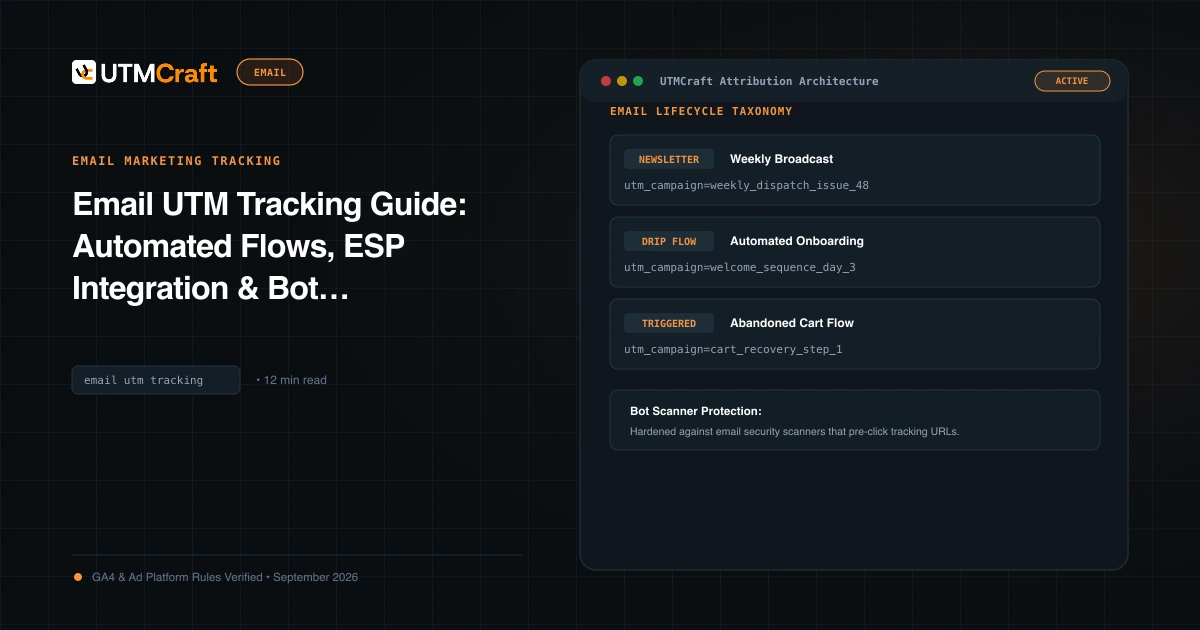
Email UTM Tracking Guide: Automated Flows, ESP Integration & Bot Filtering
The definitive guide to email marketing UTM tracking. Standardize automated flow and newsletter parameters across Klaviyo, HubSpot, Braze, and Mailchimp.
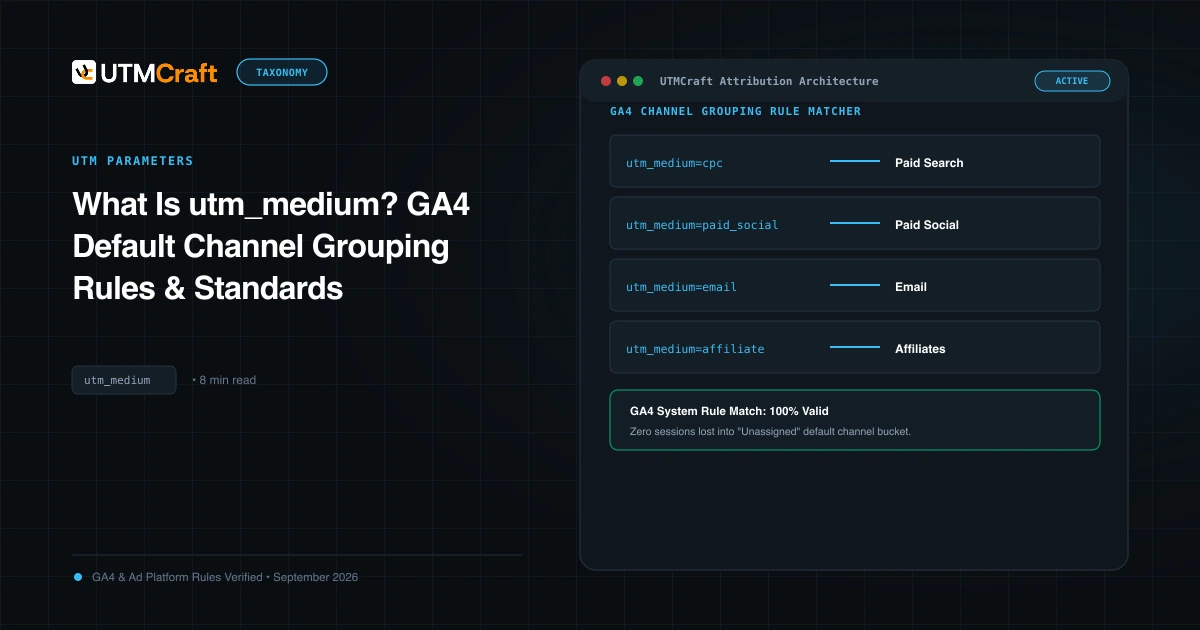
What Is utm_medium? GA4 Default Channel Grouping Rules & Standards
Understand utm_medium and how GA4 uses it to classify sessions into Default Channel Groups. Avoid Unassigned traffic with exact medium naming rules.
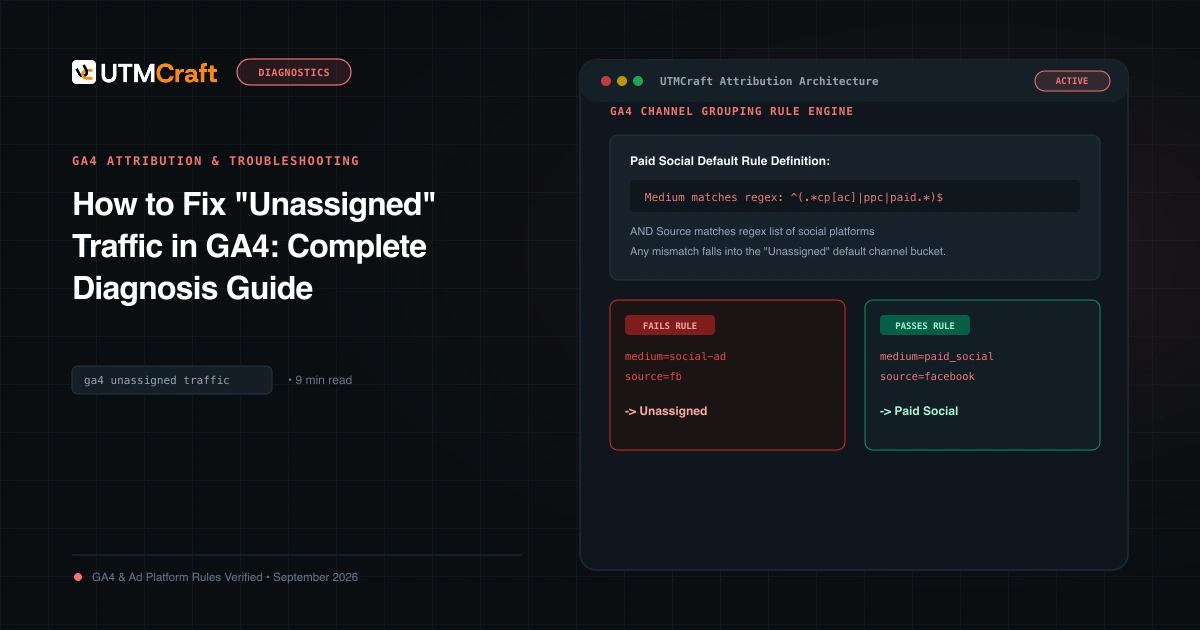
How to Fix "Unassigned" Traffic in GA4: Complete Diagnosis Guide
Why does GA4 show Unassigned traffic? Discover the exact channel grouping regex rules, common medium mistakes, and how to fix Unassigned traffic permanently.