

Email UTM Tracking Guide: Automated Flows, ESP Integration & Bot Filtering
The definitive guide to email marketing UTM tracking. Standardize automated flow and newsletter parameters across Klaviyo, HubSpot, Braze, and Mailchimp.
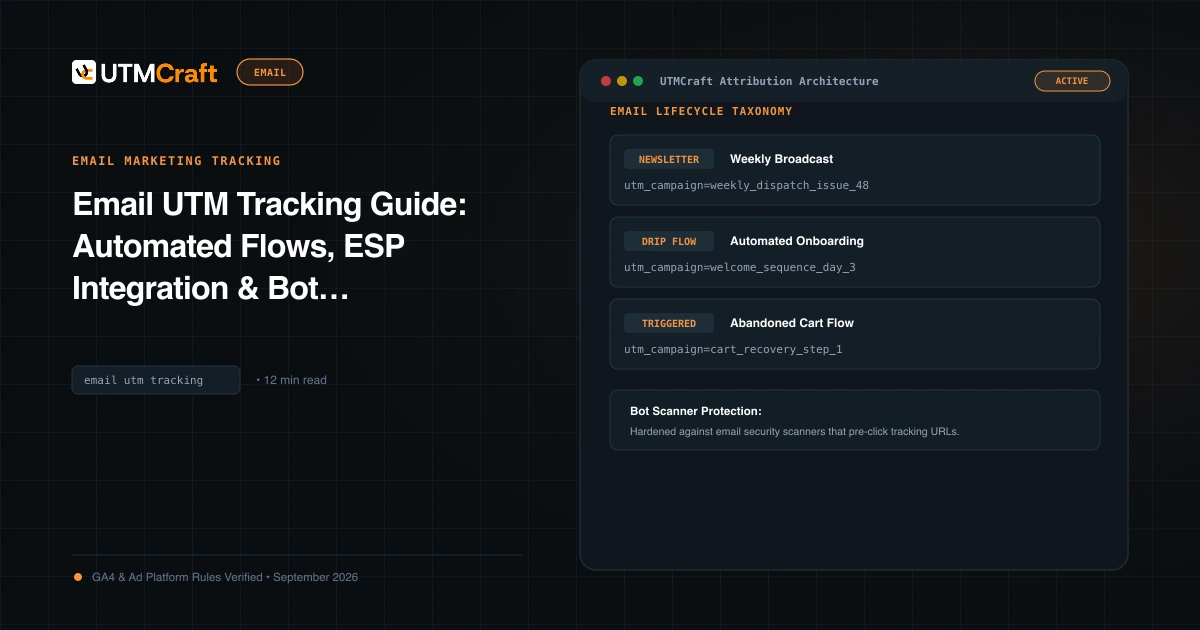
Table of Contents
Email marketing is one of the highest ROI channels in digital commerce, yet email attribution in Google Analytics 4 is routinely degraded by missing tags, automated enterprise spam scanners, and inconsistent naming between one-off broadcasts and automated lifecycle flows. This guide outlines how to build a clean, bot-resistant email tracking architecture.
Why Email Campaign Attribution Fails in GA4
Without deliberate UTM tracking, clicks from email apps (Outlook, Apple Mail, Gmail app) do not pass an HTTP Referer header. As a result, GA4 classifies untagged email traffic as Direct. Furthermore, if your team uses non-standard mediums like utm_medium=newsletter or utm_medium=flow, GA4 categorizes the visits as Unassigned.
Standard Email Tracking Taxonomy (Flows vs Broadcasts)
To keep email reporting structured, enforce a clear distinction between broadcast campaigns and automated lifecycle flows:
| Email Message Type | utm_source | utm_medium | utm_campaign Example | utm_content Example |
|---|---|---|---|---|
| Weekly Newsletter | newsletter |
email |
weekly-digest_2026-03-24 |
header_hero_link |
| Promotional Flash Sale | promo |
email |
spring-sale_48h-flash_2026 |
cta_button_shop_now |
| Welcome Flow (Email 1) | automated_flow |
email |
flow_welcome-series |
email-1_founder-story |
| Abandoned Cart Recovery | automated_flow |
email |
flow_abandoned-cart |
email-2_discount-10 |
ESP Auto-Tagging Configurations: Klaviyo, HubSpot, Braze & Mailchimp
Most major Email Service Providers (ESPs) offer automated UTM tracking settings. Configure them with these specific dynamic tokens:
1. Klaviyo Account Tracking Settings
In Klaviyo, navigate to Settings > UTM Tracking:
utm_source=klaviyo(ornewsletter)utm_medium=email(mandatory for GA4)utm_campaign=$campaign_name(for campaigns) or$flow_name(for flows)utm_id=$message_id
2. HubSpot Email Settings
In HubSpot, go to Marketing > Email > Configuration > Tracking:
- Enable Add source tracking tags. HubSpot automatically appends
utm_source=hs_email&utm_medium=email&utm_campaign=[email_name].
The Anti-Spam Security Bot Problem (Proofpoint, Mimecast)
Enterprise spam firewalls (such as Proofpoint, Mimecast, and Microsoft Defender) pre-click every link in incoming emails within milliseconds of delivery to scan destination pages for phishing malware. This inflates your click rates and sends hundreds of automated sessions into GA4 with near-zero engagement time.
Defense: In GA4, analyze your email traffic using the User engagement duration metric. Exclude sessions with 0 seconds duration or use Cloudflare bot management to challenge known security scanner IP ranges before the GA4 script executes.
Granular CTA-Level & Placement Tracking with utm_content
If an email contains three links pointing to your pricing page (a top text link, a center hero CTA button, and a footer link), use utm_content to measure placement performance:
Top text link:   utm_content=intro_text_link
Primary button:  utm_content=hero_button_cta
Footer link:     utm_content=footer_terms_link
Should You Tag Transactional & Receipt Emails?
Order confirmations, password resets, and shipping updates drive significant post-purchase visits. Tag them with utm_source=transactional&utm_medium=email&utm_campaign=shipping-notification to track repeat visits and repurchase behavior.
Frequently Asked Questions
What is the standard utm_medium for email marketing in GA4?
Always use utm_medium=email (strictly lowercase). Using variations like Email, e-mail, or newsletter will cause GA4 to fail its channel mapping rules and classify visits under (Unassigned).
Why does email traffic sometimes show up as Direct in GA4?
Desktop email clients (like Outlook or Apple Mail) and mobile mail apps launch links without passing an HTTP referrer. If UTM parameters are missing, or if a server redirect drops query strings during transit, GA4 cannot determine the traffic origin and attributes the visit as Direct.
How do enterprise security scanners affect email campaign data in GA4?
Enterprise firewalls (such as Proofpoint or Mimecast) pre-click all links in inbound emails to verify destination safety before delivering to the inbox. This inflates click counts and sends 0-second duration hits into GA4. Filter these out by analyzing User engagement duration or creating an audience of engaged sessions (>5 seconds).
Should I use ESP auto-tagging or build manual UTMs for email?
Enable ESP auto-tagging for standard broadcast newsletters and automated flows to maintain broad consistency. However, for high-impact promotions, partner co-marketing emails, and segmented lifecycle tests, use a dedicated builder like UTMCraft to tag granular CTA placements with utm_content.
Sources & Authoritative References
- Default Channel Grouping in GA4 (Email Category) (Google Analytics Help)
- Managing UTM Tracking in Klaviyo (Klaviyo Help Center)
Related Measurement Guides
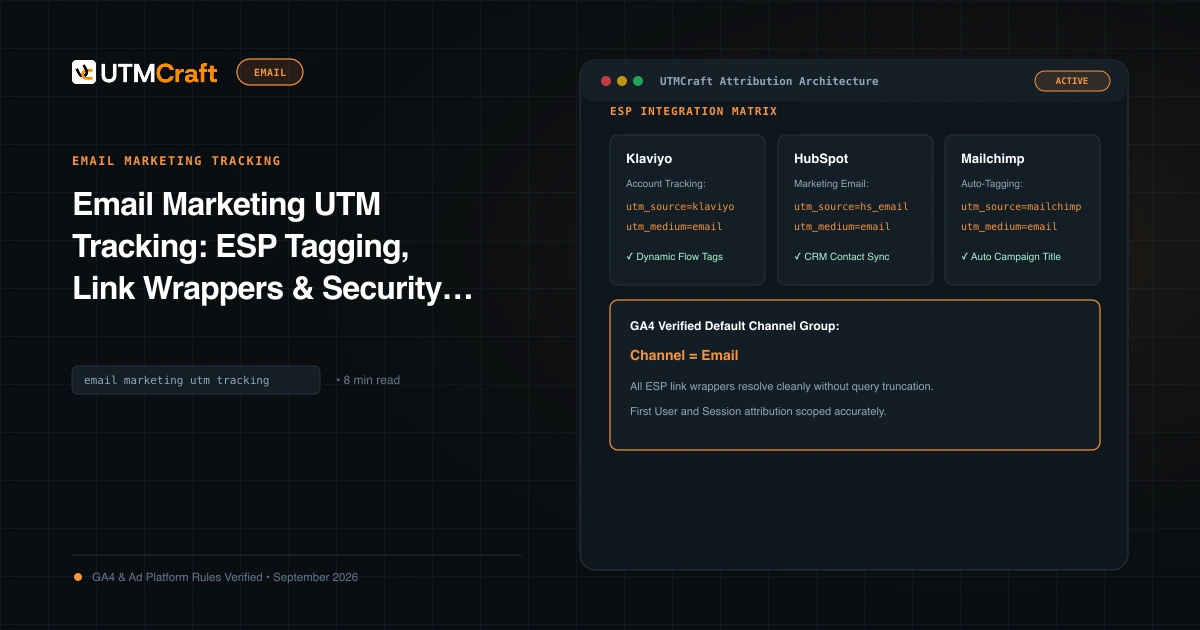
Email Marketing UTM Tracking: ESP Tagging, Link Wrappers & Security Bot Defense
Learn how to implement email marketing UTM tracking. Fix link wrapping issues, prevent anti-spam bot clicks from skewing GA4, and standardize newsletter tags.
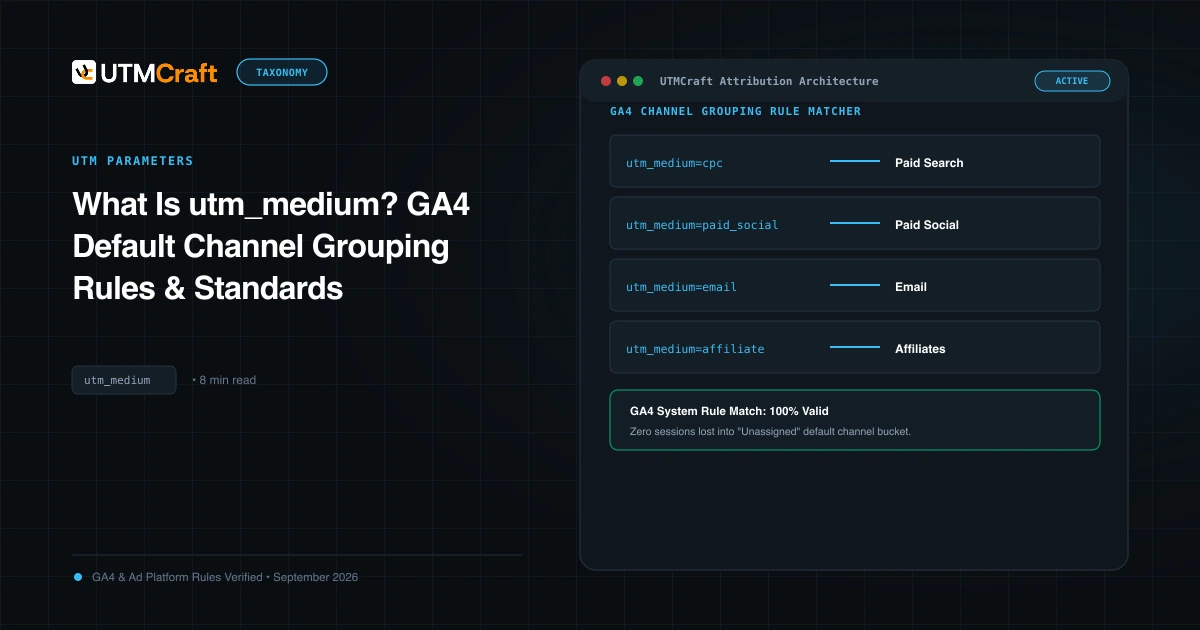
What Is utm_medium? GA4 Default Channel Grouping Rules & Standards
Understand utm_medium and how GA4 uses it to classify sessions into Default Channel Groups. Avoid Unassigned traffic with exact medium naming rules.
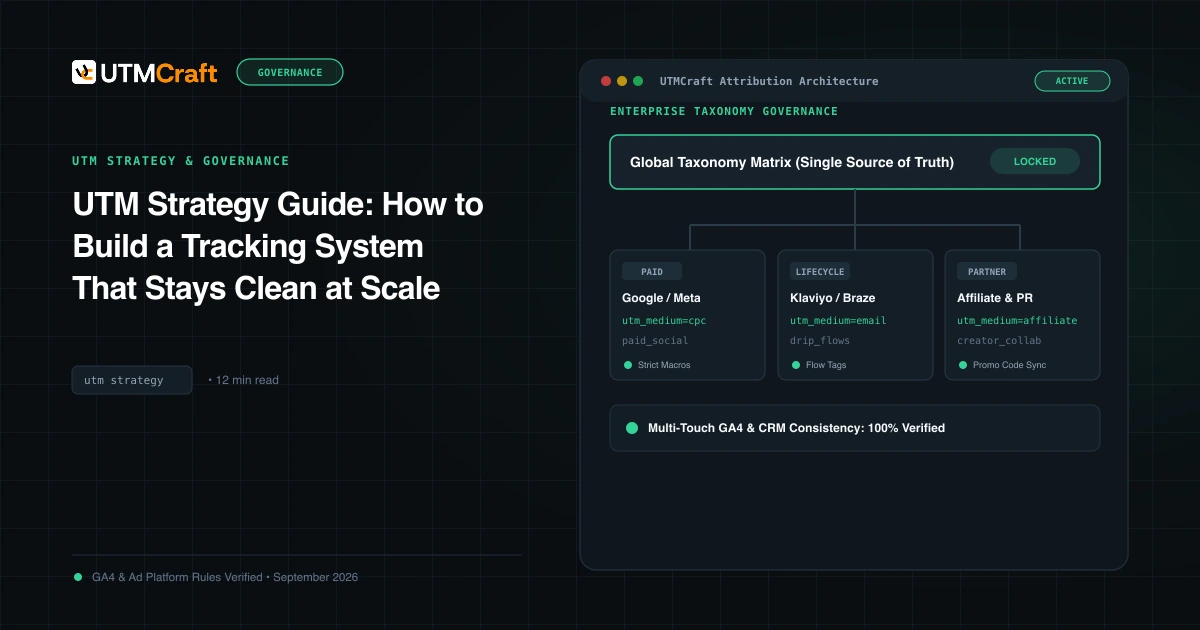
UTM Strategy Guide: How to Build a Tracking System That Stays Clean at Scale
Learn how to build an enterprise-grade UTM tracking strategy. Prevent fragmented GA4 reports, establish naming standards, and enforce governance at scale.