

What Is utm_medium? GA4 Default Channel Grouping Rules & Standards
Understand utm_medium and how GA4 uses it to classify sessions into Default Channel Groups. Avoid Unassigned traffic with exact medium naming rules.
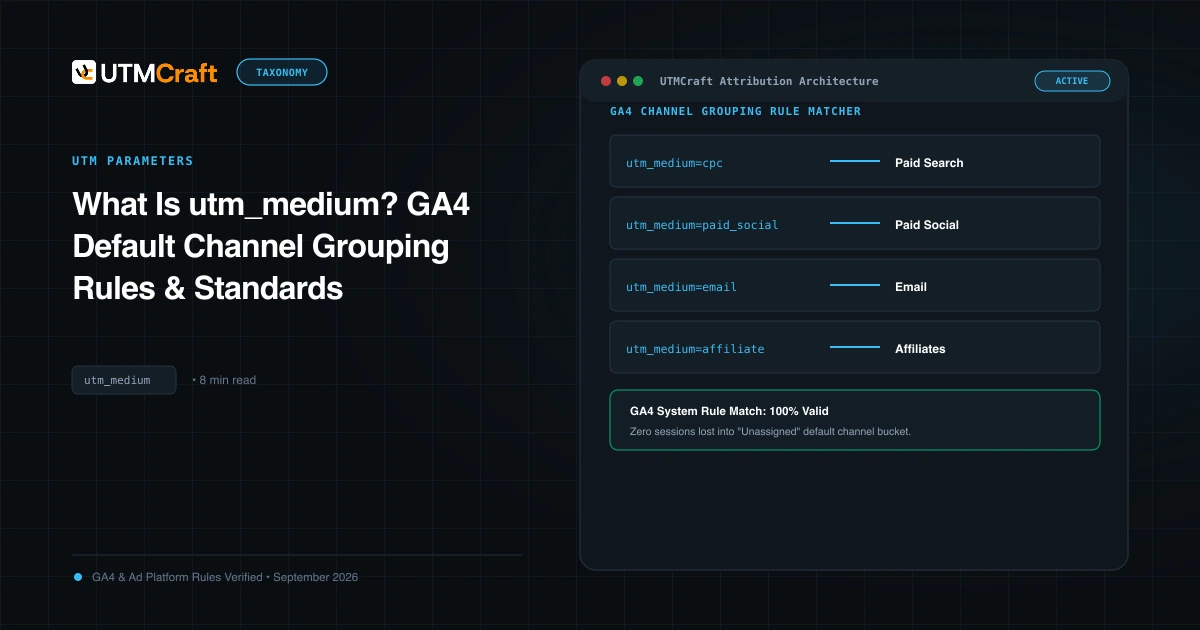
Table of Contents
utm_medium is the single most critical parameter for your executive dashboards. While utm_source identifies where a click came from, utm_medium dictates how Google Analytics 4 classifies your marketing spend into high-level Default Channel Groups (Paid Search, Paid Social, Email, Affiliates).
What Is utm_medium?
In GA4, utm_medium populates the Session medium and First user medium dimensions. Unlike utm_campaign, which can be custom-tailored to your company's product hierarchy, utm_medium must adhere strictly to Google's predefined channel grouping logic. If your medium fails Google's regex rules, GA4 will categorially label the visit as "Unassigned".
The GA4 Default Channel Grouping Matrix for utm_medium
The table below summarizes the exact utm_medium strings required by GA4 to place sessions into their rightful channels:
| Target GA4 Channel Group | Required / Accepted utm_medium Values | Additional GA4 Requirement |
|---|---|---|
| Paid Search | cpc, ppc, paidsearch |
Source must match a recognized search site list (e.g. google, bing, yahoo). |
| Paid Social | paid_social, paidsocial, paid-social, cpc, ppc |
Source must match Google's predefined social site list (meta, facebook, linkedin, etc.). |
| Organic Social | social, social-network, social-media, sm |
Or source matches Google's social list and medium is empty/referral. |
email, e-mail, e_mail, newsletter |
Source is optional (any source will classify under Email). | |
| Affiliates | affiliate, affiliates |
Direct match to medium string. |
| Display | display, banner, cpm, expandable |
Must not match Paid Social or Paid Search sources. |
| Paid Other | cp, cpa, cpp |
Catch-all for paid campaigns that don't match Search/Social/Display. |
The Paid Social Dilemma: paid_social vs cpc
Many media buyers who manage both Google Ads and Meta Ads default to tagging Meta links with utm_medium=cpc. While GA4 will technically map facebook / cpc into "Paid Social" because Facebook is on Google's recognized social sites list, using cpc on social platforms creates reporting confusion:
Set utm_medium=cpc exclusively for Search Engine Marketing (Google Ads, Microsoft Ads). For Facebook, Instagram, LinkedIn, TikTok, and Pinterest paid ads, always enforce utm_medium=paid_social. This keeps your SQL queries and BI dashboards clean and unambiguous.
How Rogue Mediums Create "Unassigned" Traffic
If a marketer invents a creative medium such as utm_medium=influencer-collab or utm_medium=podcast_sponsor, GA4 evaluates the rules top-to-bottom, finds zero matching rules, and buckets the traffic into Unassigned. Always stick to standard mediums or create Custom Channel Groupings in GA4 Admin before launching non-standard tags.
Sources & Authoritative References
- Default Channel Grouping Definitions in GA4 (Google Analytics Help)
Related Measurement Guides
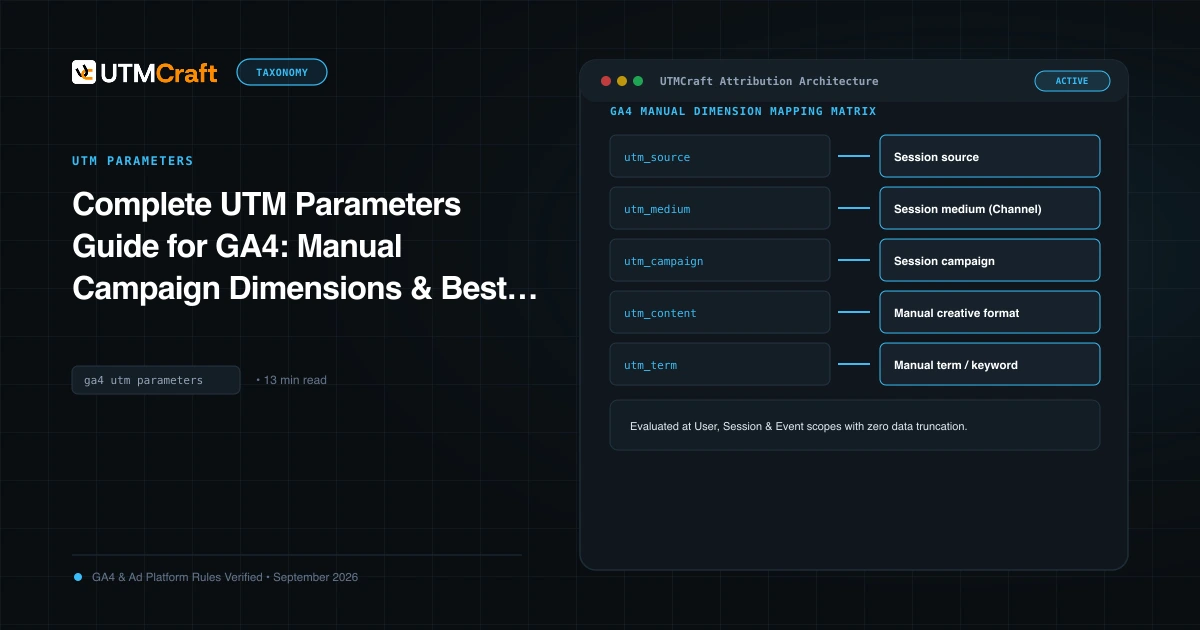
Complete UTM Parameters Guide for GA4: Manual Campaign Dimensions & Best Practices
The definitive technical reference to all 9 UTM parameters in Google Analytics 4, dimension mappings, character limits, encoding rules, and reporting caveats.
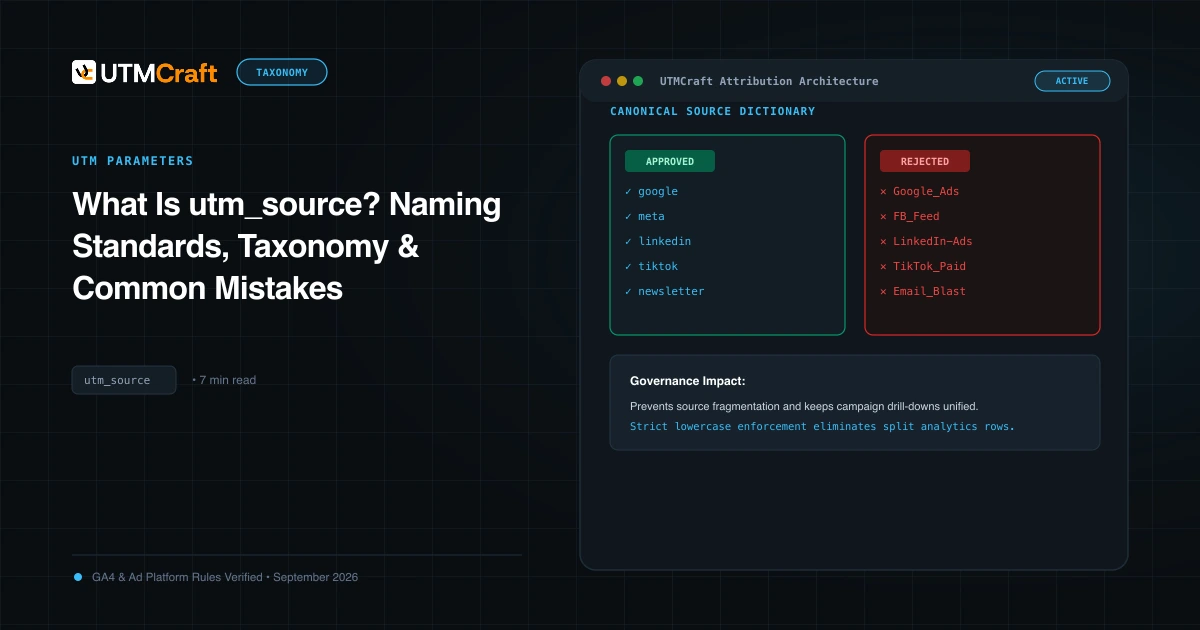
What Is utm_source? Naming Standards, Taxonomy & Common Mistakes
Learn what utm_source is, how Google Analytics 4 uses it to determine traffic origin, approved naming conventions, and common mistakes that split reporting.
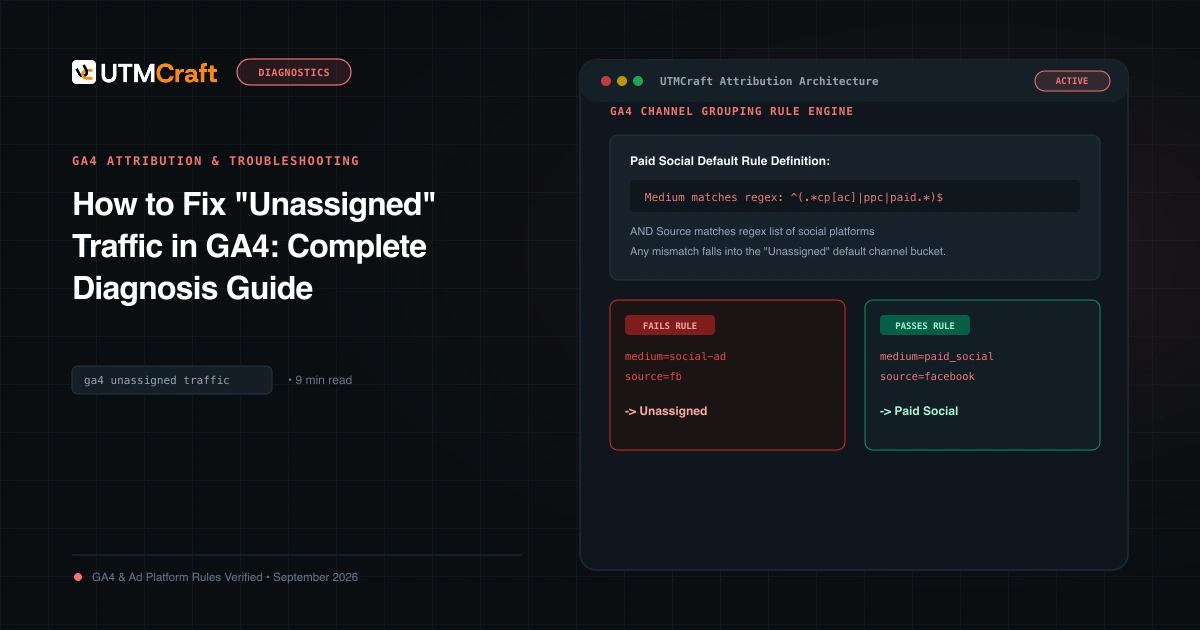
How to Fix "Unassigned" Traffic in GA4: Complete Diagnosis Guide
Why does GA4 show Unassigned traffic? Discover the exact channel grouping regex rules, common medium mistakes, and how to fix Unassigned traffic permanently.