

Why HTTP Redirects Strip UTM Parameters (and How to Preserve Query Strings)
Learn why HTTP 301 and 302 redirects drop UTM parameters, converting paid campaigns into Direct traffic, and how to configure servers to preserve query strings.
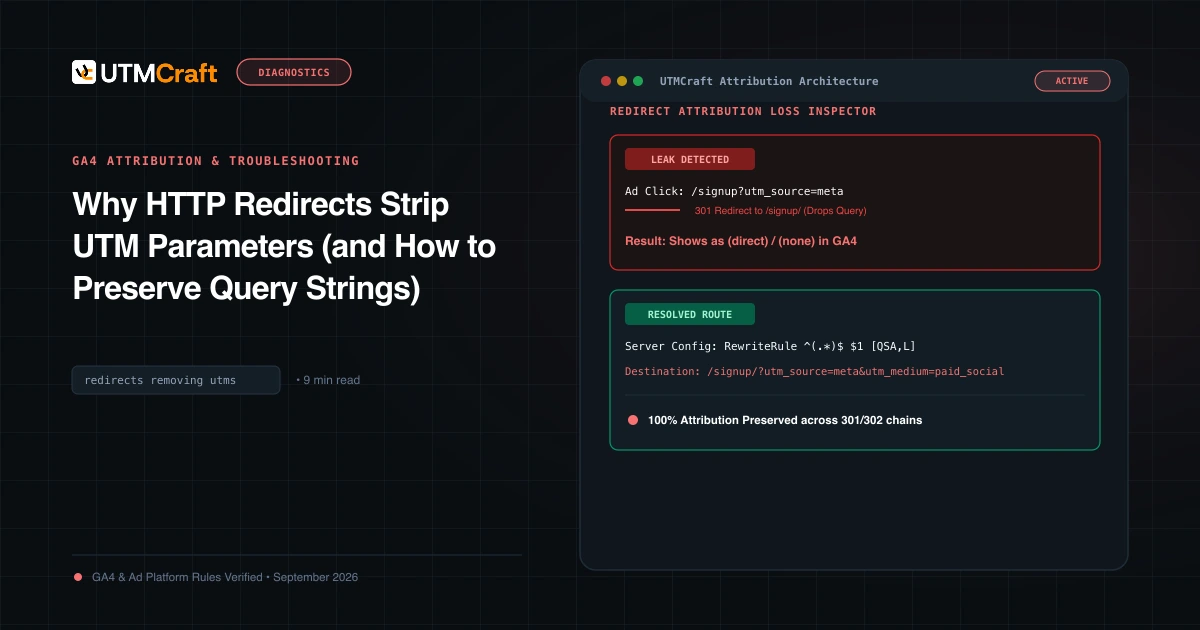
Table of Contents
Server redirects are responsible for more lost marketing attribution than ad blockers and iOS privacy updates combined. If your marketing URL undergoes a 301 or 302 redirect that does not explicitly append the incoming query string, every single UTM parameter is discarded before the visitor hits your analytics tracking tag.
The Mechanics of Parameter Loss During Redirects
When a browser requests a URL like https://example.com/signup?utm_source=google, the server may issue an HTTP 301 redirect to normalize the URL (e.g. enforce HTTPS, www, or trailing slash). If the server rule is written as:
# INCORRECT NGINX CONFIGURATION (Drops query string)
return 301 https://example.com/signup/;
The browser obediently navigates to https://example.com/signup/ with zero query parameters. GA4 loads, sees no UTMs and no referrer, and attributes the conversion to Direct traffic.
Server Configuration Fixes: Nginx, Apache & Cloudflare
1. Nginx Query String Preservation
In Nginx, always append $is_args$args (or $request_uri for full path preservation):
# CORRECT NGINX REDIRECT
rewrite ^/signup/?$ /signup/ permanent; # Automatically preserves query string
# Or for manual returns:
return 301 https://example.com/signup/$is_args$args;2. Apache mod_rewrite with [QSA]
In Apache .htaccess, you must include the [QSA] (Query String Append) flag:
# CORRECT APACHE HTACCESS RULE
RewriteEngine On
RewriteRule ^signup$ /signup/ [R=301,L,QSA]3. Cloudflare Redirect Rules
In Cloudflare Page Rules or Redirect Rules, select "Preserve query string" checkbox. If using Dynamic Redirect expressions, use concat("https://example.com/signup/", http.request.uri.query).
The Trailing Slash Trap
The most common redirect culprit is the trailing slash. If your CMS (such as WordPress) requires trailing slashes on pages, but your media buyer enters https://example.com/pricing?utm_source=meta, WordPress executes a 301 redirect to /pricing/. Always build URLs matching your canonical format exactly!
How to Test Redirect Chains via CLI and UTMCraft
Use curl in your terminal to inspect redirect hops:
curl -ILs "https://yourdomain.com/landing?utm_source=test" | grep -iE "HTTP|Location"Verify that every Location: response header retains ?utm_source=test until the final HTTP/2 200 response.
Sources & Authoritative References
Related Measurement Guides
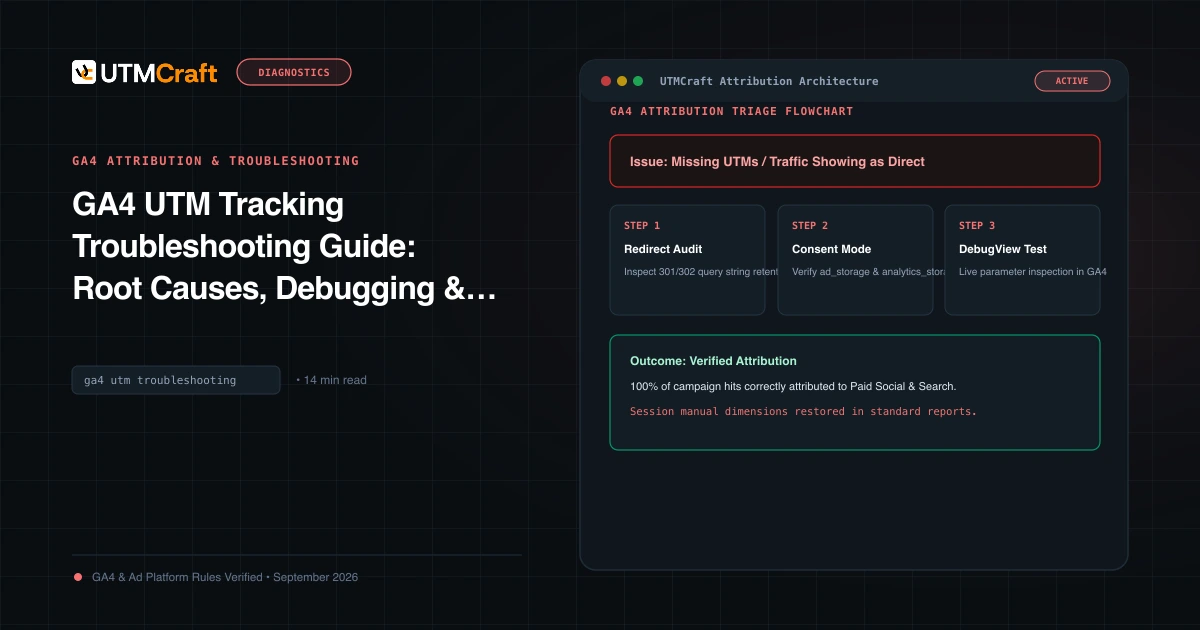
GA4 UTM Tracking Troubleshooting Guide: Root Causes, Debugging & Solutions
Diagnose and fix broken UTM tracking in Google Analytics 4. Comprehensive root cause analysis for Unassigned traffic, Direct spikes, (not set), and stripped query strings.
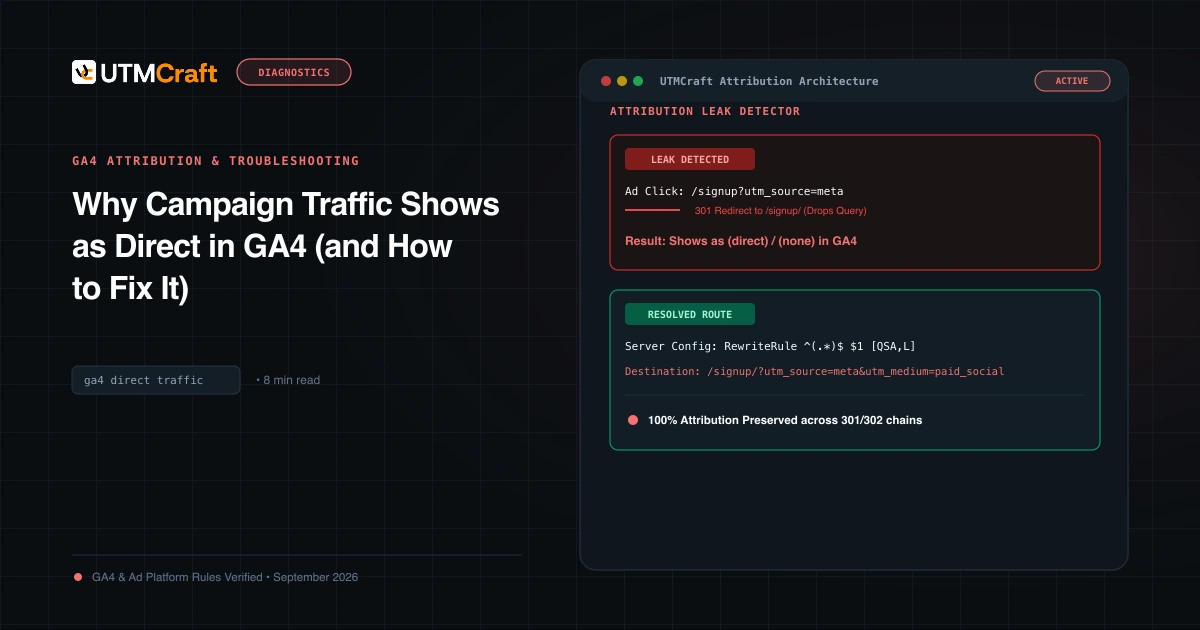
Why Campaign Traffic Shows as Direct in GA4 (and How to Fix It)
Why is your paid traffic showing as Direct in GA4? Learn the 7 primary causes of false direct traffic, redirect parameter loss, and how to recover attribution.
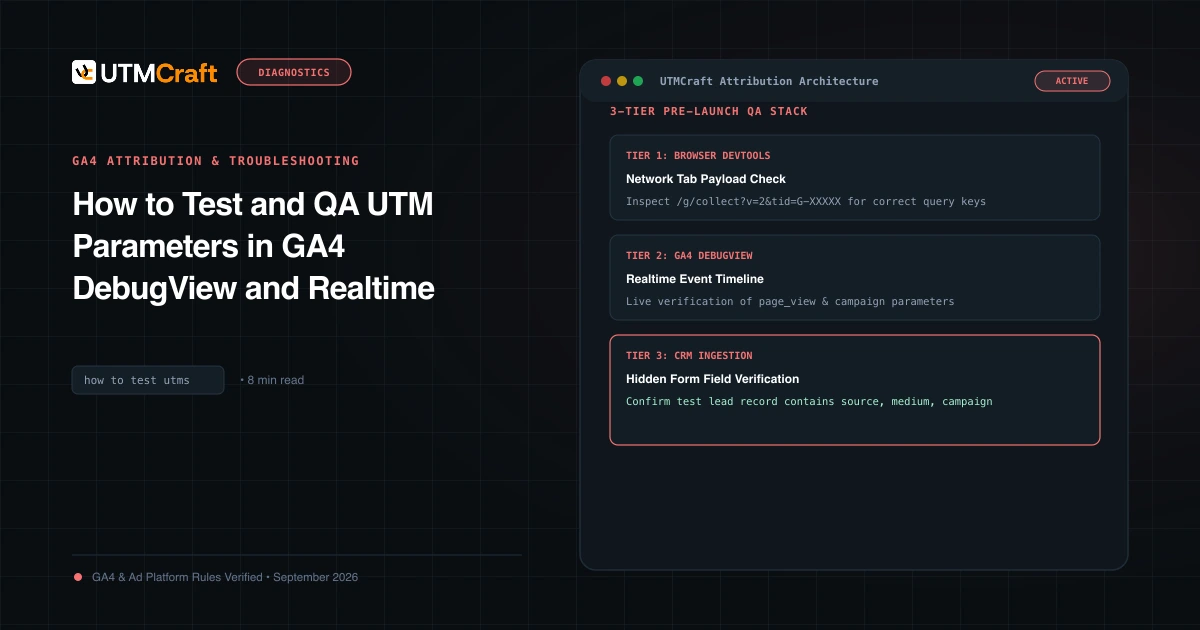
How to Test and QA UTM Parameters in GA4 DebugView and Realtime
Learn how to test and verify UTM tracking in Google Analytics 4 before spending ad budget. Step-by-step guide using DebugView, Realtime, and DevTools.