

10 Facebook Ads UTM Mistakes to Avoid in Meta Campaigns
Avoid the 10 most common Facebook and Meta Ads UTM mistakes that turn paid social traffic into Direct or Referral in GA4 and break ad attribution.
Reviewed by UTMCraft Editorial Team
Last reviewed
Table of Contents
- Why Meta Ads Attribution Diverges from GA4
- The 10 Most Common Meta Ads UTM Mistakes
- 1. Pasting UTMs in the Website URL Field
- 2. Unexpanded Dynamic Macro Tokens
- 3. Token Case Sensitivity Errors
- 4. Setting utm_medium=social Instead of paid_social
- 5. Special Characters and Emojis in Campaign Names
- 6. Destination URL Trailing Slash Redirect Hops
- 7. Forgetting Placement Tracking in utm_content
- 8. Copying Ad Sets with Hardcoded Creative Names
- 9. Overlooking In-App Browser Referrer Stripping
- 10. Launching Advantage+ Campaigns Without Dynamic IDs
- The Recommended Meta Ads UTM Template
- Frequently Asked Questions
Meta Ads Manager is famous for reporting massive ROAS while GA4 records a fraction of the attributed revenue. While attribution window differences explain some discrepancies, the vast majority stem from misconfigured URL parameters and dynamic token errors in Meta Ads Manager.
Why Meta Ads Attribution Diverges from GA4
Meta uses view-through and click-through modeling tied to user accounts, whereas GA4 relies on session-based landing page parameters. When your Meta UTM parameters break, paid clicks land in GA4 as generic Referral (l.facebook.com) or Direct, completely hiding paid performance.
The 10 Most Common Meta Ads UTM Mistakes
1. Pasting UTMs in the Website URL Field
Pasting a query string into the "Website URL" box instead of the dedicated "URL Parameters" box in Meta Ads Manager prevents Meta's dynamic parameter engine from functioning cleanly and creates preview bugs.
2. Unexpanded Dynamic Macro Tokens
If you see literal strings like {{campaign.name}} or {{ad.name}} in GA4 reports, your macro syntax is broken or preview links were clicked instead of live ads.
3. Token Case Sensitivity Errors
Meta dynamic parameters are strictly case-sensitive. Writing {{CAMPAIGN.NAME}} instead of {{campaign.name}} fails to expand.
4. Setting utm_medium=social Instead of paid_social
Setting utm_medium=social causes GA4 to credit your ad spend to Organic Social. Use utm_medium=paid_social or utm_medium=cpc.
5. Special Characters and Emojis in Campaign Names
Putting emojis (🚀, 🔥) or slashes in Meta campaign names produces corrupted URL encoding when dynamic tokens expand. Keep campaign names clean and alphanumeric.
6. Destination URL Trailing Slash Redirect Hops
If your website redirects /shop to /shop/, Meta's appended query parameters can be wiped out before GA4 executes.
7. Forgetting Placement Tracking in utm_content
Meta places ads across Instagram Stories, Facebook Feed, Reels, and Audience Network. Without utm_content={{placement}}, you cannot distinguish high-converting feeds from accidental clicks on gaming apps.
8. Copying Ad Sets with Hardcoded Creative Names
Duplicating ad sets with static UTM strings causes "Retargeting Ad Set" to report under "Prospecting Lookalikes". Always use dynamic tokens.
9. Overlooking In-App Browser Referrer Stripping
Facebook’s in-app webview often masks the document referrer. Without robust UTM parameters, in-app mobile traffic defaults to Direct.
10. Launching Advantage+ Campaigns Without Dynamic IDs
Advantage+ Shopping campaigns automatically test thousands of asset combinations. Without passing {{ad.id}} and {{campaign.id}}, you cannot evaluate creative winners in analytics.
The Recommended Meta Ads UTM Template
Paste this string into the URL Parameters field in Meta Ads Manager:
utm_source=facebook&utm_medium=paid_social&utm_campaign={{campaign.name}}&utm_content={{ad.name}}_{{placement}}&utm_term={{adset.name}}Frequently Asked Questions
Why do my Meta Ads show up as l.facebook.com in GA4?
l.facebook.com is Facebook's Link Shim redirect. If UTM parameters are missing or stripped, GA4 classifies the visit as standard referral traffic from the Link Shim.
Do dynamic parameters expand in Meta ad preview links?
No. When you preview an ad on Facebook or Instagram, Meta displays raw placeholder tokens. Dynamic tokens only expand when an ad is served as a live impression.
Sources & Authoritative References
- Meta Business Help: Use URL Parameters with Facebook Ads (Meta Business Help)
- Google Analytics 4 Default Channel Grouping for Social Channels (Google Support)
Related Measurement Guides
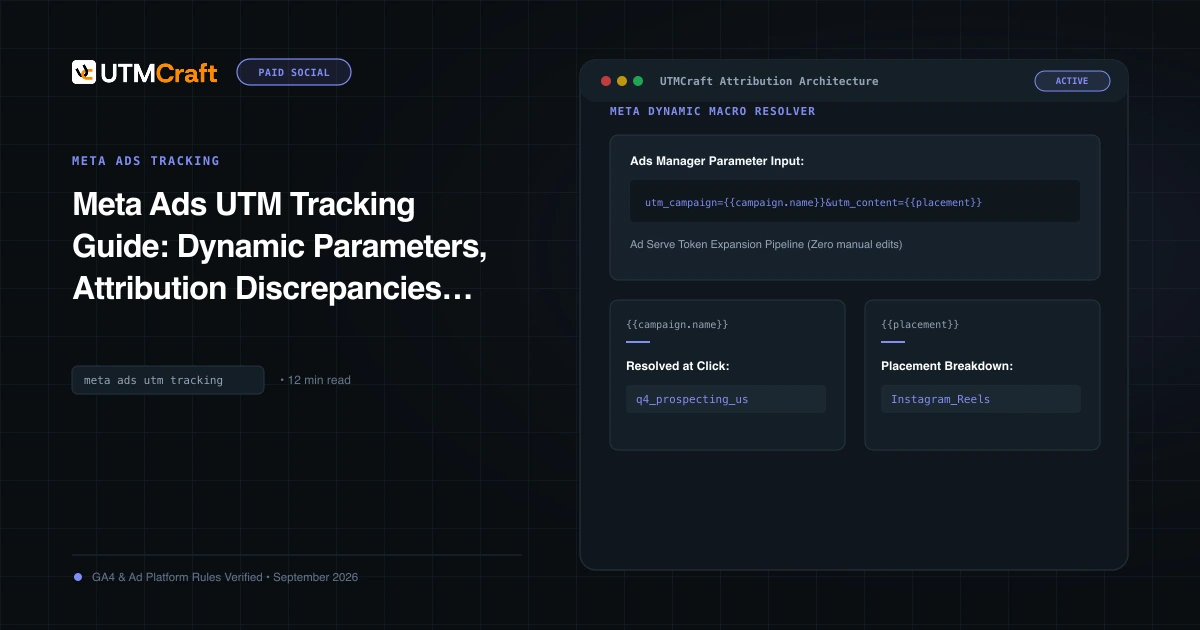
Meta Ads UTM Tracking Guide: Dynamic Parameters, Attribution Discrepancies & Setup
The definitive guide to Facebook and Instagram UTM tracking. Configure Meta dynamic URL parameters, reconcile Ads Manager vs GA4 attribution, and track placements.
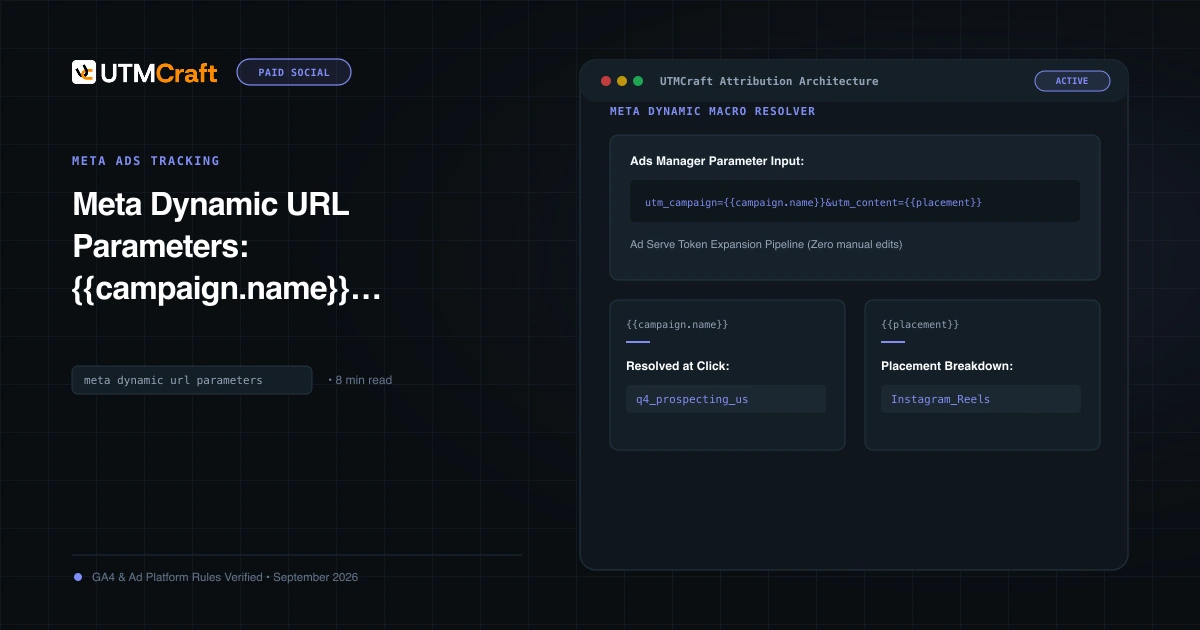
Meta Dynamic Parameters Not Working? Fix Raw Tokens & Syntax
Master Meta dynamic URL parameters. Learn syntax rules, how tokens expand at click time, and how to prevent raw token strings from appearing in GA4.
15 UTM Tracking Mistakes That Ruin Your GA4 Data (and How to Fix Them)
Discover the 15 most destructive UTM tracking mistakes breaking GA4 attribution, causing Unassigned traffic, and corrupting ad ROI—with actionable fixes.