

Meta Ads UTM Tracking Guide: Dynamic Parameters, Attribution Discrepancies & Setup
The definitive guide to Facebook and Instagram UTM tracking. Configure Meta dynamic URL parameters, reconcile Ads Manager vs GA4 attribution, and track placements.
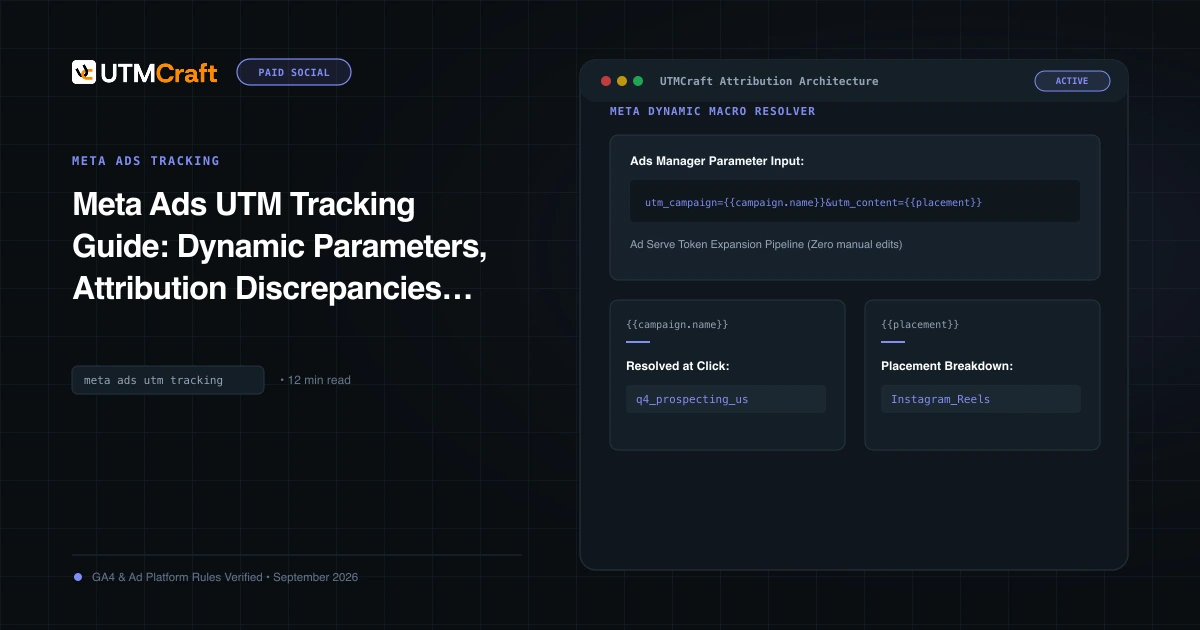
Table of Contents
Meta generates billions in ad spend, yet tracking Facebook and Instagram campaigns in Google Analytics 4 remains one of the greatest pain points for performance marketers. Clicks categorized as generic "Referral," fragmented campaign rows, and massive attribution discrepancies between Ads Manager and GA4 are standard symptoms of poor UTM implementation.
Why Meta Ad Tracking Breaks in GA4
Tracking failures with Meta ads stem from three specific platform behaviors:
- In-App Browser Webviews: When a user taps an ad on Instagram or Facebook, the page loads in Meta's proprietary in-app webview. This webview frequently strips the HTTP
Refererheader, turning untagged traffic directly into Direct traffic. - fbclid Parameter Truncation: Meta automatically attaches
fbclidfor conversion tracking. However, privacy protections and link wrapping often strip this token, breaking automatic platform recognition. - Renaming Campaigns in Flight: If you use static campaign names in your links and later rename the campaign in Ads Manager, GA4 splits reporting across old and new names permanently.
The Standard Meta URL Parameter Template
In Meta Ads Manager, navigate to the Ad level, scroll to the Tracking section at the very bottom, and paste this verified parameter string into the URL Parameters box:
utm_source=facebook&utm_medium=paid_social&utm_campaign={{campaign.name}}&utm_content={{ad.name}}&utm_term={{adset.name}}&utm_id={{campaign.id}}&placement={{placement}}&site_source_name={{site_source_name}}Meta Dynamic Parameters: Complete Reference Table
Meta supports dynamic URL macros using lowercase dot notation surrounded by double curly braces:
| Meta Parameter Token | Dynamic Output at Click Time | Recommended Usage |
|---|---|---|
{{campaign.name}} |
Exact name of the campaign in Ads Manager | utm_campaign={{campaign.name}} |
{{campaign.id}} |
Unique numerical ID of the campaign | utm_id={{campaign.id}} |
{{adset.name}} |
Name of the Ad Set (Audience/Targeting) | utm_term={{adset.name}} |
{{adset.id}} |
Unique numerical ID of the Ad Set | Custom parameter: adset_id={{adset.id}} |
{{ad.name}} |
Name of the individual Ad creative | utm_content={{ad.name}} |
{{ad.id}} |
Unique numerical ID of the ad creative | Custom parameter: ad_id={{ad.id}} |
{{placement}} |
E.g. Feed, Stories, Reels, Messenger |
Custom parameter: placement={{placement}} |
{{site_source_name}} |
fb (Facebook), ig (Instagram), msg (Messenger), an (Audience Network) |
Custom parameter or dynamic source validation |
Campaign Names vs IDs: Which Should You Use?
Using {{campaign.name}} provides immediately readable reporting in standard GA4 exploration reports. However, if your media buyers frequently rename campaigns (e.g. updating budget notations or dates), each rename creates a new row in GA4. If you have an established BI data warehouse, using utm_campaign={{campaign.id}} or combining both ({{campaign.name}}-{{campaign.id}}) eliminates naming fragmentation permanently.
Tracking Facebook vs Instagram vs Audience Network Placements
If you run Advantage+ placements, Meta automatically distributes your budget across Facebook Feed, Instagram Reels, Messenger, and third-party apps. Adding placement={{placement}}&site_source_name={{site_source_name}} allows you to create custom dimensions in GA4 to analyze conversion rates between Instagram Stories and Facebook Feeds without creating separate campaigns.
Why Meta Ads Manager ROAS Never Matches GA4
Meta Ads Manager defaults to a 7-day click and 1-day view attribution window. If a user views an ad on Instagram, doesn't click, but Googles your brand 6 hours later and buys, Meta claims 100% credit for the sale. GA4, however, uses last-click cross-channel data-driven attribution and attributes that sale to Organic Search. Both numbers are technically "accurate" within their respective models, but UTM parameters reflect the exact click-through visit.
Step-by-Step Implementation in Meta Ads Manager
- In Meta Ads Manager, select your campaign and navigate to the Ad level.
- Ensure your Website URL contains only the clean landing page URL (e.g.
https://example.com/product). - Scroll down to the Tracking section.
- In the URL Parameters field, paste your parameter string without the leading question mark (
?). Meta automatically appends the?when serving the ad. - Publish the ad. Meta will dynamically replace all
{{...}}tokens at click time.
Frequently Asked Questions
What source and medium should I use for Meta advertising in GA4?
The industry-standard recommendation for Meta advertising is utm_source=facebook (or instagram) and utm_medium=paid_social. Alternatively, using utm_medium=cpc or paidsocial will also properly classify into GA4's Paid Social default channel group.
Why does Meta show dynamic tokens like {{campaign.name}} in ad preview?
Meta Ads Manager's ad preview tool does not execute token replacement. In preview modes and test sends, tokens appear literally. They are replaced dynamically only when a live user clicks the published ad impression in their Facebook or Instagram feed.
Does the fbclid parameter replace the need for UTM parameters?
No. The fbclid (Facebook Click ID) is an encrypted query parameter used by Meta for server-side Conversion API (CAPI) event matching. Unlike Google's GCLID, Google Analytics 4 cannot decrypt or read fbclid data. You must append UTM parameters to ensure reporting visibility in GA4 and your CRM.
Why does Facebook traffic sometimes appear as l.facebook.com referral?
When a user clicks an external link in Facebook, Meta routes them through a privacy-preserving link shim service (e.g. l.facebook.com or lm.facebook.com). If your link lacks UTM parameters, GA4 reads the HTTP referrer header and classifies the visit under the Organic Social or Referral channel rather than Paid Social.
Sources & Authoritative References
- About URL parameters in Meta Ads Manager (Meta Business Help Center)
- Specifications for dynamic URL parameters (Meta Business Help Center)
Related Measurement Guides
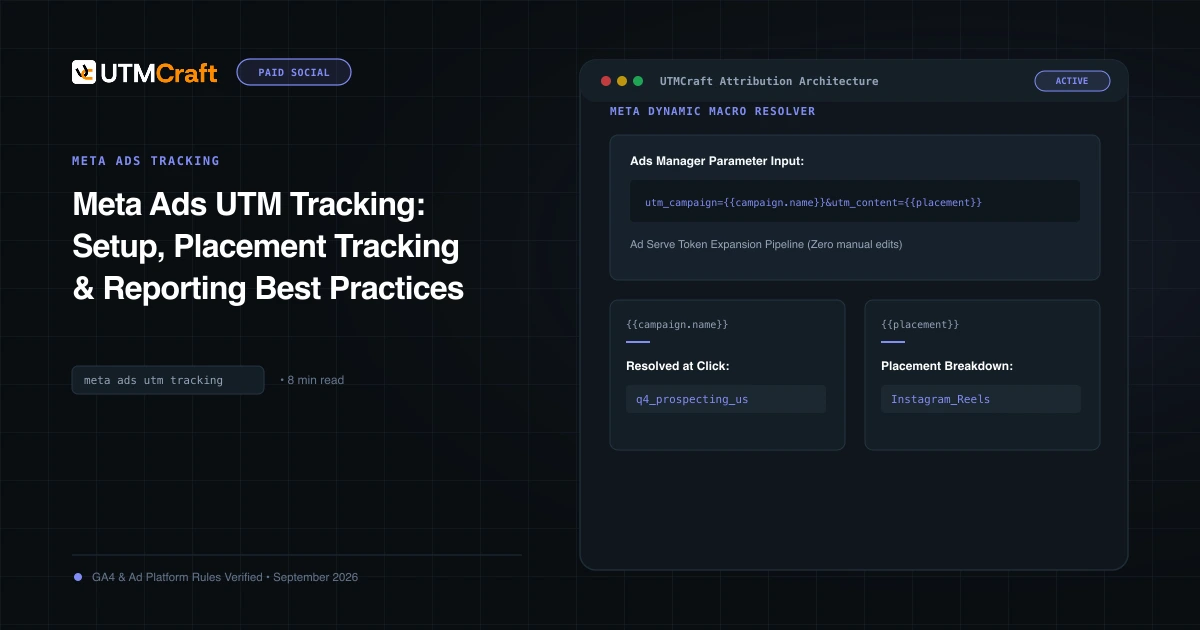
Meta Ads UTM Tracking: Setup, Placement Tracking & Reporting Best Practices
Learn how to set up Meta Ads UTM parameters properly. Best practices for source/medium conventions, placement tracking, and diagnosing Meta traffic in GA4.
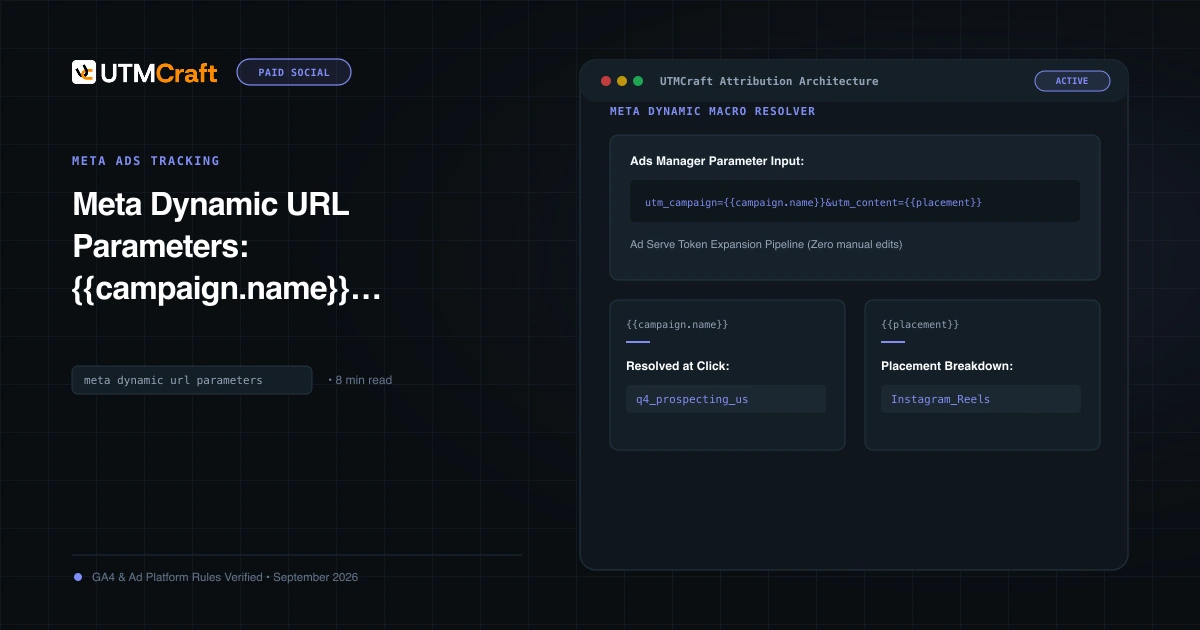
Meta Dynamic URL Parameters: {{campaign.name}}, {{adset.name}}, and {{ad.name}} Guide
Master Meta dynamic URL parameters. Learn syntax rules, how tokens expand at click time, and how to prevent raw token strings from appearing in GA4.
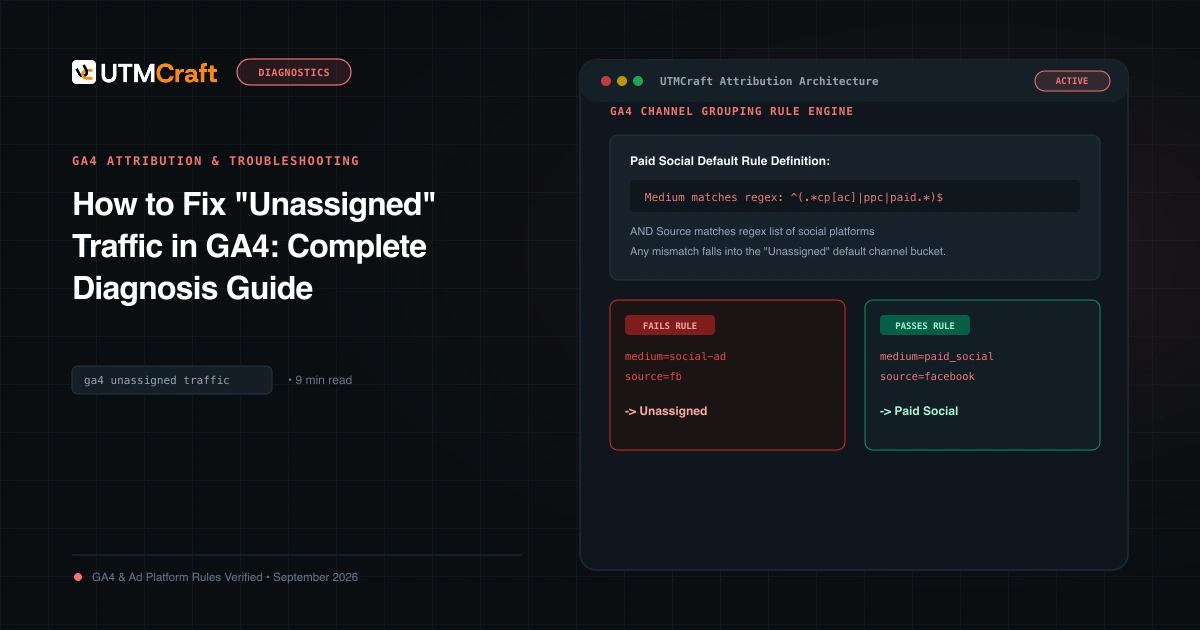
How to Fix "Unassigned" Traffic in GA4: Complete Diagnosis Guide
Why does GA4 show Unassigned traffic? Discover the exact channel grouping regex rules, common medium mistakes, and how to fix Unassigned traffic permanently.