

Complete UTM Parameters Guide for GA4: Manual Campaign Dimensions & Best Practices
The definitive technical reference to all 9 UTM parameters in Google Analytics 4, dimension mappings, character limits, encoding rules, and reporting caveats.
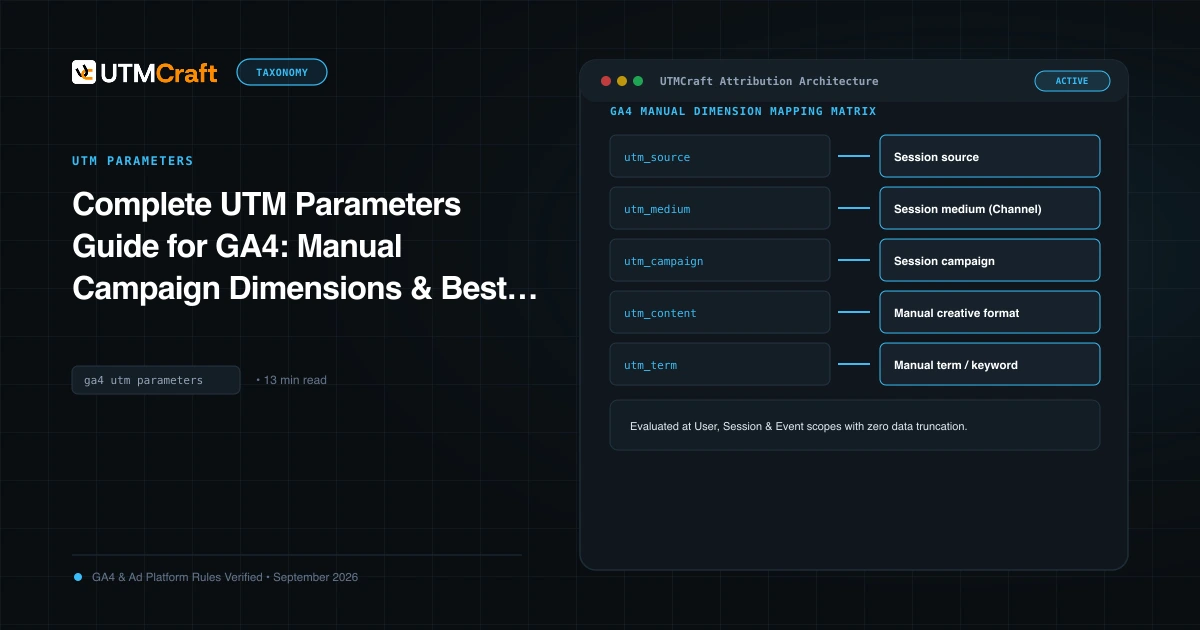
Table of Contents
- The Complete Matrix: All 9 UTM Parameters in GA4
- How GA4 Maps Parameters to Manual Dimensions
- utm_creative_format & utm_marketing_tactic: Current Realities
- Syntax, Parameter Order & URL Encoding Rules
- UTM Parameters vs Click IDs (GCLID, FBCLID)
- Critical Parameter Mistakes to Avoid
- Frequently Asked Questions
While traditional Universal Analytics only recognized 5 standard UTM parameters, Google Analytics 4 officially supports up to 9 distinct campaign parameters. Understanding how GA4 parses, stores, and maps these keys to session and manual reporting dimensions is essential for accurate marketing measurement.
The Complete Matrix: All 9 UTM Parameters in GA4
Here is the definitive reference table showing all 9 UTM parameters supported in GA4, their scope, requirement level, and corresponding GA4 dimension names:
| UTM Parameter | Requirement | GA4 Primary Dimension | Example Approved Value |
|---|---|---|---|
utm_source |
Required | Session source / First user source / Manual source | google, linkedin, newsletter |
utm_medium |
Required | Session medium / First user medium / Manual medium | cpc, paid_social, email, affiliate |
utm_campaign |
Required | Session campaign / First user campaign / Manual campaign | us_saas_trial-signup_2026q1 |
utm_id |
Recommended | Manual campaign ID / Session campaign ID | cmp_98472910 (Ad network campaign ID) |
utm_term |
Optional | Manual term | b2b+crm+software (Search keyword / target audience) |
utm_content |
Optional | Manual ad content | video_testimonial_30s, blue_cta_button |
utm_source_platform |
Optional | Manual source platform | Search Ads 360, Google Ads, Manual |
utm_creative_format |
Optional | Manual creative format | display, video, carousel |
utm_marketing_tactic |
Optional | Manual marketing tactic | retargeting, prospecting, onboarding |
How GA4 Maps Parameters to Manual Dimensions
In GA4 reports, campaign data is exposed across three distinct dimension scopes:
- First user scope: (e.g. First user source / medium) Attributes the user's very first lifetime session to the channel that initially acquired them.
- Session scope: (e.g. Session source / medium) Attributes the specific session to the channel that drove that particular visit.
- Manual event scope: (e.g. Manual source, Manual medium, Manual campaign) Captures the raw parameters passed explicitly in the landing page query string, independent of attribution modeling.
When you view standard acquisition reports in GA4 (such as Reports > Acquisition > Traffic acquisition), GA4 defaults to Session default channel group. This dimension uses an automated rule evaluation tree based primarily on Session medium and Session source.
utm_creative_format & utm_marketing_tactic: Current Realities
Google introduced utm_creative_format and utm_marketing_tactic specifically for GA4. However, you must understand their current reporting limitations:
While GA4 ingests utm_creative_format and utm_marketing_tactic into Manual creative format and Manual marketing tactic dimensions, they do not influence GA4 Default Channel Grouping. Furthermore, they are primarily accessible via GA4 Explorations and the BigQuery Event Export, rather than pre-built standard dashboard cards.
Syntax, Parameter Order & URL Encoding Rules
A query string begins with a question mark (?) and chains key-value pairs with ampersands (&). While the order of parameters does not technically matter to web servers or the GA4 collection script, establishing a consistent parameter order makes debugging substantially easier:
https://example.com/landing?utm_source=google&utm_medium=cpc&utm_campaign=brand-search&utm_term={keyword}&utm_content=headline-a&utm_id=12345URL Encoding Requirements
According to RFC 3986, characters outside the unreserved character set (letters, numbers, -, _, ., ~) must be percent-encoded:
- Spaces become
%20or+. (Best practice: avoid spaces completely by using hyphens or underscores). - Ampersands inside parameter values must be encoded as
%26. (e.g.utm_campaign=sales%26marketing). - Question marks inside values must be encoded as
%3F.
UTM Parameters vs Click IDs (GCLID, FBCLID)
| Feature | UTM Parameters | Platform Click IDs (e.g. GCLID) |
|---|---|---|
| Human Readable | Yes (plain text key-value pairs) | No (encrypted hash strings) |
| Platform Portability | Universal across GA4, Adobe, Mixpanel, CRMs | Proprietary to the issuing ad network |
| Data Richness | Only captures values explicitly typed | Unlocks auction cost, impressions, match types, ad groups |
| Privacy Degradation | Resistant to link decoration stripping | Frequently stripped by Safari ITP, Brave, iOS Mail Protection |
In modern performance marketing, use both: keep auto-tagging enabled for native ad platform reporting, while appending a core set of standard UTMs (via Google Ads ValueTrack or Meta URL parameters) to pass readable campaign data to CRMs and offline data pipelines.
UTM Parameters vs HTTP Referrer Data
When a visitor navigates to your site without UTM parameters, analytics platforms inspect the browser's HTTP Referer request header. However, referrer headers are increasingly unreliable:
- Mobile apps (Instagram, TikTok, LinkedIn) frequently pass empty referrers when launching in-app webviews.
- Privacy headers (
Referrer-Policy: no-referrer) intentionally strip domain origins. - Navigating from HTTPS to HTTP strips the referrer header entirely.
UTM parameters override referrer data in GA4, ensuring attribution even when referrer headers are completely absent.
Critical Parameter Mistakes to Avoid
Browsers treat everything after the hash # as a client-side fragment identifier, not server query parameters. If you format a link as:
https://example.com/#pricing?utm_source=google
Web servers and analytics tracking libraries will completely ignore the UTM parameters. The hash must always be placed at the very end:
https://example.com/?utm_source=google#pricing
Frequently Asked Questions
Are UTM parameters case-sensitive in Google Analytics 4?
Yes. GA4 is strictly case-sensitive. If you tag campaigns with utm_source=Google, utm_source=google, and utm_source=GOOGLE, GA4 records three completely separate source rows in your Traffic Acquisition reports. To avoid fractured analytics, always force all parameters to lowercase.
What happens if utm_source or utm_medium is missing from a link?
If utm_source is missing, GA4 cannot determine the traffic origin and will typically categorize the session as (direct) / (none) or use the HTTP referrer header. If utm_medium is missing, GA4 fails standard channel classification rules and buckets the session under (Unassigned).
Why doesn't GA4 report utm_creative_format in standard campaign dashboards?
Google Analytics 4 collects utm_creative_format into the Manual creative format dimension. However, it does not currently map into standard Default Channel Groups or pre-configured Traffic Acquisition dashboard cards. To analyze it, you must build a custom report in GA4 Explorations or query the BigQuery Event Export.
What is the difference between utm_term and utm_content?
utm_term was originally designed for search keywords (e.g. crm+software or dynamic ValueTrack {keyword}). utm_content is designed for creative asset differentiation, such as A/B testing variations (e.g. blue-cta-btn vs green-cta-btn) or distinguishing header links from footer links in an email.
Sources & Authoritative References
- Dimensions & Metrics in Google Analytics 4 (Google Analytics Help)
- Google Analytics 4 URL-Builder Documentation (Google Analytics Help)
- Uniform Resource Identifier (URI): Generic Syntax (IETF)
Related Measurement Guides
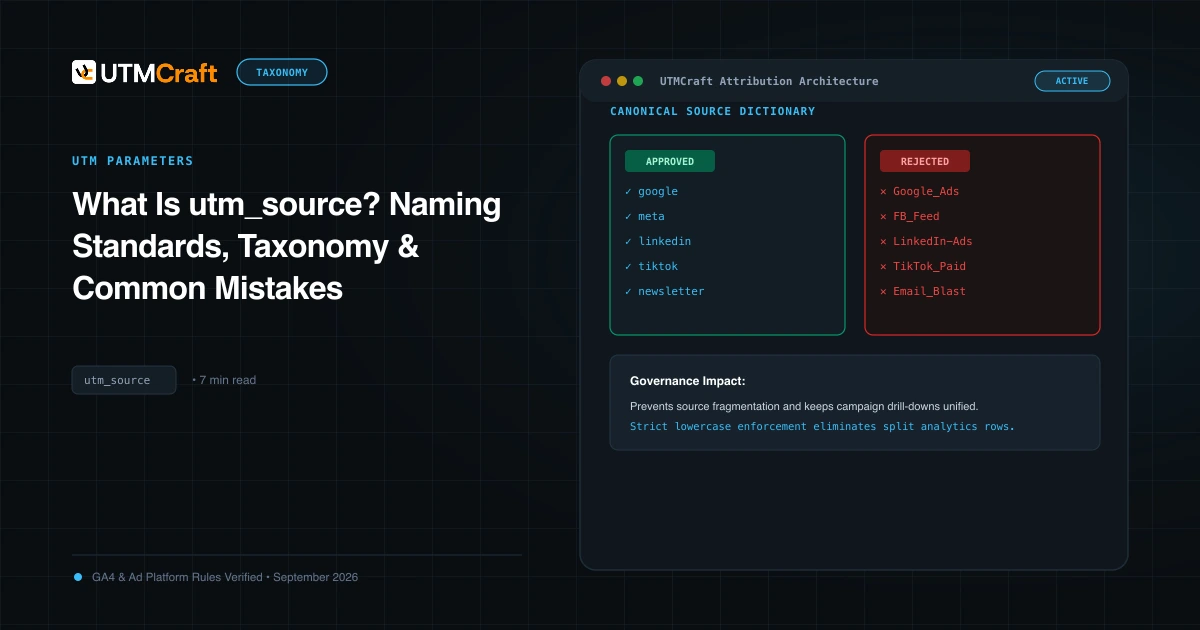
What Is utm_source? Naming Standards, Taxonomy & Common Mistakes
Learn what utm_source is, how Google Analytics 4 uses it to determine traffic origin, approved naming conventions, and common mistakes that split reporting.
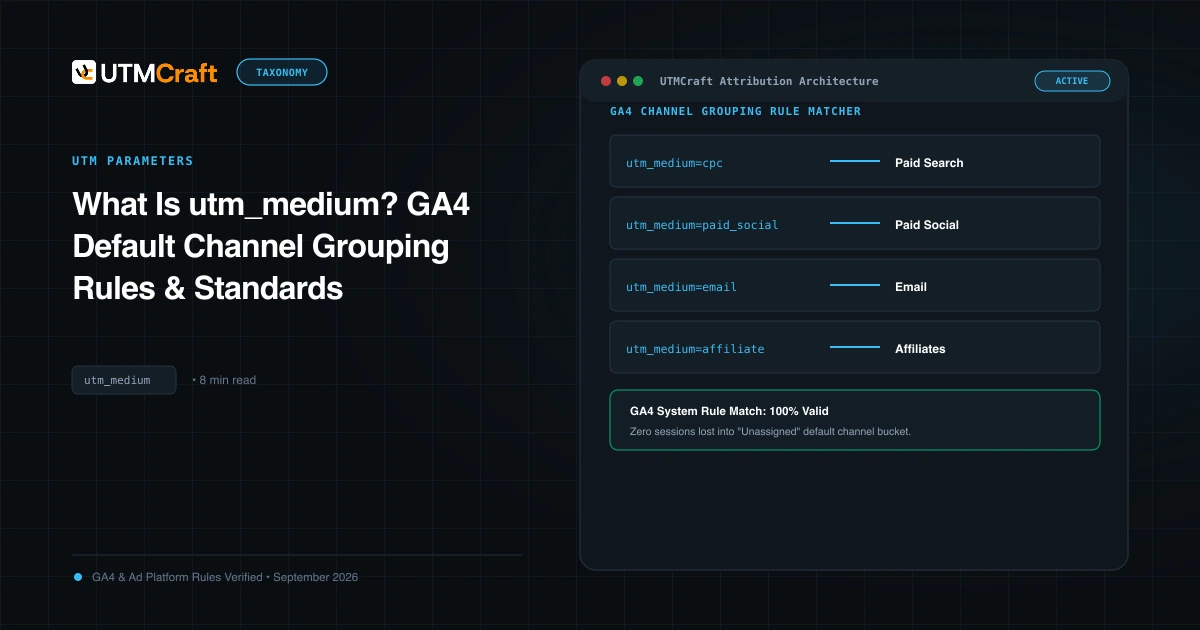
What Is utm_medium? GA4 Default Channel Grouping Rules & Standards
Understand utm_medium and how GA4 uses it to classify sessions into Default Channel Groups. Avoid Unassigned traffic with exact medium naming rules.
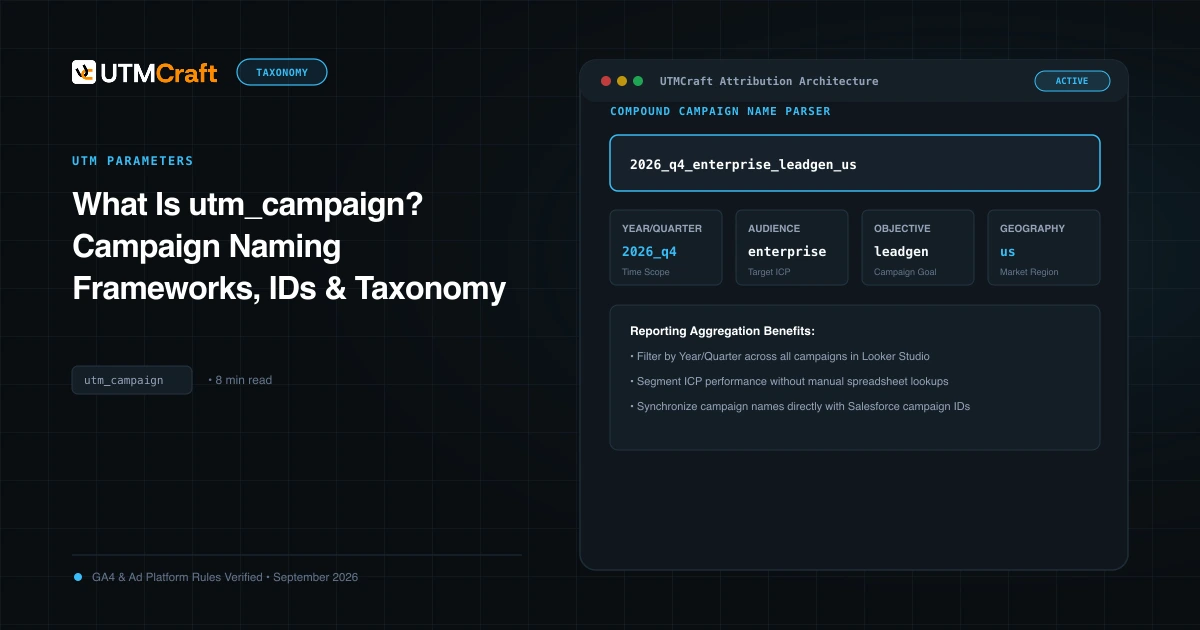
What Is utm_campaign? Campaign Naming Frameworks, IDs & Taxonomy
Learn how to structure utm_campaign for clear GA4 reporting. Discover formula frameworks, campaign IDs (utm_id), delimiter best practices, and real examples.