Table of Contents
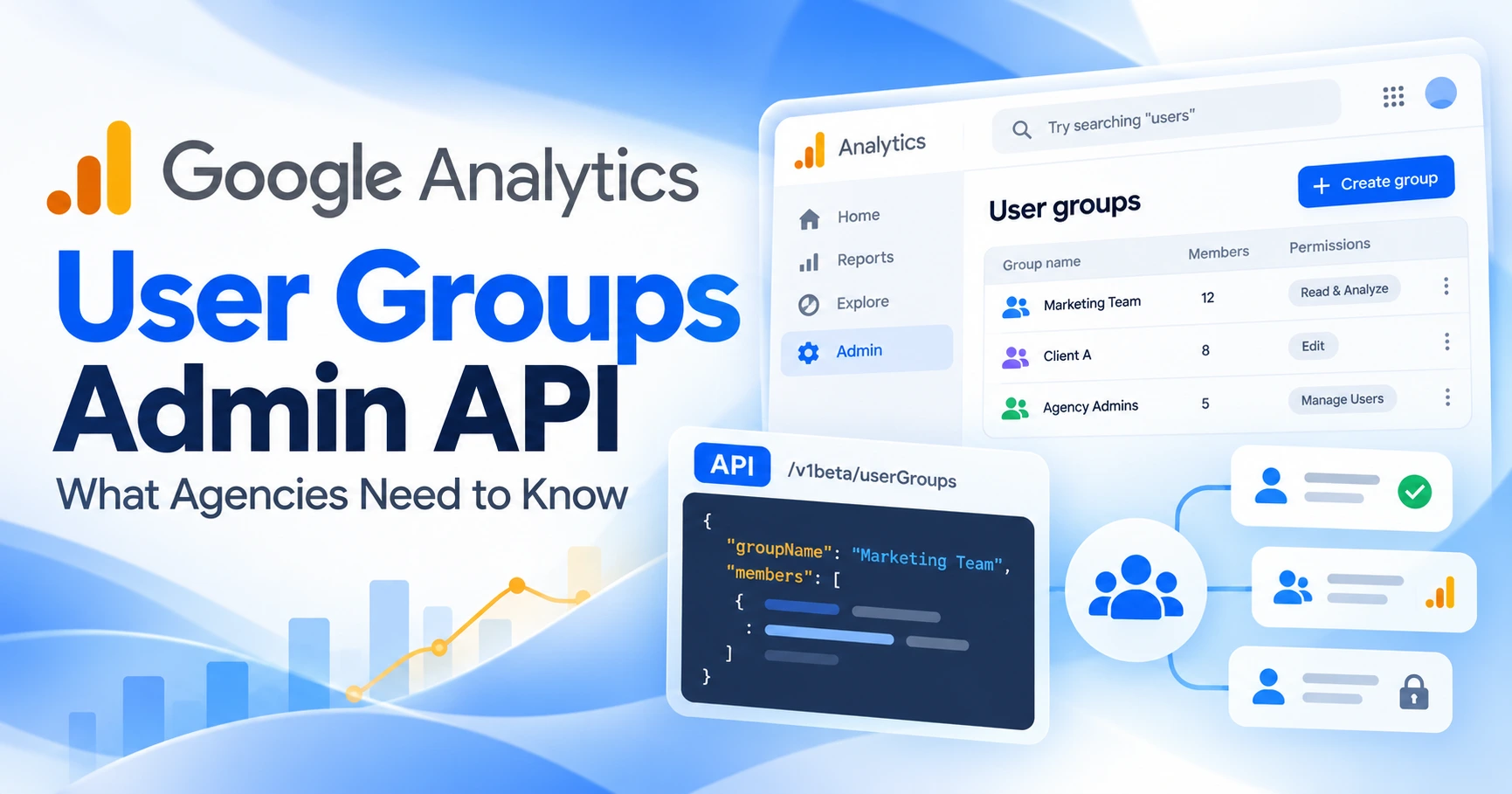
Google Analytics now lets you manage user groups through an API. In its October 5, 2026 release note, Google says the new User Groups Admin API lets you create, edit and delete groups, add or remove users, and set each person's group role to Member or Owner. Teams that manage many properties can now script group membership instead of editing it by hand. Google Analytics release notes.
There are some limits. The methods are in an alpha API, they operate on your Google Marketing Platform organization, and you need organization-level admin rights to use them.
What Google announced
According to the release note, the API lets you:
- Create, edit and delete user groups.
- Add users to groups and remove them.
- Give each member the Member or Owner role.
Google also says you need User Admin or Org Admin permissions on the organization to use these features.
User groups were not new on October 5. You can already create them in Analytics under Admin > Access management. Google's help center says your Analytics account must belong to an organization before you can create a group, and that a group's permissions apply at the level where you add it: a property-level group affects only that property, while an account-level group covers all properties in the account. Add, edit, and delete Analytics users and user groups.
The new part is managing those groups in code.
Where the API lives
The release note does not point to the Google Analytics Admin API. It links to the Google Marketing Platform Admin API, served from marketingplatformadmin.googleapis.com. Google added the methods to that API's v1alpha version on September 18, 2026, more than two weeks before the Analytics announcement. Developer changelog.
The changelog lists three sets of methods:
| Resource | Methods | What it manages |
|---|---|---|
organizations.userGroups | Get, List, Create, Update, Delete | The groups: a display name and description |
organizations.userGroups.members | Get, List, Create, Update, Delete | Who belongs to a group, and their role in it |
organizations.adminAccessBindings | Get, List, Create, Update | Organization roles (Org admin, User admin, Billing admin) for a user or group |
In the reference documentation, every one of these resources sits under organizations/*. Some details that matter for planning:
- Owner vs Member. Google's docs say an Owner "can add and remove group members", while a Member "receives all permissions assigned to the group". UserGroupMember reference.
- Nested groups. A group member can be a person (
userEmail) or another user group (userGroup). - No delete method for admin access bindings. The reference lists create, get, list and patch. It does not say how to remove an organization role through the API. AdminAccessBinding reference.
- Alpha status. Google describes alpha as "an unstable early preview stage". Field names and behavior may change.
The release note doesn't mention any limits on how many groups or members you can have, and the reference pages we checked don't list any either.
What it does not appear to do (yet)
Google's release note talks about managing user group access "to your Google Analytics properties and accounts at scale". The documented methods don't do that on their own. The new endpoints manage groups, members and organization roles. In the separate Google Analytics Admin API, access bindings for accounts and properties still assign roles to individual user emails only. That reference has no group field.
In practice, you would set up a group's Viewer, Analyst, Editor or Administrator access to a property in the Analytics interface. The API then manages who is in the group. If Google adds group access bindings at the property level, we will update this post.
Why this matters for agencies
Most agency access problems are slow manual processes, not technical bugs. Someone joins and gets added to twelve properties one at a time. Someone leaves and keeps Editor access to a client's GA4 for months. Groups help with both, and an API lets you tie them to the HR or project systems you already use.
Our recommendation: use groups to model roles, not individuals.
- Create groups by job, not by person. For example, "Client A – Analysts" and "Client A – Admins", with access granted once at the right account or property level in the Analytics interface.
- Treat membership as the thing you change. Onboarding adds a member to a group. Offboarding removes them. The property permissions stay the same.
- Keep owners few. Owners can change group membership, so give that role only to the people accountable for access.
- Check for direct grants too. Removing someone from a group doesn't remove access they were given individually. Review per-user access as part of offboarding.
- Plan for alpha changes. Keep scripts small, log every change, and make sure you can still do the same steps by hand in the interface.
Where UTM governance fits
Who can edit a GA4 property affects your campaign data directly. Editors can change channel groupings, data filters and other configuration that decides how UTM-tagged traffic is reported. One wrong change by a former contractor can make months of utm_medium data hard to compare.
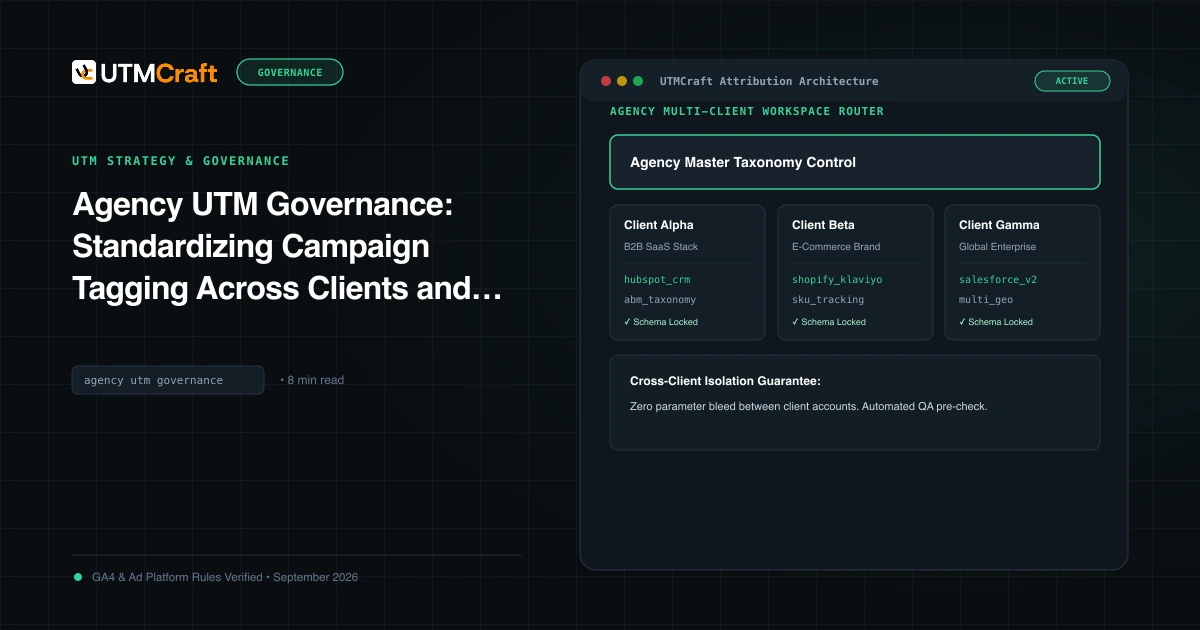
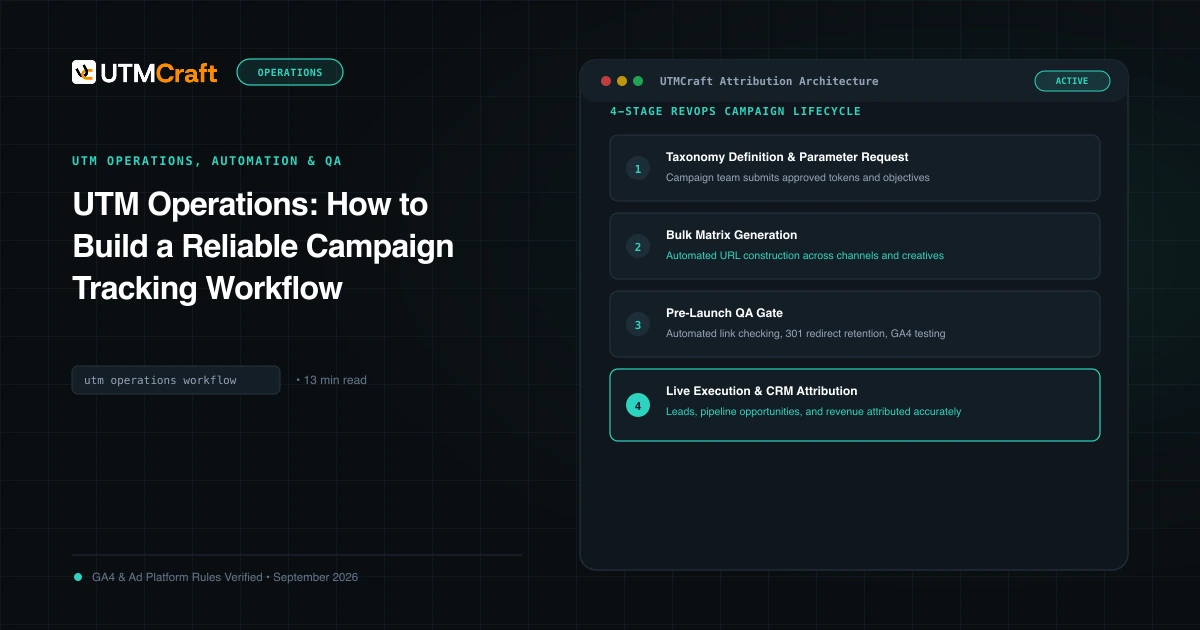
Make access part of the same governance you already apply to links. Our agency UTM governance guide covers who owns naming rules and approvals. The UTM operations workflow shows where review steps fit. For the mistakes that usually happen when ownership is unclear, see agency UTM mistakes.
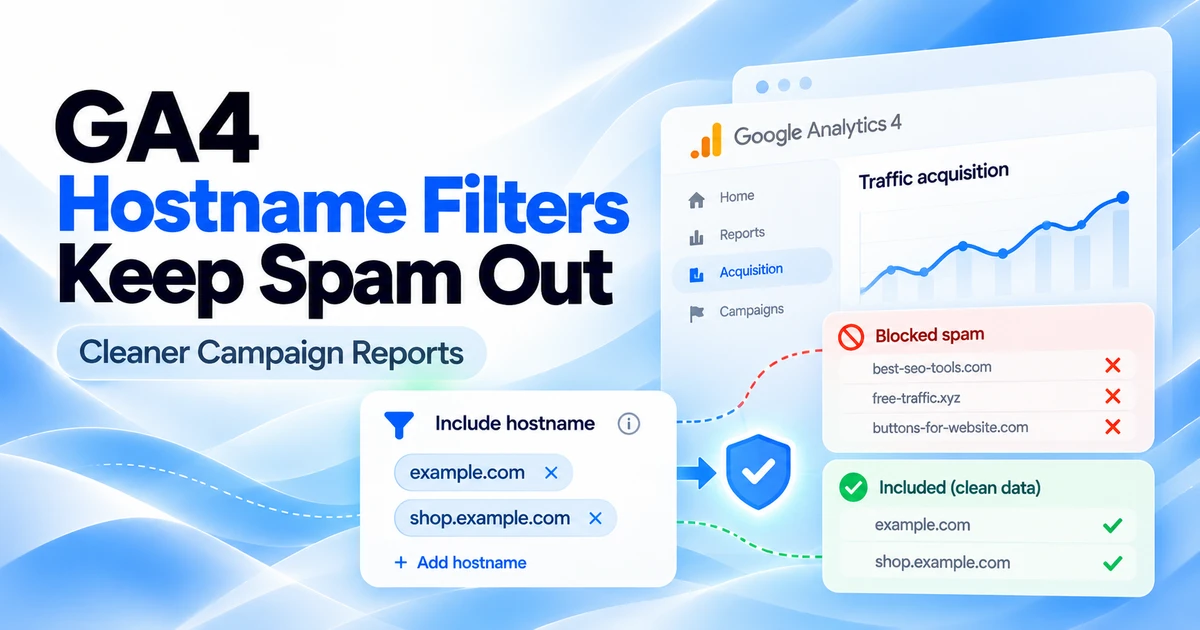
If a recent configuration change seems to have affected reporting, check it against Google's newer property-level behavior, such as hostname include filters, before you assume your tagging is wrong.
What to do now
- Confirm your Analytics accounts are linked to an organization. User groups need one.
- List who has User Admin or Org Admin rights on that organization. Those are the people who can use these APIs.
- Map your current access to a small set of role-based groups in the Analytics interface.
- If you have developers, test the v1alpha methods on a non-client group first, and keep the changelog on your watch list.
The goal is simple: anyone on your team should be able to say who can change a client's analytics setup, and why.
For the broader setup, read Discord Launches Ads Manager and Mobile Video Quests. Browse the Advertising News & Updates guides to choose another troubleshooting task.
References
- What's new in Google Analytics (release notes) (Google Analytics Help)
- Add, edit, and delete Analytics users and user groups (Google Analytics Help)
- Google Marketing Platform Admin API changelog (Google for Developers)
- Google Marketing Platform Admin API reference (Google for Developers)
- UserGroupMember reference (Google for Developers)
- AdminAccessBinding reference (Google for Developers)
- Google Analytics Admin API (Google for Developers)