

7 UTM Mistakes Agencies Make Across Client Accounts
Agency media buyers often introduce rogue taxonomy across client brands. Learn the 7 critical governance mistakes and how to standardize UTMs at scale.
Table of Contents
- Why Multi-Client Campaign Tracking Breaks
- The 7 Critical Agency UTM Mistakes
- 1. Allowing Media Buyers to Invent Ad-Hoc Naming
- 2. Ignoring Existing Client Taxonomy Rules
- 3. Hardcoding Agency Name in utm_source
- 4. Failing to Align UTMs with Client CRM Fields
- 5. Overwriting Client GCLID Auto-Tagging
- 6. Skipping Pre-Launch QA on Staging Sites
- 7. Managing Campaign Links in Decentralized Spreadsheets
- How to Standardize Agency Tracking Governance
- Frequently Asked Questions
When an agency takes over paid media for an enterprise client, tracking governance is often the first casualty. Individual media buyers introduce their personal tagging preferences, creating chaos in client GA4 properties and fracturing multi-touch attribution models.
Why Multi-Client Campaign Tracking Breaks
Agencies operate at high velocity across multiple ad networks. Without centralized tooling and clear client-specific taxonomy standards, media teams default to disorganized spreadsheets and ad-hoc naming.
The 7 Critical Agency UTM Mistakes
1. Allowing Media Buyers to Invent Ad-Hoc Naming
Every buyer has their favorite naming pattern. Without strict constraints, one client account ends up with four competing conventions across Google, Meta, and LinkedIn.
2. Ignoring Existing Client Taxonomy Rules
Clients often have downstream Business Intelligence (BI) pipelines in Snowflake or BigQuery dependent on legacy UTM patterns. Altering parameter patterns breaks executive reporting.
3. Hardcoding Agency Name in utm_source
Setting utm_source=agencyname instead of facebook or google ruins default channel classification. If you need agency attribution, use utm_content or a custom parameter.
4. Failing to Align UTMs with Client CRM Fields
If the client's Salesforce or HubSpot integration expects lowercase parameter values in hidden form fields, passing title-cased parameters breaks lead routing.
5. Overwriting Client GCLID Auto-Tagging
Configuring manual UTM templates that clash with Google Ads auto-tagging without proper account linking damages conversion imports.
6. Skipping Pre-Launch QA on Staging Sites
Launching ads directly into production without verifying link redirects or query parameter preservation causes instant attribution loss.
7. Managing Campaign Links in Decentralized Spreadsheets
Shared Google Sheets inevitably suffer from copy-paste typos, broken formulas, and version conflicts. Switch to automated URL generators.
How to Standardize Agency Tracking Governance
Establish a client-approved Taxonomy Agreement before launching campaigns, mandate automated URL builders, and audit 100% of live links using the UTMCraft UTM Checker.
Frequently Asked Questions
How should an agency track its own performance within UTM parameters?
Keep utm_source set to the platform (e.g., google) and utm_medium set to cpc. Include an agency identifier in utm_content (e.g. utm_content=agencyname_creativeA) or use a dedicated custom query parameter.
What is the easiest way to prevent agency tracking errors?
Lock down an organizational UTM builder that automatically sanitizes casing, replaces spaces with hyphens, and validates channel grouping compliance.
Sources & Authoritative References
- Google Analytics 4 account structure (Google Support)
Related Measurement Guides
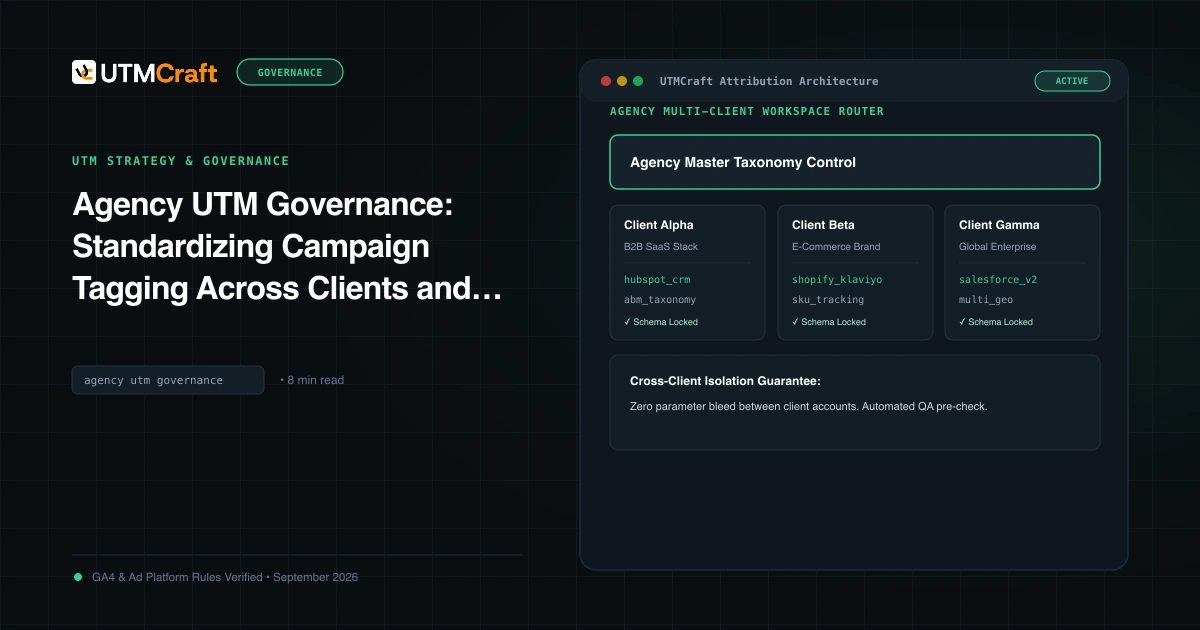
Agency UTM Governance: Standardizing Campaign Tagging Across Clients and Teams
How digital agencies manage UTM tracking governance across multiple client accounts, media teams, and ad platforms without breaking GA4 attribution.
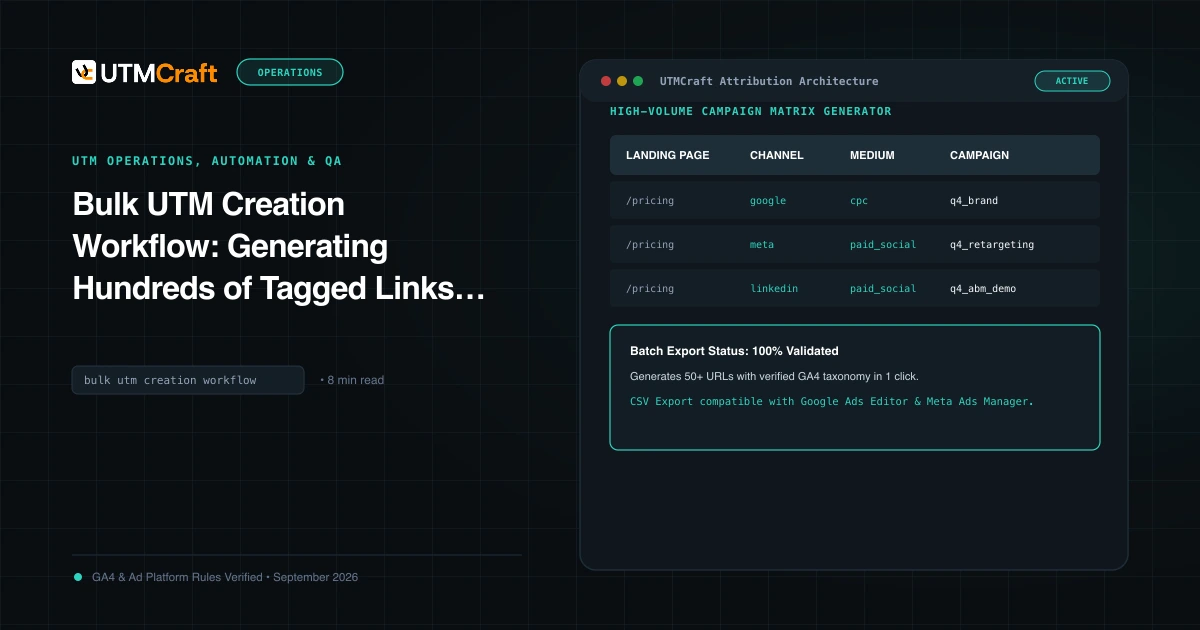
Bulk UTM Creation Workflow: Generating Hundreds of Tagged Links Without Errors
Learn how to generate hundreds of UTM tracking links in minutes without errors. Standardize bulk campaign matrix creation across multiple channels.
15 UTM Tracking Mistakes That Ruin Your GA4 Data (and How to Fix Them)
Discover the 15 most destructive UTM tracking mistakes breaking GA4 attribution, causing Unassigned traffic, and corrupting ad ROI—with actionable fixes.