

Agency UTM Governance: Standardizing Campaign Tagging Across Clients and Teams
How digital agencies manage UTM tracking governance across multiple client accounts, media teams, and ad platforms without breaking GA4 attribution.
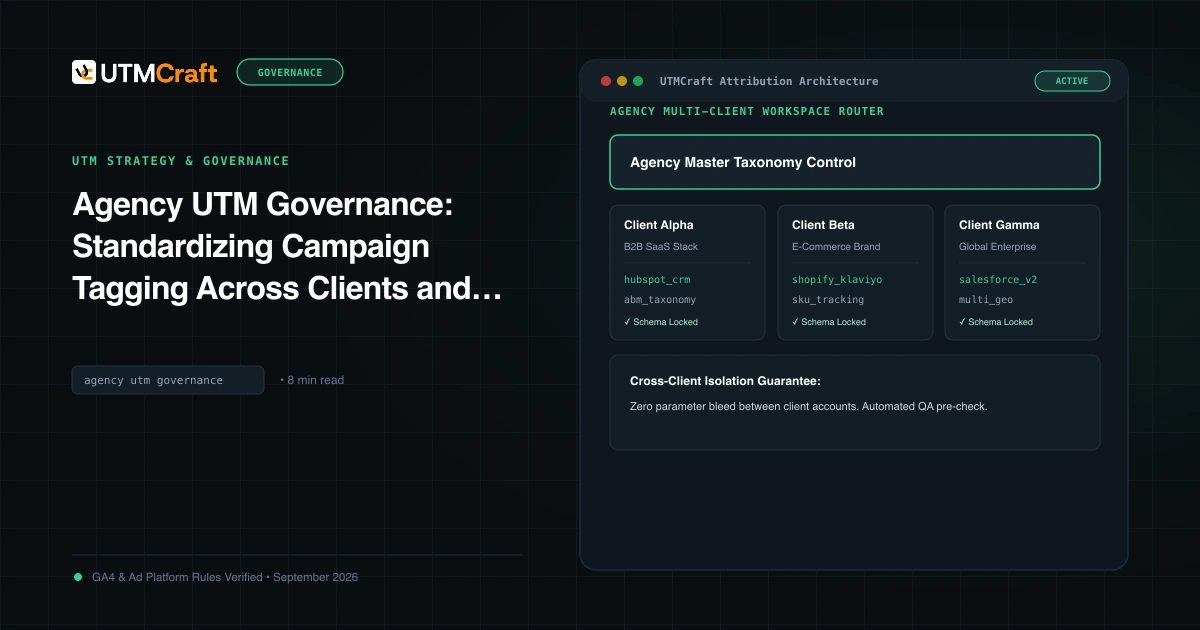
Table of Contents
For digital agencies, tracking errors are not just an internal analytics inconvenience—they are a client retention risk. When an agency's media buyers tag paid social campaigns with non-standard UTMs that land in GA4 "Unassigned," the client's executive dashboard fails to reflect return on ad spend (ROAS), triggering uncomfortable budget meetings.
The Multi-Client Attribution Dilemma
Agencies face unique operational hurdles that in-house teams rarely encounter:
- Diverse Client Tech Stacks: Client A uses Shopify + GA4; Client B uses HubSpot + Salesforce; Client C runs custom headless single-page applications that strip query parameters on client-side routing.
- Frequent Team Rotations: Junior media planners and contractors frequently create ad sets without knowing historical account conventions.
- Conflicting Attribution Models: In-platform ad manager ROAS (Meta 7-day click) rarely matches client GA4 data-driven last-click numbers, confusing clients when UTM tracking fails.
The 4-Part Agency Tracking Governance Framework
Top-performing agencies establish standardized tracking contracts across four operational pillars:
Never allow buyers to type freeform values. Maintain dedicated preset profiles for each client account in your link generator, locking utm_source, utm_medium, and delimiter patterns to client-approved standards.
2. Dynamic Platform Macros as Agency Standard: Use dynamic ValueTrack tokens in Google Ads ({campaignid}, {keyword}) and Meta tokens ({{campaign.id}}, {{adset.id}}). This guarantees that client campaign renaming in ad managers never breaks tracking links in flight.
3. Mandatory Pre-Flight QA Gate: No campaign goes live until an independent QA specialist or peer tester audits the finalized landing page URL with UTM Checker to verify HTTP 200 response and query string retention.
4. Monthly Acquisition Cleanliness Audits: Run monthly scans in the client's GA4 property to ensure that less than 1% of total sessions land in "Unassigned" or "(not set)".
Client Onboarding Tracking Audit Checklist
During the first week of any new client engagement, run this 5-point attribution audit:
- Check Redirect Behavior: Test whether
https://client.com/?utm_source=testredirects to trailing slashes orwwwand strips parameters along the way. - Inspect Cookie Consent Banners: Verify that OneTrust or Cookiebot does not block analytics tracking scripts from recording initial landing page query parameters before user consent.
- Verify GCLID Auto-Tagging Status: In Google Ads and GA4 Admin, check whether auto-tagging is enabled and whether manual UTMs override GCLID values.
- Review CRM Hidden Fields: Inspect landing page forms to see which UTM parameters are captured into CRM lead properties (e.g. HubSpot First Touch).
Sources & Authoritative References
- Google Analytics 4 Multi-Account Management (Google Analytics Help)
Related Measurement Guides
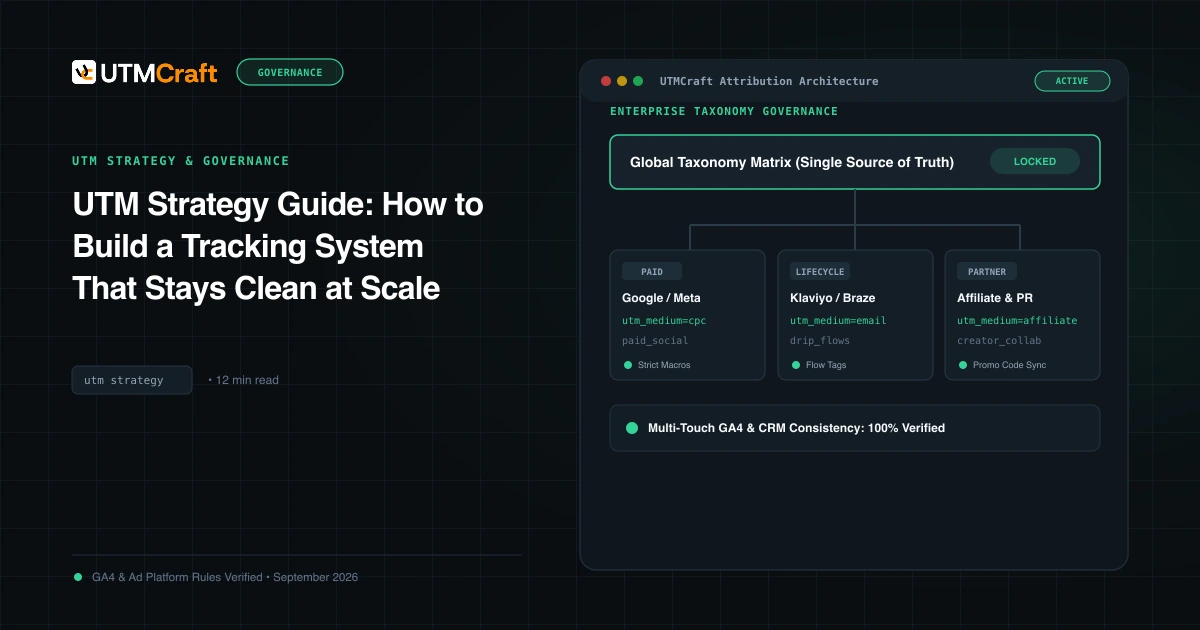
UTM Strategy Guide: How to Build a Tracking System That Stays Clean at Scale
Learn how to build an enterprise-grade UTM tracking strategy. Prevent fragmented GA4 reports, establish naming standards, and enforce governance at scale.
Pre-Launch UTM QA Checklist: 16 Steps to Prevent Broken Campaign Attribution
Prevent broken tracking before you launch. A comprehensive 16-step quality assurance checklist for validating UTM links, redirects, casing, and GA4 DebugView.
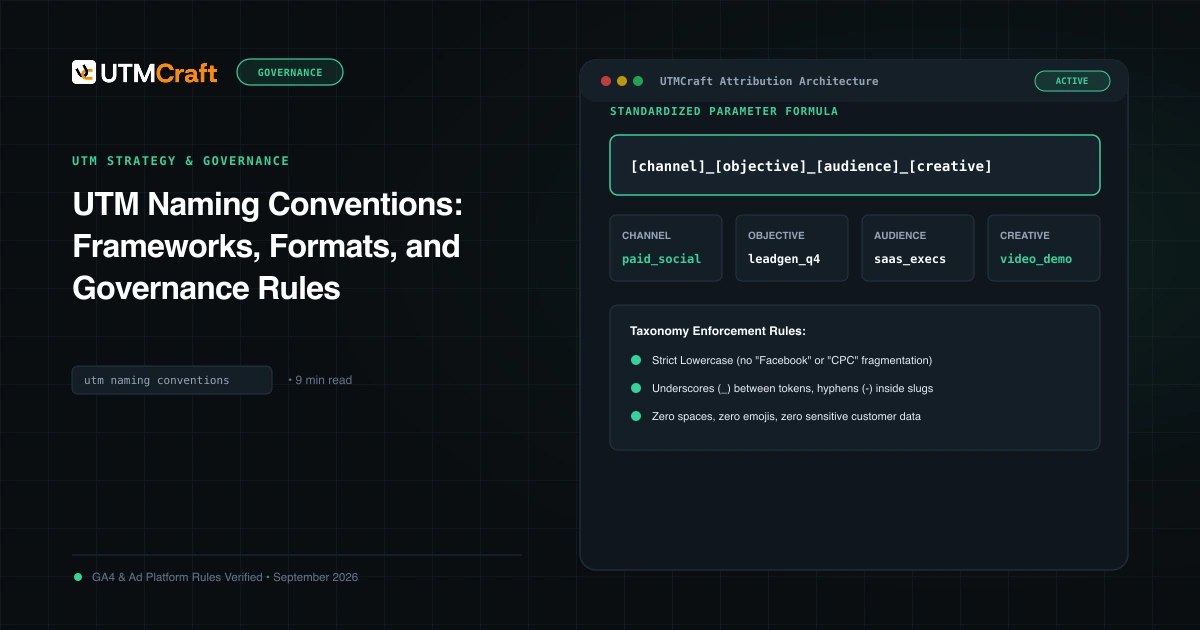
UTM Naming Conventions: Frameworks, Formats, and Governance Rules
Master UTM naming conventions. Discover field-tested campaign naming formulas, delimiter rules, case-sensitivity guidelines, and downloadable taxonomy SOPs.