

LinkedIn Dynamic Tracking Parameters: CAMPAIGN_ID, AD_SET_ID, and AD_ID Guide
Learn how to use LinkedIn dynamic URL parameters: CAMPAIGN_ID, CAMPAIGN_NAME, AD_SET_ID, and AD_ID. Complete syntax rules and CRM mapping.
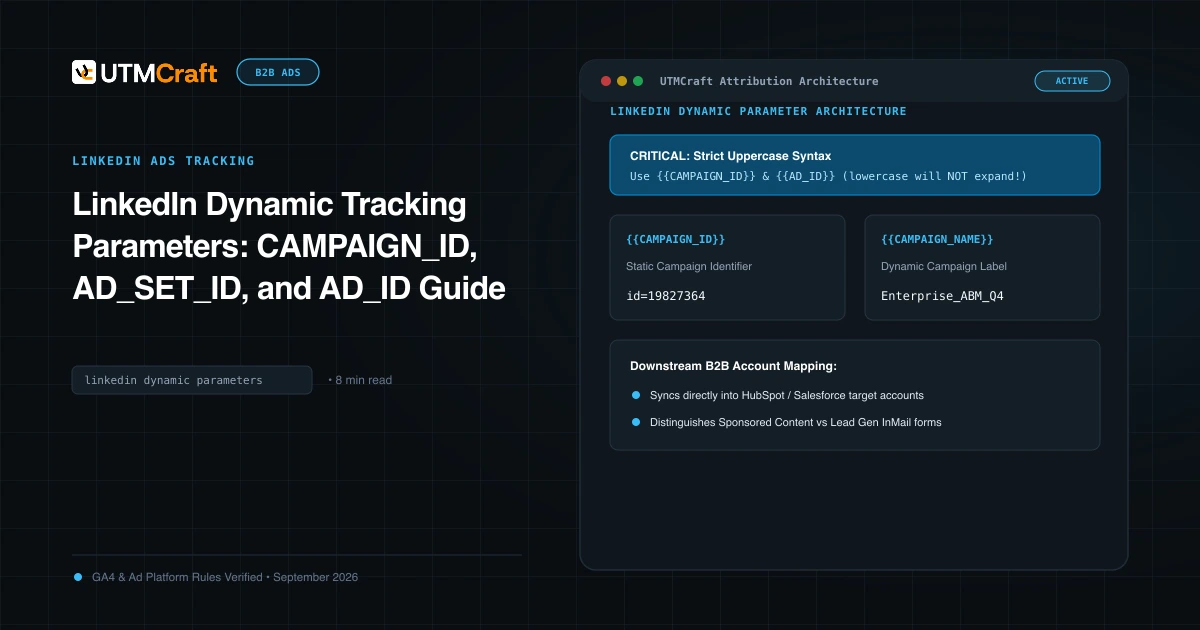
Table of Contents
LinkedIn's dynamic URL parameters allow B2B performance marketers to scale ad creative testing without manually tagging every single ad link. Understanding the exact syntax requirements ensures that your parameters expand reliably at click time.
Complete List of LinkedIn Dynamic Tracking Tokens
LinkedIn Campaign Manager supports the following dynamic tokens:
{{CAMPAIGN_ID}}- The unique numerical ID for the campaign.{{CAMPAIGN_NAME}}- The campaign name as set in Campaign Manager.{{AD_SET_ID}}- The unique numerical ID for the ad set.{{AD_SET_NAME}}- The ad set name.{{AD_ID}}- The unique numerical ID for the ad creative.{{AD_NAME}}- The ad creative name.{{ACCOUNT_ID}}- The numerical ID of the ad account.{{ACCOUNT_NAME}}- The name of the ad account.
Critical Syntax Rules: Case and Braces
Never lowercase LinkedIn tokens. While Meta uses {{campaign.name}}, LinkedIn requires {{CAMPAIGN_NAME}}. If you use lowercase, LinkedIn treats it as ordinary text and will literally pass {{campaign_name}} into the browser address bar.
Mapping Dynamic Parameters to CRM Lead Properties
In B2B lead generation, pass these parameters into hidden form inputs:
utm_campaignmaps to First Touch Campaign Name.utm_idmaps to First Touch Campaign ID.utm_contentmaps to First Touch Ad Creative.utm_termmaps to First Touch Audience / Ad Set.
This allows your RevOps team to run closed-won revenue reports in Salesforce or HubSpot by specific LinkedIn audience segment.
How to QA LinkedIn Dynamic Links Before Publishing
Click "Preview" on your LinkedIn ad in Campaign Manager. Note: in preview mode, LinkedIn does not expand dynamic parameters. To verify live expansion, launch the ad with a minimal test budget ($5), click the live ad in your LinkedIn feed from a personal account, and verify that the destination URL in your browser address bar contains the actual campaign and ad names.
Sources & Authoritative References
- Dynamic URL Parameters in LinkedIn Campaign Manager (LinkedIn Help Center)
Related Measurement Guides
LinkedIn Ads UTM Tracking Guide: Dynamic Tokens, B2B Attribution & Campaign Setup
Complete guide to LinkedIn Ads UTM tracking. Configure dynamic URL parameters (CAMPAIGN_ID, AD_SET_ID, AD_ID), B2B hierarchy, and GA4 Paid Social reporting.
LinkedIn Ads UTM Tracking: B2B Attribution & Hierarchy Setup Guide
Learn how to configure LinkedIn Ads UTM tracking across Campaign Groups, Campaigns, and Ads. Best practices for GA4 Paid Social channel mapping.
Meta Dynamic URL Parameters: {{campaign.name}}, {{adset.name}}, and {{ad.name}} Guide
Master Meta dynamic URL parameters. Learn syntax rules, how tokens expand at click time, and how to prevent raw token strings from appearing in GA4.