Listen to this article
Audio summary · 1 min 41 sec
Table of Contents
- A Pinterest UTM template you can adapt
- Which Pinterest dynamic parameters should you use?
- Add URL parameters in Pinterest Ads Manager
- Find Pinterest campaign results in GA4
- Connect Pinterest cost data to GA4
- Test the landing journey before relying on the report
- Troubleshoot missing or unexpected Pinterest tracking
- Why Pinterest and GA4 conversion totals can differ
- Pinterest campaign tracking checklist
- Pinterest UTM tracking questions
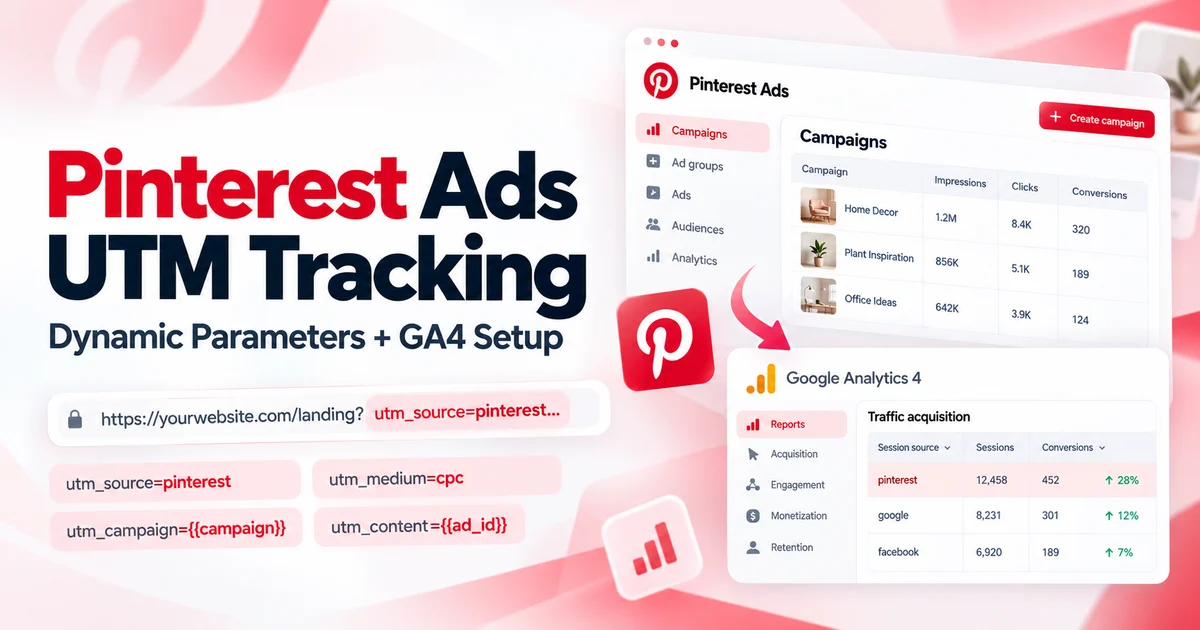
To track Pinterest Ads in GA4, add UTM parameters to your ad destination URLs, use supported dynamic tokens for campaign and ad IDs, and verify the resulting visits in session acquisition reports. Start with utm_source=pinterest and a consistent paid medium such as paid_social. Those values label the visit; your website still needs working GA4 collection and conversion events.
The template below is a suggested tracking convention, not a required Pinterest default. Examples use fictional destinations and IDs. Platform documentation was checked on October 8, 2026.
A Pinterest UTM template you can adapt
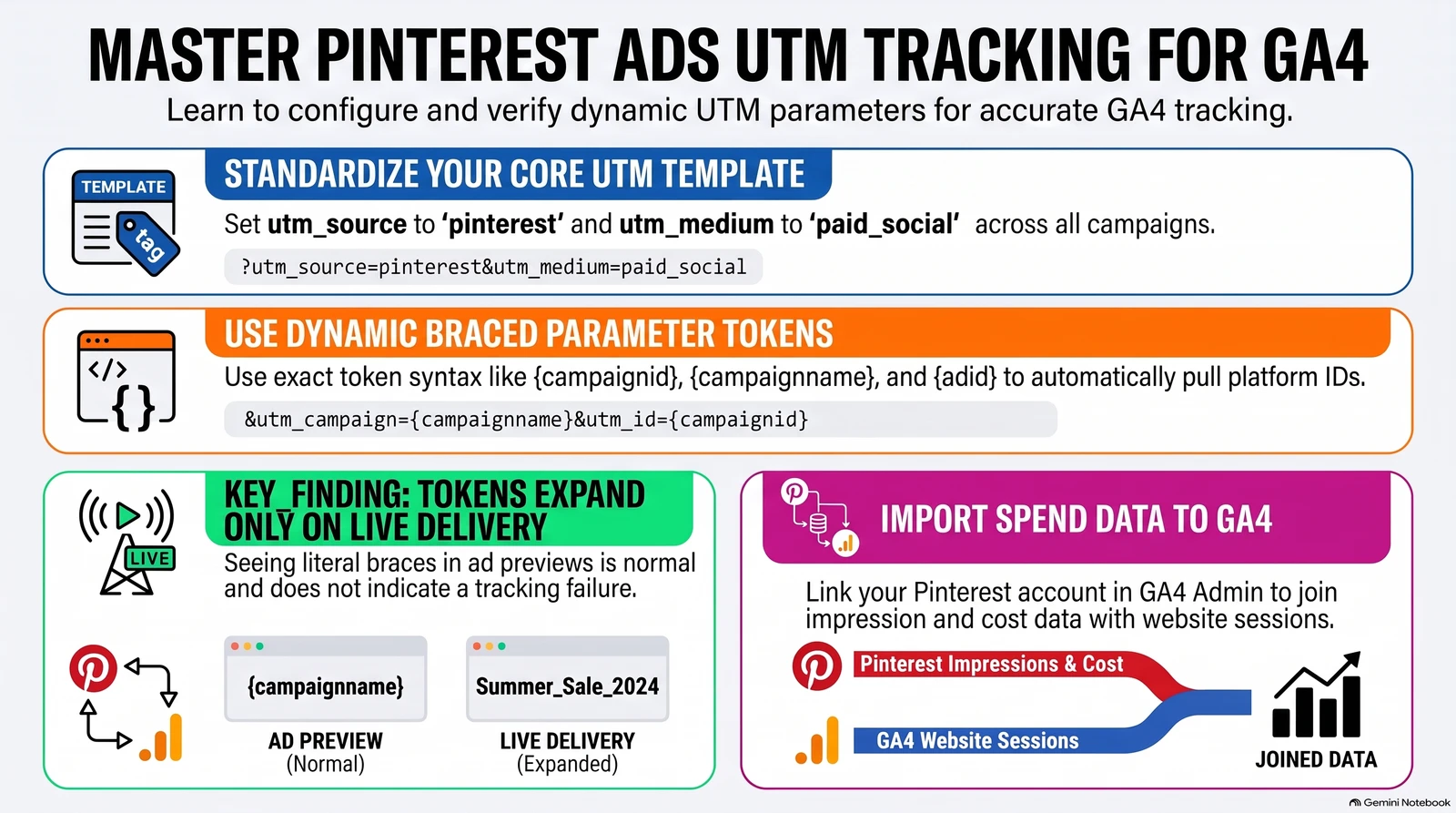
utm_source=pinterest&utm_medium=paid_social&utm_campaign={campaignname}&utm_id={campaignid}&utm_content={adid}&utm_term={adgroupid}Enter the values into Pinterest’s URL-parameter settings, or append the string to a destination URL with ?. If a query already exists, use &. Replace the destination with your actual landing page. The literal braces belong in the ad template; the advertiser’s IDs and names should replace them in the delivered visit.
| Parameter | Suggested value | Reporting purpose |
|---|---|---|
utm_source | pinterest | Keep paid Pinterest traffic under one source label. |
utm_medium | paid_social | Use one approved paid medium across the account. |
utm_campaign | {campaignname} | Readable campaign label. |
utm_id | {campaignid} | Stable campaign identifier for matching and joins. |
utm_content | {adid} | Identify the Pin promotion that generated the visit. |
utm_term | {adgroupid} | Optional ad-group identifier under this convention. |
Using utm_term for an ad-group ID is an editorial convention here; it does not turn that ID into a search keyword. Document the meaning in your campaign log. See the GA4 UTM parameter guide for the wider field mapping.
A complete landing URL
https://example.com/lighting?collection=desk&utm_source=pinterest&utm_medium=paid_social&utm_campaign={campaignname}&utm_id={campaignid}&utm_content={adid}&utm_term={adgroupid}Keep useful destination parameters such as collection=desk. Choose lowercase campaign names in the advertising account, for example autumn_desk_lighting; a name token is not an instruction to normalize the text.
Which Pinterest dynamic parameters should you use?
Pinterest lists the following tokens for standard ad destination URLs. Match syntax exactly, including braces. Pinterest’s dynamic tracking reference
| Token | Value supplied |
|---|---|
{campaignid} | Campaign ID |
{campaignname} or {campaign_name} | Campaign name |
{adgroupid} | Ad-group ID |
{adgroupname} or {ad_group_name} | Ad-group name |
{adid} or {creative_id} | Pin promotion ID |
{device} | t, c, or m for tablet, computer, or mobile |
Do not transplant the longer parallel-tracking token list into every destination field. Shopping has additional product tokens, including {product_id}. Pinterest explicitly says {keyword} is unsupported for tracking links. Use the list for the campaign format you are configuring.
A preview is not an expansion test. Pinterest says dynamic tokens expand when an ad is live and served, not when a promoted Pin is previewed. Literal braces in that preview alone do not establish a tracking failure.
Favor IDs where you need reliable joins to an advertising export. Keep the name as a readable label and maintain an ID-to-name lookup. That makes comparisons easier if colleagues rename campaigns or reuse similar names.
Add URL parameters in Pinterest Ads Manager
Pinterest supports account-wide settings, campaign settings, and Performance+ ad-group settings. Choose the scope deliberately: an account-wide change can affect unrelated campaigns. Official URL-parameter setup instructions
Account-wide setup
- Open Business Manager → Ad accounts and choose the account.
- In Settings, enable automatic URL parameters for current and future campaigns.
- Edit Parameter settings, review the fields, and save the approved values.
Campaigns and Performance+
For a standard campaign, use its URL tracking section. Performance+ uses Include URL parameters at ad-group level. Inspect those settings when duplicating or changing campaigns.
Check feeds first: Pinterest’s automatic parameters do not override manually tagged destination or product-feed URLs. A feed with utm_medium=paid can retain that value even if your automatic setting says paid_social. Align the feed and account convention before rollout.
Keep one owner for each UTM field. Log the feed, destination, and parameter settings together so a later edit does not reintroduce conflicting tags.
Find Pinterest campaign results in GA4
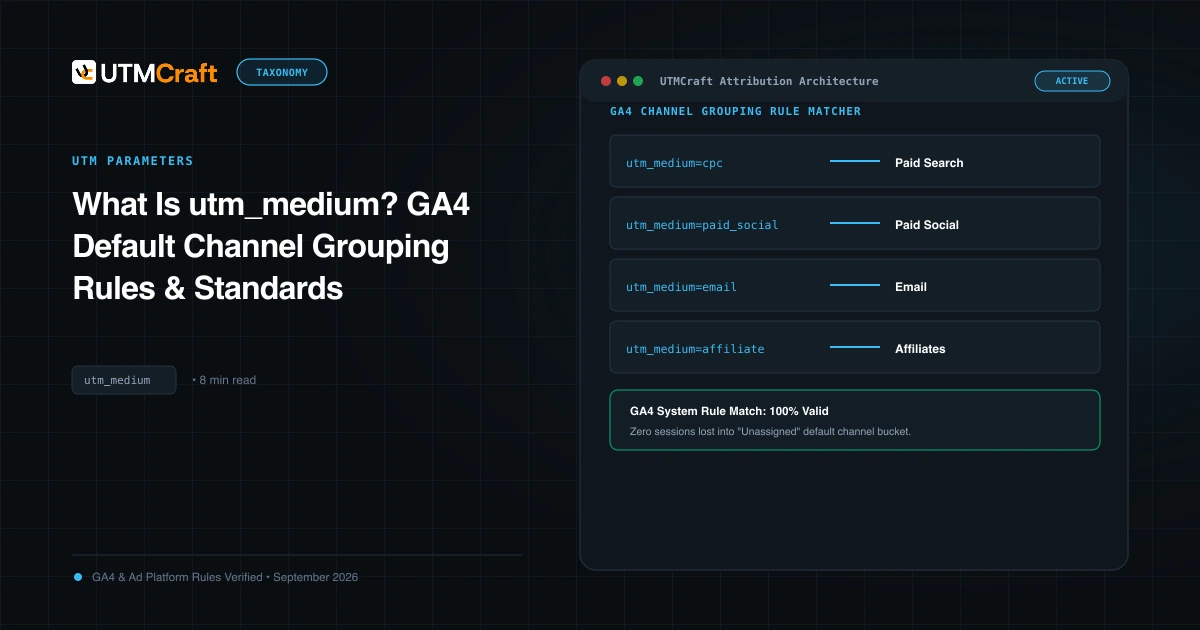
Open Reports → Acquisition → Traffic acquisition, select Session source / medium, and filter for pinterest / paid_social. Use Session campaign to compare campaigns. Navigation can differ with your report collection. Traffic acquisition report reference
For a focused review, build an Exploration filtered to the same source and medium. Add session campaign and, where available, session manual ad content or session manual term. Compare sessions, engaged sessions, your selected key event, and purchase revenue where ecommerce collection is configured. Manual campaign dimensions
Use the right scope: first-user dimensions describe initial acquisition, session dimensions describe visits, and event attribution answers a different conversion-credit question. A returning customer’s first-user source need not become Pinterest. Google’s scope explanation
Read how to find utm_content and utm_term in GA4 if the creative and ad-group fields are missing from your report.
Should Pinterest ads appear as Paid Social?
Google’s current source-category list includes pinterest as social, and paid_social matches its paid-medium rule. That supports Paid Social classification for manual tagging, but other channel rules can affect the result. Inspect the actual session channel rather than treating a medium as a forced label. Default channel rules and source list
Keep organic Pin links separate—for example, with utm_medium=social. For wider conventions, see choosing a GA4-compatible UTM medium.
Connect Pinterest cost data to GA4
UTMs do not supply advertising spend. Google documents a Pinterest connection for importing campaign cost, clicks, and impressions. In GA4, start with Admin → Product links → Pinterest Links; the documented import flow is also under Data import → Campaign data → Pinterest.
You need an Editor role in GA4 and Pinterest business and advertising accounts. Match the import’s source and medium exactly to your paid URL values; Google recommends campaign name and utm_id as well. Check for overlapping previous cost imports before connecting, because the sources are not deduplicated automatically. Google’s Pinterest connection guide
Use the advertising campaign ID, not an invented internal code, when your workflow needs matching by platform campaign ID. UTMs, imported spend, and website purchase events are separate inputs: verify each before interpreting return on ad spend.
Test the landing journey before relying on the report
- Validate the destination. Check that the page opens and existing product or offer parameters still work.
- Inspect the query. Each UTM key should have one intended value. Check redirects, feeds, and automatic settings together.
- Test collection separately. Use a fully resolved test URL with recognizable static values to check GA4. This does not prove Pinterest token substitution.
- Verify actual ad delivery. Check a delivered click for expanded IDs and names. Keep that check separate from the preview limitation.
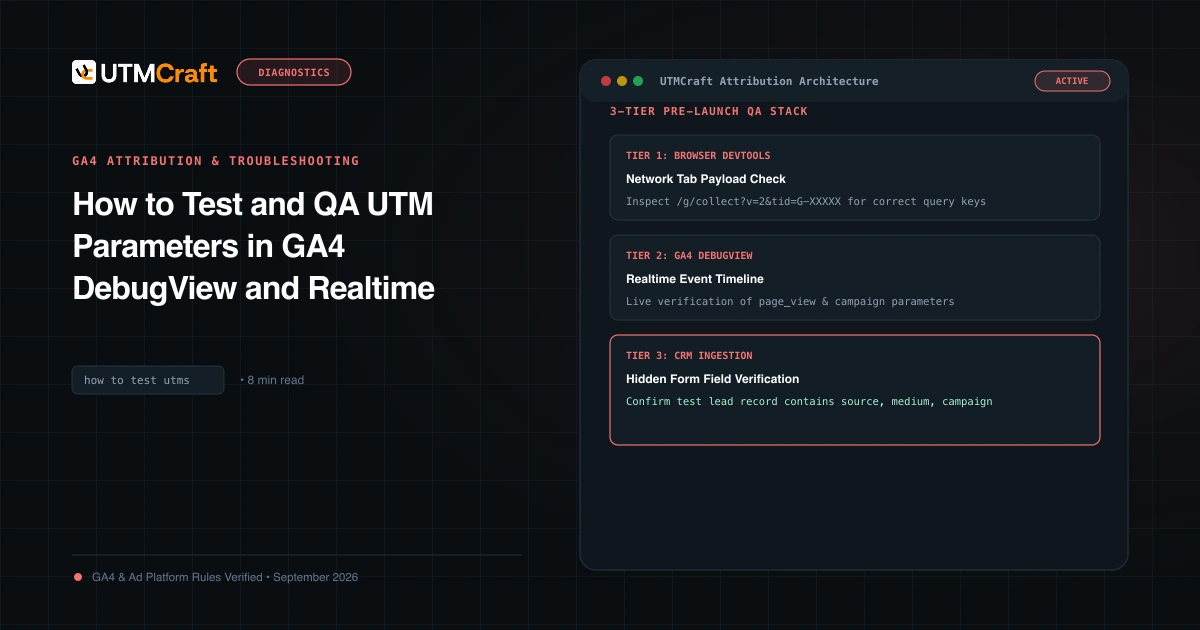
- Check measurement. Enable debug mode with Tag Assistant, inspect the landing event’s page location, and complete an authorized test action.
- Review processed results. Confirm source, medium, campaign, and your selected event in the appropriate report.
DebugView requires debug mode, and privacy or consent controls can affect what appears there. DebugView guidance Google says many reports can take 24–48 hours to process. Collection and processing guidance
A resolved test URL could look like this; the numbers are fictional, not a platform test result:
https://example.com/lighting?utm_source=pinterest&utm_medium=paid_social&utm_campaign=autumn_desk_lighting&utm_id=123456&utm_content=789012&utm_term=345678Use the UTM checker to inspect URL structure, then follow the GA4 UTM testing workflow for collection checks. A URL checker cannot prove live macro expansion or analytics receipt.
Troubleshoot missing or unexpected Pinterest tracking
| Symptom | First check | Next action |
|---|---|---|
| Tokens remain in a preview URL | Preview versus delivered ad click | Verify live delivery before changing supported syntax. |
| Medium differs from the account setting | Destination and catalog-feed UTMs | Align manual values with the approved convention. |
| GA4 campaign is missing | Final landing query and collected page location | Trace the redirect or script that removes parameters. |
| Traffic is in an unexpected channel | Actual session source, medium, and campaign | Compare with current rules; check custom channel settings. |
| Spend does not join to visits | Import configuration and campaign ID | Match source/medium values and investigate overlapping imports. |
| Visits appear, purchases do not | Purchase-event collection | Test the purchase independently of acquisition tagging. |
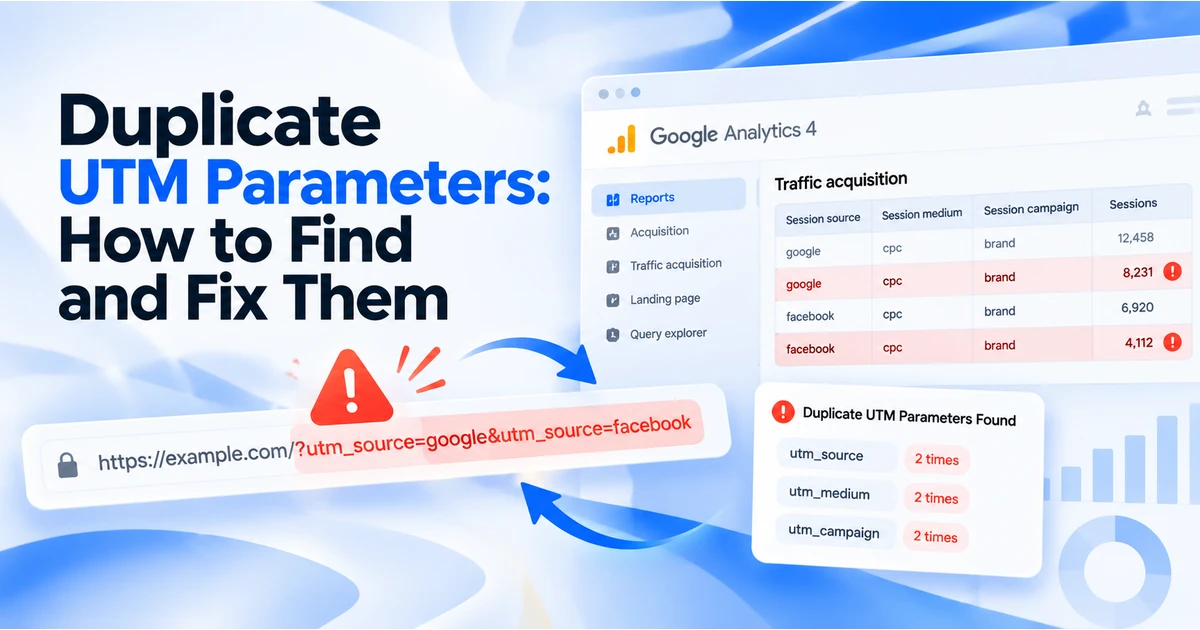
For redirect losses, read preserving UTMs through redirects. For repeated fields, use the duplicate UTM repair guide. Diagnose the actual journey before blaming the reporting channel.
Why Pinterest and GA4 conversion totals can differ
Pinterest’s Conversion insights documentation explains that third-party analytics does not see all activity on Pinterest, including ad views. A view followed by a later visit through another channel can therefore produce different attribution. Pinterest’s reporting explanation
Compare the same conversion definition, date range, currency, time zone, and selected attribution settings. Record whether the metric is a click, session, key event, or attributed purchase; those are not interchangeable. Use transaction records to investigate purchase counts, then evaluate credit allocation separately.
Changing a UTM cannot make GA4 observe an ad impression on Pinterest. Nor should you assume that every discrepancy is expected: missing purchase events and stripped campaign parameters still need fixing.
Pinterest campaign tracking checklist
- One approved source and paid medium.
- Campaign name and platform campaign ID included.
- Supported destination tokens for the chosen format.
- Feed and manually tagged URLs reviewed.
- Resolved delivered-click URL recorded.
- Landing and conversion collection checked.
- Session report and optional cost-import mapping verified.
Do not put customer names, email addresses, or other personal identifiers into tracking URLs. Google’s PII guidance
Pinterest UTM tracking questions
Do UTM parameters replace the Pinterest tag?
No. UTMs label incoming links for analytics systems that collect them. They do not install Pinterest’s conversion measurement or create website events. Configure and test each measurement system separately.
Can I use a campaign name instead of a campaign ID?
You can use the name token for utm_campaign. Keep the platform ID in utm_id when you need matching to campaign data. These fields serve different purposes.
Can an organic Pin use the same URL as a promoted Pin?
It can reach the same page, but identical paid UTM tags would label those visits as paid. Review organic and promoted distribution separately before reusing a tagged URL.
Prepare your static values with the UTMCraft campaign URL builder, then configure dynamic fields in Pinterest’s own settings and validate the delivered result.
For the broader setup, read Complete UTM Parameters Guide for GA4: Manual Campaign Dimensions & Best Practices. Browse the UTM Parameters guides to choose another troubleshooting task.
References
- Add URL parameters to Pinterest ads (Pinterest Business Help)
- Supported Pinterest dynamic parameters (Pinterest Business Help)
- Connect Pinterest to Google Analytics (Google Analytics Help)
- Pinterest Conversion insights and reporting differences (Pinterest Business Help)
- GA4 manual tagging and traffic-source dimensions (Google Analytics Help)
- GA4 Traffic acquisition report (Google Analytics Help)
- Scopes of traffic-source dimensions (Google Analytics Help)
- Default channel group rules and source-category list (Google Analytics Help)
- Monitor events in DebugView (Google Analytics Help)
- Confirm that you are collecting data (Google Analytics Help)
- Avoid sending personally identifiable information (Google Analytics Help)