

LinkedIn Ads UTM Tracking Guide: Dynamic Tokens, B2B Attribution & Campaign Setup
Complete guide to LinkedIn Ads UTM tracking. Configure dynamic URL parameters (CAMPAIGN_ID, AD_SET_ID, AD_ID), B2B hierarchy, and GA4 Paid Social reporting.
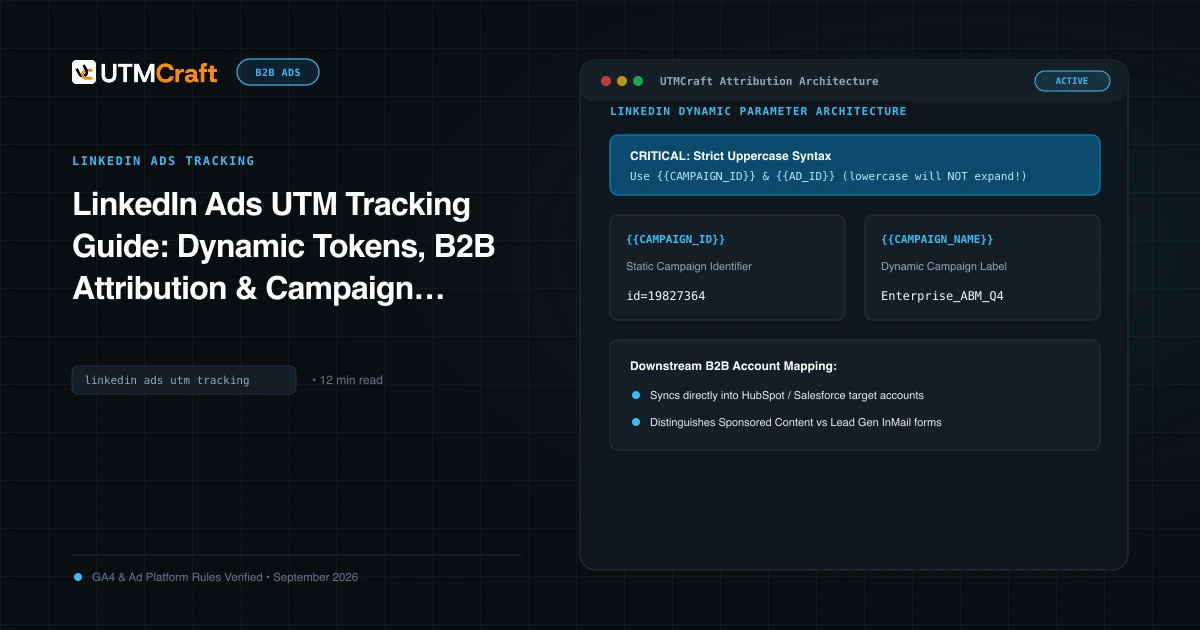
Table of Contents
- LinkedIn Dynamic Tracking: Moving Beyond Manual Links
- Supported Dynamic Parameters Reference Table
- The Production LinkedIn UTM Parameter String
- Sponsored Content vs Lead Gen Forms Tracking
- Syntax Alert: Uppercase Inside Double Braces
- Passing LinkedIn Attribution into HubSpot and Salesforce
- Frequently Asked Questions
Historically, LinkedIn Campaign Manager lacked native dynamic tracking macros, forcing B2B marketers to manually append parameters to every ad link. Today, LinkedIn natively supports dynamic URL tracking parameters across its campaign hierarchy. This guide covers how to implement dynamic LinkedIn tracking to fuel clean GA4 reporting and pipeline attribution in your CRM.
LinkedIn Dynamic Tracking: Moving Beyond Manual Links
LinkedIn's dynamic parameter feature enables Campaign Manager to automatically populate campaign names, campaign IDs, ad set details, and ad creative identifiers at the exact moment a prospect clicks an ad. This eliminates the risk of human copy-paste errors and ensures your B2B attribution remains structured across quarters.
Supported Dynamic Parameters Reference Table
LinkedIn supports dynamic macros that resolve at click time. Note that unlike Meta's lowercase syntax, LinkedIn requires uppercase tokens inside double curly braces:
| LinkedIn Dynamic Macro | Dynamic Output at Click Time | Recommended UTM Mapping |
|---|---|---|
{{CAMPAIGN_ID}} |
Unique numerical identifier of the campaign | utm_id={{CAMPAIGN_ID}} |
{{CAMPAIGN_NAME}} |
Name of the campaign in Campaign Manager | utm_campaign={{CAMPAIGN_NAME}} |
{{AD_SET_ID}} |
Unique numerical ID of the ad set | Custom parameter: adset_id={{AD_SET_ID}} |
{{AD_SET_NAME}} |
Name of the ad set / audience group | utm_term={{AD_SET_NAME}} |
{{AD_ID}} |
Unique numerical ID of the creative | Custom parameter: ad_id={{AD_ID}} |
{{AD_NAME}} |
Name of the specific ad creative | utm_content={{AD_NAME}} |
{{ACCOUNT_ID}} |
LinkedIn Ad Account numerical ID | Custom parameter: li_account={{ACCOUNT_ID}} |
{{ACCOUNT_NAME}} |
Name of the LinkedIn Ad Account | Custom parameter: li_account_name={{ACCOUNT_NAME}} |
The Production LinkedIn UTM Parameter String
In LinkedIn Campaign Manager, when creating or editing an ad, configure your landing page URL parameters as follows:
utm_source=linkedin&utm_medium=paid_social&utm_campaign={{CAMPAIGN_NAME}}&utm_content={{AD_NAME}}&utm_term={{AD_SET_NAME}}&utm_id={{CAMPAIGN_ID}}Sponsored Content vs Lead Gen Forms Tracking
LinkedIn offers two primary ad conversion mechanisms with distinct tracking considerations:
- Sponsored Content (Traffic to Website): Prospects click through to your landing page. The dynamic UTM parameters append to the URL and fire directly in GA4 and your CRM form capture scripts.
- LinkedIn Lead Gen Forms: Prospects fill out an instant form inside the LinkedIn mobile app without visiting your website. Here, UTM parameters do not pass to GA4 via the browser. Instead, integrate LinkedIn Lead Gen Forms directly with HubSpot or Salesforce via Zapier, Make, or native CRM integrations, mapping
{{CAMPAIGN_NAME}}and{{CAMPAIGN_ID}}directly to CRM lead properties.
Syntax Alert: Uppercase Inside Double Braces
LinkedIn requires tokens to be uppercase: {{CAMPAIGN_NAME}}. If you write {{campaign_name}} or {{campaign.name}}, LinkedIn will not recognize the token and will pass the literal unexpanded text into your landing page URL.
Passing LinkedIn Attribution into HubSpot and Salesforce
Because LinkedIn traffic carries high B2B intent with expensive cost-per-click ($8 to $25+ CPC), capturing attribution at the deal level is vital. Configure hidden form fields on your website to capture utm_source, utm_campaign, and utm_id. When a prospect requests a demo, these parameters flow into HubSpot/Salesforce, allowing RevOps to calculate pipeline and closed-won revenue generated by specific LinkedIn campaigns.
Frequently Asked Questions
Does LinkedIn Campaign Manager support dynamic URL parameters?
Yes. LinkedIn natively supports dynamic tracking macros across its hierarchy, including {{CAMPAIGN_NAME}}, {{CAMPAIGN_ID}}, {{AD_SET_NAME}}, {{AD_SET_ID}}, {{AD_NAME}}, and {{AD_ID}}. Note that LinkedIn strictly requires these tokens to be enclosed in double curly braces and written in uppercase.
What source and medium should I use for LinkedIn Sponsored Content?
Always use utm_source=linkedin and utm_medium=paid_social (or cpc). This ensures Google Analytics 4 automatically buckets your visits under the Paid Social default channel group.
Why does LinkedIn traffic sometimes appear as referral in GA4?
If you launch ads without appending UTM parameters to the destination URL, GA4 reads the incoming HTTP referrer header (e.g. linkedin.com) and categorizes the visits under Organic Social or generic Referral, completely obscuring paid ad performance.
How do I track LinkedIn Lead Gen Form submissions with UTMs?
Because Lead Gen Forms are hosted inside LinkedIn's mobile app, users never navigate to your website. To capture campaign attribution, connect LinkedIn Lead Gen Forms to HubSpot, Salesforce, or Marketo using LinkedIn's native CRM partner integration or webhooks, mapping campaign tokens directly to CRM lead properties.
Sources & Authoritative References
- URL Tracking in LinkedIn Campaign Manager (LinkedIn Help Center)
- Dynamic URL Parameters in Campaign Manager (LinkedIn Help Center)
Related Measurement Guides
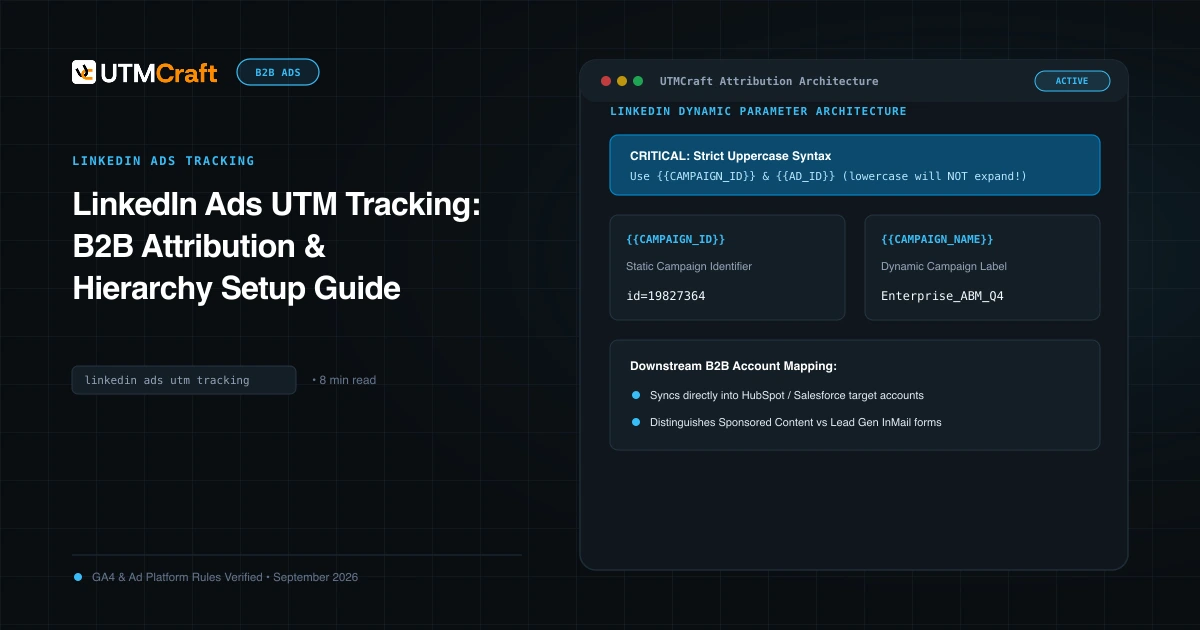
LinkedIn Ads UTM Tracking: B2B Attribution & Hierarchy Setup Guide
Learn how to configure LinkedIn Ads UTM tracking across Campaign Groups, Campaigns, and Ads. Best practices for GA4 Paid Social channel mapping.
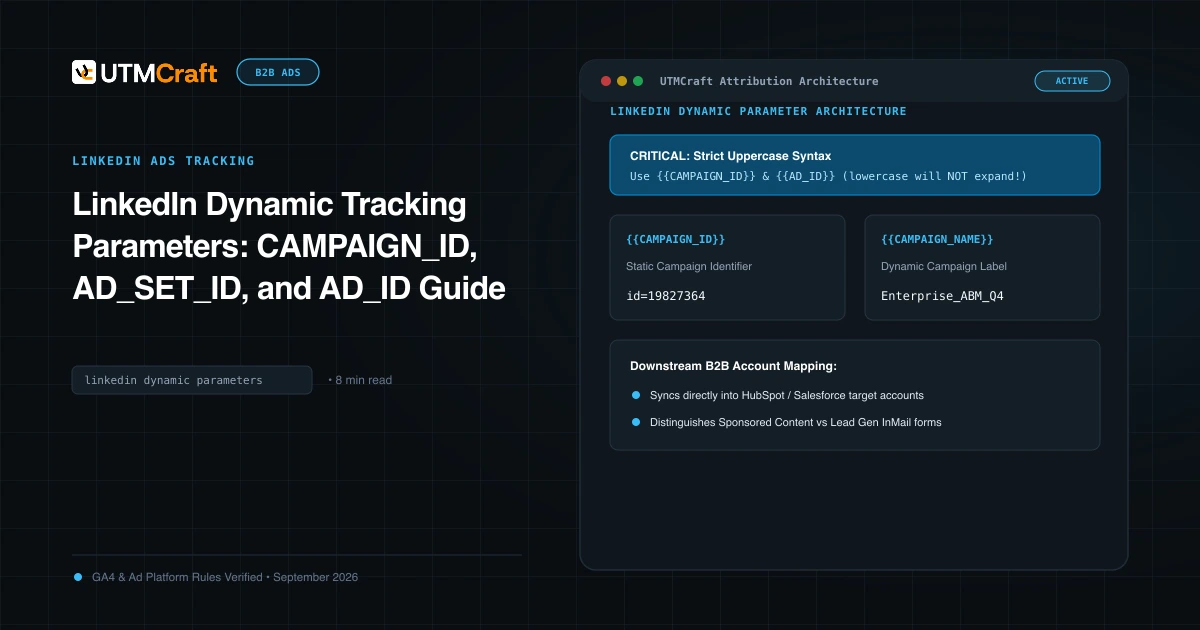
LinkedIn Dynamic Tracking Parameters: CAMPAIGN_ID, AD_SET_ID, and AD_ID Guide
Learn how to use LinkedIn dynamic URL parameters: CAMPAIGN_ID, CAMPAIGN_NAME, AD_SET_ID, and AD_ID. Complete syntax rules and CRM mapping.
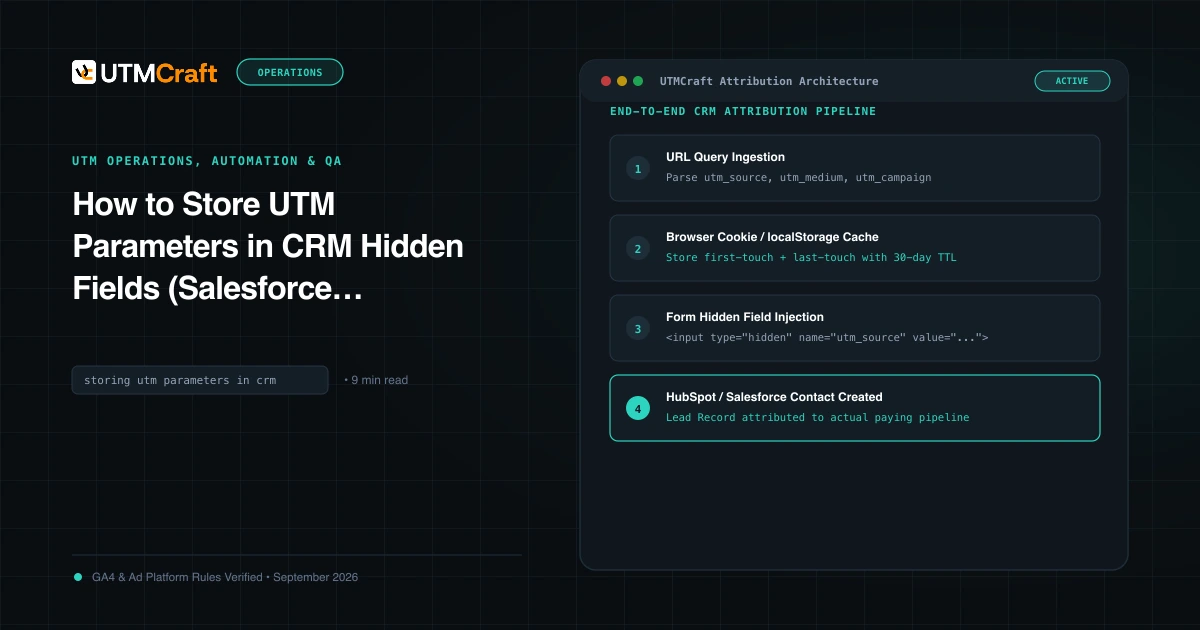
How to Store UTM Parameters in CRM Hidden Fields (Salesforce, HubSpot & Forms)
Complete guide on capturing UTM parameters in hidden form fields and syncing attribution into Salesforce, HubSpot, and Zoho CRM without losing data.