

5 Redirect Mistakes That Strip UTM Parameters and GCLIDs
Discover how 301 server redirects, HTTP-to-HTTPS hops, and trailing-slash mismatches silently erase campaign parameters and turn paid ads into Direct.
Reviewed by UTMCraft Editorial Team
Last reviewed
Table of Contents
- Why Redirects Silently Destroy Campaign Attribution
- The 5 Critical Redirect Tracking Mistakes
- 1. Server 301 Redirects Without Query String Append (QSA)
- 2. HTTP to HTTPS Protocol Upgrades Dropping Parameters
- 3. Trailing Slash Mismatches (/landing vs /landing/)
- 4. CDN Edge Rules Stripping Unrecognized Query Strings
- 5. Client-Side JavaScript Redirects That Forget window.location.search
- Server Configuration Fixes for Apache and Nginx
- Frequently Asked Questions
You spend thousands on advertising, verify that your campaign URLs are tagged flawlessly, and launch. Yet when you check GA4, 100% of your visitors appear under Direct / (none). The culprit is almost always an intermediate server redirect that silently strips the query string.
Why Redirects Silently Destroy Campaign Attribution
When a web server returns an HTTP 301 (Moved Permanently) or 302 (Found) status code, it sends a Location header instructing the browser where to go next. If the server does not explicitly re-append the incoming query string to the new location, the browser requests the target page completely stripped of UTMs.
The 5 Critical Redirect Tracking Mistakes
1. Server 301 Redirects Without Query String Append (QSA)
In Apache web servers, rewrite rules without the [QSA] flag discard incoming query parameters upon redirection.
2. HTTP to HTTPS Protocol Upgrades Dropping Parameters
Ad links pointing to http://example.com that redirect to https://example.com can drop parameters if the SSL redirection rule is misconfigured.
3. Trailing Slash Mismatches (/landing vs /landing/)
Most content management systems (WordPress, Webflow) enforce canonical trailing slashes. Advertising /promo?utm_source=... causes the CMS to redirect to /promo/?utm_source=.... If poorly coded, the query parameters disappear.
4. CDN Edge Rules Stripping Unrecognized Query Strings
Aggressive CDN caching rules (Cloudflare, Fastly) configured to optimize cache hit ratios may strip query strings before passing requests to your origin server.
5. Client-Side JavaScript Redirects That Forget window.location.search
Single Page Apps executing window.location.href = '/new-page' without appending window.location.search erase campaign attribution instantly.
Server Configuration Fixes for Apache and Nginx
In Apache, ensure rewrite rules append query strings:
RewriteRule ^old-page$ /new-page [R=301,L,QSA]In Nginx, always include $is_args$args:
return 301 https://example.com/new-page$is_args$args;Frequently Asked Questions
How can I tell if a redirect is stripping my UTM parameters?
Open an incognito browser window, open DevTools Network tab, paste your tagged URL, and check the 301/302 response Location header. If the query string is absent in the Location URL, your parameters are being stripped.
Does a 301 redirect pass Google Ads GCLID?
Only if your server redirect configuration preserves query strings. Otherwise, the GCLID is stripped and your paid search click becomes Direct.
Sources & Authoritative References
- RFC 9110: HTTP Semantics - Redirection 3xx (IETF)
- Apache Module mod_rewrite Documentation: Flag QSA (Apache Software Foundation)
Related Measurement Guides
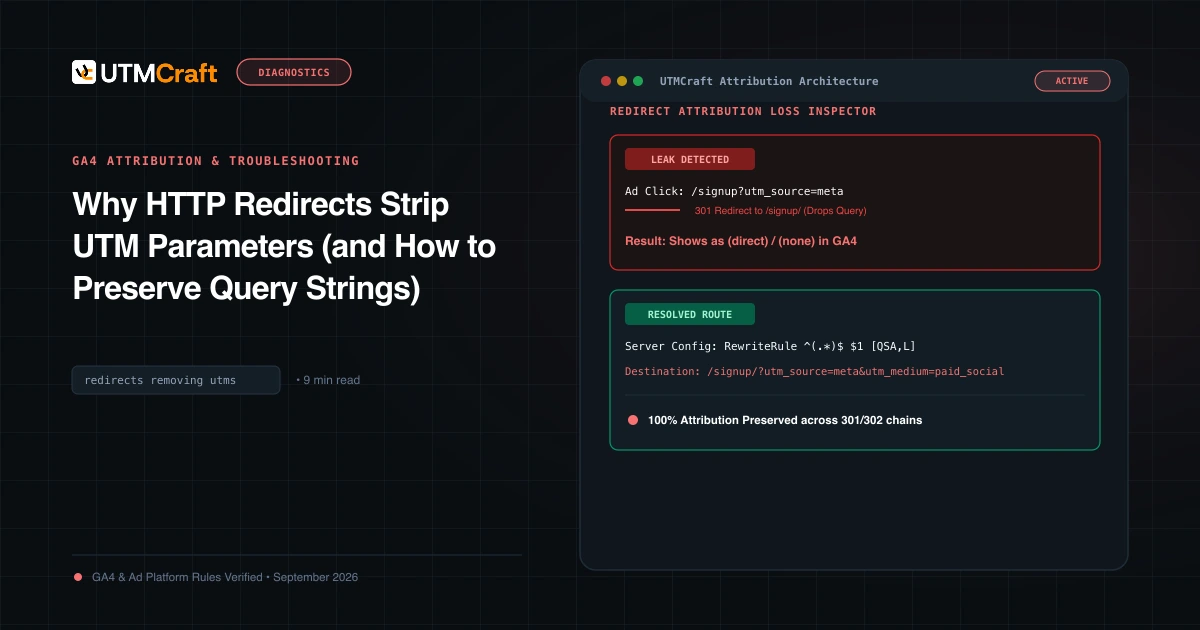
Why HTTP Redirects Strip UTM Parameters (and How to Preserve Query Strings)
Learn why HTTP 301 and 302 redirects drop UTM parameters, converting paid campaigns into Direct traffic, and how to configure servers to preserve query strings.
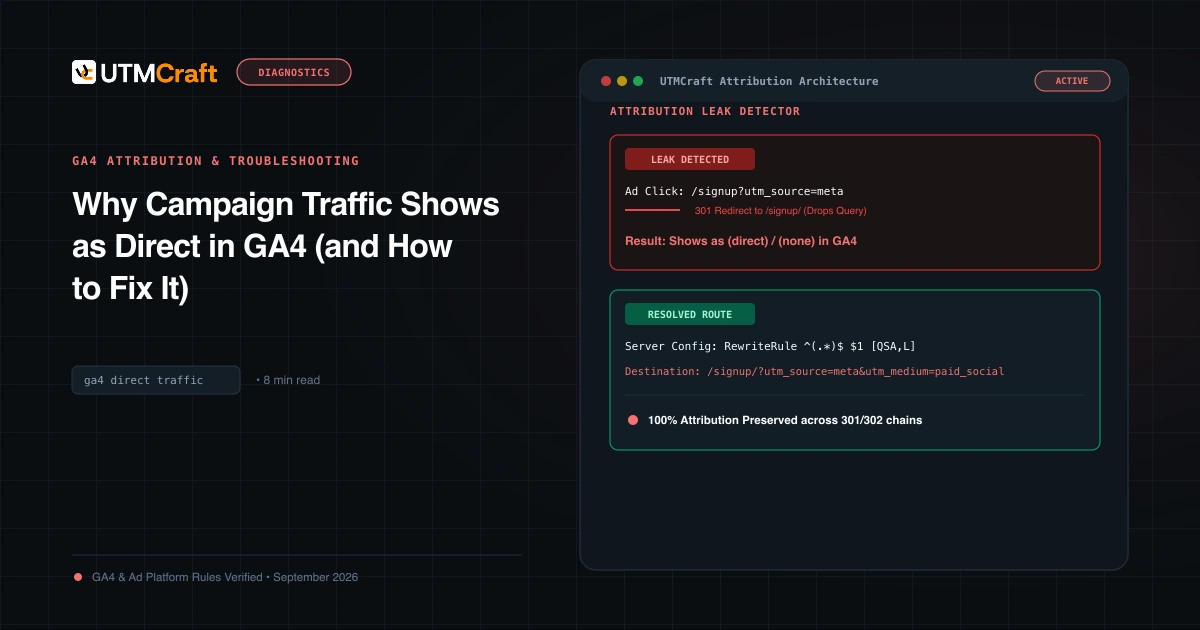
Why Campaign Traffic Shows as Direct in GA4 (and How to Fix It)
Why is your paid traffic showing as Direct in GA4? Learn the 7 primary causes of false direct traffic, redirect parameter loss, and how to recover attribution.
15 UTM Tracking Mistakes That Ruin Your GA4 Data (and How to Fix Them)
Discover the 15 most destructive UTM tracking mistakes breaking GA4 attribution, causing Unassigned traffic, and corrupting ad ROI—with actionable fixes.