

Why Campaign Traffic Shows as Direct in GA4 (and How to Fix It)
Why is your paid traffic showing as Direct in GA4? Learn the 7 primary causes of false direct traffic, redirect parameter loss, and how to recover attribution.
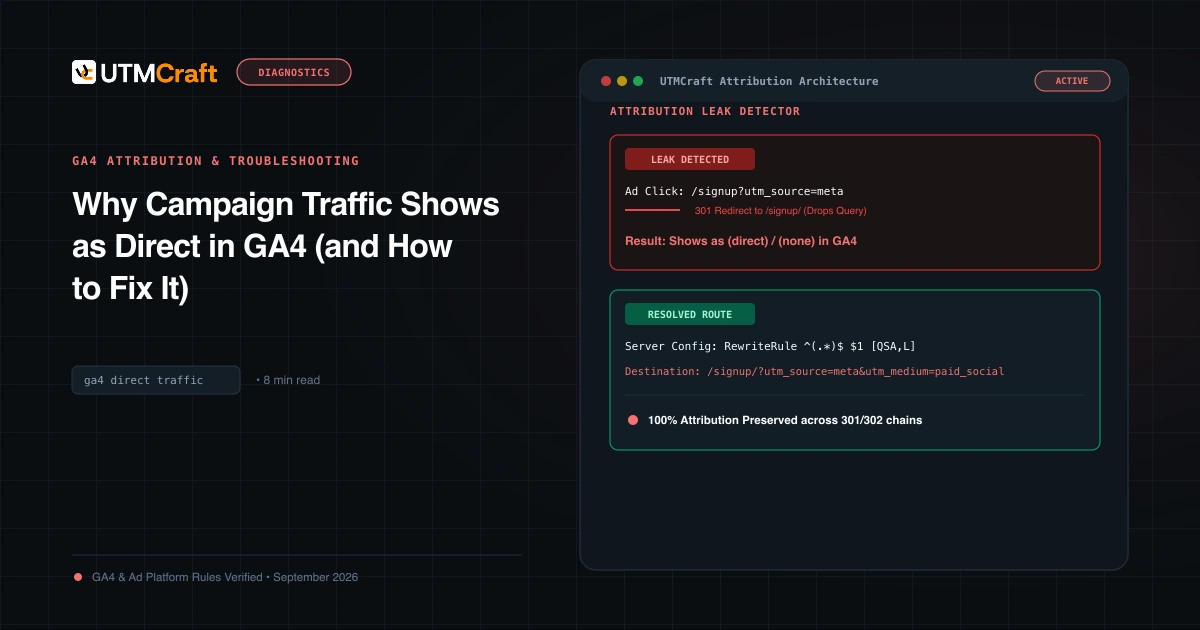
Table of Contents
In GA4, "Direct" is not a marketing channel—it is an admission of failure. It indicates that Google Analytics received a session hit with zero referrer data and zero campaign parameters. When you spend ad budget and your traffic lands in Direct, your return on investment becomes invisible.
What "Direct" Actually Means in GA4
A session is labeled as Direct / (none) only when both of the following are true:
- The HTTP
Refererrequest header is null or empty. - The landing URL contains no valid
utm_source,gclid, or recognized advertising click identifiers.
The 7 Culprits Converting Paid Clicks to Direct
- Server-Side 301/302 Redirects: Redirecting from non-www to www or http to https without passing the query string.
- Missing Trailing Slashes: Requesting
example.com/blogwhen the server enforcesexample.com/blog/. - Mobile Apps & Messaging Webviews: Clicks from WhatsApp, Slack, SMS, or WeChat often open in webviews that strip the referrer header. Without UTMs, they become 100% Direct.
- Document Referrer Policy: If your marketing partner uses
Referrer-Policy: no-referrer, your analytics cannot see the source domain unless UTMs are attached. - Untagged Email Campaigns: Sending newsletters without
utm_medium=email. Desktop clients like Outlook never pass HTTP referrers. - QR Codes Without Parameters: Pointing a physical QR code to a plain URL without UTM tags.
- Single Page App Client-Side Rewrites: A JavaScript router stripping query parameters before GA4 initializes.
How to Inspect Redirection in Browser DevTools
Open Developer Tools > Network tab > Enable "Preserve log". Paste your campaign link and press Enter. Watch the first row: if the status is 301 or 302, click it and look at the Response Headers > Location. If the UTM query string is missing in the Location header, your server is the culprit.
How to Eliminate False Direct Traffic
Enforce strict URL hygiene across all teams: every link shared off-site must pass through a standardized builder, use verified canonical paths (with exact trailing slashes), and include complete UTM tracking.
Sources & Authoritative References
- Default Channel Grouping in GA4 (Google Analytics Help)
Related Measurement Guides
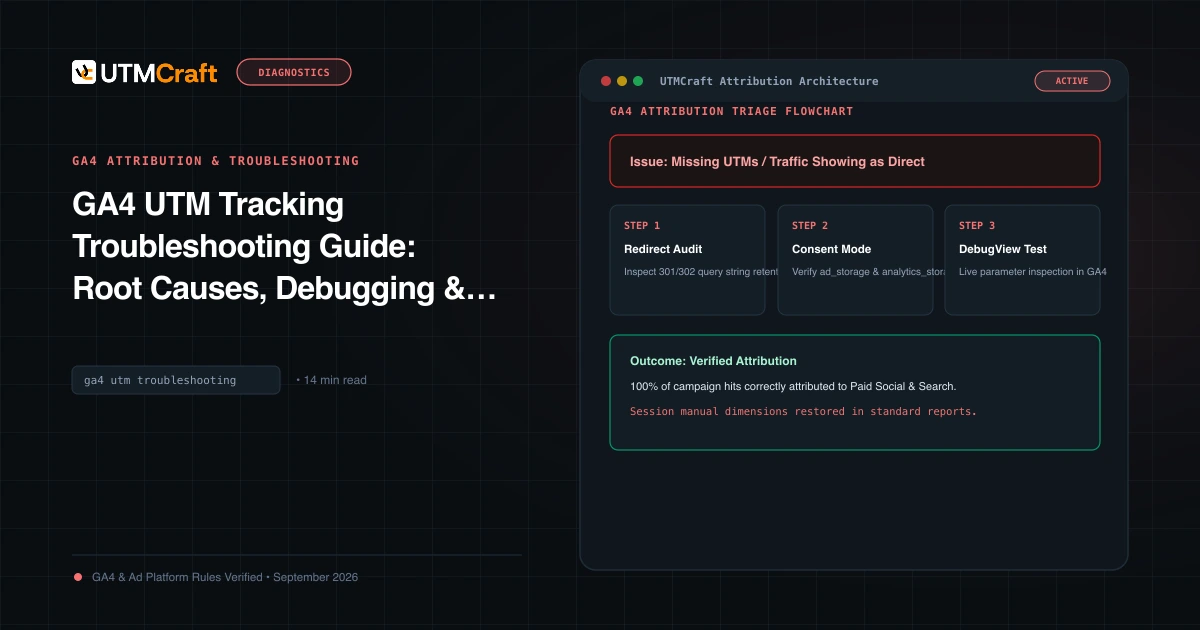
GA4 UTM Tracking Troubleshooting Guide: Root Causes, Debugging & Solutions
Diagnose and fix broken UTM tracking in Google Analytics 4. Comprehensive root cause analysis for Unassigned traffic, Direct spikes, (not set), and stripped query strings.
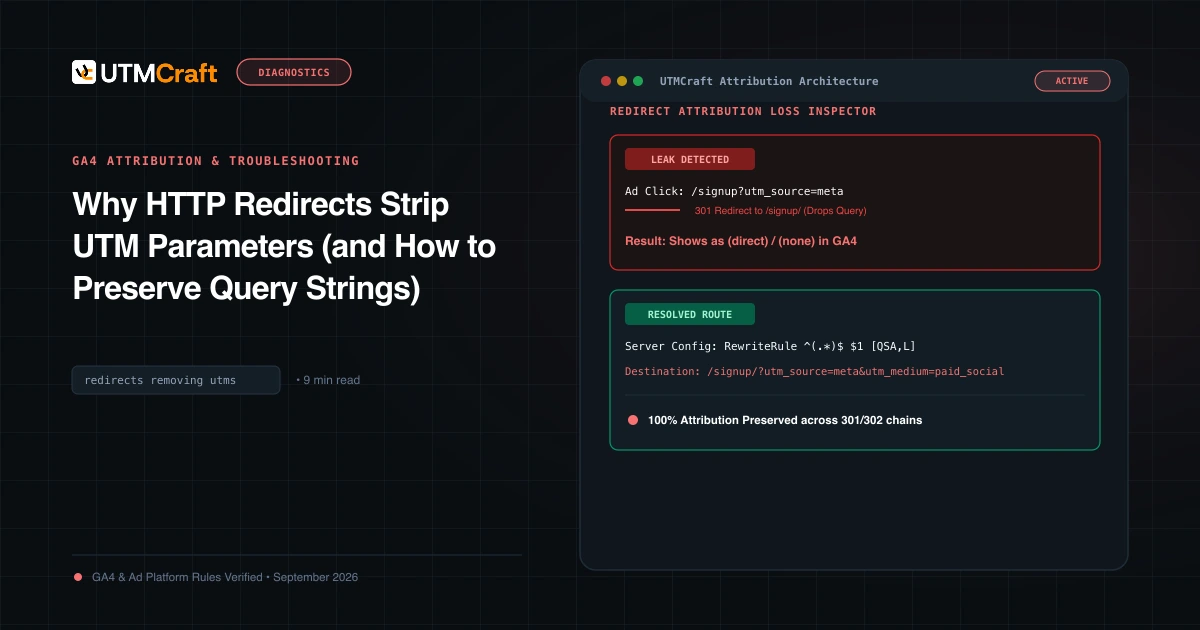
Why HTTP Redirects Strip UTM Parameters (and How to Preserve Query Strings)
Learn why HTTP 301 and 302 redirects drop UTM parameters, converting paid campaigns into Direct traffic, and how to configure servers to preserve query strings.
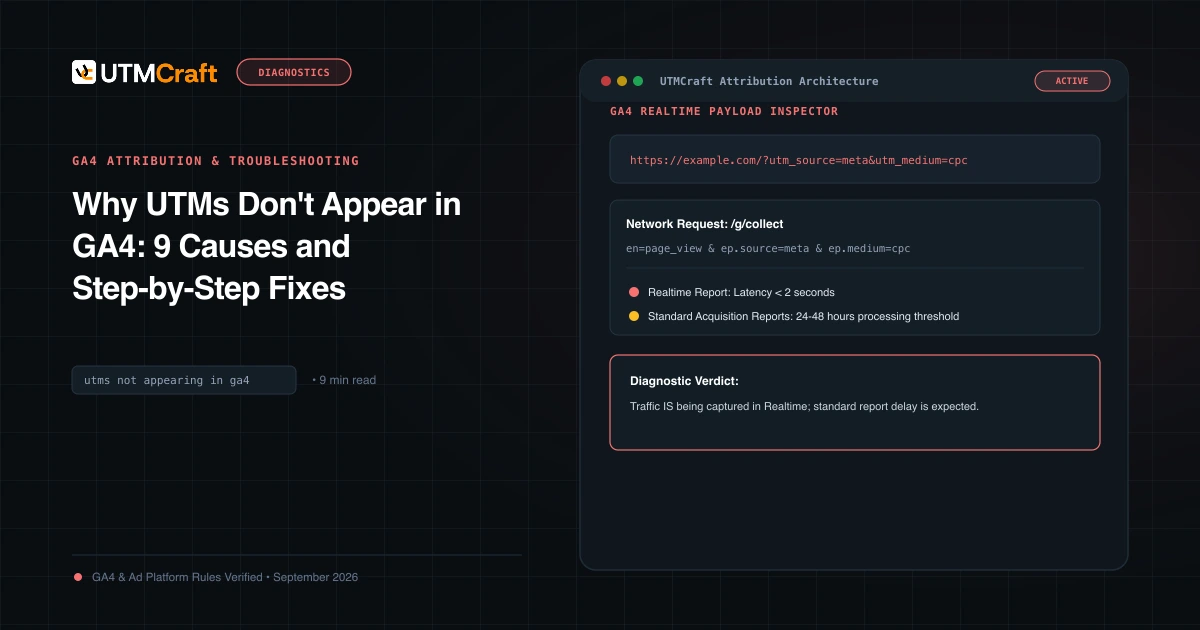
Why UTMs Don't Appear in GA4: 9 Causes and Step-by-Step Fixes
UTM parameters missing in Google Analytics 4? Diagnose the 9 most common reasons campaign data fails to appear in GA4 reports and fix them immediately.