

Bulk UTM Creation Workflow: Generating Hundreds of Tagged Links Without Errors
Learn how to generate hundreds of UTM tracking links in minutes without errors. Standardize bulk campaign matrix creation across multiple channels.
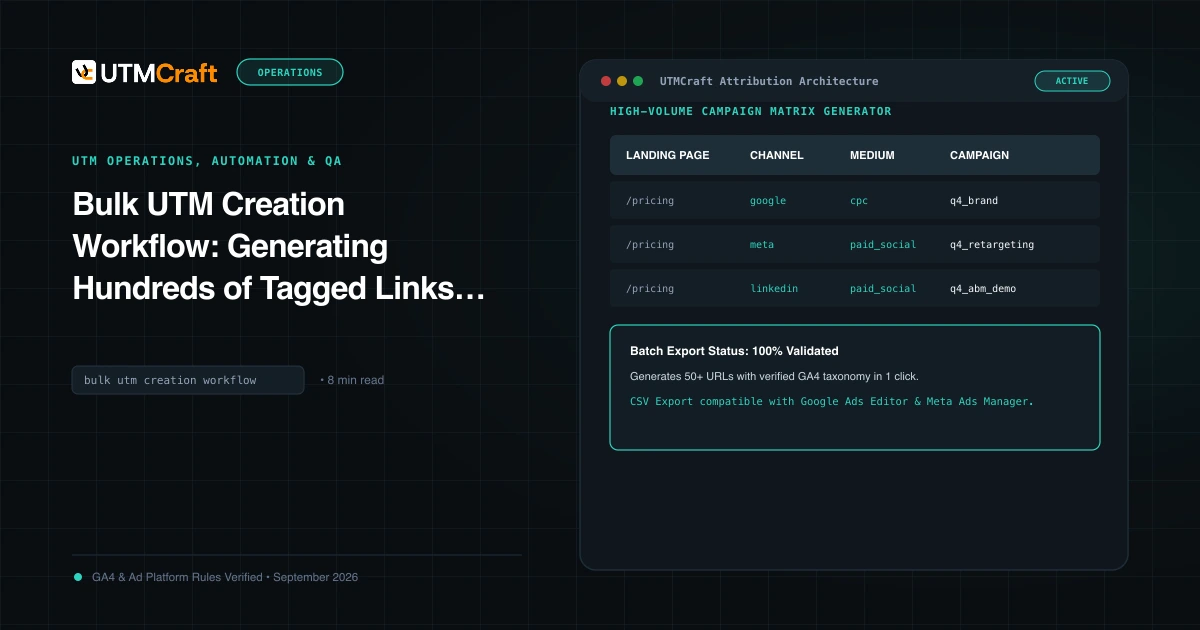
Table of Contents
Launching a major quarterly promotion or seasonal sale across Google, Meta, LinkedIn, Email, and Influencer partners requires generating dozens—sometimes hundreds—of tagged URLs. Generating these links manually one-by-one invites typos and inconsistent casing. Here is how to execute a professional bulk UTM workflow.
Why Campaign Spreadsheets Create Tracking Debt
Most marketing organizations rely on a shared Google Sheet. Over time, team members accidentally overwrite formulas, introduce trailing spaces, paste uppercase characters, or create duplicate parameters. These spreadsheet errors slip silently into live ad campaigns, breaking GA4 attribution.
The Matrix Approach: Landing Pages x Channels x Offers
Instead of manual one-by-one creation, adopt a multi-dimensional matrix approach: define your Destination URLs (e.g. 5 product pages) and your Target Channels (Google CPC, Meta Ads, LinkedIn Ads, Email Newsletter). Multiplying 5 URLs across 4 channels instantly yields 20 deterministic tracking links sharing identical campaign naming conventions.
Step-by-Step Bulk Link Generation in UTMCraft
- Navigate to the UTMCraft Bulk UTM Matrix Generator.
- Paste your list of destination landing page URLs (one per line).
- Enter your standardized
utm_campaignvalue (e.g.us_saas_trial_2026q2). - Select your active marketing channels from the preset checklist (Google Ads, Meta Ads, LinkedIn, Email, Affiliate).
- UTMCraft instantly compiles the cross-product matrix with pre-validated source and medium pairs, automatically enforcing lowercase and converting spaces to hyphens.
Exporting to CSV, TSV, and Ad Automation Tools
Once generated, export your batch matrix to CSV or TSV. Distribute channel-specific URL slices directly to media buyers or upload them into Google Ads Editor and Meta Ads Manager in bulk.
Sources & Authoritative References
- Google Analytics 4 URL Builder Documentation (Google Analytics Help)
Related Measurement Guides
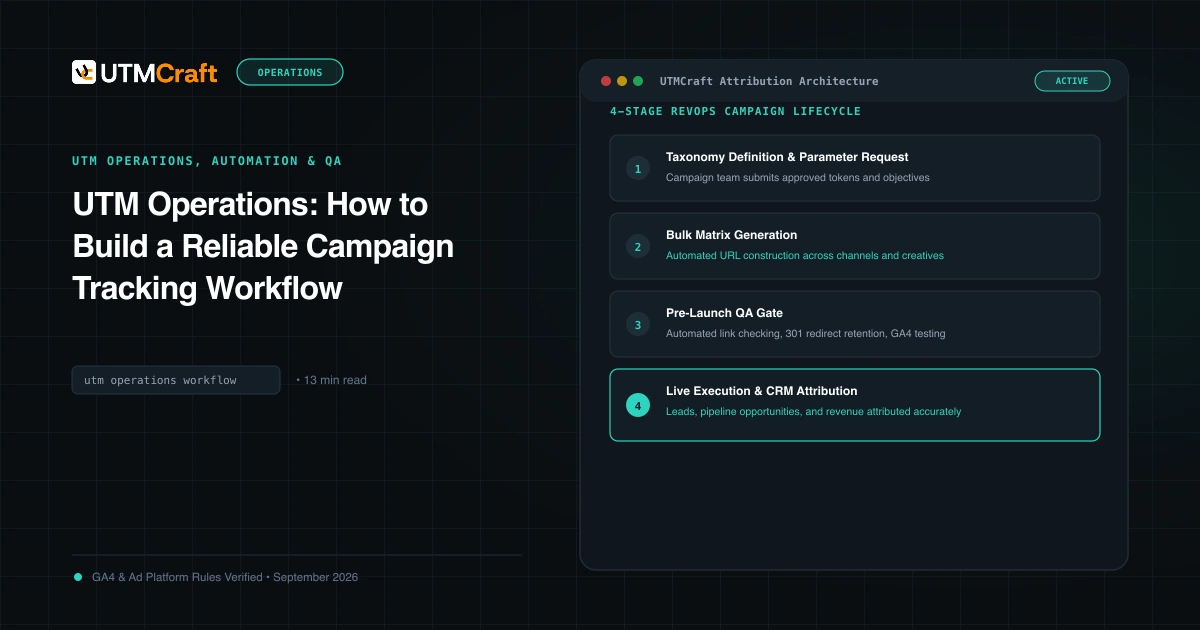
UTM Operations: How to Build a Reliable Campaign Tracking Workflow
Learn how to operationalize UTM tracking across marketing, RevOps, and engineering. Build automated generation, hidden form capture, and CRM attribution pipelines.
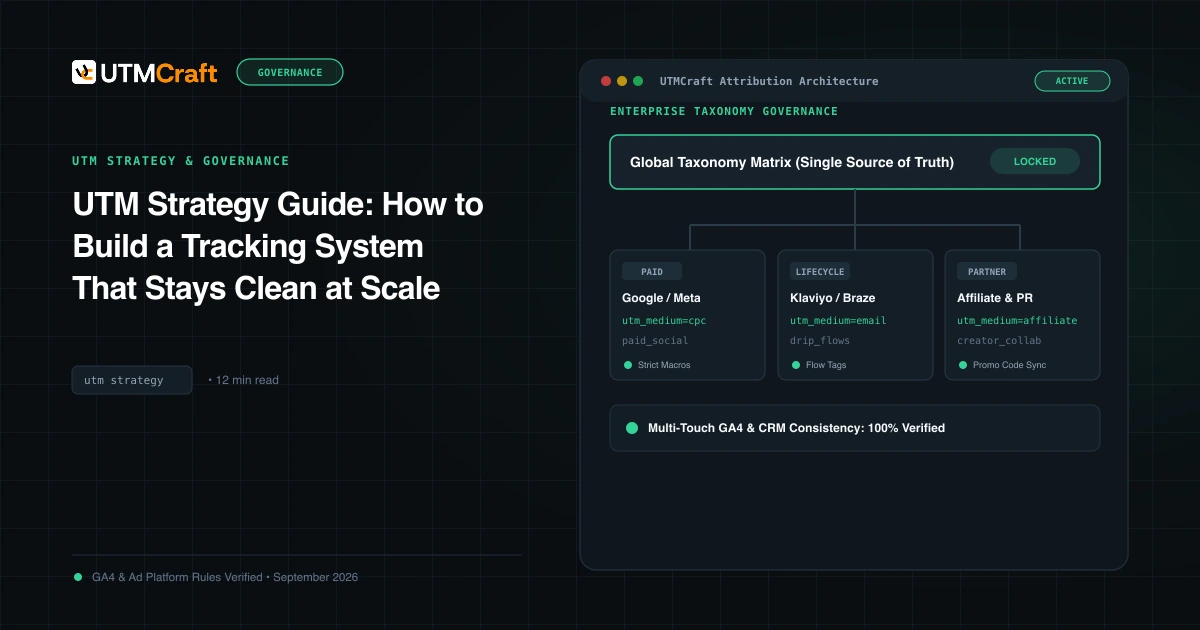
UTM Strategy Guide: How to Build a Tracking System That Stays Clean at Scale
Learn how to build an enterprise-grade UTM tracking strategy. Prevent fragmented GA4 reports, establish naming standards, and enforce governance at scale.
Pre-Launch UTM QA Checklist: 16 Steps to Prevent Broken Campaign Attribution
Prevent broken tracking before you launch. A comprehensive 16-step quality assurance checklist for validating UTM links, redirects, casing, and GA4 DebugView.