Table of Contents
Google Ads API v22 sunsets on October 7, 2026. Google says requests to that version will begin failing from that date. If your business uses a custom reporting connector or automation that still calls v22, check its migration status today. Google’s official sunset reminder.
The deadline concerns software integrations using one API version. It does not mean Google Ads itself is shutting down, or that every advertiser needs to change their account.
What changes on October 7?
An API lets software communicate with Google Ads to retrieve information or perform supported account operations. Integrations specify a version when making requests.
Google distinguishes deprecation from sunset: an older version can be deprecated while remaining usable, but a sunset version can no longer process requests. Google’s API lifecycle documentation.
For marketers, the practical question is whether any tool you rely on still uses v22. The deadline alone does not tell you which of your tools needs an update.
Who should check their integrations?
Our recommendation is to review these workflows with their technical owner:
- Reporting connectors: tools that pull Google Ads data into dashboards, spreadsheets or a data warehouse.
- Campaign management software: integrations that create or update campaigns through the API.
- Custom automations: scheduled jobs that retrieve account data or make account changes.
- Agency tools: internal integrations your agency maintains on your behalf.
These are examples to investigate, not a list of products Google has identified as affected. A provider that has already migrated may require no action from you.
Using the Google Ads website is not evidence that you use v22. Likewise, a spreadsheet or dashboard is only relevant if its underlying connection depends on that version.
How to check whether your project uses v22
Google’s reminder explains how to inspect recent API use in Google Cloud Console:
- Open APIs & Services in the relevant Cloud project.
- Select Google Ads API.
- On Metrics, inspect the Methods table and choose a suitable time range.
- Look for method names containing v22.
The version appears within the method name. Official instructions.
For a third-party product, ask its provider to check. Your own Cloud project may not show requests made through the provider’s infrastructure.
Our checklist: include every relevant project and account, and review a period covering your scheduled jobs. A quiet dashboard today does not establish that a weekly or monthly integration has migrated.
What to ask your agency or software provider today
Send the person responsible for each integration a specific request:
Please confirm whether our Google Ads integration still uses API v22. If it does, which workflows are affected, who owns the migration, and when will the replacement be tested? Please also confirm when reporting last refreshed successfully.
For an integration you maintain, have the developer choose a supported version and check compatibility before deployment. Google publishes client library compatibility information and release notes to support that work.
Our suggested acceptance checks are simple: confirm a fresh report can be retrieved, verify the jobs your team depends on complete successfully, and inspect logs for failures. Updating a dependency alone is not proof that the full workflow works.
What if a report stops updating after the deadline?
Treat stale reporting as an investigation, not an immediate performance conclusion.
- Check the report’s last successful refresh.
- Compare the same account and date range in the Google Ads interface.
- Ask the integration owner to inspect the request version and error logs.
- If v22 is responsible, migrate and validate the connection before relying on the report again.
Other failures can have different causes, so the date alone does not prove an API sunset is responsible. Avoid changing budgets solely because a disconnected dashboard shows missing data.
Does this affect UTM links or auto-tagging?
UTM parameters are part of a destination URL. Adding them to a link is separate from making a Google Ads API request. The v22 deadline is therefore not a reason to replace existing UTM values or disable auto-tagging.
If your own software updates tracking templates or destination URLs through the API, review that integration as part of the migration. Keep your naming conventions consistent and test the final landing page after changes.
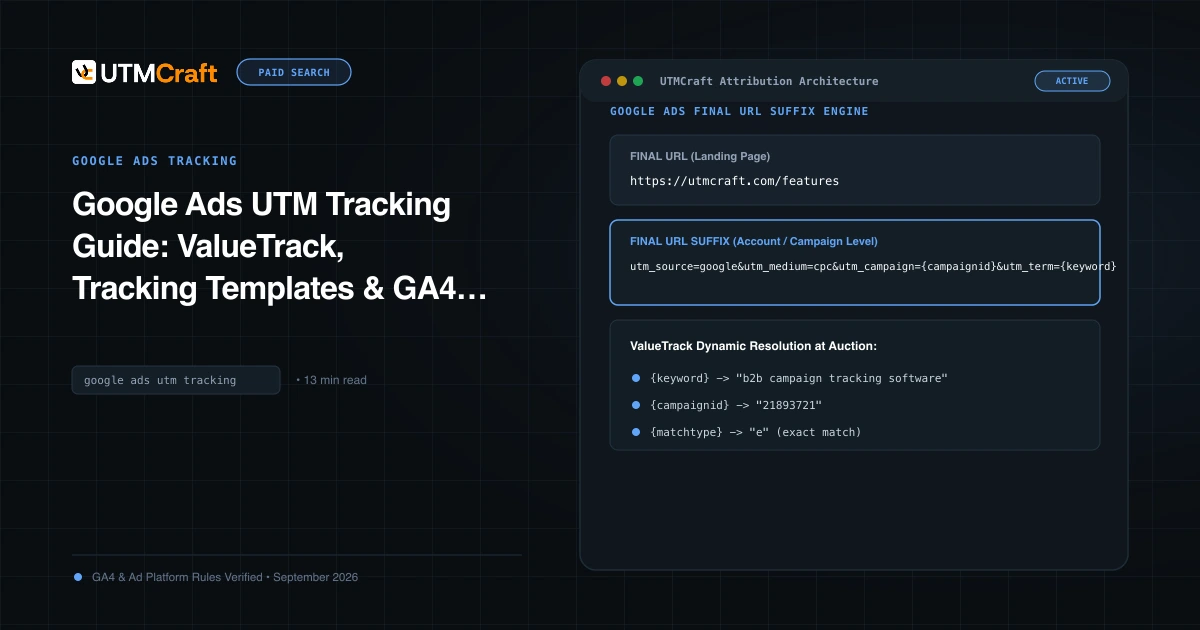
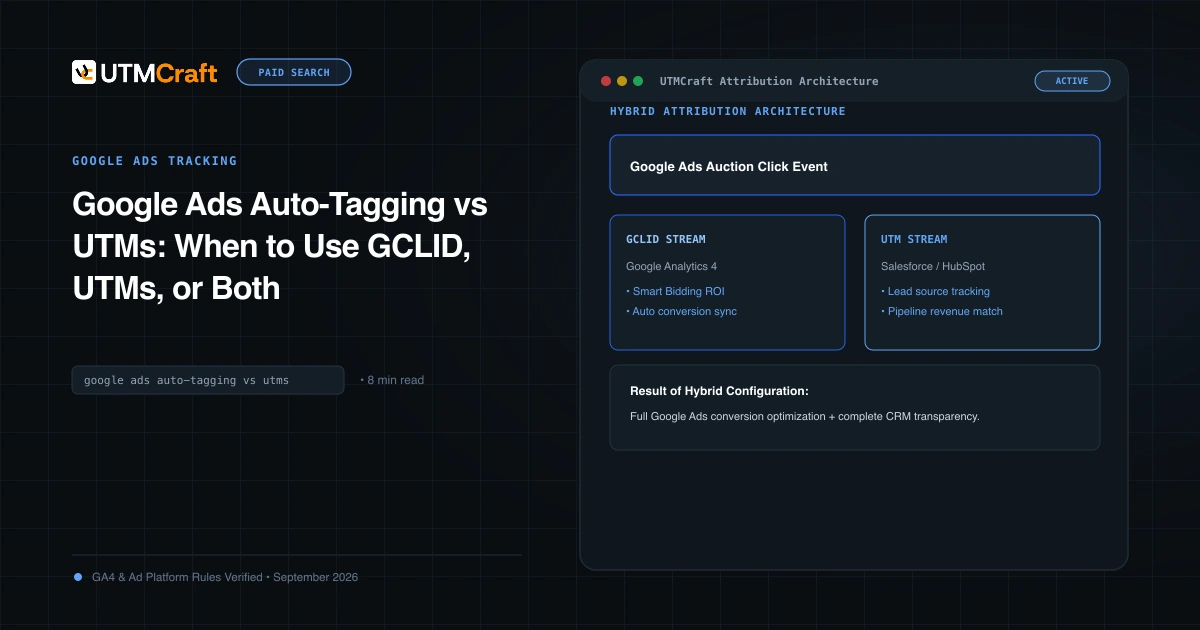
For campaign setup, see our Google Ads UTM tracking guide and auto-tagging vs UTMs explanation. Use the pre-launch UTM QA checklist to check links and redirects separately from API connectivity.
What marketers should do now
Make a short inventory of the Google Ads integrations your team uses, identify an owner for each, and obtain migration confirmation. Prioritize tools supporting daily reporting and account changes.
The useful outcome is a working, verified connection—and confidence that your next marketing decision is based on current data.
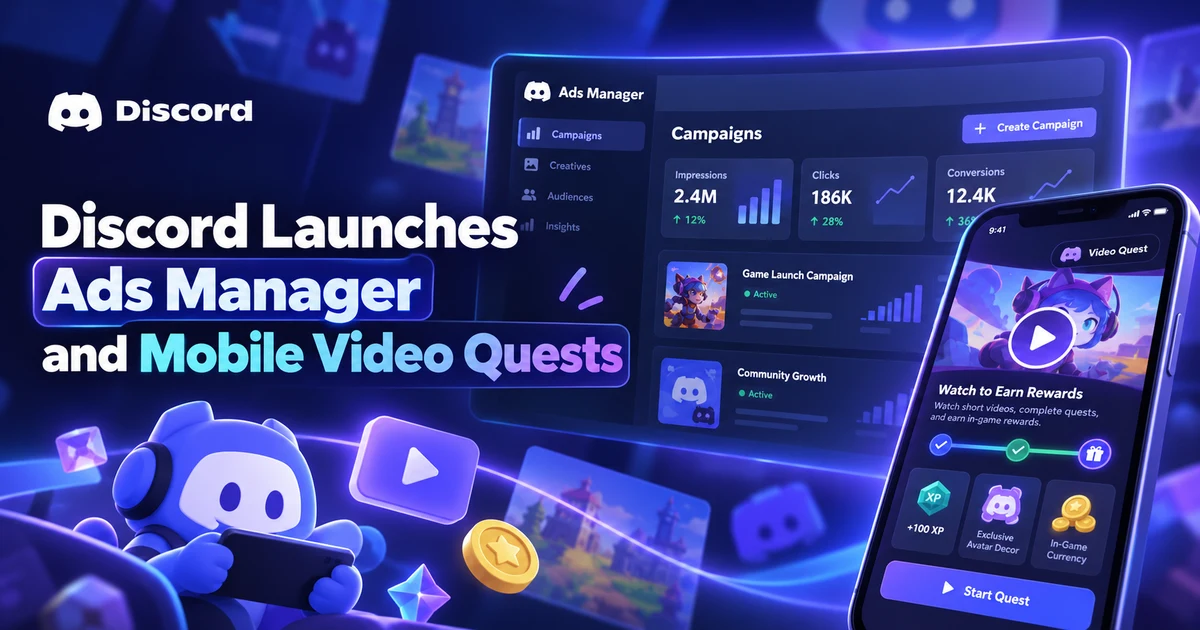
For the broader setup, read Discord Launches Ads Manager and Mobile Video Quests. Browse the Advertising News & Updates guides to choose another troubleshooting task.