

Pre-Launch UTM QA Checklist: 16 Steps to Prevent Broken Campaign Attribution
Prevent broken tracking before you launch. A comprehensive 16-step quality assurance checklist for validating UTM links, redirects, casing, and GA4 DebugView.
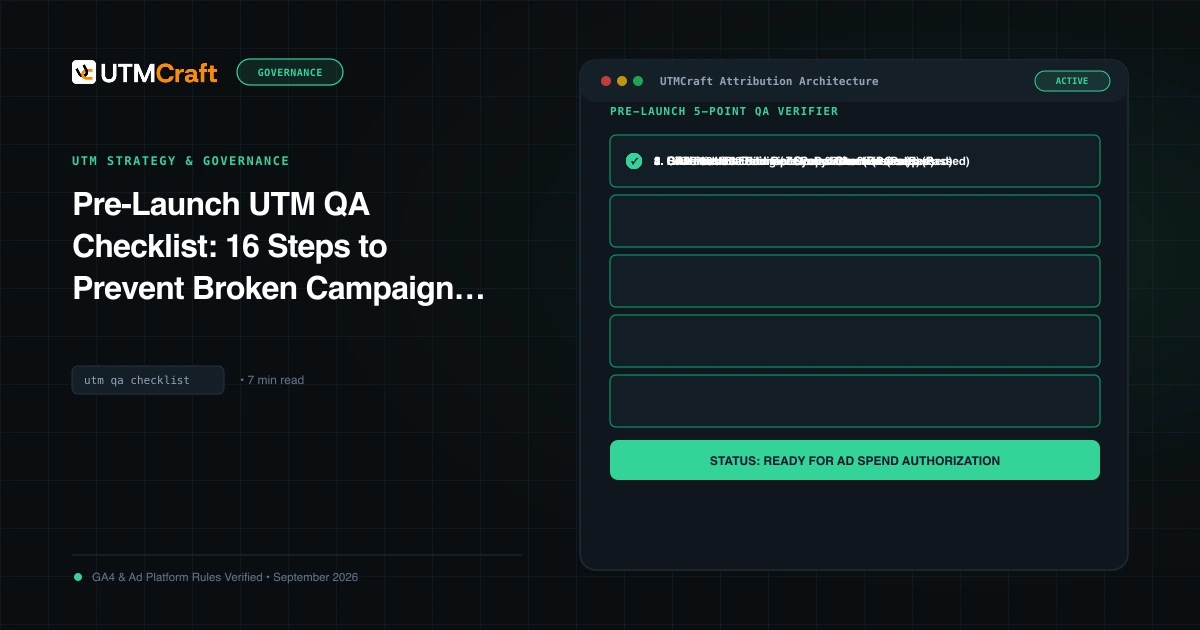
Table of Contents
Launching a paid campaign without pre-flight UTM verification is the marketing equivalent of shipping software without running unit tests. One typo, one accidental uppercase letter, or an unhandled 301 redirect can turn tens of thousands of dollars of ad spend into a massive spike of untracked Direct traffic.
Why Pre-Launch QA Saves Five-Figure Ad Budgets
Tracking failures cannot be repaired after the campaign has launched. If you spend $20,000 on a product drop over a weekend and your landing page stripped UTM parameters, GA4 records 10,000 "Direct" sessions with 0 attributed revenue. Your client or CMO will ask why paid ads drove no sales, and you will have no data to defend your performance.
The 16-Point Pre-Launch QA Checklist
| Area | Check Item | Pass Criteria |
|---|---|---|
| Syntax | 1. Starting delimiter | URL has exactly one ? before first parameter. |
| Syntax | 2. Parameter separator | All subsequent parameters separated by &. |
| Syntax | 3. Case formatting | 100% lowercase across all parameter keys and values. |
| Syntax | 4. Whitespace | Zero unencoded spaces (use hyphens or underscores). |
| Syntax | 5. Anchor hash order | Fragment identifier (#section) appears at the very end, after all query parameters. |
| Taxonomy | 6. utm_source validation | Matches approved platform name (e.g. linkedin, not lnkd). |
| Taxonomy | 7. utm_medium compliance | Complies with GA4 Channel Grouping (e.g. paid_social, cpc, email). |
| Taxonomy | 8. utm_campaign structure | Follows enterprise formula (e.g. [geo]_[product]_[objective]_[date]). |
| Taxonomy | 9. utm_id presence | Included if uploading cost data from external platforms. |
| Routing | 10. HTTP status code | Returns 200 OK without intermediate 301/302 redirect loops. |
| Routing | 11. Trailing slash test | Destination matches server canonical (no redirect from /page to /page/). |
| Routing | 12. Parameter preservation | All UTM query parameters remain in address bar after final page render. |
| Analytics | 13. GA4 Realtime hit | Click appears in GA4 Realtime within 30 seconds. |
| Analytics | 14. DebugView verification | page_view and session_start events contain correct source and medium. |
| Integrations | 15. CRM form capture | Hidden form inputs successfully populate with UTM values from the session. |
| Integrations | 16. Privacy compliance | Zero PII (names, emails, phone numbers) anywhere in query strings. |
Step-by-Step Live Browser Testing Procedure
- Open a clean Incognito/Private browser window.
- Open Developer Tools (F12 or Cmd+Opt+I) and select the Network tab. Check "Preserve log".
- Paste the full tagged campaign URL into the address bar and press Enter.
- Inspect the first request in the Network log:
- If it returns HTTP 200, your server served the page directly. Great!
- If it returns HTTP 301 or 302, inspect the
Locationresponse header. If the query string was lost in transit, contact your web engineering team immediately to preserve query strings on server redirects.
Sources & Authoritative References
- Monitor Events in GA4 DebugView (Google Analytics Help)
Related Measurement Guides
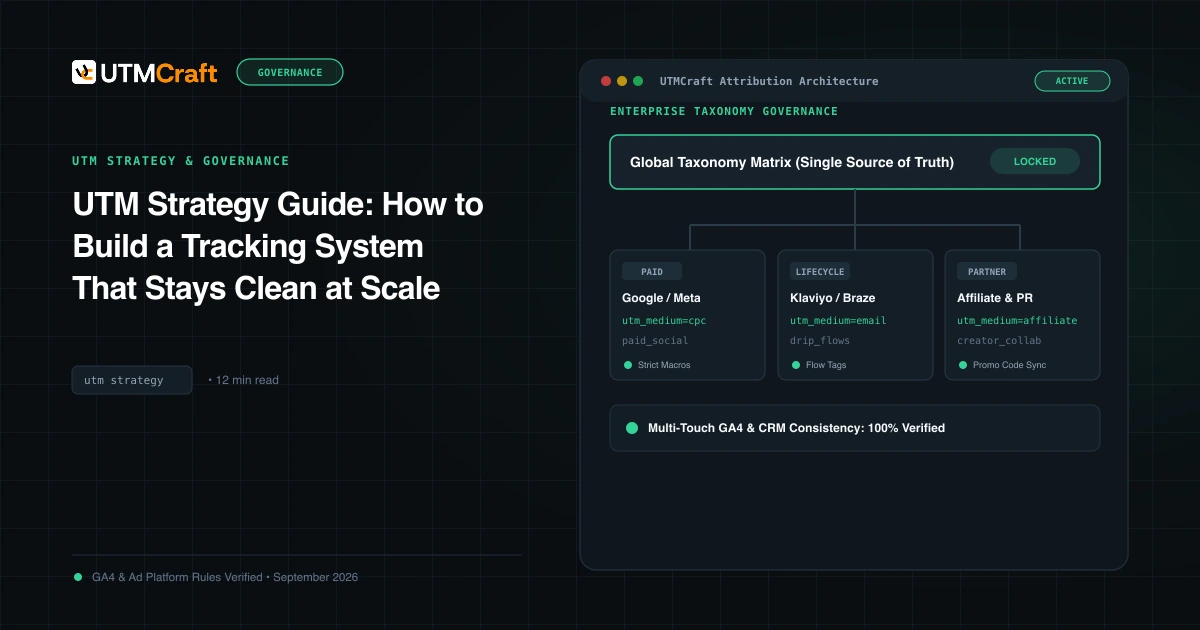
UTM Strategy Guide: How to Build a Tracking System That Stays Clean at Scale
Learn how to build an enterprise-grade UTM tracking strategy. Prevent fragmented GA4 reports, establish naming standards, and enforce governance at scale.
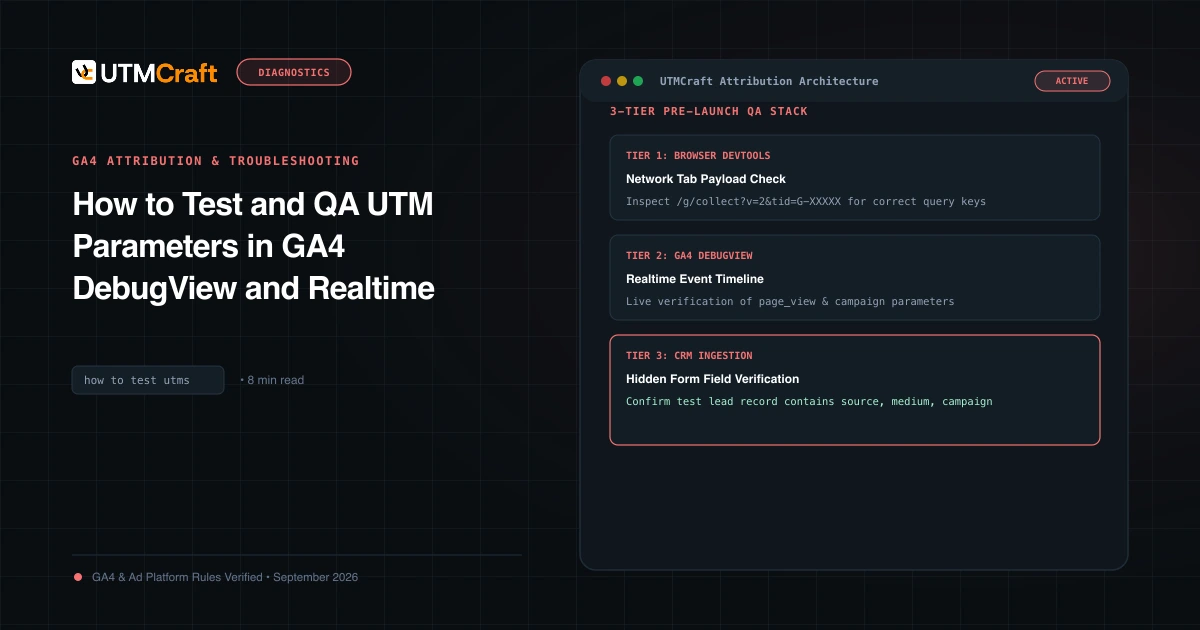
How to Test and QA UTM Parameters in GA4 DebugView and Realtime
Learn how to test and verify UTM tracking in Google Analytics 4 before spending ad budget. Step-by-step guide using DebugView, Realtime, and DevTools.
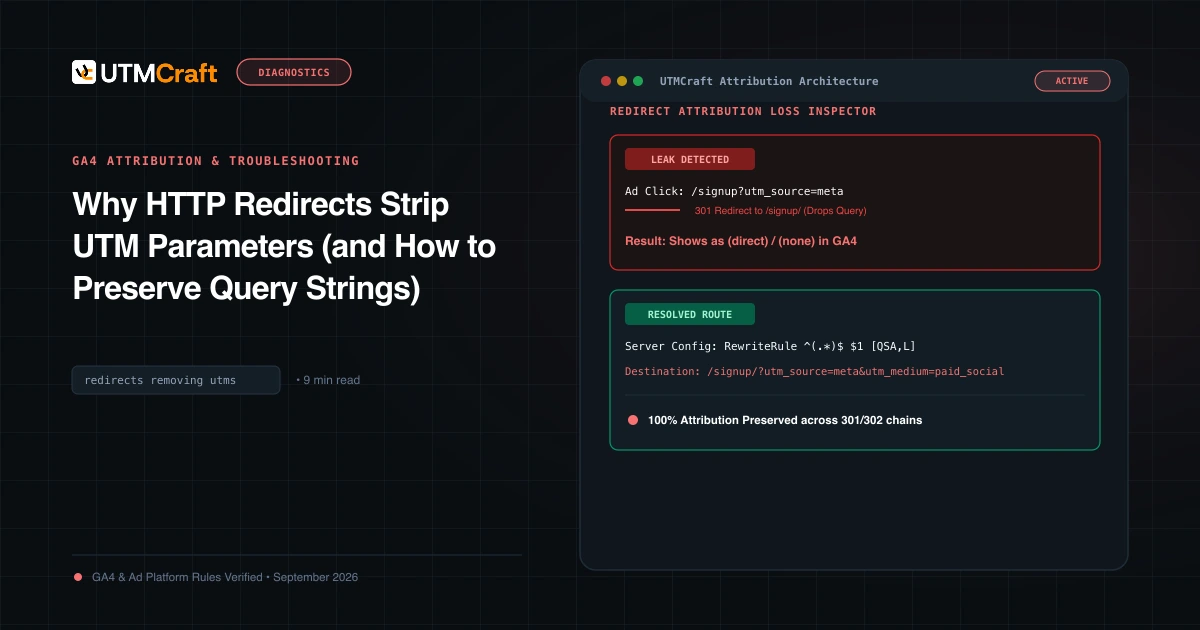
Why HTTP Redirects Strip UTM Parameters (and How to Preserve Query Strings)
Learn why HTTP 301 and 302 redirects drop UTM parameters, converting paid campaigns into Direct traffic, and how to configure servers to preserve query strings.