

7 Google Ads Tracking Mistakes That Cause Bad Attribution
Diagnose and resolve the 7 most common Google Ads tracking errors, ValueTrack syntax mistakes, and auto-tagging conflicts breaking your GA4 data.
Reviewed by UTMCraft Editorial Team
Last reviewed
Sources Google Ads Help, Google Support Full references
Table of Contents
- How Google Ads Connects to GA4
- The 7 Critical Google Ads Tracking Mistakes
- 1. Manual UTMs Without Auto-Tagging Override
- 2. ValueTrack Curly Brace Syntax Errors
- 3. Putting UTM Parameters in Final URL Instead of Suffix
- 4. Third-Party Trackers Breaking Parallel Tracking
- 5. Redirects Stripping GCLID Query Strings
- 6. Using utm_medium=google or search Instead of cpc
- 7. Blind Spots in Performance Max Tracking
- The Bulletproof Google Ads Final URL Suffix
- Frequently Asked Questions
Even with direct Google Ads and GA4 linking, millions of dollars in paid search spend land in Google Analytics 4 with missing search queries, blank ad group dimensions, or categorized as unassigned traffic due to subtle tracking template errors.
How Google Ads Connects to GA4
Google Ads communicates with GA4 through two mechanisms: auto-tagging (via the gclid parameter) and manual UTM parameters. When these two systems conflict, or when ValueTrack macros fail, attribution breaks.
The 7 Critical Google Ads Tracking Mistakes
1. Manual UTMs Without Auto-Tagging Override
If you populate manual UTMs and have auto-tagging enabled, GA4 prioritizes GCLID data unless you check "Allow manual tagging (UTM values) to override auto-tagging" in GA4 Admin. Without this alignment, reports can display conflicting campaign dimensions.
2. ValueTrack Curly Brace Syntax Errors
Google Ads ValueTrack parameters require precise casing and single curly braces. Writing {Keyword} (uppercase) or {{keyword}} (double braces) prevents token expansion.
3. Putting UTM Parameters in Final URL Instead of Suffix
Hardcoding UTMs in individual ad Final URLs forces Google Ads to re-review your ad whenever you update tracking parameters. Use the Final URL Suffix field at account or campaign level instead.
4. Third-Party Trackers Breaking Parallel Tracking
Using outdated click-redirect tracking templates that are incompatible with Google's mandatory Parallel Tracking can delay page loads or strip click IDs.
5. Redirects Stripping GCLID Query Strings
If an ad points to https://brand.com/landing and redirects to https://brand.com/landing/, dropping the ?gclid=... payload, GA4 records that paid click as Direct / (none).
6. Using utm_medium=google or search Instead of cpc
GA4's Paid Search channel group requires utm_medium=cpc or ppc. Setting utm_medium=search sends your paid search traffic into Unassigned.
7. Blind Spots in Performance Max Tracking
Performance Max runs across Search, YouTube, Display, and Discover simultaneously. Without dynamic placement parameters, you cannot audit where your spend converted.
The Bulletproof Google Ads Final URL Suffix
Paste this string into your Google Ads Account Settings under Tracking > Final URL Suffix:
utm_source=google&utm_medium=cpc&utm_campaign={_campaign}&utm_content={creative}&utm_term={keyword}&matchtype={matchtype}&device={device}Frequently Asked Questions
Should I use GCLID, UTMs, or both in Google Ads?
Use both! GCLID passes rich Google Ads conversion data to GA4, while manual UTM parameters ensure third-party tools (like CRMs, Mixpanel, and data warehouses) capture campaign attribution cleanly.
Why does my Google Ads traffic show as direct in GA4?
This almost always indicates a 301/302 server redirect on your landing page that strips the gclid parameter, or missing GA4 tracking code on the landing page.
Sources & Authoritative References
- About ValueTrack parameters (Google Ads Help)
- Google Analytics 4 Help: Link Google Ads and Analytics (Google Support)
Related Measurement Guides
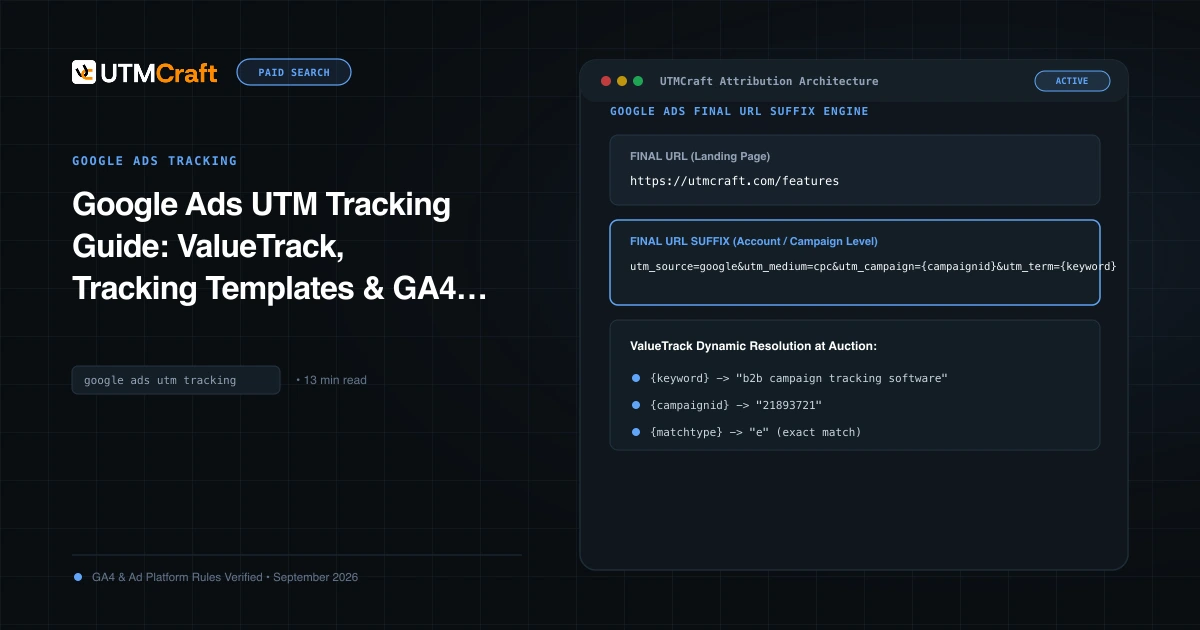
Google Ads UTM Tracking Guide: ValueTrack, Tracking Templates & GA4 Attribution
The complete technical guide to Google Ads UTM tracking. Configure account-level tracking templates, ValueTrack parameters, and GA4 auto-tagging without conflicts.
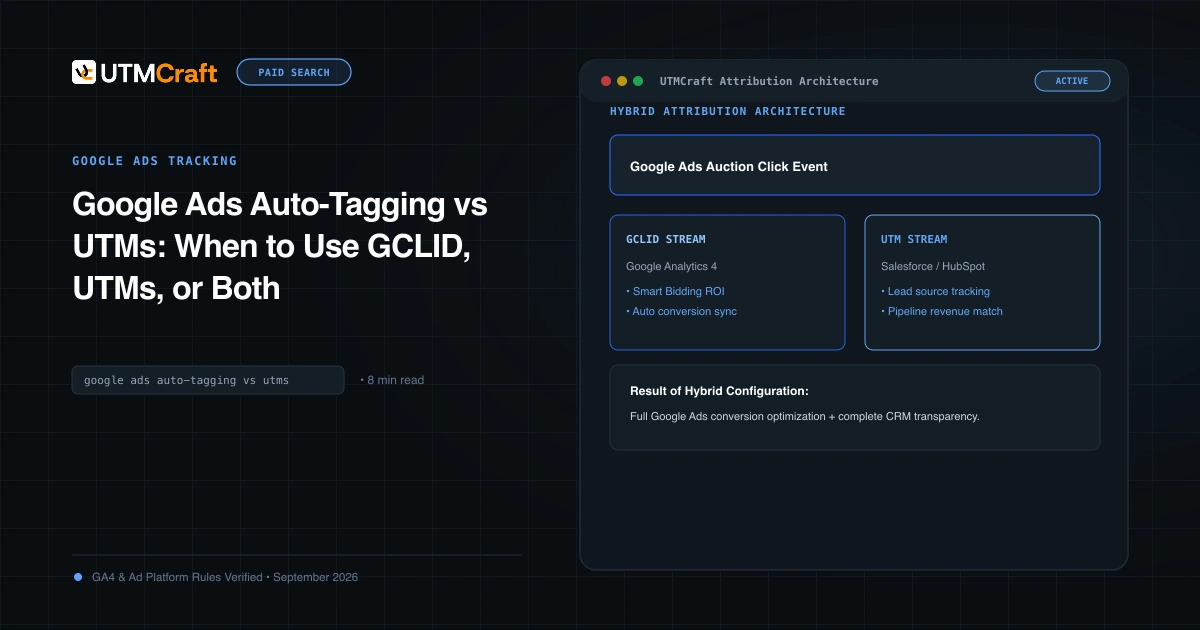
Google Ads Auto-Tagging vs UTMs: When to Use GCLID, UTMs, or Both
Compare Google Ads auto-tagging (GCLID) and manual UTM parameters. Discover why the hybrid tracking model provides maximum analytics accuracy and CRM visibility.
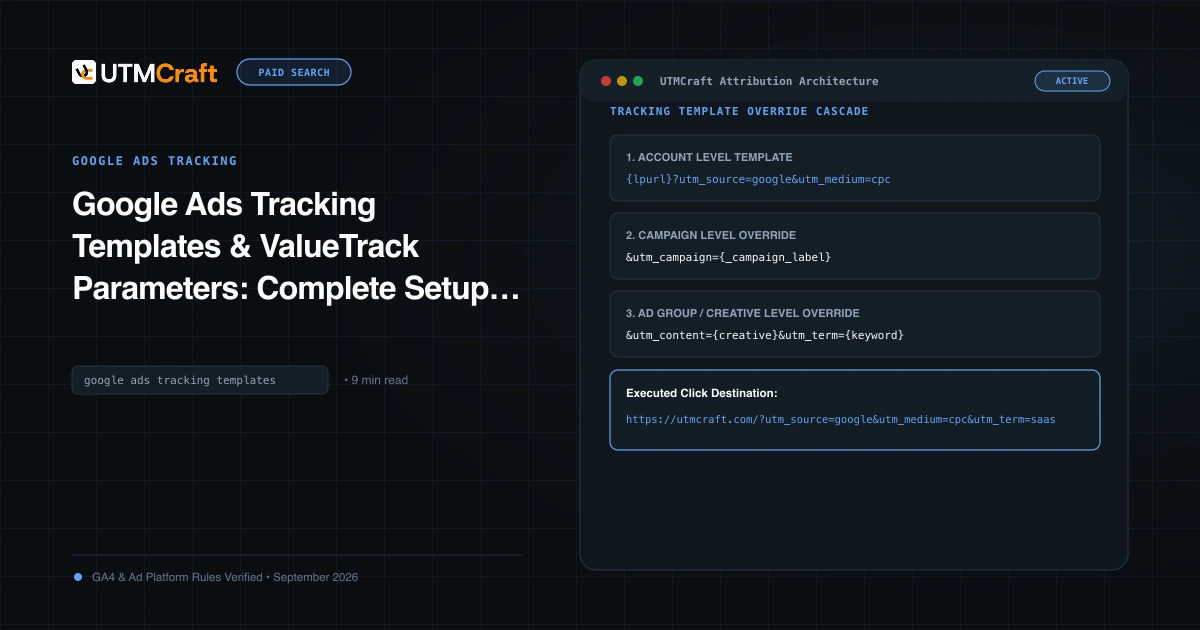
Google Ads Tracking Template Setup: Custom Parameters & Parallel Tracking
Configure Google Ads tracking templates across account levels, define custom parameters, and meet parallel tracking requirements with a tested setup workflow.