

5 QR Code Tracking Mistakes to Avoid in Print & Offline Campaigns
Don't let offline campaigns get lost as Direct traffic. Avoid these 5 QR code tracking mistakes that break scanning, strip UTMs, or corrupt GA4 attribution.
Table of Contents
- Why Printed QR Codes Are Irreversible
- The 5 Most Damaging QR Code Tracking Mistakes
- 1. Encoding Plain URLs Without UTMs (Permanent Direct Traffic)
- 2. Printing 200-Character Static URLs (Unscannable Modules)
- 3. Using Static QR Codes for Expensive Print Runs
- 4. Violating Contrast and Quiet Zone Requirements
- 5. Using utm_medium=qr (Sending Data to Unassigned)
- Pre-Print QR Verification Checklist
- Frequently Asked Questions
Printing a QR code without proper tracking is an irreversible mistake. Once thousands of product packages, trade show banners, or direct mail postcards are printed and distributed, you cannot edit the URL or fix broken attribution.
Why Printed QR Codes Are Irreversible
When a customer scans a printed QR code with their mobile device, the phone camera parses the raw text string. If that string lacks UTM parameters, the scan opens in Safari or Chrome with no referrer, permanently recording the interaction as Direct.
The 5 Most Damaging QR Code Tracking Mistakes
1. Encoding Plain URLs Without UTMs (Permanent Direct Traffic)
Printing https://brand.com/booth without parameters guarantees that every scan will be masked as Direct traffic in GA4.
2. Printing 200-Character Static URLs (Unscannable Modules)
Encoding long, unshortened URLs directly into a QR matrix forces the code to generate dense, tiny modules. In dimly lit environments or on textured paper, camera sensors fail to decode the matrix.
3. Using Static QR Codes for Expensive Print Runs
If your landing page URL changes or an error is discovered post-printing, a static QR code is dead on arrival. Use a short redirecting URL that can be updated server-side.
4. Violating Contrast and Quiet Zone Requirements
Inverting QR colors (light pixels on a dark background) or cutting off the 4-module white quiet zone border causes camera scanners to fail.
5. Using utm_medium=qr (Sending Data to Unassigned)
qr is not a recognized GA4 default medium. Tag your QR codes with utm_medium=print, event, or packaging.
Pre-Print QR Verification Checklist
- Print a 100% scale proof on physical paper before authorizing press runs.
- Scan the printed proof with both an iOS Camera app and an Android Google Lens.
- Confirm all UTM parameters persist in the browser address bar after page load.
Frequently Asked Questions
What is the minimum physical print size for a QR code?
Never print a QR code smaller than 0.8 x 0.8 inches (2 x 2 cm) for close-range handheld scanning. For billboards or posters, increase size proportionally to scanning distance.
What utm_medium should I use for QR codes?
Use print, event, or packaging. In GA4 Admin, create a Custom Channel Group for Offline traffic to cleanly capture these mediums.
Sources & Authoritative References
Related Measurement Guides
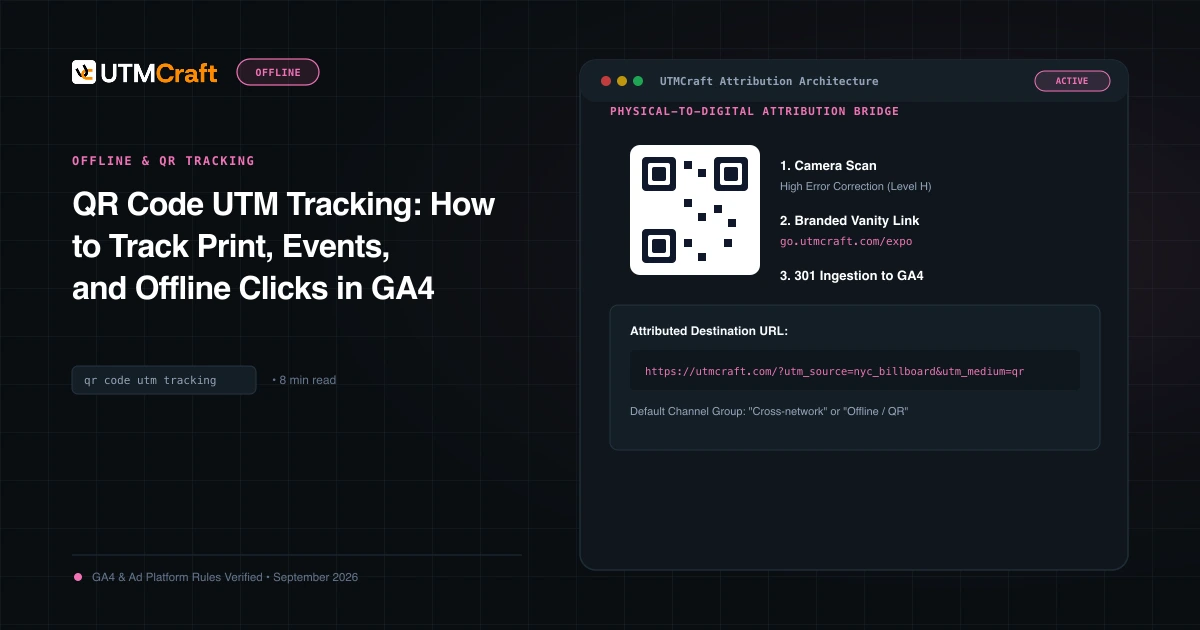
QR Code UTM Tracking: How to Track Print, Events, and Offline Clicks in GA4
Learn how to generate and track QR codes with UTM parameters in Google Analytics 4. Step-by-step tutorial on vanity redirects, high-contrast sizing, and testing.
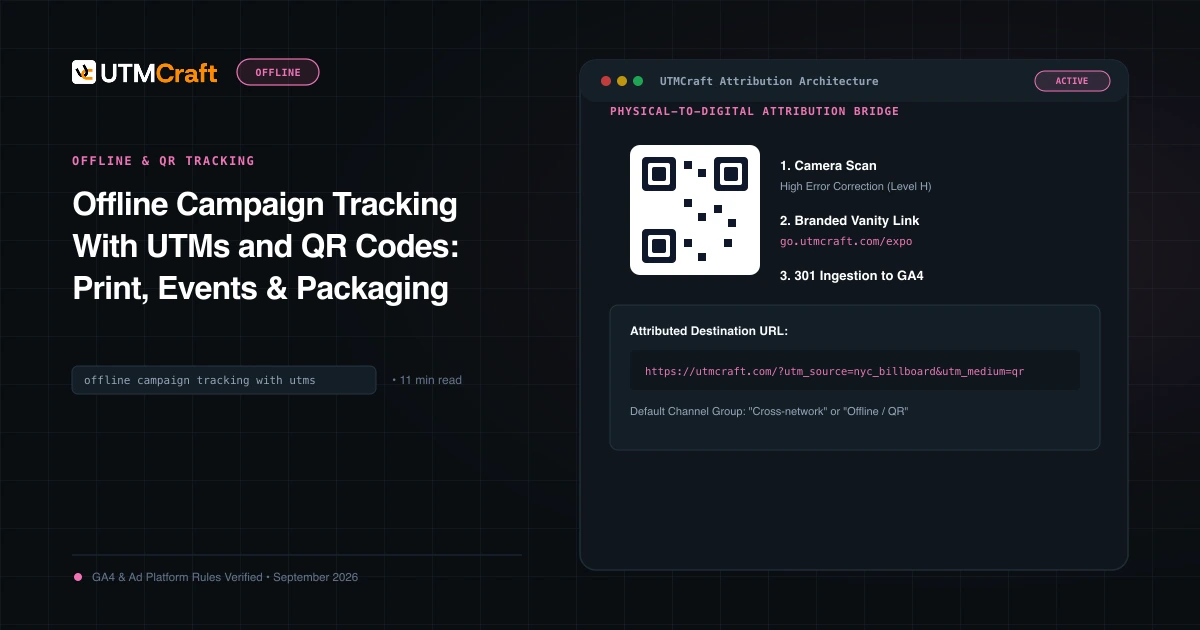
Offline Campaign Tracking With UTMs and QR Codes: Print, Events & Packaging
Learn how to connect offline marketing to Google Analytics 4. Track direct mail, billboards, conference booths, retail packaging, and QR codes with precision.
15 UTM Tracking Mistakes That Ruin Your GA4 Data (and How to Fix Them)
Discover the 15 most destructive UTM tracking mistakes breaking GA4 attribution, causing Unassigned traffic, and corrupting ad ROI—with actionable fixes.