

Offline Campaign Tracking With UTMs and QR Codes: Print, Events & Packaging
Learn how to connect offline marketing to Google Analytics 4. Track direct mail, billboards, conference booths, retail packaging, and QR codes with precision.
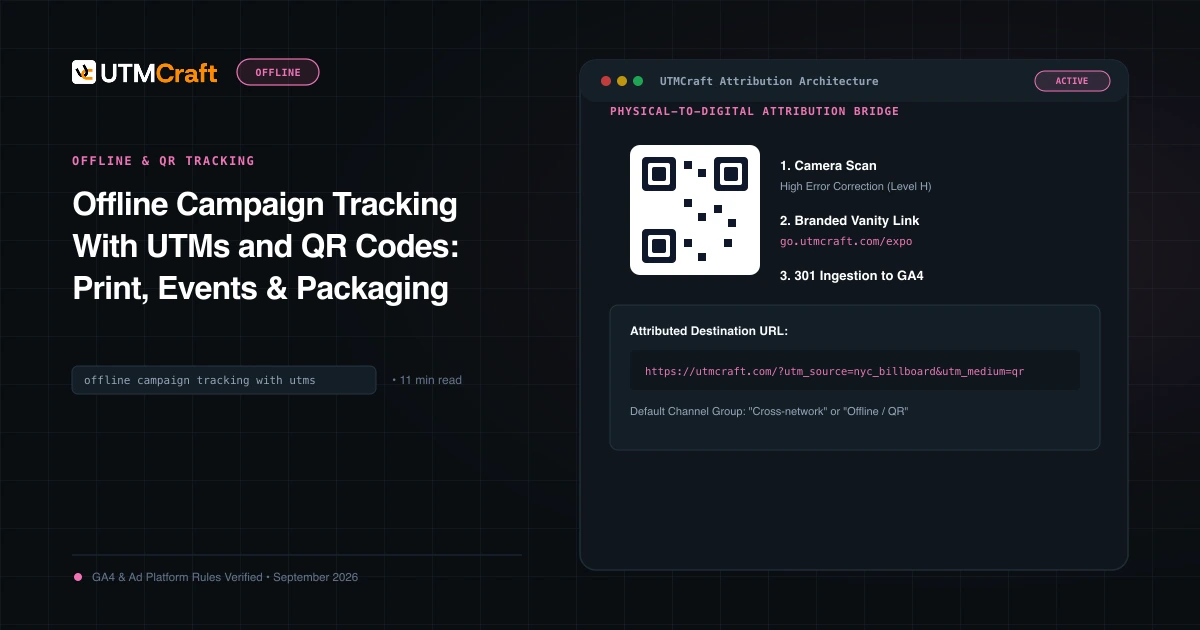
Table of Contents
- The Problem: Physical Touchpoints Masked as "Direct"
- The Two Offline Pathways: Dynamic QR Codes vs Vanity URLs
- Offline UTM Taxonomy & Channel Grouping Standards
- Implementation by Format: Direct Mail, Event Booths & Retail
- Dynamic QR Codes vs Static QR Codes: Critical Warnings
- Analyzing Offline Performance in GA4 Custom Reports
- Frequently Asked Questions
Marketers invest millions in print collateral, direct mail postcards, trade show booths, and product packaging, yet treat them as unmeasurable black boxes. When recipients visit your website manually or scan a plain URL, GA4 attributes 100% of those high-intent sessions to Direct. Connecting physical touchpoints to digital attribution requires two simple mechanisms: structured QR codes and redirecting vanity URLs.
The Problem: Physical Touchpoints Masked as "Direct"
A customer receives a luxury direct mail catalog, opens their mobile browser, types brand.com, and purchases. GA4 records this as Direct / (none). The CMO concludes that direct mail doesn't work and cuts the budget. By providing a dedicated QR code or vanity URL, you capture the true return on marketing investment.
The Two Offline Pathways: Dynamic QR Codes vs Vanity URLs
Offline audience behavior splits into two distinct user habits:
- Scanners (Mobile First): Users who point their phone camera at a printed QR code. Because smartphones automatically parse URLs, you can encode a full, rich UTM string (e.g.
https://example.com/summer?utm_source=catalog&utm_medium=print...) directly into the QR matrix. - Typers (Manual Input): Users who manually type an address into their desktop or phone browser. For these users, you must provide a short, memorable vanity URL (e.g.
brand.com/vip) that server-redirects (301) to your full UTM-tagged URL.
Offline UTM Taxonomy & Channel Grouping Standards
To keep your analytics organized, define clear offline source/medium conventions:
| Physical Asset | utm_source | utm_medium | utm_campaign Example |
|---|---|---|---|
| Direct Mail Postcard | direct_mail |
print |
us_q2-homeowners_promo |
| Trade Show Booth Banner | event_ces2026 |
event |
booth_interactive-demo |
| Product Retail Packaging | retail_box |
packaging |
insert_warranty-registration |
| Print Magazine Ad | wired_magazine |
print |
apr2026_full-page-spread |
| Billboard / Outdoor (OOH) | billboard_hwy101 |
outdoor |
q1_brand-awareness |
Because Google's Default Channel Grouping does not contain native "Print" or "Event" channels, visits tagged with utm_medium=print will fall into Unassigned unless configured. In GA4 Admin, create a Custom Channel Group that creates an "Offline / Print" channel matching medium matches regex ^(print|event|outdoor|packaging|direct_mail)$.
Implementation by Format: Direct Mail, Event Booths & Retail
- Direct Mail & Flyers: Print a QR code on the back of postcards alongside a printed vanity URL (e.g.
brand.com/save20). - Event Badges & Booth Signage: Place QR codes on banner stands with
utm_source=event_saastr&utm_medium=event&utm_content=booth_banner_qr. - Retail Product Packaging: Insert warranty cards inside packaging with QR codes tagged
utm_medium=packaging&utm_campaign=product-registration.
Dynamic QR Codes vs Static QR Codes: Critical Warnings
If you encode a static landing page URL directly into a QR code and print 50,000 brochures, you can never change that destination URL. If your page URL changes or has a broken parameter, the print run is wasted. Always route QR codes through a redirect URL on your own domain (e.g. brand.com/go/catalog) so you can adjust the final destination and UTM parameters on the server at any time.
Analyzing Offline Performance in GA4 Custom Reports
In GA4 Explorations, create a Free-form table with Session source / medium and Session campaign as rows, and Active users, Conversions, and Purchase revenue as metrics. Filter for medium contains print|event|packaging to review your complete offline performance portfolio.
Frequently Asked Questions
Can QR codes have UTM parameters embedded directly inside them?
Yes. A QR code is simply an image encoding of a text string. When you encode a URL containing full UTM parameters into a QR code, any smartphone camera that scans the code immediately opens the destination page with all parameters intact.
How do vanity URLs work with UTM parameters for print collateral?
For billboards, radio, or print flyers where users must type the link manually, use a short vanity URL on your domain (e.g. brand.com/spring). Configure your server to 301-redirect that vanity URL to the full landing page with UTM parameters automatically appended.
What is the recommended GA4 utm_medium for print brochures and packaging?
Use descriptive mediums such as utm_medium=print, utm_medium=qr, utm_medium=packaging, or utm_medium=direct_mail. In GA4 Admin, create a Custom Channel Group to bundle these mediums into a dedicated "Offline & Print" channel.
Why should I avoid using free third-party QR code generators?
Many free online QR tools route traffic through their own intermediary redirect domains, which can inject ads, expire after 30 days, or sell your scan data. Always generate client-side QR codes directly via UTMCraft or host redirect URLs on your own company domain.
Sources & Authoritative References
- Google Analytics 4 Measurement Protocol Overview (Google Developers)
Related Measurement Guides
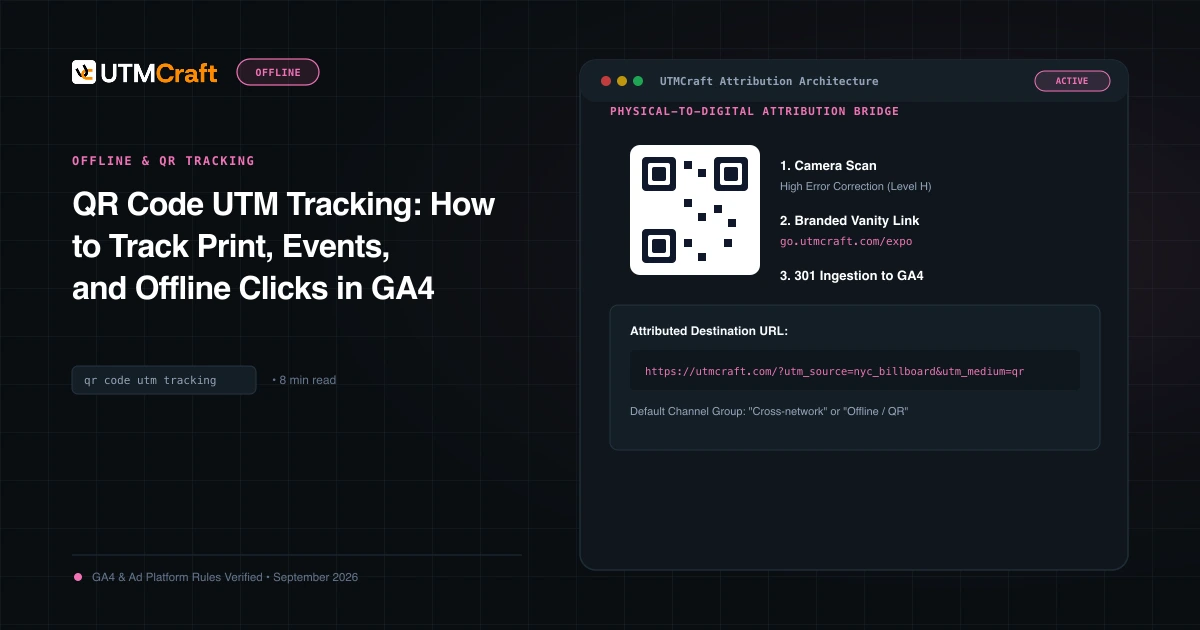
QR Code UTM Tracking: How to Track Print, Events, and Offline Clicks in GA4
Learn how to generate and track QR codes with UTM parameters in Google Analytics 4. Step-by-step tutorial on vanity redirects, high-contrast sizing, and testing.
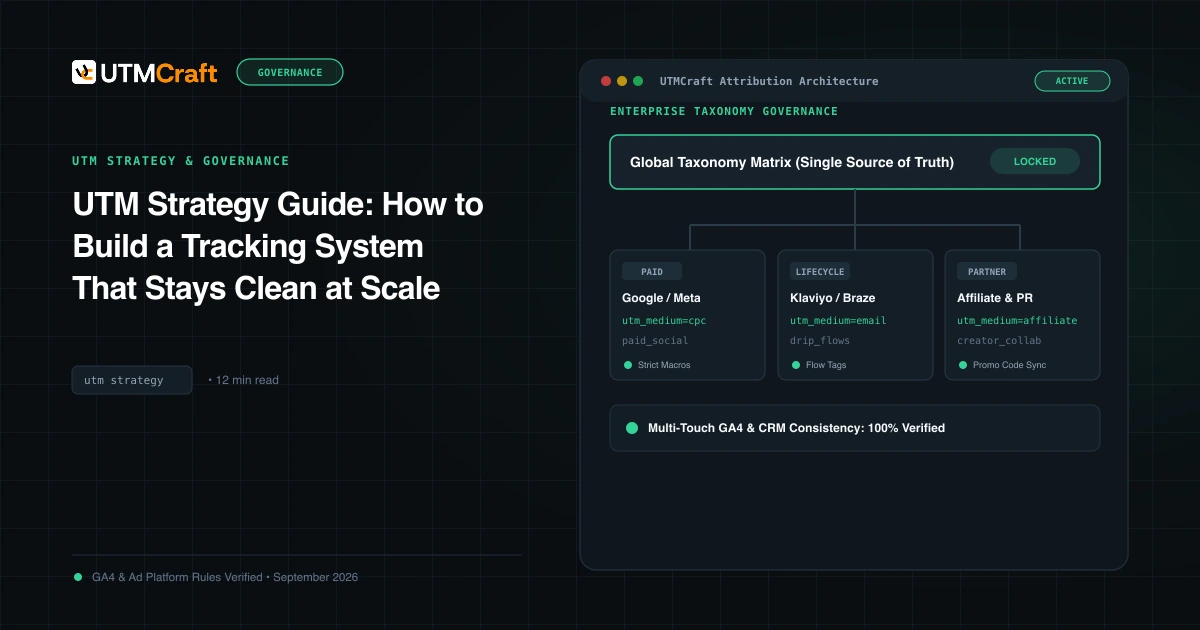
UTM Strategy Guide: How to Build a Tracking System That Stays Clean at Scale
Learn how to build an enterprise-grade UTM tracking strategy. Prevent fragmented GA4 reports, establish naming standards, and enforce governance at scale.
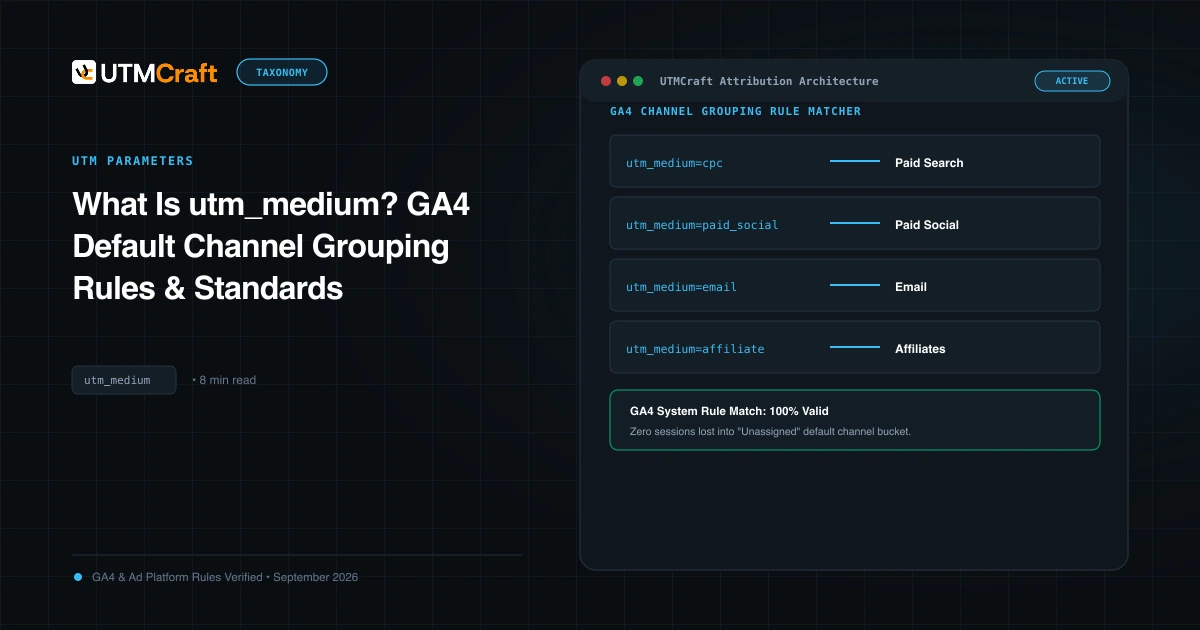
What Is utm_medium? GA4 Default Channel Grouping Rules & Standards
Understand utm_medium and how GA4 uses it to classify sessions into Default Channel Groups. Avoid Unassigned traffic with exact medium naming rules.