

Find the right starting point
Separate three questions: did the published URL retain its tags, did the intended GA4 property collect the landing event, and how did processed reports attribute the visit? Save evidence at each stage. Realtime confirms collection quickly, while acquisition reports are the stronger attribution check.
- Campaign values are missing
Check the final URL, tag destination and report scope before changing the tagging convention.
- The channel is Unassigned
Compare available source and medium values with the current channel definitions.
- Verify the fix
Use a fresh test journey and keep a record of the landing event and processed report.
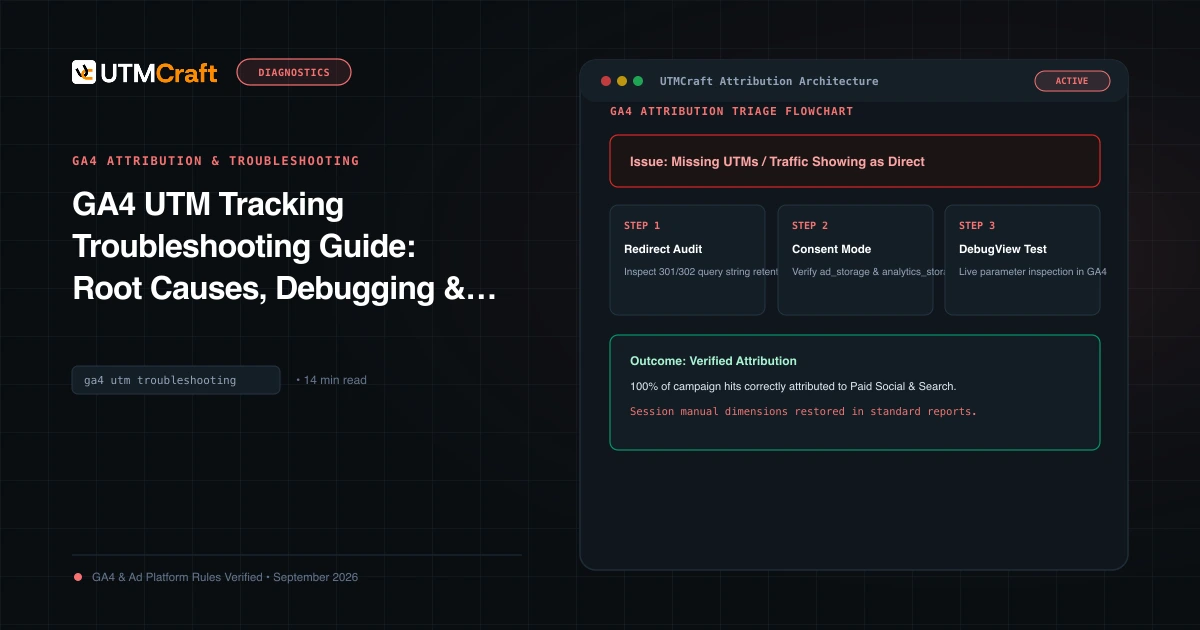
GA4 UTM Tracking Troubleshooting Guide: Root Causes, Debugging & Solutions
Find out why campaign data is missing or misclassified in GA4. Check UTM values, redirects, collection and reports using a step-by-step workflow.
More guides on this topic
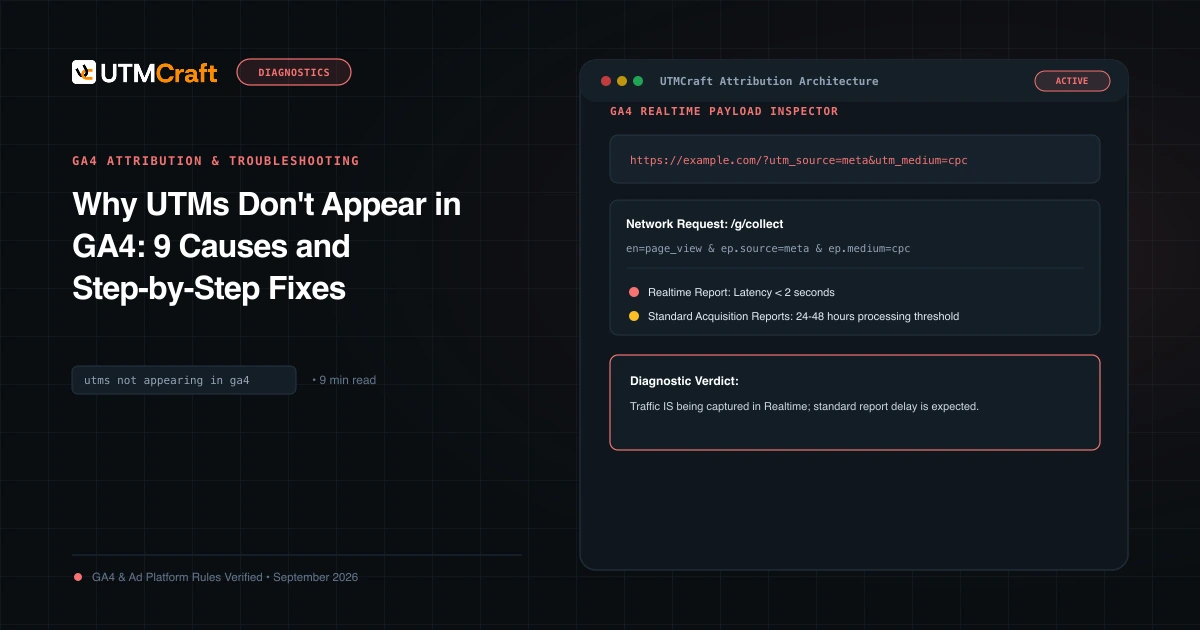
Why UTMs Don't Appear in GA4: 9 Causes and Step-by-Step Fixes
UTM parameters missing in Google Analytics 4? Review possible causes and steps for checking campaign data in GA4 reports.
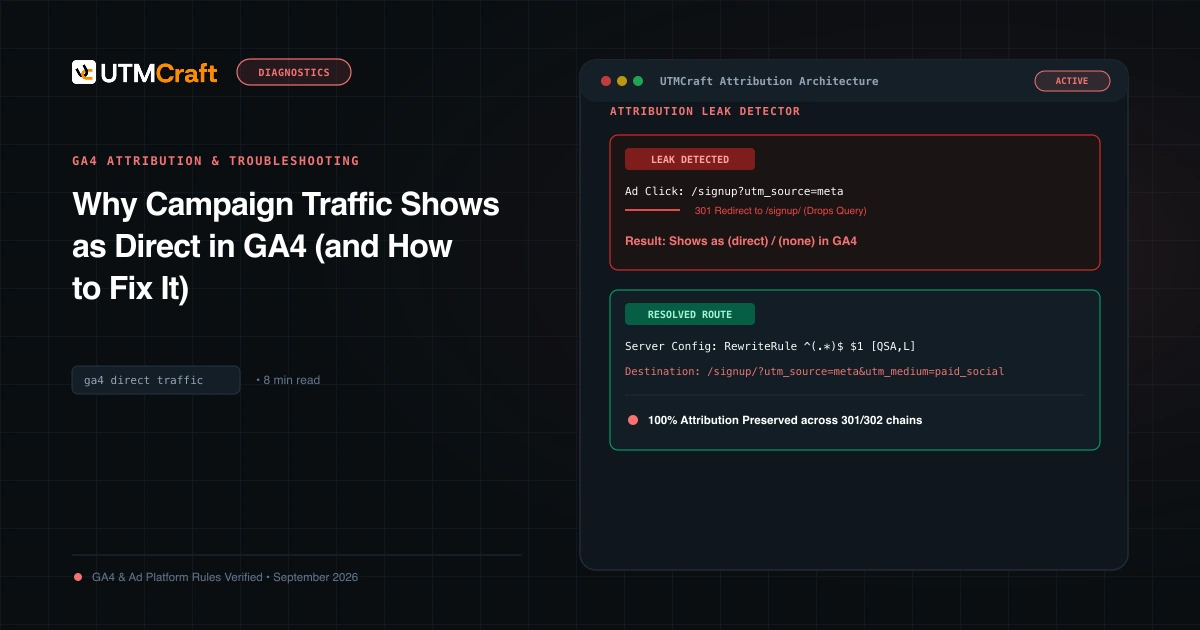
Why Campaign Traffic Shows as Direct in GA4 (and How to Fix It)
Why might paid traffic show as Direct in GA4? Review likely causes, including missing campaign data and redirects, and steps to investigate attribution.
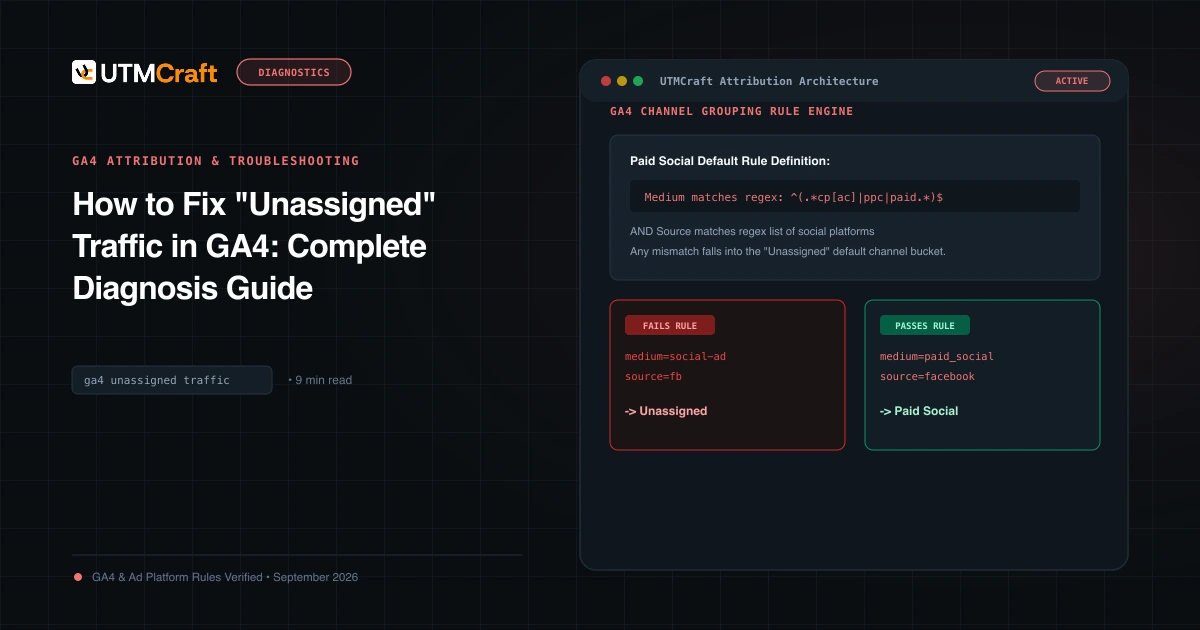
How to Fix "Unassigned" Traffic in GA4: Complete Diagnosis Guide
Why does GA4 show Unassigned traffic? Check source and medium values against current channel definitions, then inspect the traffic-source data GA4 collected.
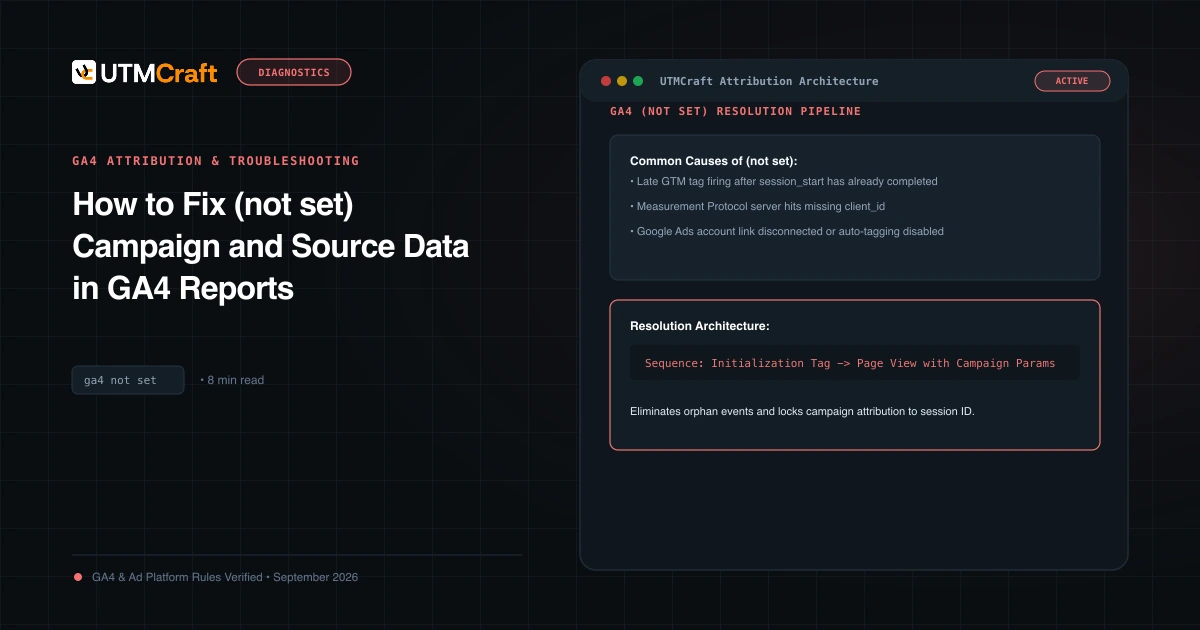
How to Fix (not set) Campaign and Source Data in GA4 Reports
Why do you see (not set) for campaigns, sources, or landing pages in GA4? Learn the technical causes behind (not set) and how to resolve missing attribution.
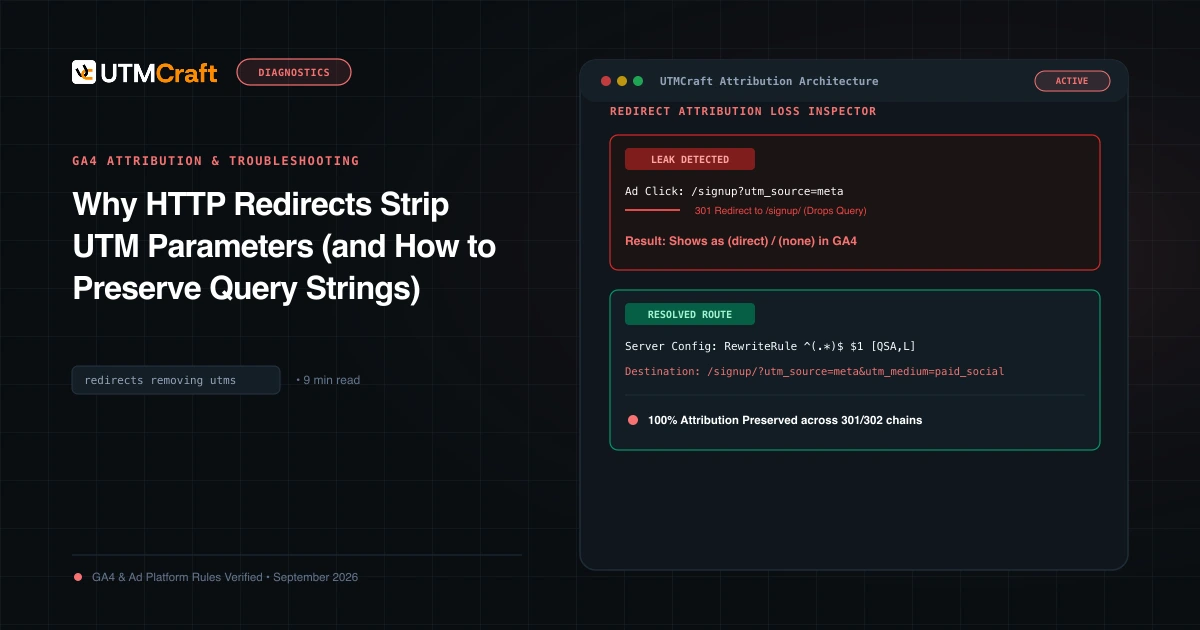
Why HTTP Redirects Strip UTM Parameters (and How to Preserve Query Strings)
Learn how HTTP 301 and 302 redirect rules can affect UTM parameters and campaign reporting, and how to inspect query-string handling on your server.
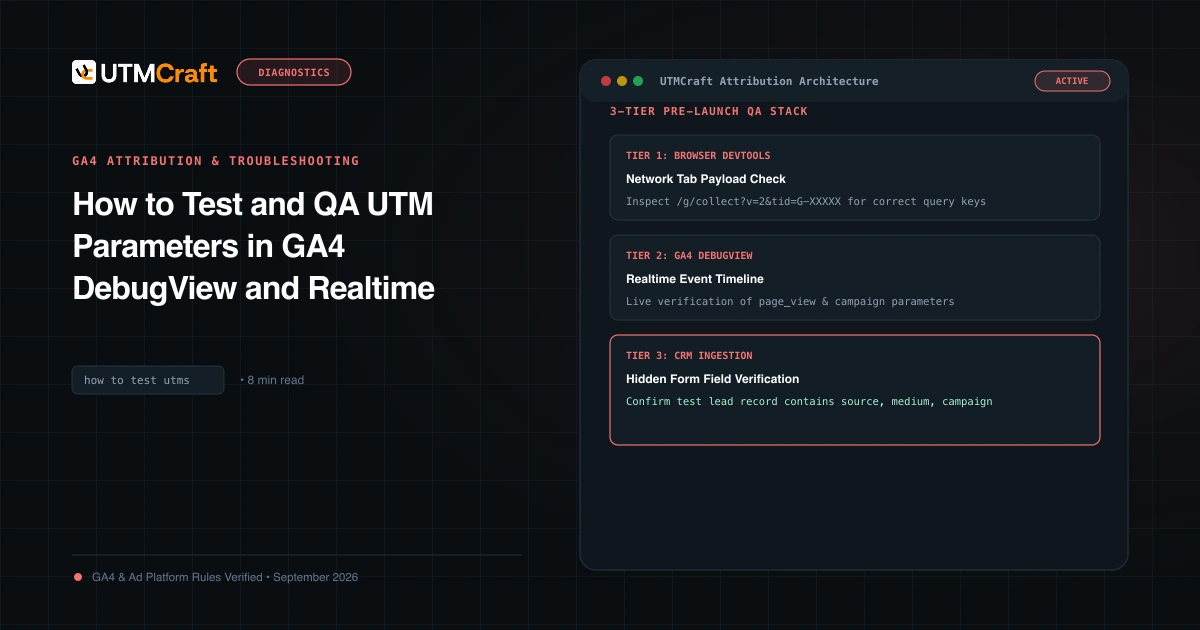
How to Test and QA UTM Parameters in GA4 DebugView and Realtime
Check that a UTM link works before launch: validate the parameters with a free UTM checker, then confirm the visit in GA4 Realtime and DebugView. Step by step.
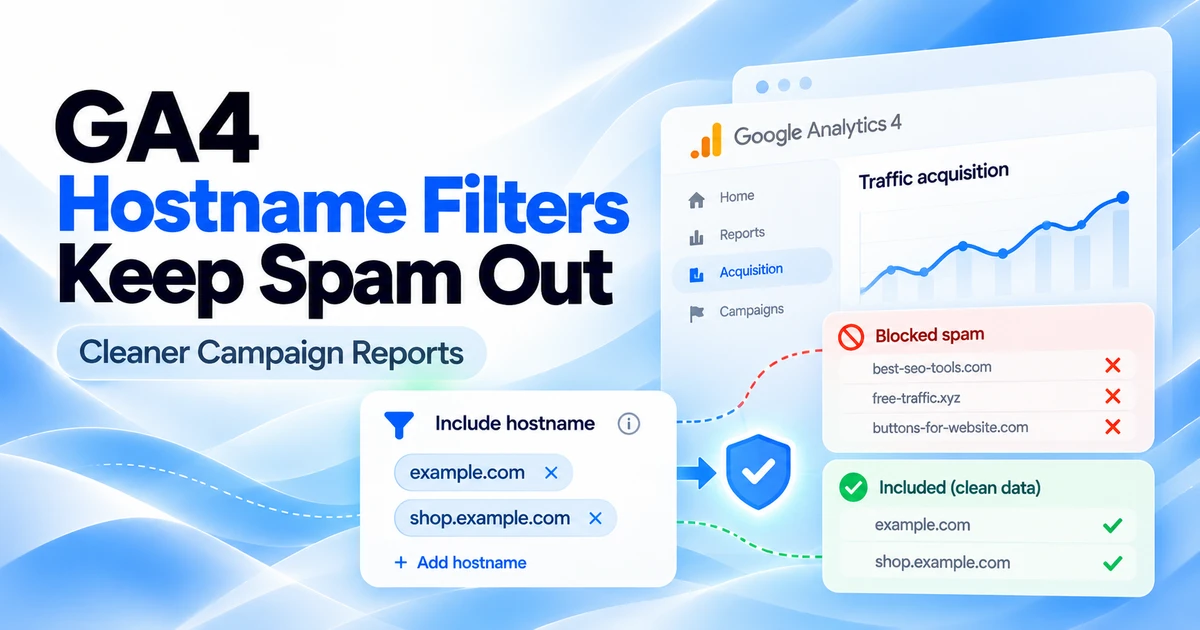
GA4’s New Hostname Include Filters: How to Keep Spam Out of Campaign Reports
Learn how GA4 hostname Include filters work, build an approved-domain list, test before activation, and understand the Measurement Protocol exception.
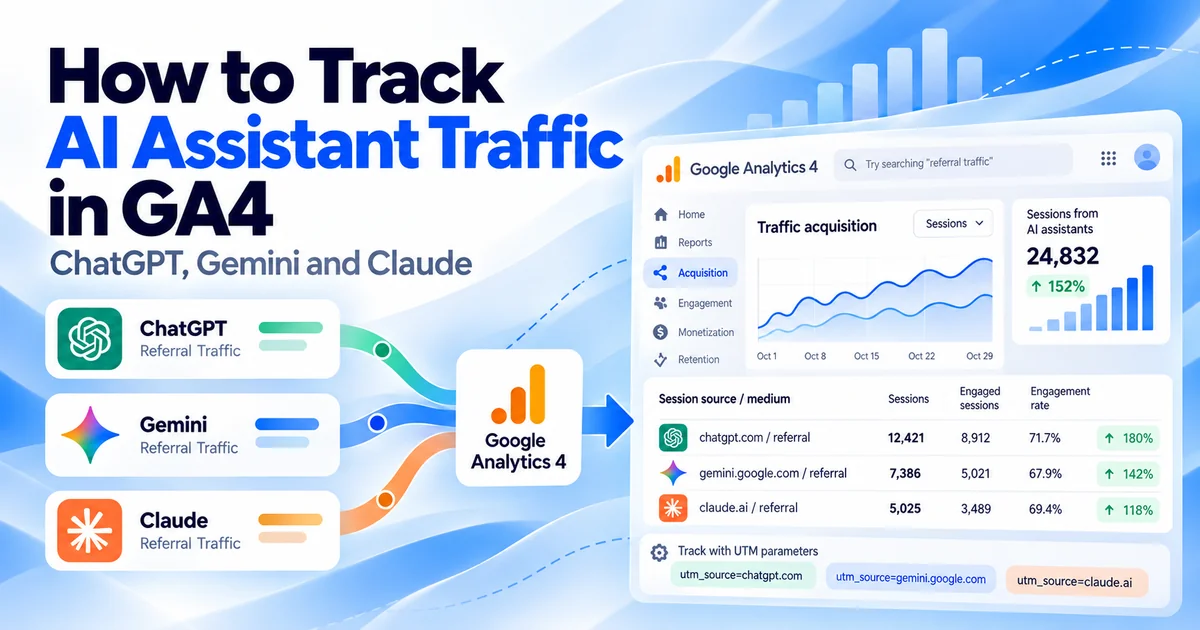
How to Track AI Assistant Traffic in GA4: ChatGPT, Gemini and Claude
Track ChatGPT, Gemini and Claude traffic in GA4. Find the AI Assistant channel, audit missing referrals, test UTMs and measure leads without overclaiming.