Table of Contents
- Distinguish duplicate keys from repeated values
- How duplicates enter a campaign workflow
- Check all occurrences, not just one displayed value
- Decide which values belong in the final link
- Rebuild the query without deleting useful parameters
- Fix the origin of the problem
- Verify the complete journey
- Frequently asked questions
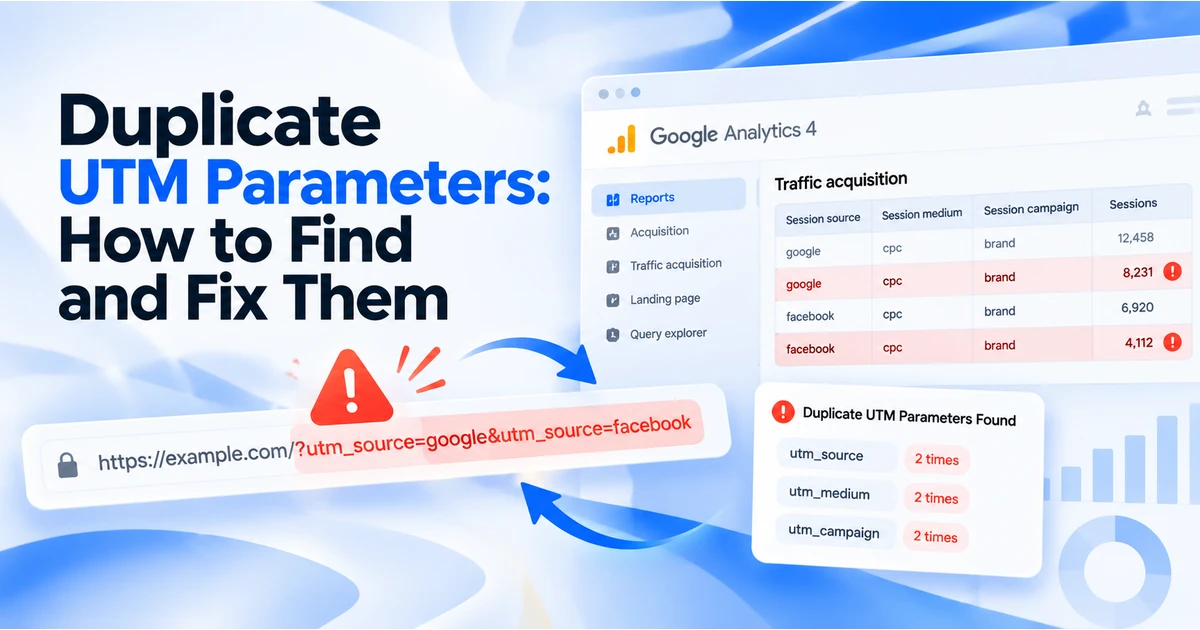
A campaign URL has duplicate UTM parameters when the same tracking key appears more than once in its query string:
https://example.com/demo?utm_source=newsletter&utm_source=facebook&utm_medium=email&utm_campaign=demo-launch
Here, utm_source has two conflicting values. The URL can still open successfully, but opening the page does not establish which value your analytics or CRM will use.
The safest fix is to identify the intended source, keep one value for each tracking key, and stop the system that added the duplicate. There is no reliable universal rule that the first or last occurrence wins across every consumer.
Distinguish duplicate keys from repeated values
| Example | What it means |
|---|---|
utm_source=email&utm_source=facebook |
One key appears twice with conflicting values |
utm_source=email&utm_source=email |
One key appears twice with identical values; still redundant |
utm_campaign=launch&utm_content=launch |
Two different keys share a value; not a duplicate key |
utm_source=email&UTM_SOURCE=facebook |
Different spellings; investigate inconsistent keys rather than assuming normalisation |
?utm_source=email#utm_source=facebook |
A query value and text in the fragment; not two query occurrences |
The fragment is the portion after #. It is separate from the URL's query string, so inspecting text alone can misidentify a duplicate. URL hash reference
How duplicates enter a campaign workflow
Common places to inspect include:
- A marketer pastes an already tagged URL into a builder that appends new tags.
- An email platform adds its own campaign tags to a link containing manual tags.
- A Google Ads final URL already includes keys also supplied by its suffix.
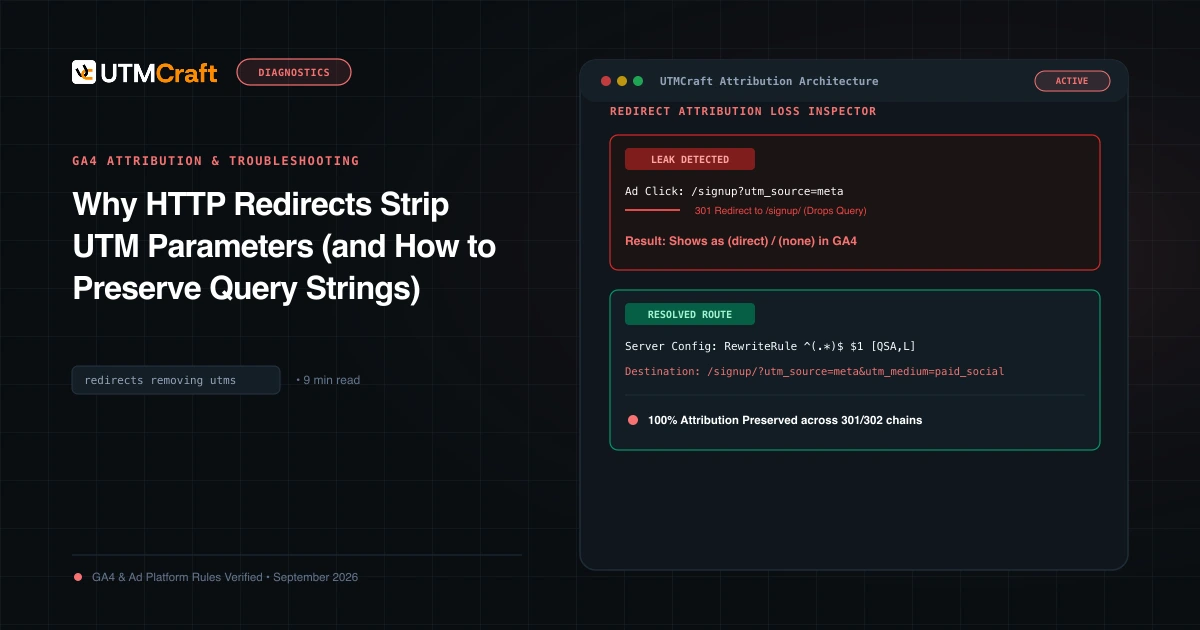
- A redirect or landing-page script appends parameters without checking for existing values.
- Two teams each believe they own the tagging step.
These are diagnostic possibilities, not proof of what happened to your link. Record the URL before and after each system to locate the actual change.
For Google Ads, review the destination, suffix and any tracking template together. Google Ads URL configuration
Check all occurrences, not just one displayed value
A parser that returns one value can hide a duplicate. In the browser's URL API, get() returns the first matching value; getAll() returns every value for the requested key. That tells you how these APIs behave, not how GA4 or a third-party CRM necessarily processes a duplicate. get() documentation, getAll() documentation
You can inspect a link locally with this JavaScript example. Replace the illustrative URL with a link you are authorised to inspect:
const url = new URL(
  'https://example.com/demo?utm_source=email&utm_source=facebook&utm_campaign=launch'
);

const keys = [...new Set(url.searchParams.keys())];
const duplicates = keys
  .filter(key => key.startsWith('utm_'))
  .map(key => ({ key, values: url.searchParams.getAll(key) }))
  .filter(entry => entry.values.length > 1);

console.table(duplicates);
This snippet reads the URL string without visiting the destination or changing the website. It detects exact lowercase utm_ keys. It does not consolidate mixed-case spellings, inspect redirects or validate analytics collection. Review inconsistent spellings separately.
Decide which values belong in the final link
Do not choose a source based only on its position in the URL. Ask where the link will actually be distributed.
For a link in a newsletter, an approved convention could be:
| Field | Intended value |
|---|---|
| Source | newsletter |
| Medium | email |
| Campaign | demo-launch |
| Content | hero-button |
For a paid social advertisement, the intended values would be different. The purpose is one coherent campaign description, not mechanically deleting whichever parameter comes second.
Get the campaign owner to confirm ambiguous values. Preserve a copy of the original link and document the chosen convention for future sends.
Rebuild the query without deleting useful parameters
Suppose your original link is:
https://example.com/pricing?plan=pro&utm_source=newsletter&utm_source=facebook&utm_medium=email&utm_campaign=demo-launch#compare
For the newsletter example, the corrected version is:
https://example.com/pricing?plan=pro&utm_source=newsletter&utm_medium=email&utm_campaign=demo-launch&utm_content=hero-button#compare
The plan=pro parameter and #compare fragment remain. Do not erase unrelated query parameters simply because the URL contains a tracking conflict.
For exact, consistently spelled keys, JavaScript's set() replaces the value and removes other occurrences of that key:
const url = new URL(
  'https://example.com/pricing?plan=pro&utm_source=newsletter&utm_source=facebook&utm_medium=email&utm_campaign=demo-launch#compare'
);

const approved = {
  utm_source: 'newsletter',
  utm_medium: 'email',
  utm_campaign: 'demo-launch',
  utm_content: 'hero-button'
};

for (const [key, value] of Object.entries(approved)) {
  url.searchParams.set(key, value);
}

console.log(url.href);
This cleans the keys explicitly listed in approved. It is not a general deletion of every tracking parameter. set() documentation
If you rebuild with UTMCraft, review the option to strip existing UTMs before entering the approved values. Inspect the generated URL afterwards. Removing old UTM fields may also remove optional campaign information you intended to keep, so re-enter those deliberately.
Fix the origin of the problem
A corrected link is temporary if an email platform, ad setting or redirect adds the conflicting tags again. Assign one owner to each tracking field and document where those values are applied.
For example, if the email platform owns newsletter tagging, decide whether the pasted destination should be untagged. If the marketing team supplies complete tagged links, check the platform's automatic-tagging configuration instead. Validate this using the actual platform rather than assuming all services behave the same way.
Verify the complete journey
- Inspect the rebuilt URL: one occurrence of each intended tracking key.
- Confirm required non-UTM query values and the destination fragment still work.
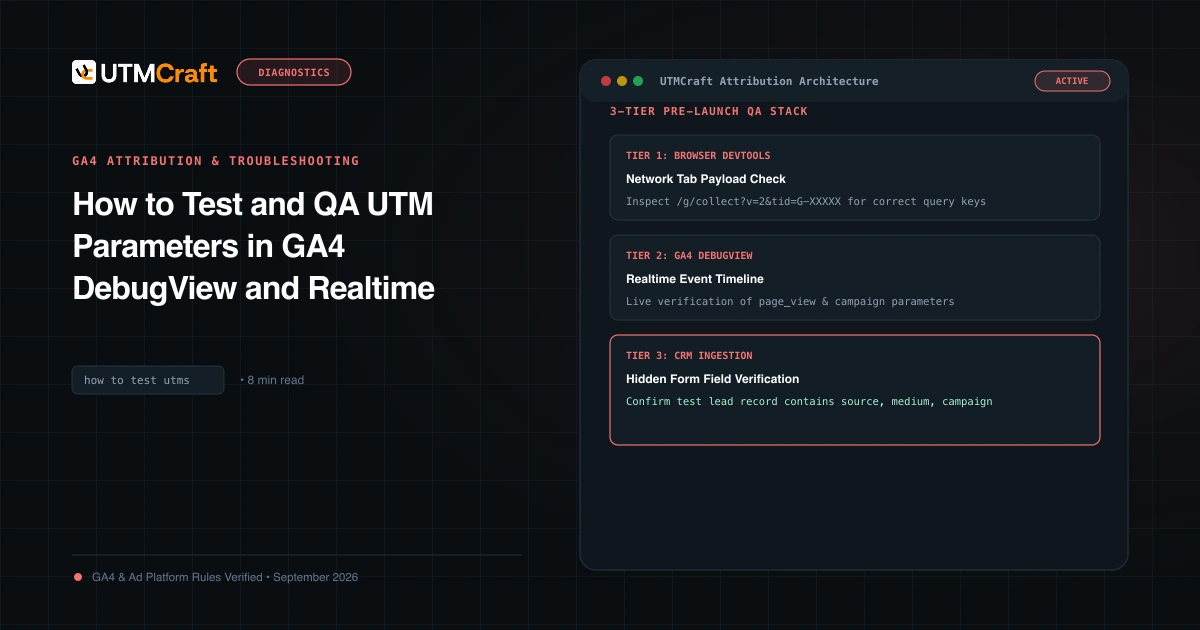
- Follow the authorised test journey and record any redirects.
- Inspect the final landing URL before collection.
- Check the page location received by the analytics tag and any campaign fields stored by your form or CRM.
- Review the relevant GA4 dimensions after processing.
UTM values map to manual campaign dimensions in GA4. A clean URL does not prove that the tag ran, consent allowed collection, or the selected report has the right scope. GA4 traffic-source dimensions
Use the UTM checker for the checks it explicitly reports, and follow the UTM testing guide for measurement QA. Do not rely on a single extracted value or quality score as proof that duplicates are absent.
Frequently asked questions
Will GA4 always take the first duplicate value?
This guide does not make that claim. Browser API behaviour is not evidence of every analytics implementation's handling. Remove the ambiguity before launch.
Can I fix historical reporting by changing the URL today?
Changing a link controls future visits. It does not rewrite the campaign values already collected in GA4.
Should I delete click identifiers while cleaning UTMs?
No. Review click identifiers and non-UTM parameters separately with the system that requires them. Duplicate UTM repair is not a reason to remove other attribution information.
For the broader setup, read UTM Operations: How to Build a Reliable Campaign Tracking Workflow. Browse the UTM Operations, Automation & QA guides to choose another troubleshooting task.
References
- URL hash reference (MDN Web Docs)
- Google Ads URL configuration (Google Help)
- get() documentation (MDN Web Docs)
- getAll() documentation (MDN Web Docs)
- set() documentation (MDN Web Docs)
- GA4 traffic-source dimensions (Google Help)