

8 Email UTM Mistakes That Create Direct or Unassigned Traffic
Prevent email campaigns from showing as Direct or Unassigned in GA4. Fix click-tracking redirect drops, non-standard mediums, and security bot skew.
Table of Contents
- Why Email Attribution Fails by Default
- The 8 Critical Email UTM Mistakes
- 1. Sending Untagged Links (Zero Referrer Header)
- 2. Using utm_medium=newsletter or e-mail
- 3. ESP Click-Tracking Wrappers Stripping Query Strings
- 4. Anti-Spam Security Scanners Inflating Fake Sessions
- 5. Reusing Identical Campaign Names Across Issues
- 6. Tagging Unsubscribe and Preference Center Links
- 7. Passing Subscriber Email Addresses in Query Strings
- 8. Overwriting Campaign Sessions with Internal Nav
- The Standard Email UTM Taxonomy
- Frequently Asked Questions
Desktop email clients like Microsoft Outlook and Apple Mail, as well as native mobile mail apps, do not pass an HTTP referrer header when a subscriber clicks a link. Without explicit UTM parameters, 100% of your email marketing traffic lands in GA4 as Direct.
Why Email Attribution Fails by Default
Unlike a website link, an email client is an independent desktop or mobile application. When a user clicks, the browser opens without any referrer information. Email UTM tags are not optional—they are the only attribution link between your ESP and GA4.
The 8 Critical Email UTM Mistakes
1. Sending Untagged Links (Zero Referrer Header)
Assuming that your ESP (Klaviyo, Mailchimp, HubSpot) automatically tags every link is dangerous. Custom HTML templates and text links often bypass default ESP taggers.
2. Using utm_medium=newsletter or e-mail
GA4 Default Channel Grouping specifically checks for utm_medium=email. Setting e-mail, newsletter, or broadcast routes the traffic into Unassigned.
3. ESP Click-Tracking Wrappers Stripping Query Strings
When custom tracking domains are improperly configured with CNAME records, the ESP's redirect link may drop URL query parameters before forwarding to the final destination.
4. Anti-Spam Security Scanners Inflating Fake Sessions
Enterprise security scanners (Mimecast, Proofpoint) pre-click links to inspect payloads, generating false 1-second GA4 sessions.
5. Reusing Identical Campaign Names Across Issues
Naming every weekly email utm_campaign=weekly-newsletter prevents you from comparing which topics actually generated purchases or demo requests. Include the send date: newsletter-2026-09-24.
6. Tagging Unsubscribe and Preference Center Links
Tagging legal footer links clutters reporting. Only tag marketing content links.
7. Passing Subscriber Email Addresses in Query Strings
Never pass utm_term={{email}}. Transmitting plain-text email addresses violates Google Analytics Terms of Service and data privacy laws.
8. Overwriting Campaign Sessions with Internal Nav
If your landing page has internal UTM links, the subscriber's email attribution is wiped as soon as they browse.
The Standard Email UTM Taxonomy
utm_source=newsletter (or automated-flow)
utm_medium=email
utm_campaign=2026-09-product-update
utm_content=hero_cta_button
Frequently Asked Questions
Why does my email traffic appear as Direct in GA4?
Email apps do not send HTTP referrer headers. If your links lack utm_medium=email, GA4 cannot determine the traffic source and classifies it as Direct.
Should I use utm_source=email or utm_medium=email?
utm_medium=email is mandatory. utm_source should describe the specific email type or platform, such as newsletter, onboarding, or klaviyo.
Sources & Authoritative References
- Google Analytics 4 Default Channel Grouping: Email Definition (Google Support)
Related Measurement Guides
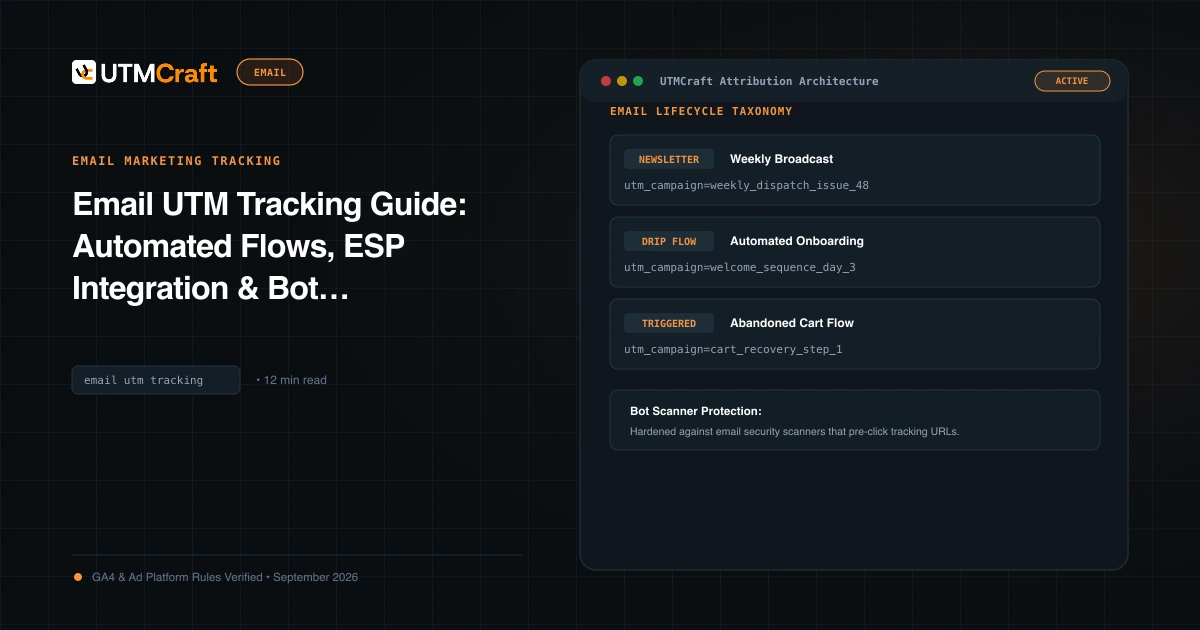
Email UTM Tracking Guide: Automated Flows, ESP Integration & Bot Filtering
The definitive guide to email marketing UTM tracking. Standardize automated flow and newsletter parameters across Klaviyo, HubSpot, Braze, and Mailchimp.
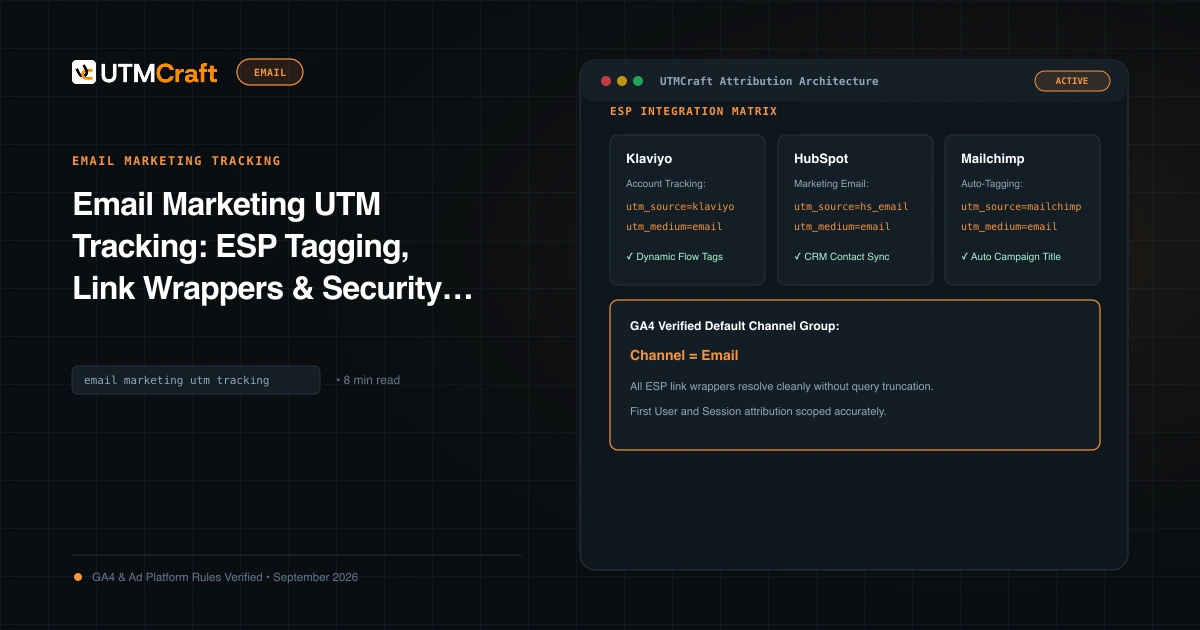
Email UTM Link Wrappers: Preserve Tags Through ESP Redirects
Diagnose email service provider link wrapping that drops UTM query parameters. Learn how to inspect redirect chains and verify the final landing URL before sending.
15 UTM Tracking Mistakes That Ruin Your GA4 Data (and How to Fix Them)
Discover the 15 most destructive UTM tracking mistakes breaking GA4 attribution, causing Unassigned traffic, and corrupting ad ROI—with actionable fixes.