

First-Touch vs Last-Touch UTM Attribution: Capture Models, Cookies & CRM Sync
Learn the architectural differences between first-touch and last-touch UTM attribution. How to capture both models in cookies, localStorage, and your CRM.
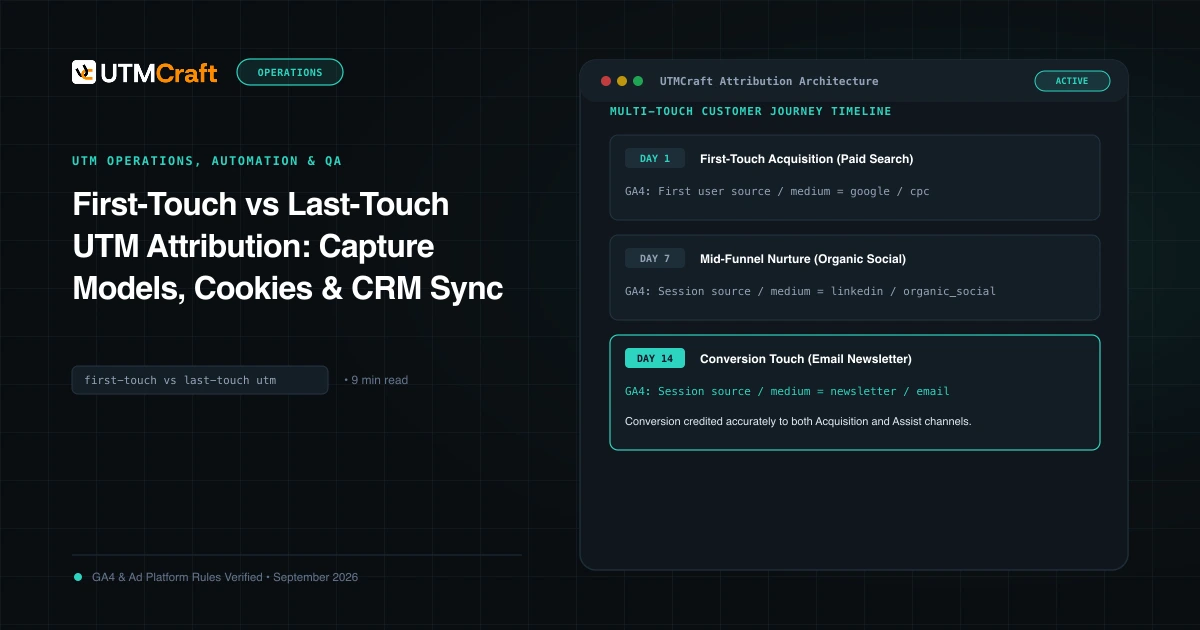
Table of Contents
Marketing teams frequently argue over whether first-touch or last-touch attribution is "correct." In real-world customer journeys with sales cycles lasting days or months, both models are essential. First-touch illuminates which top-of-funnel campaigns fill the pipeline; last-touch illuminates which offers trigger final conversion.
The Multi-Touch Attribution Divide
Consider a typical B2B buyer journey:
- Day 1: Prospect clicks a LinkedIn Sponsored Post (
utm_source=linkedin&utm_campaign=brand-awareness) and reads a blog post. No form submission. - Day 14: Prospect Googles your brand, clicks an organic search result, and downloads a whitepaper.
- Day 30: Prospect clicks a retargeting ad on Google Display (
utm_source=google&utm_medium=cpc&utm_campaign=retargeting-demo) and requests a demo.
If you only record last-touch, you attribute 100% of the deal to Google Search, falsely concluding that LinkedIn ads produced zero revenue. If you record only first-touch, you never learn which ad tipped them over the edge.
First-Touch in GA4 vs First-Touch in Your CRM
- In GA4: Represented by First user source / medium and First user campaign. Stored in client-side cookies linked to the
client_id. - In CRM (HubSpot/Salesforce): Represented by
Original Sourceor custom fieldsFirst Touch Source. Populated once upon lead creation and locked forever.
Last-Touch in GA4 vs Last-Touch in Your CRM
- In GA4: Represented by Session source / medium and Session campaign. Captures the specific touchpoint driving that individual session.
- In CRM: Represented by
Last Touch Source. Overwritten every time a known lead fills out a new form, attends a webinar, or converts on an offer.
How to Implement Dual-Capture in Client-Side Storage
On your landing pages, configure your tracking script to maintain two sets of cookies:
// Pseudocode for Dual-Touch Storage
function storeTouchpoints(utmParams) {
  // If first-touch cookie does not exist, write it once
  if (!getCookie('ft_utm_source') && utmParams.source) {
    setCookie('ft_utm_source', utmParams.source, 365); // 1-year expiry
    setCookie('ft_utm_campaign', utmParams.campaign, 365);
  }

  // Always overwrite last-touch cookie with fresh session data
  if (utmParams.source) {
    setCookie('lt_utm_source', utmParams.source, 30);
    setCookie('lt_utm_campaign', utmParams.campaign, 30);
  }
}
How to Report Both Models to Leadership
Present side-by-side pipeline contribution: credit top-of-funnel channels for Pipeline Created using first-touch data, and credit bottom-of-funnel channels for Deals Closed using last-touch data.
Sources & Authoritative References
- Attribution Models in GA4 (Google Analytics Help)
Related Measurement Guides
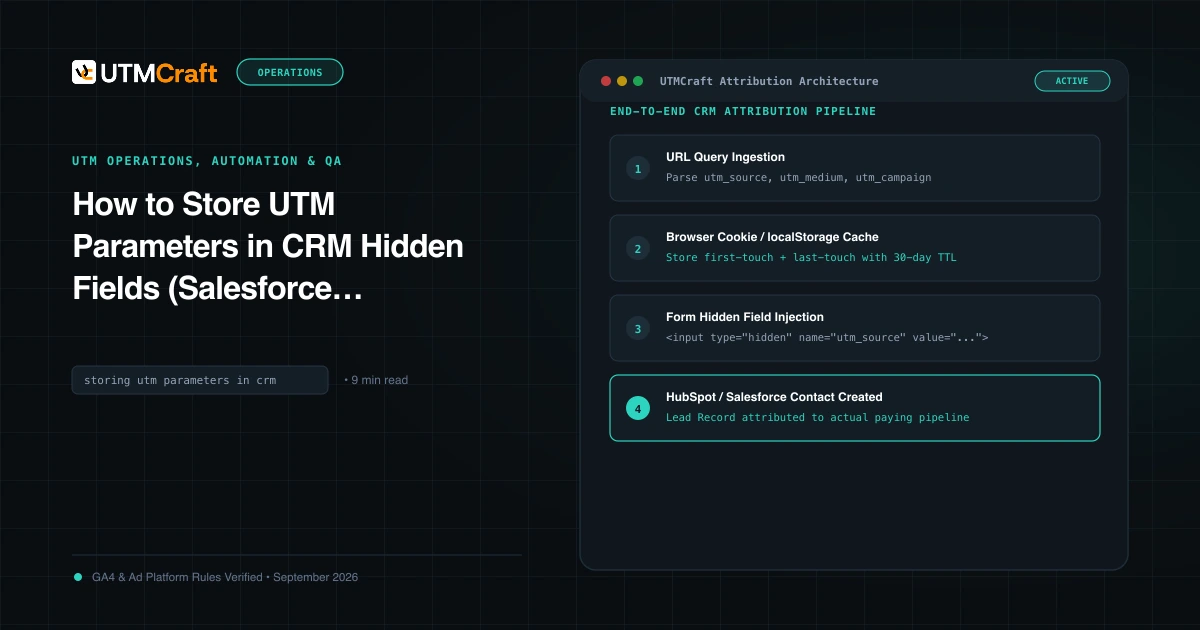
How to Store UTM Parameters in CRM Hidden Fields (Salesforce, HubSpot & Forms)
Complete guide on capturing UTM parameters in hidden form fields and syncing attribution into Salesforce, HubSpot, and Zoho CRM without losing data.
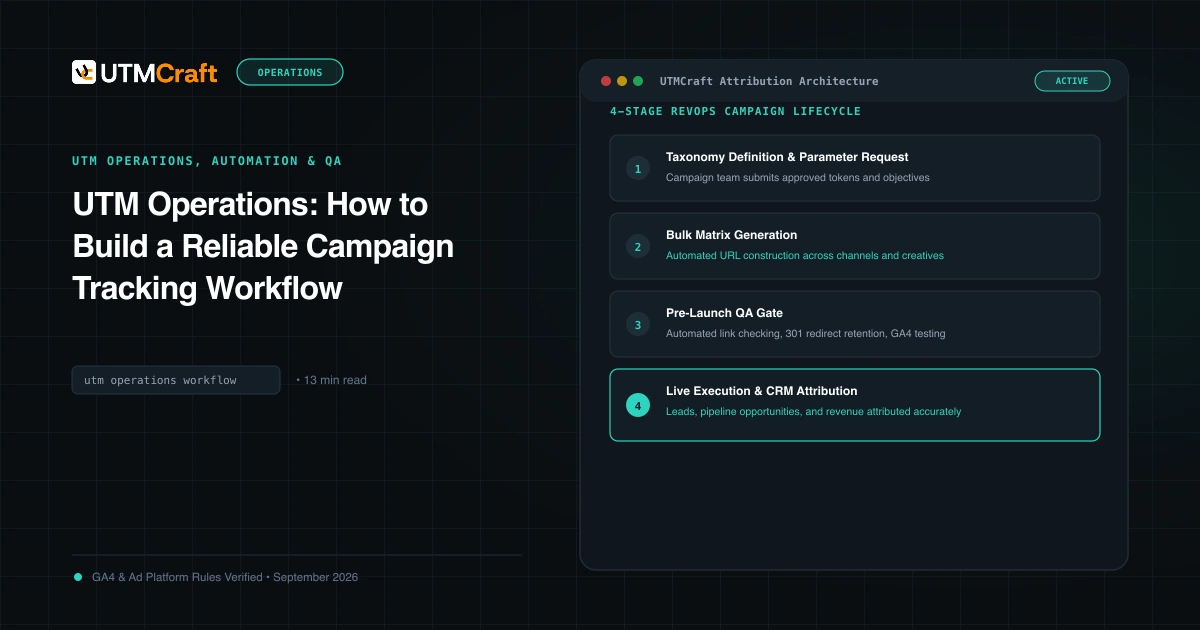
UTM Operations: How to Build a Reliable Campaign Tracking Workflow
Learn how to operationalize UTM tracking across marketing, RevOps, and engineering. Build automated generation, hidden form capture, and CRM attribution pipelines.
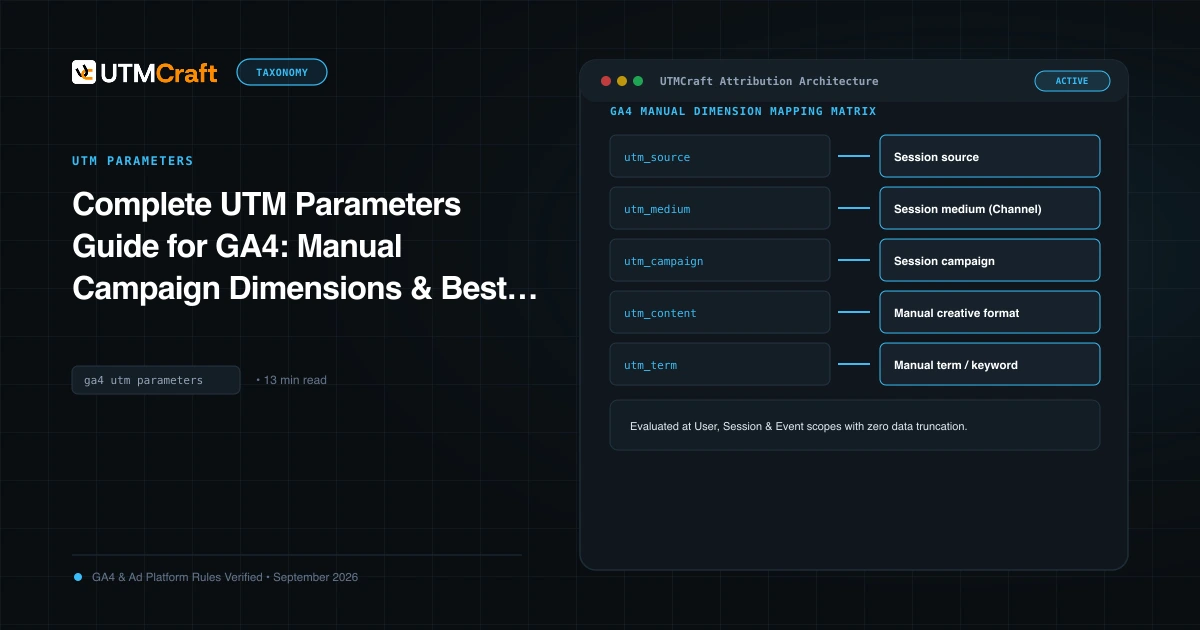
Complete UTM Parameters Guide for GA4: Manual Campaign Dimensions & Best Practices
The definitive technical reference to all 9 UTM parameters in Google Analytics 4, dimension mappings, character limits, encoding rules, and reporting caveats.