

Find the right starting point
A parameter describes a specific part of a visit; it does not guarantee a channel classification or a conversion. Start with source, medium and campaign, then add IDs and placement labels when the reporting question needs them. Never put names, email addresses or other personal information in campaign URLs.
- Identify the traffic origin
Choose a source that distinguishes the publisher or platform.
- Describe the channel
Check the source and medium against current GA4 channel definitions.
- Find the collected placement labels
Use the relevant manual dimensions rather than expecting every label in the default report.
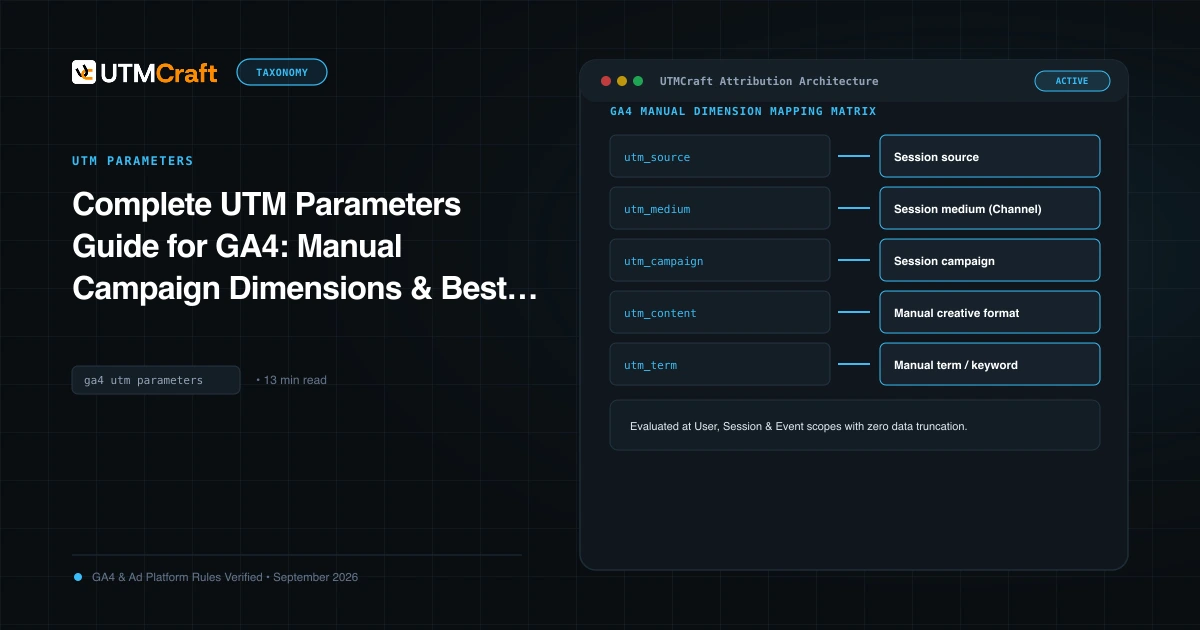
Complete UTM Parameters Guide for GA4: Manual Campaign Dimensions & Best Practices
Find out what the nine GA4 UTM parameters do, how to format their values and which reporting limitations to check before using them.
More guides on this topic
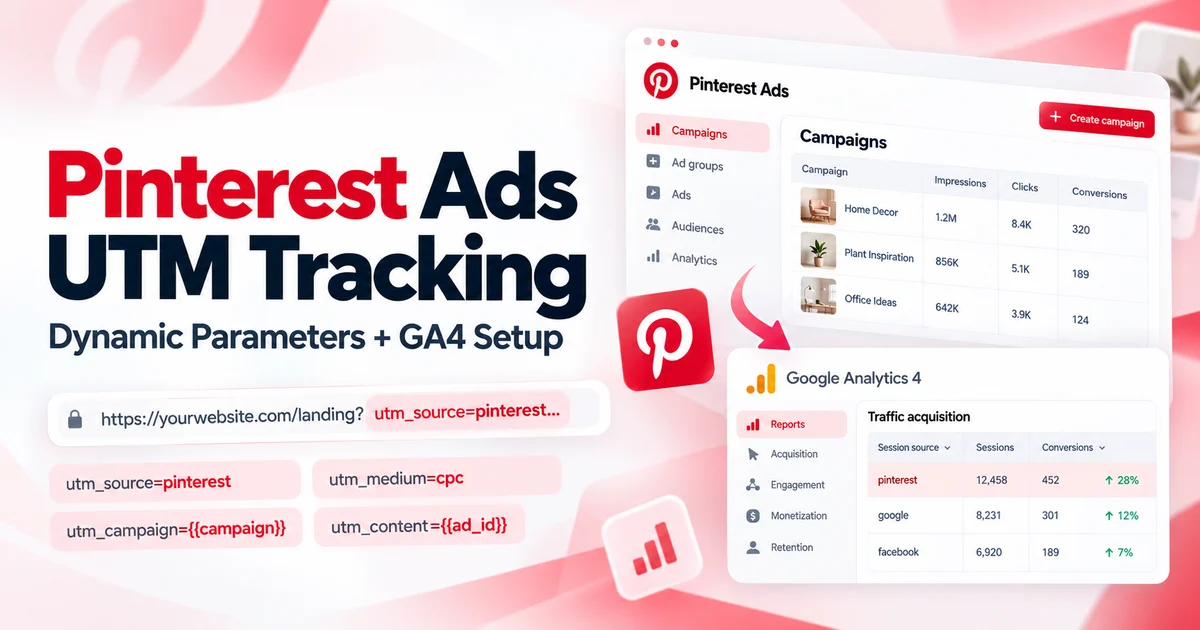
Pinterest Ads UTM Tracking: Dynamic Parameters and GA4 Setup
Copy-ready Pinterest Ads UTM parameters with {campaignid}, {adgroupid} and {adid} dynamic tags, Performance+ and catalog link checks, and GA4 reporting steps.
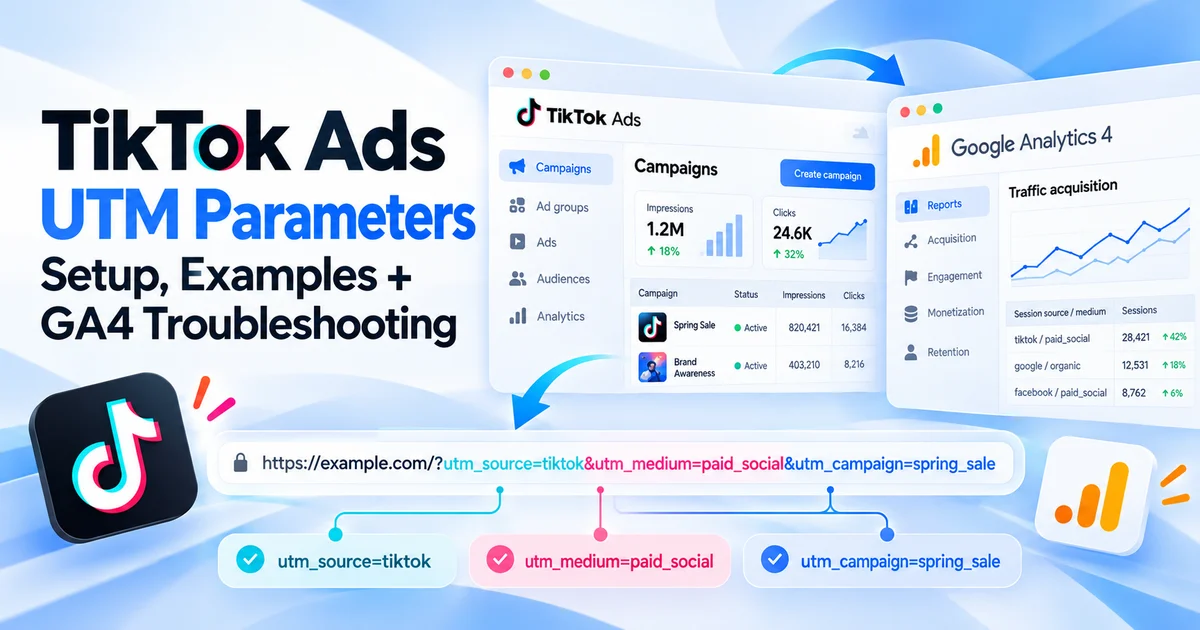
TikTok Ads UTM Parameters: Setup, Examples, and GA4 Troubleshooting
Configure TikTok Ads UTM parameters, use the right Smart+ macros, preserve ttclid, and troubleshoot missing campaign data in GA4.
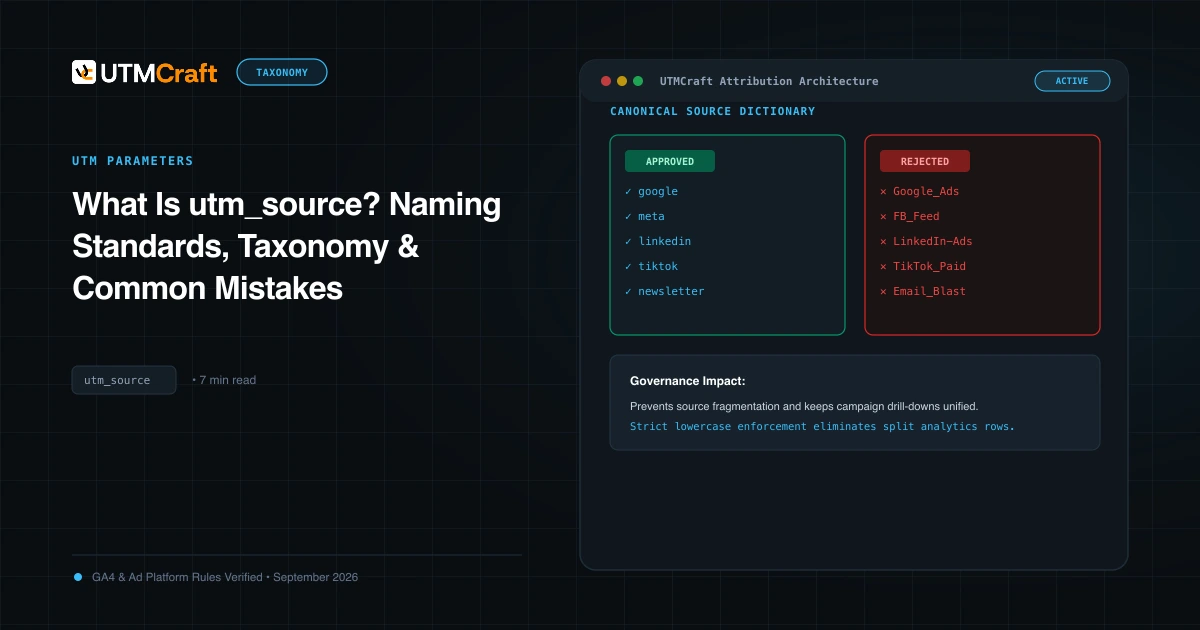
What Is utm_source? Meaning, Examples & Naming Rules
utm_source meaning: the UTM parameter that names where a click came from, such as google, newsletter or chatgpt.com. See examples, GA4 naming rules and common mistakes.
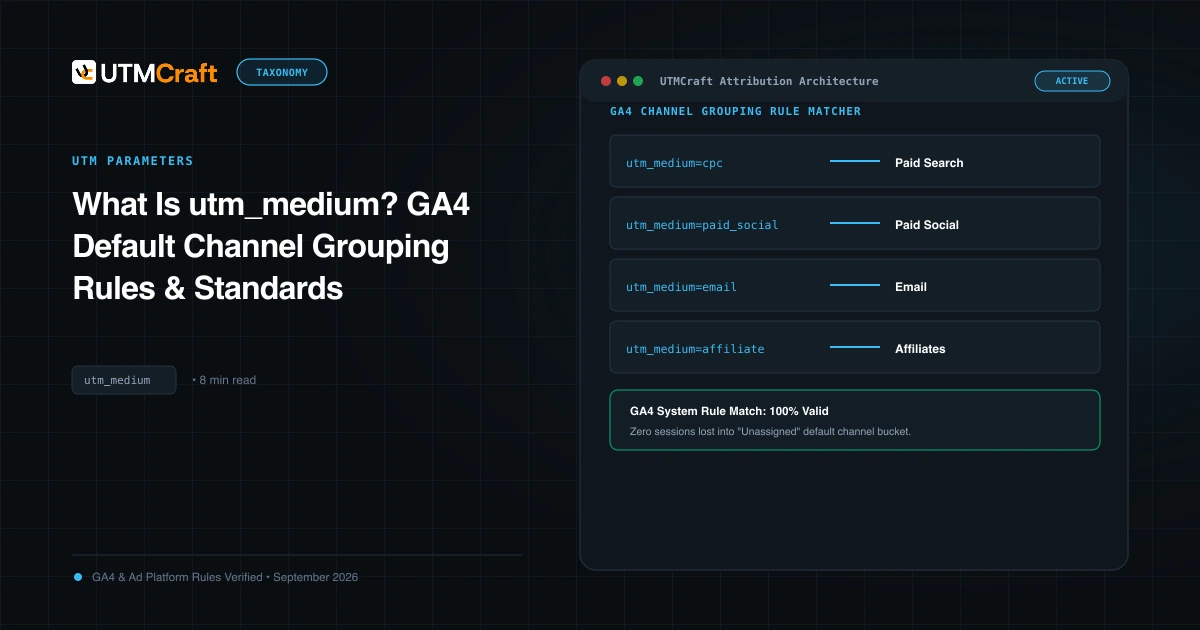
What Is utm_medium? GA4 Default Channel Grouping Rules & Standards
Understand utm_medium and how GA4 uses traffic-source data to assign Default Channel Groups. Check values against current rules to fix Unassigned traffic.
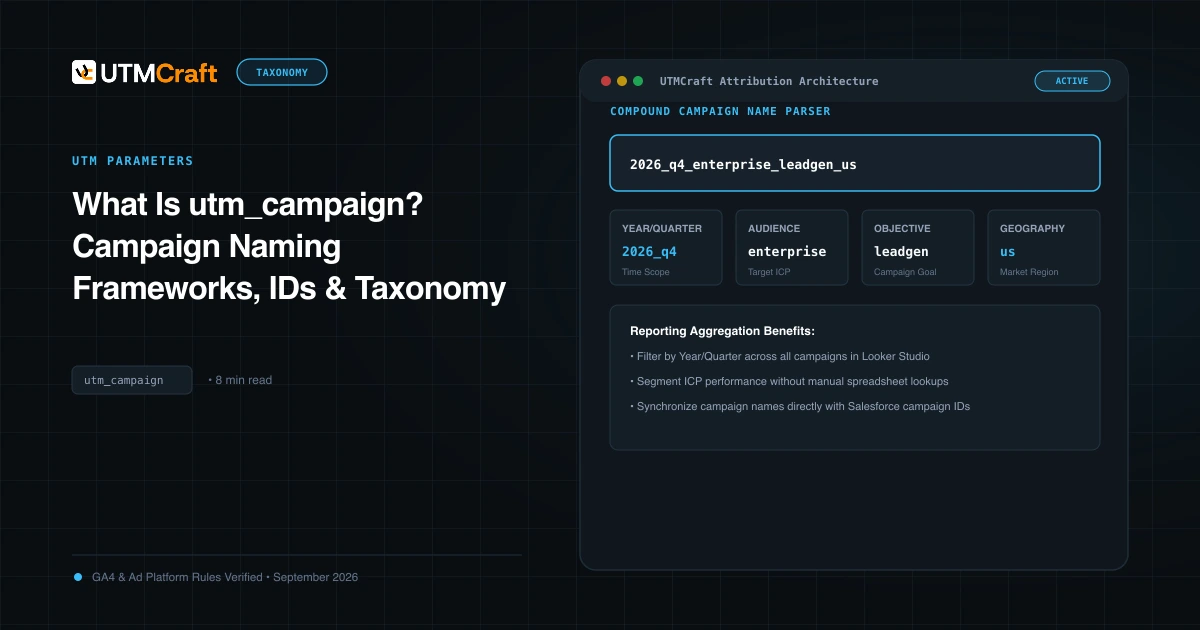
What Is utm_campaign? Campaign Naming Frameworks, IDs & Taxonomy
Learn how to structure utm_campaign for clear GA4 reporting. Discover formula frameworks, campaign IDs (utm_id), delimiter best practices, and real examples.
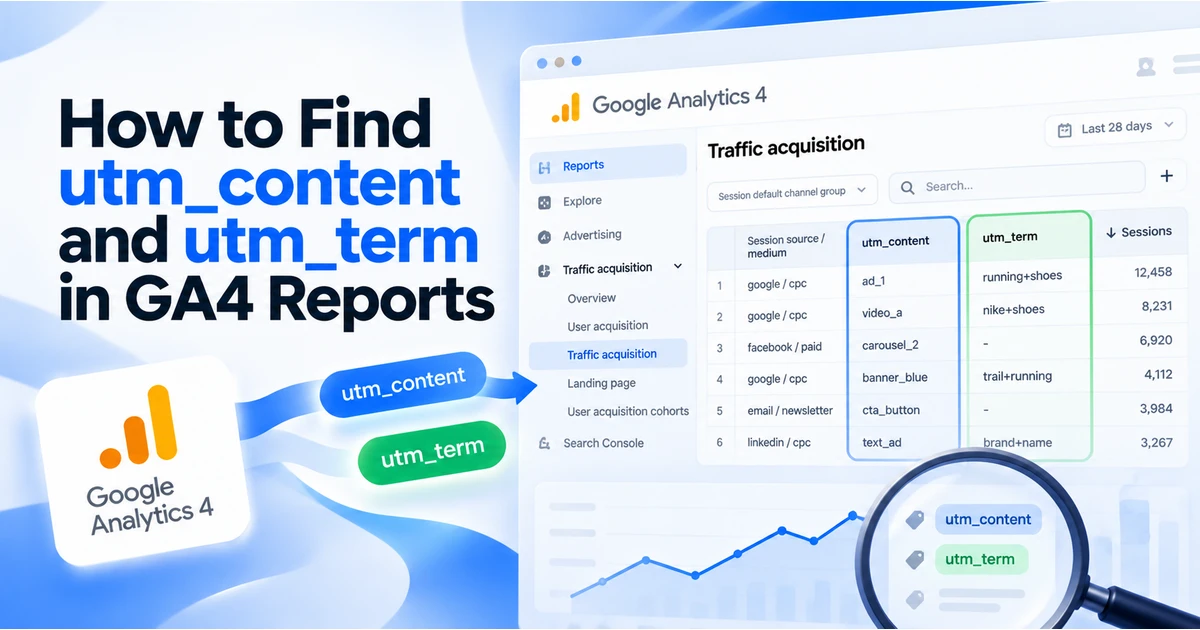
How to Find utm_content and utm_term in GA4 Reports
Find UTM content and term values using GA4 manual dimensions. Follow a session-scoped report example and troubleshoot missing campaign values.
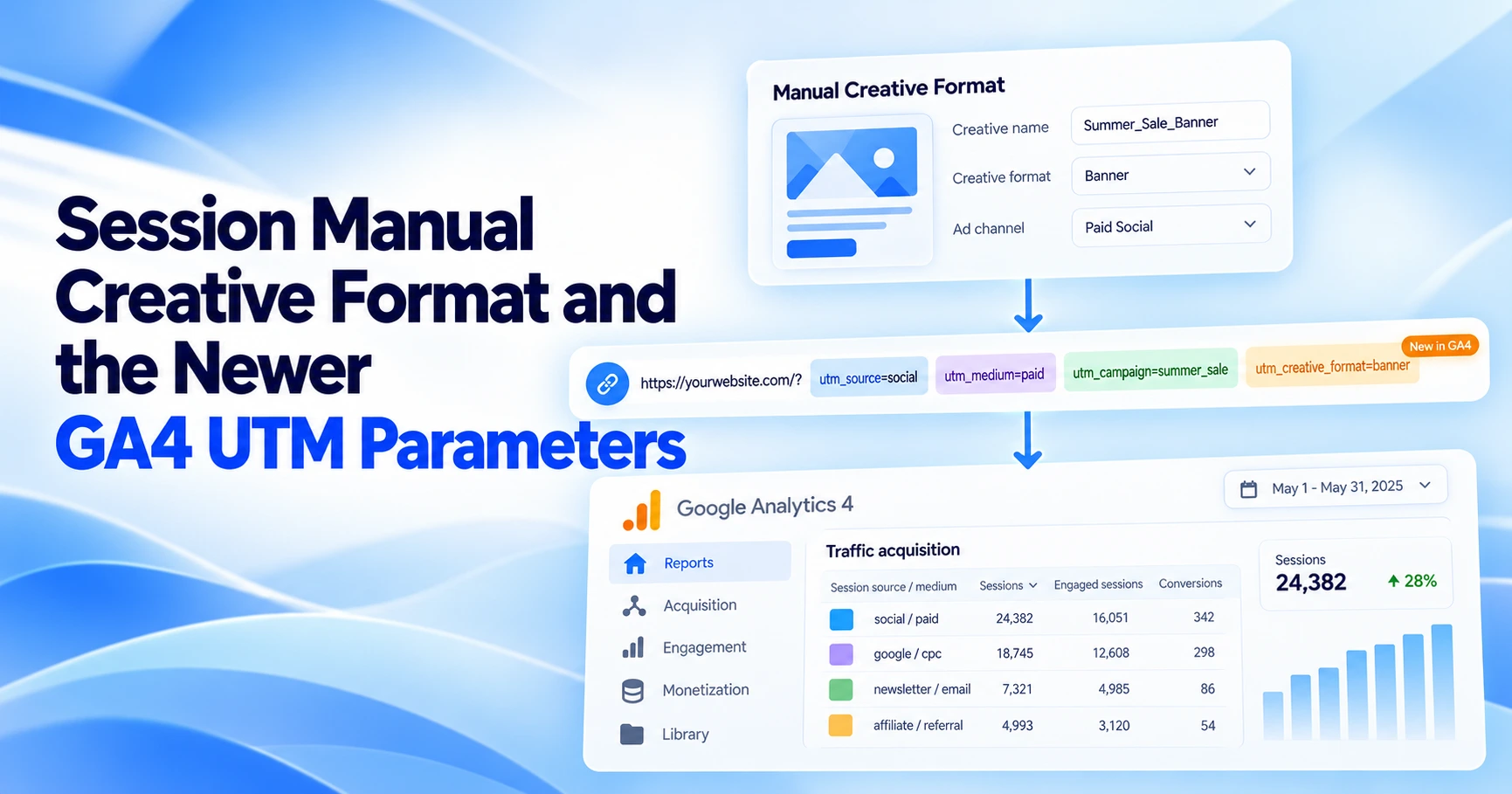
Session Manual Creative Format and the Newer GA4 UTM Parameters
What Session manual creative format, source platform and marketing tactic report in GA4 in 2026, per Google's docs, with scopes, BigQuery fields and setup.