Table of Contents
- Match the URL parameter to the correct dimension
- Use a tagged link that answers a specific question
- Method 1: Look in the Traffic acquisition report
- Method 2: Build a session-level free-form exploration
- Interpret the result without claiming more than it measures
- Why the values might be missing
- Do these parameters require custom dimensions?
- A short verification checklist
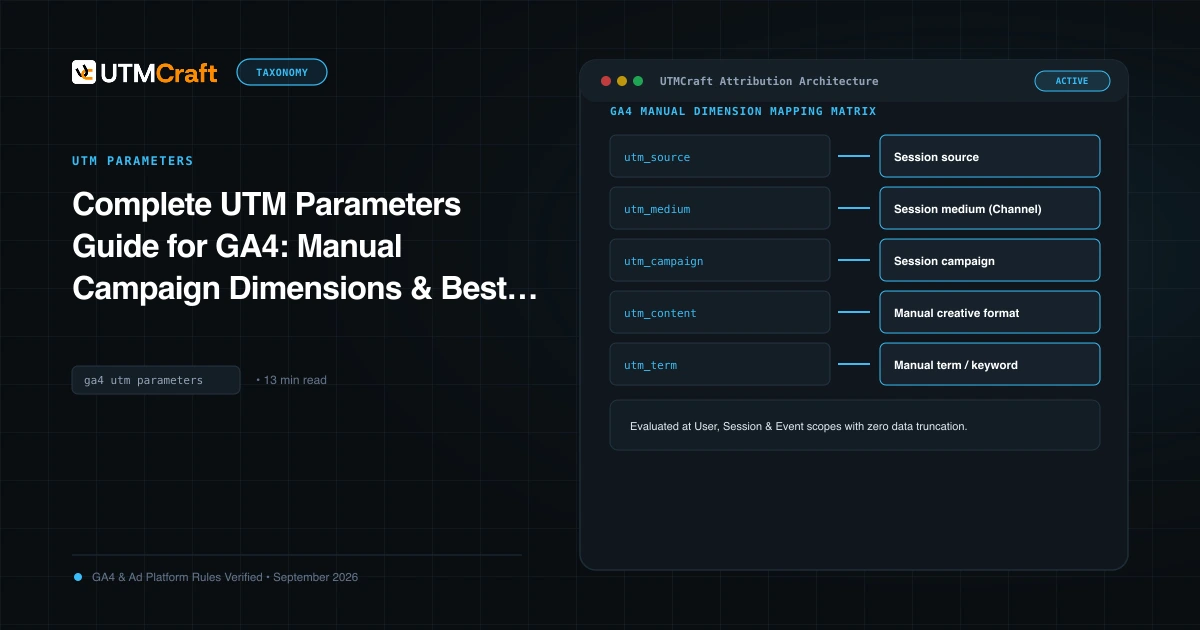
In GA4, utm_content and utm_term appear under manual campaign dimension names rather than columns literally named after the URL parameters. For session analysis, look for Session manual ad content and Session manual term.
Use these dimensions to answer questions such as which newsletter link generated sessions or which manually tagged variation sent engaged visits. They do not automatically tell you which creative caused a sale, and utm_term is not automatically a visitor's search query.
Match the URL parameter to the correct dimension
| URL parameter | Session question | First-user question |
|---|---|---|
utm_content |
Session manual ad content | First user manual ad content |
utm_term |
Session manual term | First user manual term |
Session dimensions describe the campaign information associated with a session. First-user dimensions describe the original acquisition information associated with a user. Google also documents event-scoped manual dimensions, so choose the scope that matches your question. GA4 dimension reference, traffic-source scopes
For comparing links in a recent send, start with session dimensions. For understanding which tagged variation originally acquired users, consider first-user dimensions. Do not switch between those scopes without changing your interpretation.
Use a tagged link that answers a specific question
Here is an illustrative newsletter link:
https://example.com/demo?utm_source=newsletter&utm_medium=email&utm_campaign=demo-launch&utm_content=hero-button
And a second link from the same newsletter:
https://example.com/demo?utm_source=newsletter&utm_medium=email&utm_campaign=demo-launch&utm_content=text-link
Source, medium and campaign stay consistent. Only content changes, allowing a session-level comparison between the two tagged links. These links are examples, not evidence of a real newsletter result or a controlled experiment.
If you have a legitimate use for utm_term, supply a consistent value and document its meaning. Avoid stuffing unrelated labels into the field merely to populate a report. Do not include names, email addresses or other personal information in campaign values. Google's guidance on personal information
Method 1: Look in the Traffic acquisition report
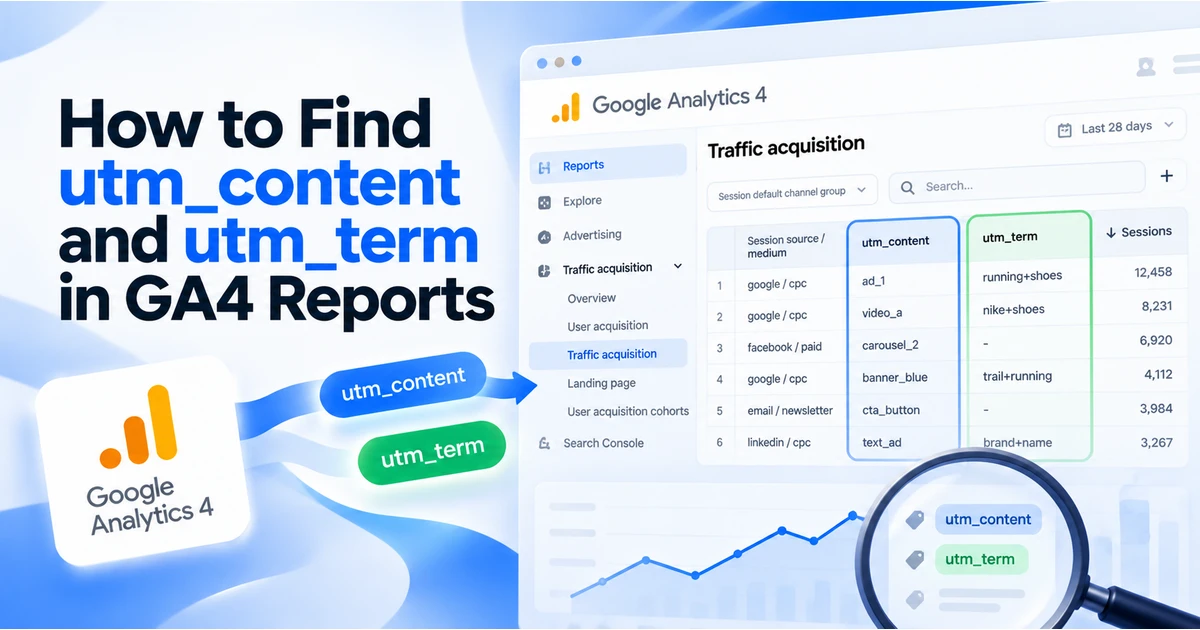
Open Reports and find Traffic acquisition. Navigation varies with the collections published in your property; the report name is more reliable than assuming every property has the same menu path.
Choose a campaign-related primary dimension, then use the + control to look for Session manual ad content or Session manual term as a secondary dimension. Search for the exact dimension name. If it is unavailable in that report's configuration, use an exploration instead. Traffic acquisition report
Filter or narrow the report to the campaign you are investigating. Comparing hero-button across every campaign would mix different sends and destinations. Keep the campaign and date context visible.
Method 2: Build a session-level free-form exploration
An exploration gives you more control over the dimensions in the table. Open Explore and create a Free form exploration. Import the dimensions and metrics you need into Variables, then add them to the table settings. Explorations overview
For the newsletter example, use this recipe:
| Setting | Selection |
|---|---|
| Date range | The period containing the send and subsequent visits |
| Dimensions | Session manual campaign name; Session manual ad content; Session manual term |
| Metrics | Sessions; Engaged sessions |
| Rows | Session manual campaign name; Session manual ad content |
| Values | Sessions; Engaged sessions |
| Filter | Session manual campaign name exactly matches demo-launch |
You can make a second table using Session manual term in Rows if your links intentionally supplied that parameter. Prefer a small table that answers one question over adding every available acquisition dimension.
If the interface rejects a dimension/metric combination, remove the incompatible selection rather than silently substituting a different scope. Explorations also depend on the data available under your property's retention settings. Data retention
Interpret the result without claiming more than it measures
Suppose the table shows sessions for hero-button and text-link. That establishes recorded session traffic associated with those content values in the selected report. It does not mean you have counted every link click or isolated the button's causal effect.
A person may click more than once, arrive during an existing session, decline consent, or leave before collection. Your email platform and GA4 measure different parts of the journey. Use the email platform for its recorded clicks and GA4 for the website behaviour it actually collected.
For a session-based comparison, inspect both sessions and engaged sessions. If you add business outcomes, define the selected key event and examine the relevant scope and attribution before making a “winning creative” claim.
Why the values might be missing
The link never supplied the parameter
If a URL contains source, medium and campaign but no utm_content, there is no content label in that link to collect. Check the exact distributed URL, not only the planning spreadsheet.
The value disappears before the tag sees the page
Follow the actual redirect journey and inspect the final landing URL. Then check the page location received by your analytics implementation. A URL in the browser address bar is useful evidence, but it is not proof of the value sent by every tag configuration.
You selected a different scope
A first-user content value can describe an earlier acquisition visit. It is not the same question as the content associated with the current session. Use a separate fresh-session test for each illustrative link when checking session attribution. Traffic-source scopes
Collection or processing has not completed
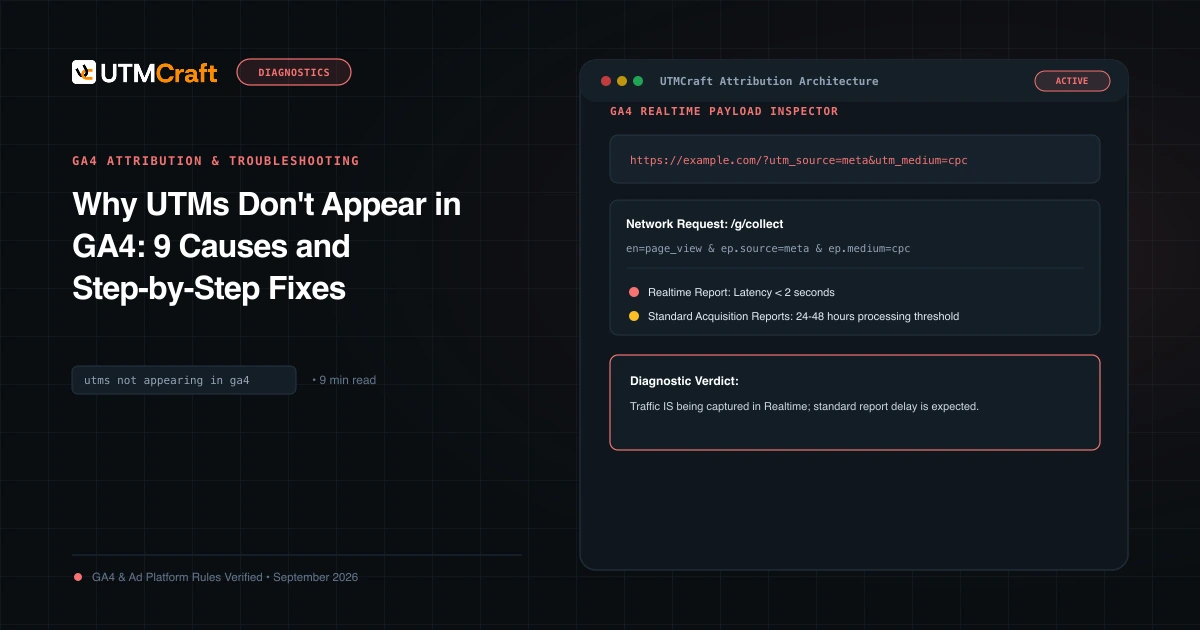
Confirm the tag runs under the applicable consent state. Allow for report processing rather than expecting an exact number of seconds. Standard reports and explorations do not all update at the same moment. GA4 data freshness
You expected an advertising dimension to show a manual tag
Manual values and Google Ads dimensions serve different purposes. With auto-tagging, campaign classification can use advertising information, while supported manual content and term fields remain separate dimensions. Check the field you selected before assuming the UTM value was overwritten. Manual tagging and auto-tagging
Do these parameters require custom dimensions?
GA4 has built-in manual dimensions for these standard UTM parameters. You do not need to create a custom dimension simply to read utm_content as manual ad content or utm_term as manual term. Additional query parameters you invent are a separate collection and reporting decision. Built-in campaign mappings
A short verification checklist
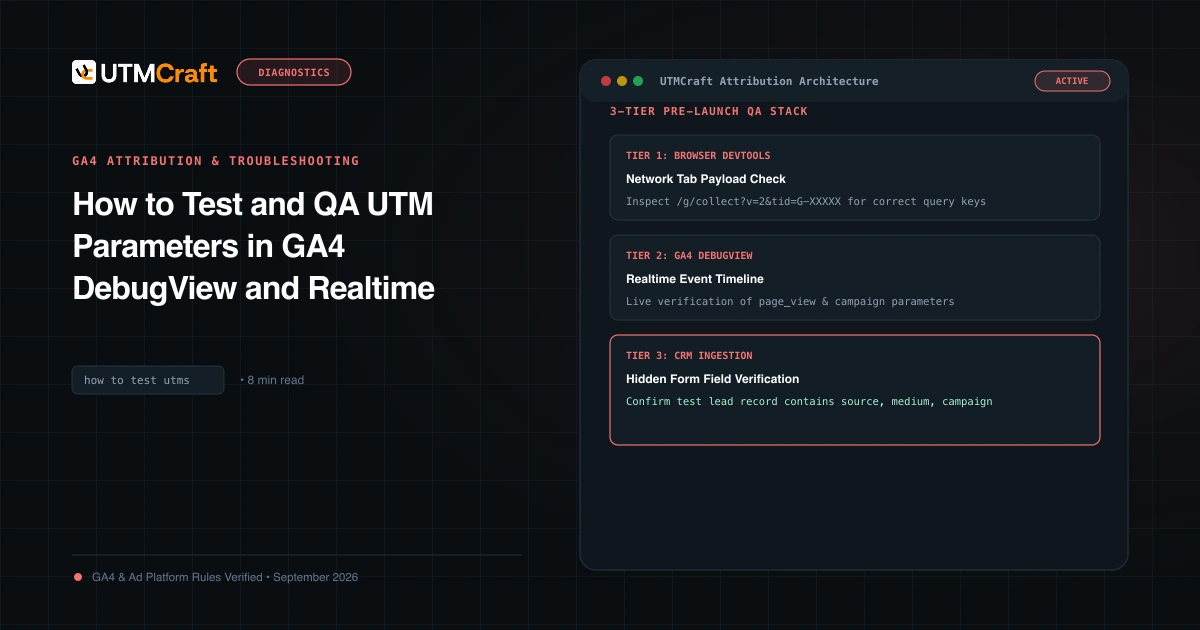
- Build a URL with one clear content value and the required campaign context.
- Inspect the complete landing journey for lost or repeated keys.
- Confirm collection under the test consent state.
- Use session dimensions for a session-based question.
- Select the right date range and campaign filter.
- Wait for processed data, then compare the report with the collected evidence.
Build the example with the UTM builder, verify collection with the UTM testing guide, and use the GA4 parameters guide for the broader dimension reference.
For the broader setup, read Complete UTM Parameters Guide for GA4: Manual Campaign Dimensions & Best Practices. Browse the UTM Parameters guides to choose another troubleshooting task.
References
- GA4 dimension reference (Google Help)
- Traffic-source scopes (Google Help)
- Google's guidance on personal information (Google Help)
- Traffic acquisition report (Google Help)
- Explorations overview (Google Help)
- Data retention (Google Help)
- GA4 data freshness (Google Help)
- Built-in campaign mappings (Google Help)