Listen to this article
Audio summary · 1 min 44 sec
Table of Contents
- Start with a clear TikTok UTM template
- TikTok dynamic macros: campaign, ad group, ad, and creative
- Add UTM parameters in TikTok Ads Manager
- Keep ttclid and UTM parameters separate
- Find TikTok campaigns and creatives in GA4
- Two different TikTok–GA4 connection workflows
- Troubleshoot TikTok UTM and GA4 problems
- Why TikTok and GA4 conversions do not always match
- TikTok UTM launch checklist
- TikTok UTM parameter questions
Add UTM parameters to TikTok ad destination URLs to identify the source, medium, campaign, and creative in GA4. Use TikTok’s supported macros for dynamic values, include the platform campaign ID in utm_id, and verify both the landing URL and analytics collection.
The most important macro distinction is simple: __AID__ identifies the ad group, while __CID__ identifies the creative. Upgraded Smart+ adds a separate ad level. This guide covers ads leading to your website; its examples do not measure an in-app TikTok Shop purchase. Documentation was checked on October 8, 2026.
Start with a clear TikTok UTM template
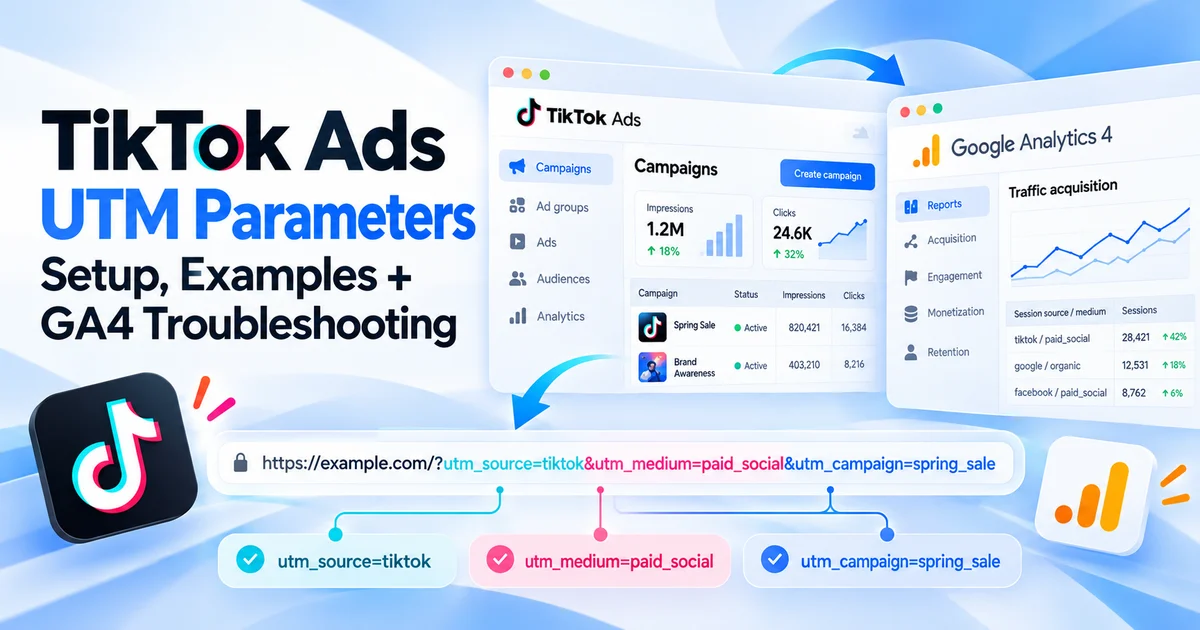
utm_source=tiktok&utm_medium=paid_social&utm_campaign=__CAMPAIGN_NAME__&utm_id=__CAMPAIGN_ID__&utm_content=__CID__&utm_term=__AID__This is a suggested convention, not a mandatory TikTok default. Add it through the platform’s URL builder, or append it to your real destination with ?—or & if the URL already contains a query. Keep macros exactly as shown.
| UTM field | Suggested value | Purpose |
|---|---|---|
utm_source | tiktok | Identify paid TikTok visits consistently. |
utm_medium | paid_social | Apply your approved paid-traffic convention. |
utm_campaign | __CAMPAIGN_NAME__ | Readable campaign label. |
utm_id | __CAMPAIGN_ID__ | Platform campaign identifier. |
utm_content | __CID__ | Creative ID under this template. |
utm_term | __AID__ | Optional ad-group ID under this template. |
Here, utm_term is an ad-group label, not a user’s search query. Document that choice. If your reporting needs human-readable creatives, use __CID_NAME__ instead of __CID__ and keep an ID lookup for joins.
For example, a manually resolved test URL could be:
https://example.com/demo?utm_source=tiktok&utm_medium=paid_social&utm_campaign=autumn_demo&utm_id=123456&utm_content=789012&utm_term=345678The numbers and destination are fictional. This static example can test URL handling and GA4 collection; it cannot verify TikTok’s macro expansion.
TikTok dynamic macros: campaign, ad group, ad, and creative
TikTok uses double-underscore macros, not the curly-brace syntax used by some other ad platforms. Its official macro reference documents these values:
| Level | ID macro | Name macro |
|---|---|---|
| Campaign | __CAMPAIGN_ID__ | __CAMPAIGN_NAME__ |
| Ad group | __AID__ | __AID_NAME__ |
| Ad in upgraded Smart+ | __ADID_V2__ | __ADID_V2_NAME__ |
| Creative | __CID__ | __CID_NAME__ |
__PLACEMENT__ supplies placement type, such as TikTok or TikTok Pangle. If you collect it using a custom query key, decide how you will capture and report it before adding the field.
Do not infer meaning from the abbreviation. __AID__ is not the upgraded Smart+ ad ID. __CID__ is not the campaign ID. A valid-looking numeric value can still populate the wrong reporting level.
Choose the reporting level for upgraded Smart+
Upgraded Smart+ has four levels: campaign, ad group, ad, and creative. The ad bundles creative assets, so an ad-level comparison differs from a creative-level comparison. Smart+ structure and tracking guidance
To compare Smart+ ads, adapt the template by using utm_content=__ADID_V2__. To compare individual creatives, keep utm_content=__CID__. Record which meaning you chose; do not silently mix both into one field across otherwise comparable campaigns.
Custom parameters are not automatically custom GA4 dimensions. If you add a second level, such as tt_ad_id, your implementation must collect it as an event parameter and register an appropriate custom dimension for reporting. Custom dimension guidance
Add UTM parameters in TikTok Ads Manager
Use the following workflow in the ad’s Ad details section. Interface labels can vary by account and ad experience. TikTok’s URL setup instructions
- Enter the Destination URL.
- Click Edit below Preview, then Build URL parameters.
- Fill the UTM fields with your approved source, medium, campaign, and dynamic values.
- Add any extra keys through Custom parameters.
- Review Auto-attach and Autodetect, especially for catalog product links.
- Inspect the resulting URL and select Apply.
Auto-attach can prefill source, paid medium, campaign ID, and name. Review those values against your convention instead of assuming they match. When catalog Autodetect is enabled, detected parameters can be attached to product links. Test representative products after configuration.
Duplicating an ad also copies its URL parameters. Make reviewing the copied fields part of your launch process.
Choose one owner for each field
Before combining a pretagged destination with automatic tagging, inspect the final query. Do not leave two utm_source or utm_medium values and hope every consumer selects the intended one.
Use consistent naming in the account when macros return names. A source labelled tiktok on one campaign and tiktokads on another fragments your comparison. TikTok also warns against tags placed after #; use query parameters rather than a fragment. TikTok UTM best practices See fixing duplicate UTMs for repair steps.
Keep ttclid and UTM parameters separate
ttclid is TikTok’s click identifier. TikTok can append it to a landing URL and use it with Pixel or Events API events to match activity to an ad click. UTMs supply campaign labels for analytics; they do not replace that identifier. TikTok Click ID documentation
Do not put a creative ID into ttclid or invent a click-ID value. Check that redirects and URL-cleaning scripts preserve the tracking data your measurement setup requires. Treat the click ID as a separate field from your UTM convention.
A successful page load proves only that the destination opened. Validate the collected landing information and the conversion event before accepting the setup.
Find TikTok campaigns and creatives in GA4
In Reports → Acquisition → Traffic acquisition, choose Session source / medium and find tiktok / paid_social. Add Session campaign to compare campaign visits. Traffic acquisition reference
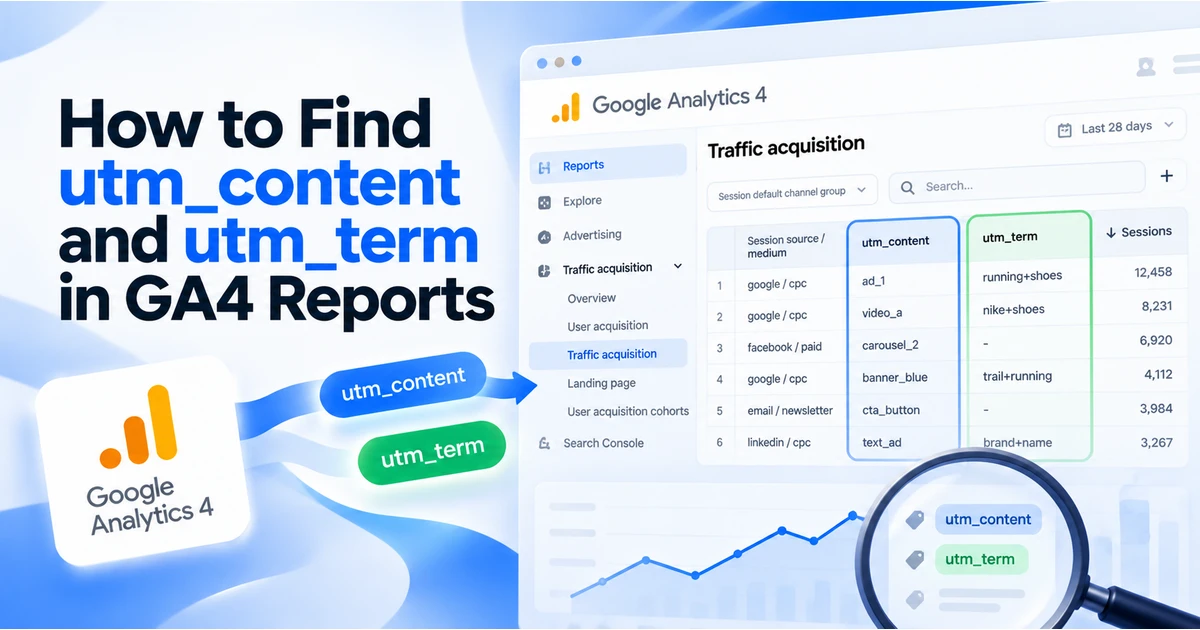
For creative analysis, use an Exploration filtered to that source and medium, with session campaign and session manual ad content. Add session manual term if you use it for the ad group. UTMs map to manual campaign dimensions; you do not need custom dimensions for standard utm_content and utm_term. Manual tagging reference
Compare visits and engagement before interpreting your selected key event or ecommerce revenue. For field-level instructions, read finding creative and term values in GA4.
Why can a returning customer show another first-user source?
First-user acquisition, session acquisition, and event attribution describe different scopes. Use session dimensions to inspect the TikTok visit, and a suitable attribution report to examine conversion credit. Traffic-source scopes
Should TikTok visits be Paid Social or Paid Video?
Do not assign a channel solely because the ad contains video. Google’s current source list classifies tiktok as social, and paid_social matches the paid-medium rule. Verify the session channel in your property; classification depends on the actual source, medium, and other rules. GA4 channel rules and source list
Keeping source and medium consistent makes discrepancies easier to investigate. See the Unassigned traffic troubleshooting guide when collected values do not match a channel rule.
Two different TikTok–GA4 connection workflows
Import TikTok advertising cost into GA4
Google documents Admin → Product links → TikTok Links and a Data import → Campaign data → TikTok flow for campaign cost, clicks, and impressions. This is separate from collecting website events.
The documented prerequisites are an Editor role in GA4 and at least an Analyst role in TikTok Ads. Use one paid source and medium, and match them exactly in the import configuration. Google recommends utm_campaign and utm_id. Investigate overlapping existing cost imports first; Google does not automatically deduplicate the two sources. Google’s TikTok connection guide
Connect GA4 to TikTok Events Manager
TikTok’s separate connection uses GA4 information within its own measurement workflow. Its July 2026 guidance emphasizes utm_source and utm_id, and offers auto-append for missing tracking parameters. TikTok’s GA4 connection guidance
That guidance also uses utm_content=__AID__ in an integration example. This differs from the creative-level convention above. Review your integration requirements before changing that field, and document its meaning for analysts.
Where available, TikTok’s third-party reporting comparison requires the GA4 connection and uses a properly configured utm_id for campaign matching. TikTok reporting comparison documentation Do not treat the two connection workflows as interchangeable.
Troubleshoot TikTok UTM and GA4 problems
| Symptom | What to inspect | Practical next step |
|---|---|---|
| Raw macros reach the landing page | Token spelling, campaign type, and delivered URL | Use the supported macro for that reporting level; distinguish a copied template from an actual ad click. |
| Source shows as Direct or is missing | Redirect chain and collected page location | Find where the query disappears or collection stops. |
| Creative IDs look like ad-group IDs | Mapping of __CID__, __AID__, and Smart+ ad IDs | Correct the field meaning and mark when the change took effect. |
| URL is correct but no event is visible | GA4 property, tag execution, consent, and filters | Check collection independently of the UTM template. |
| UTM content is absent from the report | Selected dimension and scope | Use session manual ad content in a suitable report. |
| Cost or TikTok comparison data does not match | Source/medium mapping, campaign ID, connection status | Validate the connection and each join field. |
| Campaign visits exist but purchases do not | Purchase-event implementation and checkout journey | Test the conversion event rather than changing acquisition tags. |
Use a two-stage test
- Static collection test: open a fully resolved URL with recognizable test values. Enable debug mode through Tag Assistant and inspect the landing event’s page location and your test action.
- Platform delivery test: check an actual delivered ad click, including the in-app browser journey, for expanded macros and preserved parameters.
DebugView requires debug mode; privacy and consent settings can affect visibility. Google’s DebugView guidance Many processed reports take 24–48 hours. Google’s collection guidance
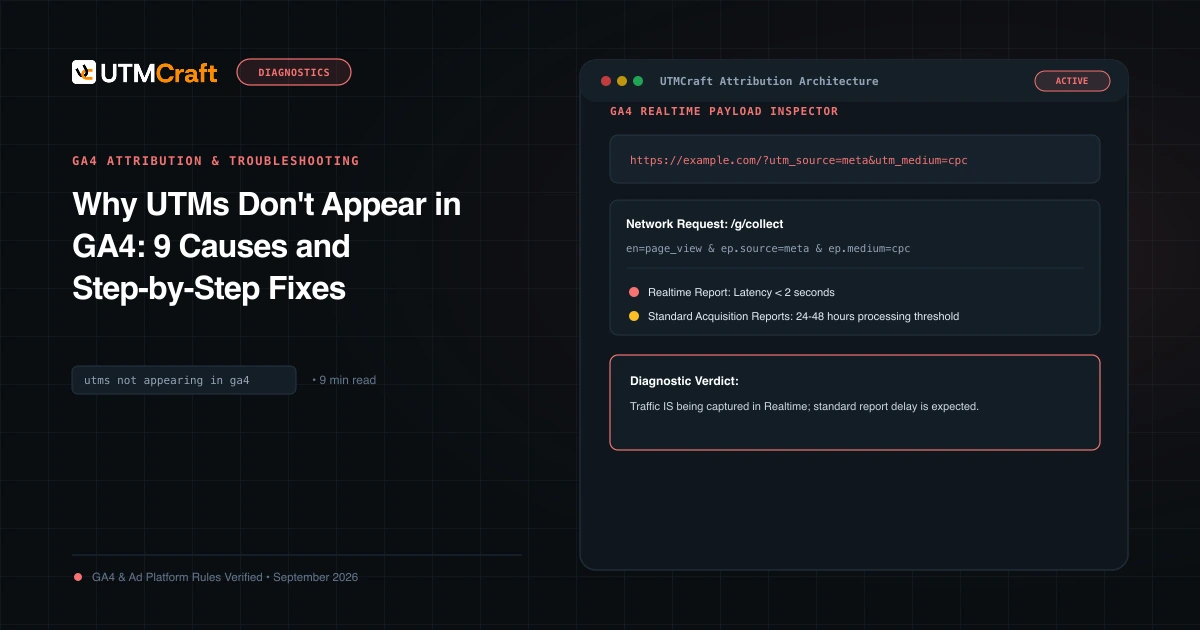
Record the destination before and after every redirect. Read how to preserve UTMs through redirects and why UTMs do not appear in GA4 when the static test fails. Use the UTM checker for structural inspection, not proof of analytics receipt.
Why TikTok and GA4 conversions do not always match
TikTok lists differences in measurement methodology, browser behavior, time zones, and reporting dates as possible discrepancy causes. TikTok’s discrepancy guidance These are investigation leads, not proof that your implementation is correct.
Compare the same event definition and review the selected attribution window and model. Separate GA4 session acquisition from event conversion credit. A later return through another channel can be represented differently across reports.
Do not assume GA4 always uses last-click attribution, or that a TikTok conversion must occur during the original click session to appear anywhere in GA4. Those blanket claims ignore reporting scope and property settings. UTMs cannot make website analytics see every ad impression or recover events that were never collected.
For ecommerce, reconcile transaction IDs with your order system before comparing how each platform allocates credit. A mismatch in counted purchases needs a different investigation from a mismatch in attributed channel revenue.
TikTok UTM launch checklist
- Source and medium follow one documented convention.
utm_idcontains the platform campaign ID.- Creative versus Smart+ ad-level content is explicitly chosen.
- Auto-attach, catalog behavior, and copied-ad parameters are reviewed.
- UTMs and required click identifiers survive redirects.
- Static collection and delivered-ad tests are both completed.
- Reports use the intended scope and conversion definition.
- Optional integrations have matching join fields.
Keep personal identifiers out of campaign names and tracking URLs. Google’s PII guidance Use the campaign UTM QA checklist for a broader pre-launch review.
TikTok UTM parameter questions
Is Auto-attach enough?
It can populate campaign labels, but you still need to review the resulting values, catalog behavior, destination journey, and GA4 collection. Automatic tagging is a configuration aid, not a successful-measurement test.
Can I reuse a Meta dynamic-parameter template?
Reuse your naming convention, but replace the platform-specific tokens. TikTok’s supported double-underscore macros differ from Meta’s template syntax.
Can UTMs track a TikTok Shop purchase?
A website UTM template labels a visit to your website. It does not make GA4 collect a transaction completed inside TikTok Shop. Check the measurement and reporting supported for that separate destination.
Use UTMCraft to prepare consistent static labels. Configure macros in TikTok’s own URL builder and inspect the delivered result before relying on campaign comparisons.
For the broader setup, read Complete UTM Parameters Guide for GA4: Manual Campaign Dimensions & Best Practices. Browse the UTM Parameters guides to choose another troubleshooting task.
References
- TikTok UTM parameters and supported macros (TikTok Business Help Center)
- Add URL parameters in TikTok Ads Manager (TikTok Business Help Center)
- Reporting for upgraded Smart+ campaigns (TikTok Business Help Center)
- TikTok UTM setup best practices (TikTok Business Help Center)
- TikTok Click ID (TikTok Business Help Center)
- Connect TikTok to Google Analytics (Google Analytics Help)
- Best practices for TikTok’s Google Analytics connection (TikTok Business Help Center)
- TikTok and third-party reporting comparison (TikTok Business Help Center)
- Conversion discrepancies (TikTok Business Help Center)
- GA4 custom dimensions and metrics (Google Analytics Help)
- GA4 manual tagging and traffic-source dimensions (Google Analytics Help)
- GA4 Traffic acquisition report (Google Analytics Help)
- Scopes of traffic-source dimensions (Google Analytics Help)
- Default channel group rules and source-category list (Google Analytics Help)
- Monitor events in DebugView (Google Analytics Help)
- Confirm that you are collecting data (Google Analytics Help)
- Avoid sending personally identifiable information (Google Analytics Help)