Table of Contents
- 2026 status at a glance
- What each parameter is for
- What Google's documentation says, and where it disagrees
- Which GA4 dimensions each parameter populates
- BigQuery export fields
- How to view Session manual creative format in GA4
- How they differ from source, medium and campaign
- Should you use them?
- Naming suggestions
- Adding them to links with UTMCraft
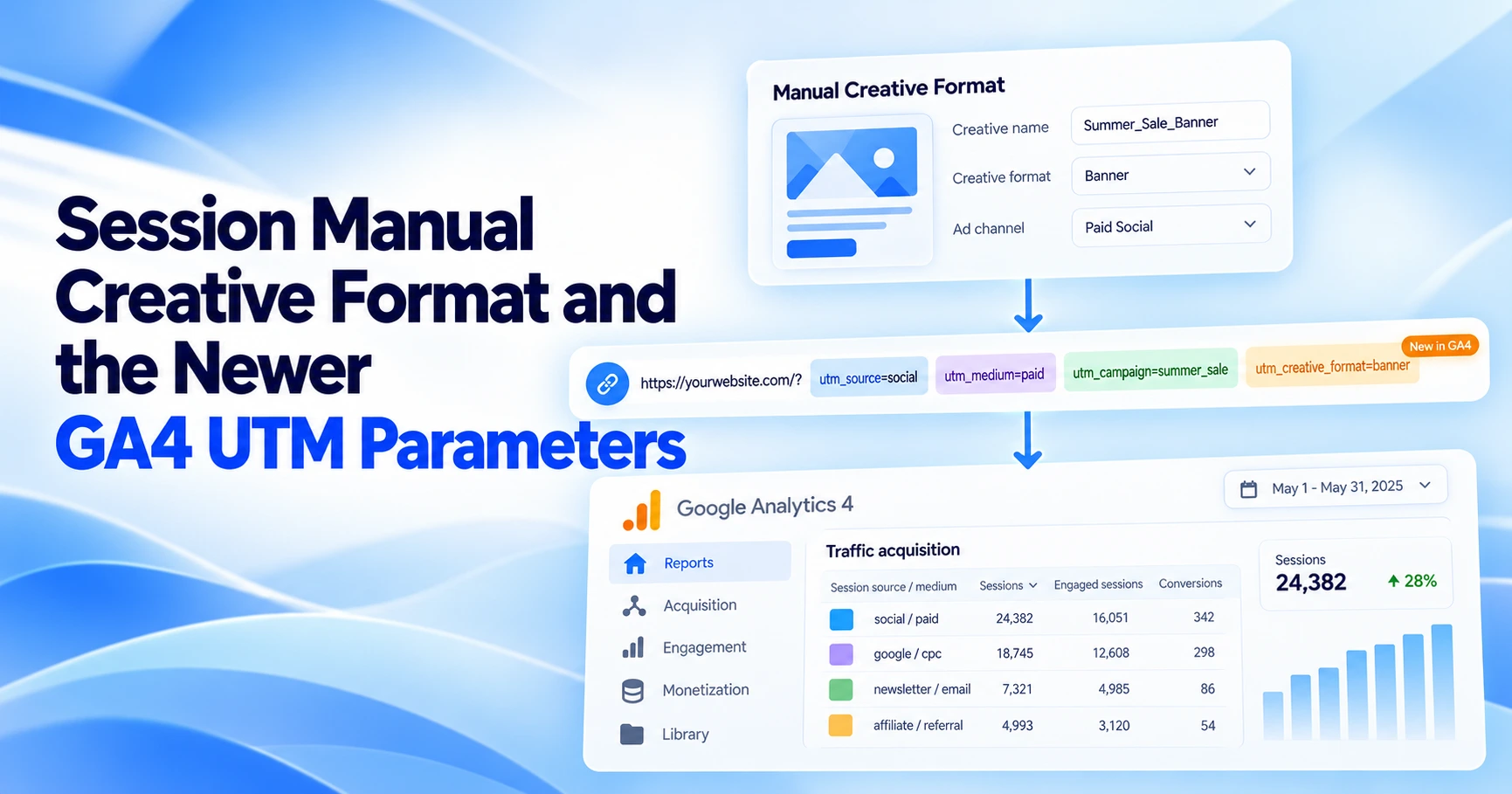
Session manual creative format is the GA4 dimension for the value you put in utm_creative_format. It sits beside Session manual source platform (utm_source_platform) and Session manual marketing tactic (utm_marketing_tactic). Google's documentation disagrees with itself about these parameters. Its URL-builder article says utm_creative_format and utm_marketing_tactic "isn't currently reported in Google Analytics properties." Meanwhile, the Data API and BigQuery export schemas list fields for all three. The short version: utm_source_platform is documented consistently everywhere. Treat creative format and marketing tactic as optional extras that Google may not show you in reports.
This guide builds a status table for October 2026 using only Google's own documentation. It quotes the places where those pages contradict each other and gives a cautious way to use the parameters. UTMCraft has not tested this behavior in a GA4 property. Everything below comes from Google's published docs, and each claim links to its source.
2026 status at a glance
This table shows what each Google source lists for each parameter as of October 12, 2026. "Listed" means the documentation names the field. It does not guarantee that your property shows values in it.
| Source (Google) | utm_source_platform | utm_creative_format | utm_marketing_tactic |
|---|---|---|---|
| URL builders help article | Listed, no caveat | Listed, with the note "isn't currently reported in Google Analytics properties" | Listed, with the note "isn't currently reported in Google Analytics properties" |
| Traffic-source dimensions help article | Manual source platform, Session manual source platform, First user manual source platform | Listed as "Creative format / Session creative format / First user creative format", but the text says "not currently reported" | Listed as "Marketing tactic / Session marketing tactic / First user marketing tactic", but the text says "not currently reported" |
| GA4 Dimensions & metrics reference (UI names) | Event, session and first-user scopes listed | Event, session and first-user scopes listed, including Session manual creative format | No marketing tactic dimension listed |
| GA4 Data API schema | manualSourcePlatform, sessionManualSourcePlatform, firstUserManualSourcePlatform | manualCreativeFormat, sessionManualCreativeFormat, firstUserManualCreativeFormat | manualMarketingTactic, sessionManualMarketingTactic, firstUserManualMarketingTactic |
| BigQuery export schema | collected_traffic_source.manual_source_platform; session_traffic_source_last_click.manual_campaign.source_platform | collected_traffic_source.manual_creative_format; session_traffic_source_last_click.manual_campaign.creative_format | collected_traffic_source.manual_marketing_tactic; session_traffic_source_last_click.manual_campaign.marketing_tactic |
| Conservative reading | Supported. Google also recommends setting it. | Schema exists, but reporting is not promised. Check your own property before relying on it. | Schema exists in the API and BigQuery, but there is no UI dimension in the reference and reporting is not promised. |
Sources: URL builders, Traffic-source dimensions, manual tagging, and auto-tagging, Dimensions & metrics reference, Data API schema, BigQuery Export schema.
What each parameter is for
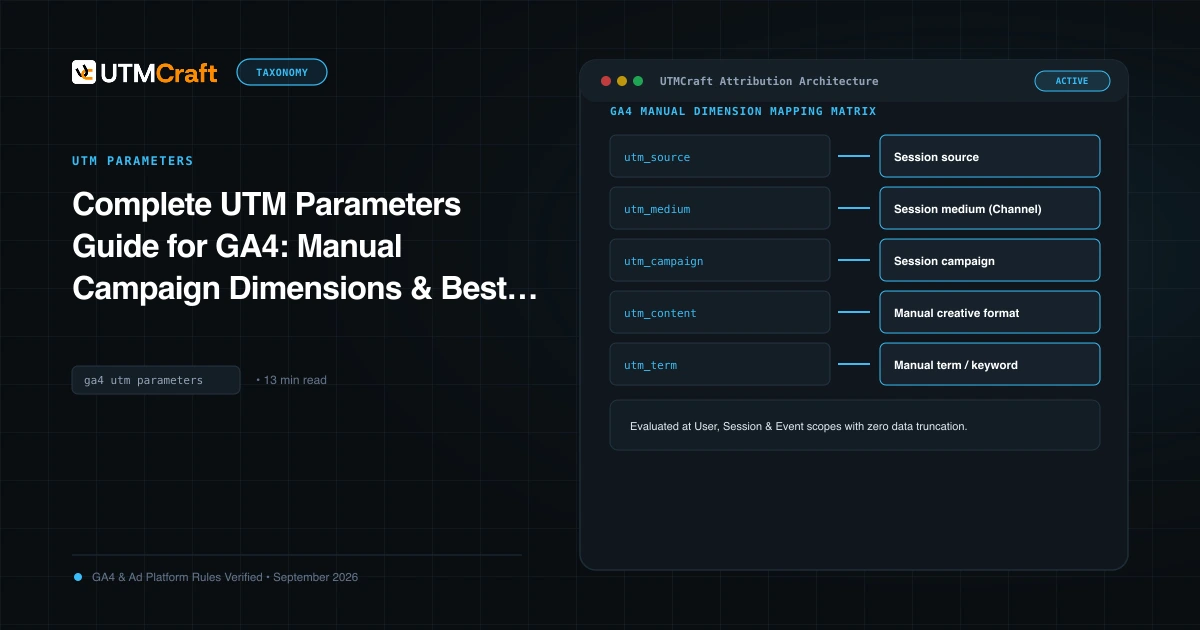
GA4 recognizes nine manual campaign parameters. The core set is covered in our UTM parameters guide. The three below are newer and less widely known. Google's URL builder article defines them as follows.
utm_source_platform
Google defines it as "The platform responsible for directing traffic to a given Analytics property (such as a buying platform that sets budgets and targeting criteria or a platform that manages organic traffic data)." Google's examples are "Search Ads 360 or Display & Video 360."
Put another way, utm_source says where the click came from (facebook, newsletter). utm_source_platform says which system bought or managed that traffic. One buying platform can send traffic from many sources.
utm_creative_format
Google defines it as "Type of creative, for example: display, native, video, search." This is the format of the ad, not the specific creative. The specific creative or link variant still belongs in utm_content.
utm_marketing_tactic
Google defines it as "Targeting criteria applied to a campaign, for example: remarketing, prospecting." It describes who you targeted, not which channel or creative you used.
What Google's documentation says, and where it disagrees
You will find conflicting answers about these parameters online because Google's own pages conflict. Here is what each page says.
The "not currently reported" notes
The URL builders article has two separate notes:
- "
utm_creative_formatisn't currently reported in Google Analytics properties." - "
utm_marketing_tacticisn't currently reported in Google Analytics properties."
The traffic-source dimensions article repeats this: "The utm_creative_format and utm_marketing_tactic parameters are not currently reported in Google Analytics properties." Neither note covers utm_source_platform.
The schema pages list the fields anyway
- The Dimensions & metrics reference lists Session manual creative format under Traffic source: "The manual Creative Format that led to the session. Identifies the creative format used in the ad. Populated by utm_creative_format URL parameter." It also lists First user manual creative format and Manual creative format (Attribution, event scope). We found no marketing tactic dimension in that reference.
- The Data API schema lists
sessionManualCreativeFormatandsessionManualMarketingTactic. The second is described as "The manual Marketing Tactic that led to the session... Populated by utm_marketing_tactic URL parameter." It also lists their first-user and event-scoped versions. - The BigQuery Export schema has
manual_creative_formatandmanual_marketing_tacticfields incollected_traffic_source("collected with the event") and insession_traffic_source_last_click.manual_campaign.
Naming inconsistencies to watch for
- The traffic-source article calls the dimensions "Creative format / Session creative format / First user creative format". The Dimensions reference and the Data API use "manual" in the name (Session manual creative format). In the GA4 dimension picker, search for "creative format" so that either naming turns up.
- In the Dimensions reference, several of these rows also say "Populate this dimension by manually tagging the destination URLs in your ads with the utm_content parameter." That sentence contradicts the same row's "Populated by utm_creative_format URL parameter" and looks like a copy-paste error. Use the parameter-specific line.
utm_contentfills Session manual ad content, not creative format.
Conservative takeaway. A field listed in the API or BigQuery schema is not a promise that GA4 will fill it for your property. Google's help articles say creative format and marketing tactic are "not currently reported." Do not build a client-facing dashboard or a channel definition that depends on them until you have checked real values in your own property. Treat utm_source_platform as fully supported.
Which GA4 dimensions each parameter populates
GA4 offers each manual campaign dimension at three scopes. Google's scopes article explains them. User-scoped ("First user") dimensions "show you where your new users are coming from". Session-scoped dimensions "show you where both new and returning users are coming from when they start new sessions". Event-scoped dimensions (no prefix) "help you attribute credit for a key event."
| Parameter | Scope | UI name | Data API name | In UI dimension reference? |
|---|---|---|---|---|
utm_source_platform | Session | Session manual source platform | sessionManualSourcePlatform | Yes |
| First user | First user manual source platform | firstUserManualSourcePlatform | Yes | |
| Event (key event) | Manual source platform | manualSourcePlatform | Yes (Attribution) | |
utm_creative_format | Session | Session manual creative format | sessionManualCreativeFormat | Yes |
| First user | First user manual creative format | firstUserManualCreativeFormat | Yes | |
| Event (key event) | Manual creative format | manualCreativeFormat | Yes (Attribution) | |
utm_marketing_tactic | Session | Session manual marketing tactic | sessionManualMarketingTactic | No |
| First user | First user manual marketing tactic | firstUserManualMarketingTactic | No | |
| Event (key event) | Manual marketing tactic | manualMarketingTactic | No |
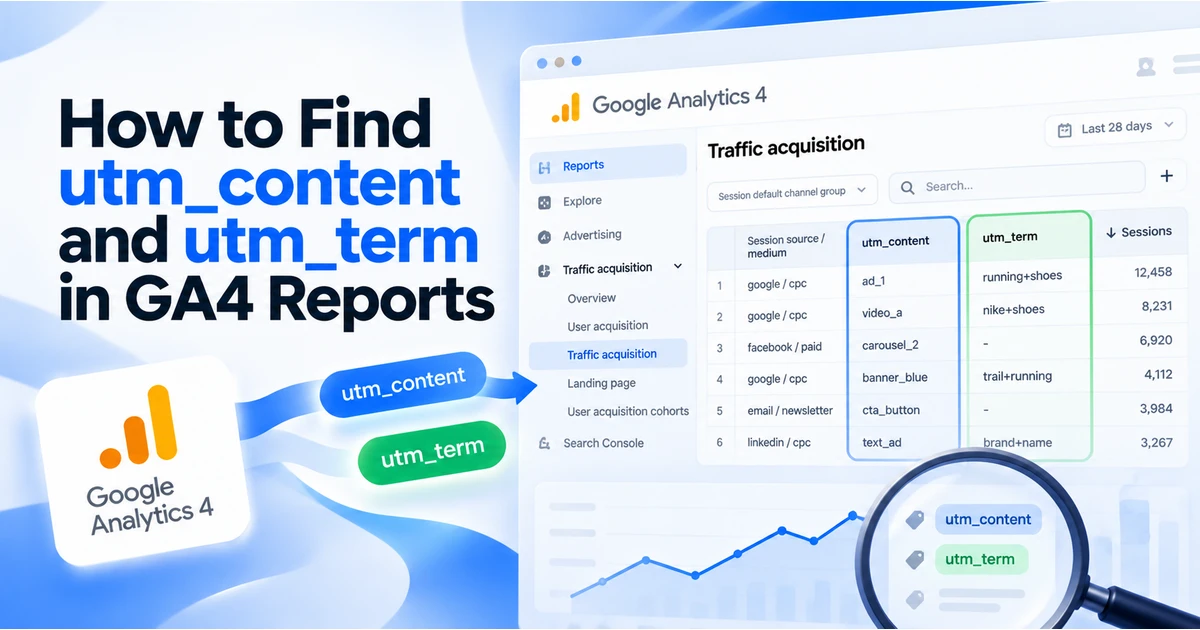
The UI names for marketing tactic in this table come from the Data API schema, because the UI dimension reference does not list them. The same scope logic applies to the older manual dimensions. Our guide to finding utm_content and utm_term in GA4 walks through it with Session manual ad content and Session manual term.
Session manual source platform vs Session source platform
These are two different dimensions. Session source platform is a cross-channel dimension. The reference says the attribution version, Source platform, shows "the platform where you manage buying activity," and gives example values such as Google Ads, Manual, SA360, SFMC and Shopping Free Listings. The Data API adds a warning: "Don't depend on this field returning Manual for traffic that uses UTMs; this field will update from returning Manual to returning (not set) for an upcoming feature launch."
Session manual source platform is the dimension that shows your own utm_source_platform value. Google's docs do not say whether your UTM value also flows into the cross-channel Session source platform. To read what you tagged, use the "manual" dimension.
BigQuery export fields
If you export GA4 to BigQuery, the export schema lists two places to find these values:
collected_traffic_sourceholds the raw values "collected with the event":manual_source_platform,manual_creative_formatandmanual_marketing_tactic.session_traffic_source_last_click.manual_campaignholds the last-click attributed session values:source_platform,creative_formatandmarketing_tactic.
The user-level traffic_source record only documents name, medium and source. It has no field for these three parameters.
This query checks whether any values are arriving. It does not prove that GA4 reports them anywhere else. Replace the project and dataset names with your own.
SELECT
  collected_traffic_source.manual_source_platform,
  collected_traffic_source.manual_creative_format,
  collected_traffic_source.manual_marketing_tactic,
  COUNT(*) AS events
FROM `your-project.analytics_123456789.events_*`
WHERE _TABLE_SUFFIX BETWEEN '20261001' AND '20261011'
  AND collected_traffic_source.manual_creative_format IS NOT NULL
GROUP BY 1, 2, 3
ORDER BY events DESC;
How to view Session manual creative format in GA4
Google's dimension reference lists Session manual creative format as a Traffic source dimension. It does not say which standard reports offer it as a primary dimension, so a free-form exploration is the most dependable place to look. The steps below follow Google's Explorations instructions.
- Send at least one test visit through a link that includes
utm_creative_format, along withutm_source,utm_mediumandutm_campaign. Data takes time to process, so check after a day, not straight away. - Click Explore in the left navigation and open a blank free-form exploration.
- In Variables, click + next to DIMENSIONS. Search for "creative format", select Session manual creative format, and click IMPORT. Import Session manual source / medium or Session manual campaign name too, for context.
- Click + next to METRICS and import Sessions, plus any key event metric you care about.
- Double-click the dimension to add it to ROWS, and double-click the metric to add it to VALUES. In Google's words, "double-clicking a dimension applies it to the ROWS section of a free form exploration."
- Set a date range that covers your tagged traffic.
There are three possible results:
- You see your values (for example
video,display). The dimension is populated for your property, and you can use it with the cautions in this guide. - Everything shows
(not set), or no rows appear even though the tagged visits are in Session manual campaign name. That matches Google's "not currently reported" note. Fall back to BigQuery, or keep format in your naming convention. - The dimension is not in the picker. The docs do not guarantee UI availability for every property. Use the Data API (
sessionManualCreativeFormat) or BigQuery instead.
For Session manual marketing tactic, Google's UI dimension reference has no entry. You may not find it in Explorations. The Data API name sessionManualMarketingTactic and the BigQuery fields are the documented ways to reach it.
How they differ from source, medium and campaign
| Parameter | Question it answers | Example | Drives default channel grouping? |
|---|---|---|---|
utm_source | Where did the click come from? | facebook, newsletter | Yes (with medium) |
utm_medium | What kind of channel? | cpc, email, paid_social | Yes |
utm_campaign | Which campaign? | spring_sale_2026 | Partly (campaign-name rules) |
utm_source_platform | Which buying or management platform sent it? | dv360, sa360 | Not documented as a rule input |
utm_creative_format | What type of creative? | video, native | Not documented as a rule input |
utm_marketing_tactic | What targeting approach? | remarketing, prospecting | Not documented as a rule input |
Channel grouping depends mainly on source and medium, as covered in our default channel grouping reference. None of the three newer parameters fixes a wrong medium. They add descriptive detail on top of a correct core set. See the complete GA4 UTM parameters guide for how all nine parameters fit together.
Should you use them?
Use utm_source_platform when you can
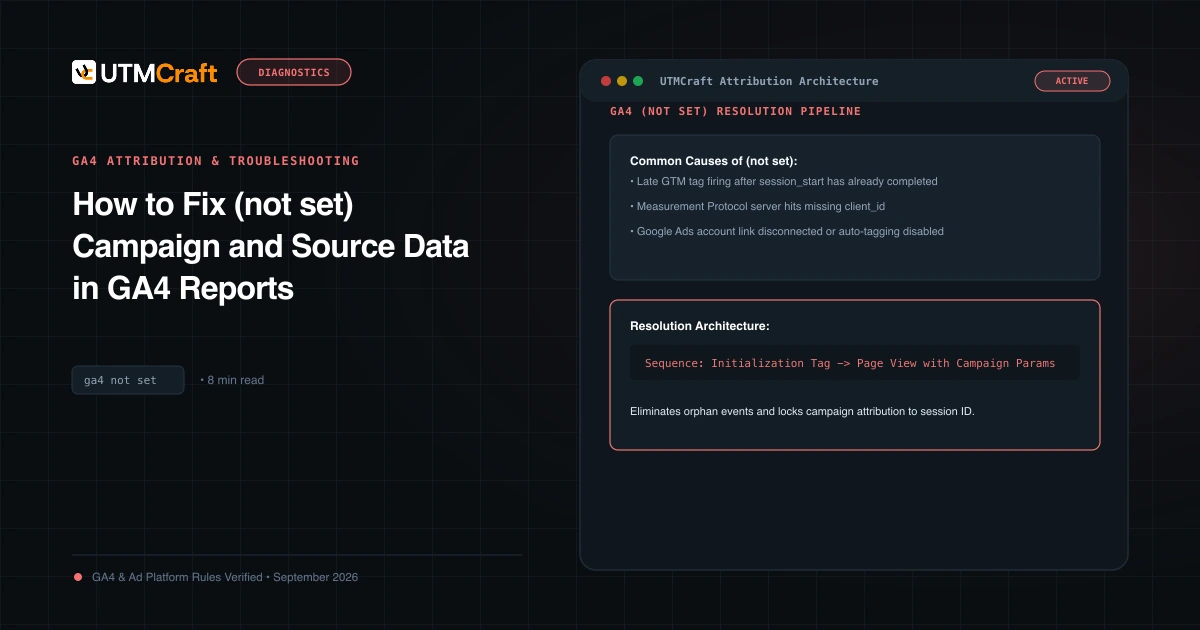
Google's own advice leans toward it. Both the URL builders and traffic-source articles say: "If you're setting one UTM parameter, we strongly recommend that you set all relevant UTM parameters, especially utm_source, utm_medium, utm_campaign, utm_id, and utm_source_platform. Missing UTM parameters will result in (not set) values being present in reporting." The parameter is most useful when several buying tools send traffic through the same source. One example is Meta traffic bought directly and also through a reseller platform.
Creative format and marketing tactic: optional, low risk
These two are worth adding when all of the following are true:
- You export to BigQuery, or you have confirmed that the dimension fills in your property.
- You want to compare formats or tactics across campaigns without parsing campaign names.
- Your team will use a fixed vocabulary consistently.
Skip them, or keep the information in utm_campaign or utm_content as well, when:
- Your reporting runs only in standard GA4 reports or Looker Studio on top of them.
- Your links are already long and get shared by hand.
- Nobody owns the vocabulary, so values will drift.
Google's docs do not say that extra UTM parameters harm the core ones. Even so, every extra parameter is one more thing to keep consistent.
Auto-tagged ads. When auto-tagging is on, the traffic-source article says "Google analytics uses the auto-tagged values for source, medium, and other traffic-classification dimensions." It also says that when the GCLID or DCLID "cannot be used as intended," GA4 derives all cross-channel values from UTM parameters "exclusively." That is one more reason to tag every parameter you use completely. See auto-tagging vs UTMs.
Naming suggestions
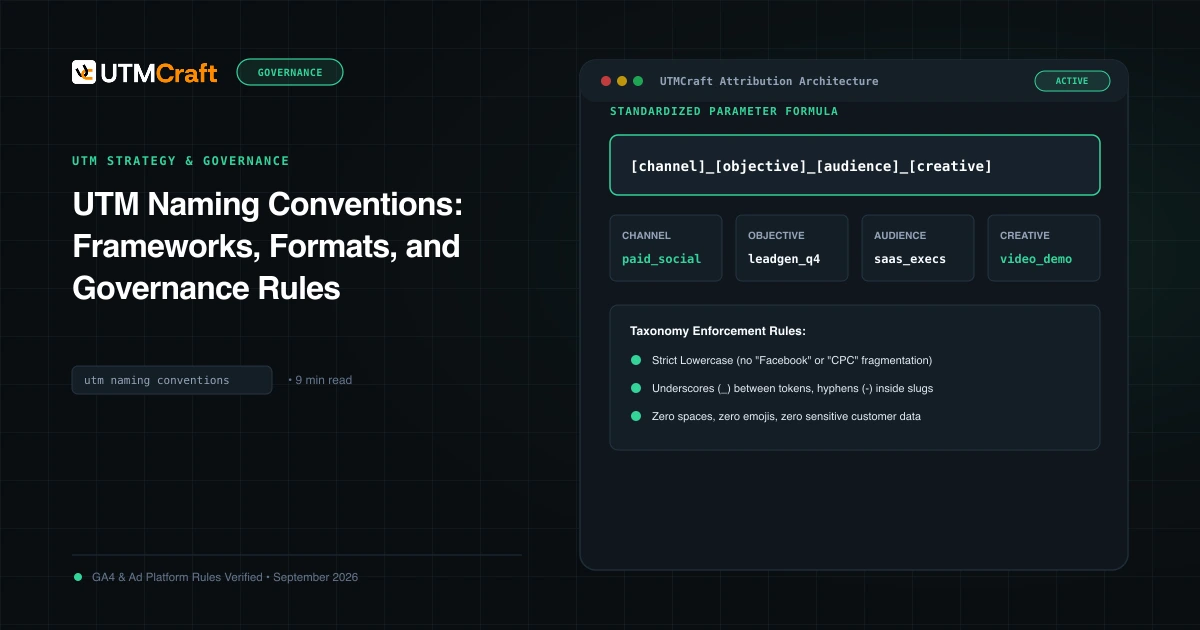
Google's URL builder article points out that values are case sensitive ("utm_source=google is different from utm_source=Google") and recommends lowercase. Apply the same rule here and pick from a short, approved list. The values below are suggestions, not a Google standard. Google's own examples are "display, native, video, search" for creative format and "remarketing, prospecting" for marketing tactic.
| Parameter | Suggested controlled values | Avoid |
|---|---|---|
utm_source_platform | google_ads, sa360, dv360, meta_ads, linkedin_ads, klaviyo | Copying utm_source (facebook), or mixing DV360 and dv360 |
utm_creative_format | display, native, video, search, carousel, text | Creative names or IDs (those belong in utm_content) |
utm_marketing_tactic | prospecting, remarketing, retention, brand | Audience names with personal data, or one-off values per ad set |
Write the list into your UTM naming conventions document so everyone tags the same way. A complete link looks like this:
https://www.example.com/spring/?utm_source=facebook&utm_medium=paid_social&utm_campaign=spring_sale_2026&utm_id=ss26&utm_source_platform=meta_ads&utm_creative_format=video&utm_marketing_tactic=prospectingAdding them to links with UTMCraft
The UTMCraft builder does not have dedicated fields for these three parameters yet. Its custom-parameter fields under Advanced are meant for non-UTM keys and reject names that start with utm_, so build the core link first, then append &utm_source_platform=… (and the other two, if you use them) to the finished URL with lowercase values from your approved list. Paste the result into the UTM checker to confirm every parameter appears exactly once.
To sum up: tag utm_source_platform as part of your standard set. Add creative format and marketing tactic only where you can confirm the values, and use them as extra detail, not as the only place that information is recorded.
For the broader setup, read Complete UTM Parameters Guide for GA4: Manual Campaign Dimensions & Best Practices. Browse the UTM Parameters guides to choose another troubleshooting task.
References
- [GA4] URL builders: Collect campaign data with custom URLs (Google Analytics Help)
- Traffic-source dimensions, manual tagging, and auto-tagging (Google Analytics Help)
- [GA4] Dimensions and metrics reference (Google Analytics Help)
- API Dimensions & Metrics (GA4 Data API schema) (Google for Developers)
- [GA4] BigQuery Export schema (Google Analytics Help)
- [GA4] Scopes of traffic-source dimensions (Google Analytics Help)
- Get started with Explorations (Google Analytics Help)