

6 Ecommerce UTM Mistakes That Make Revenue Attribution Harder
Third-party payment gateways, internal promo banners, and affiliate link drops corrupt ecommerce revenue. Fix these 6 critical GA4 ecommerce UTM errors.
Reviewed by UTMCraft Editorial Team
Last reviewed
Table of Contents
- The Ecommerce Revenue Attribution Dilemma
- The 6 Critical Ecommerce UTM Mistakes
- 1. Payment Gateway Referrals Overwriting Traffic Sources
- 2. Tagging Homepage Promo Banners with UTM Parameters
- 3. Omitting utm_id for Automated Cost Data Imports
- 4. Google Merchant Center Feed Parameter Conflicts
- 5. Affiliate Link Wrappers Stripping Core UTMs
- 6. Misaligning Influencer UTMs with Promo Codes
- How to Exclude Payment Gateways in GA4
- Frequently Asked Questions
Online retailers live and die by return on ad spend (ROAS). When tracking errors overwrite traffic sources during checkout, GA4 attributes millions in purchase revenue to payment gateways or internal site banners instead of the paid campaigns that generated the demand.
The Ecommerce Revenue Attribution Dilemma
Ecommerce stores rely on external checkouts, dynamic product catalogs, and affiliate networks. If your tracking architecture is not properly guarded, conversion attribution breaks at the final transaction step.
The 6 Critical Ecommerce UTM Mistakes
1. Payment Gateway Referrals Overwriting Traffic Sources
When a shopper pays with PayPal, Klarna, or Afterpay, they are redirected to the gateway and returned to your confirmation page. If you do not add these domains to your GA4 List unwanted referrals, the gateway is credited with 100% of the purchase revenue.
2. Tagging Homepage Promo Banners with UTM Parameters
A customer clicks a $20 Facebook Ad, lands on your homepage, and clicks a "20% Off" hero slider tagged with ?utm_source=hero_banner. That internal click destroys the Facebook ad attribution immediately before checkout.
3. Omitting utm_id for Automated Cost Data Imports
If you upload non-Google ad costs (Meta, TikTok, Pinterest) into GA4 via Data Import, GA4 requires utm_id to join spend data to session conversions. Without it, ROAS calculations remain blank.
4. Google Merchant Center Feed Parameter Conflicts
Adding manual UTM parameters inside Google Merchant Center product feed URLs without auto-tagging alignment causes duplicate or fragmented campaign dimensions in GA4.
5. Affiliate Link Wrappers Stripping Core UTMs
Affiliate networks often route through intermediary redirect servers. If the redirect does not forward UTM parameters, affiliate traffic is categorized as Direct.
6. Misaligning Influencer UTMs with Promo Codes
Using different naming conventions for an influencer’s tracking URL and their checkout coupon code creates attribution silos between your ecommerce backend and GA4.
How to Exclude Payment Gateways in GA4
Go to Admin > Data Streams > [Your Web Stream] > Configure tag settings > List unwanted referrals. Add regular expressions matching your payment providers (e.g. paypal.com, klarna.com, checkout.shopify.com).
Frequently Asked Questions
Why is paypal.com listed as my top revenue source in GA4?
When customers return from PayPal after completing payment, GA4 starts a new session attributed to paypal.com unless you add paypal.com to your Unwanted Referrals list.
How should I track internal homepage promotions?
Use GA4 View Promotion and Select Promotion ecommerce events (view_promotion and select_promotion) with promotion_name parameters instead of UTMs.
Sources & Authoritative References
- Google Analytics 4 Help: Identify Unwanted Referrals (Google Support)
- Google Analytics 4 Recommended Ecommerce Events (Google Developers)
Related Measurement Guides
15 UTM Tracking Mistakes That Ruin Your GA4 Data (and How to Fix Them)
Discover the 15 most destructive UTM tracking mistakes breaking GA4 attribution, causing Unassigned traffic, and corrupting ad ROI—with actionable fixes.
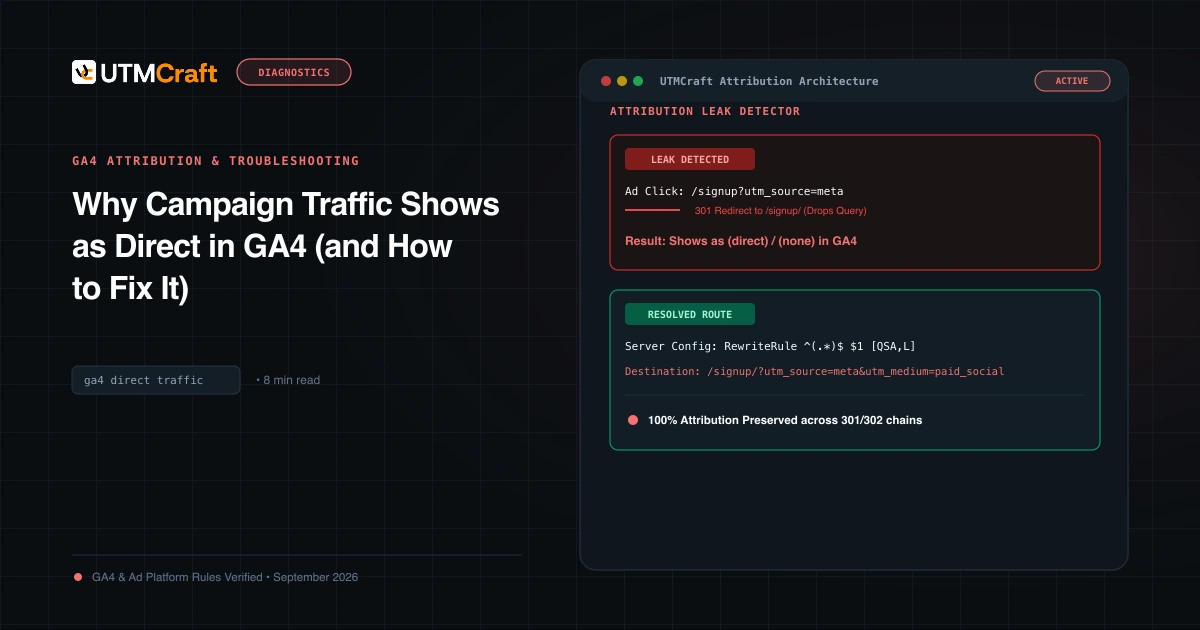
Why Campaign Traffic Shows as Direct in GA4 (and How to Fix It)
Why is your paid traffic showing as Direct in GA4? Learn the 7 primary causes of false direct traffic, redirect parameter loss, and how to recover attribution.
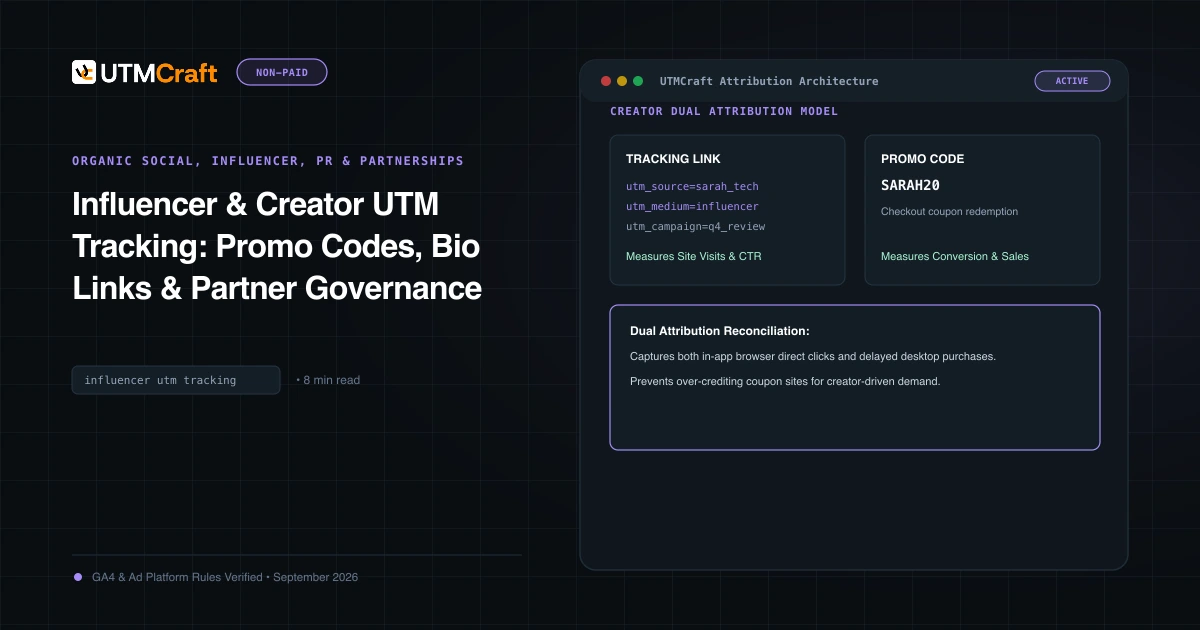
Influencer & Creator UTM Tracking: Promo Codes, Bio Links & Partner Governance
How to track influencer and creator marketing campaigns with UTM parameters, custom vanity links, creator promo codes, and partner governance frameworks.