

How to Fix (not set) Campaign and Source Data in GA4 Reports
Why do you see (not set) for campaigns, sources, or landing pages in GA4? Learn the technical causes behind (not set) and how to resolve missing attribution.
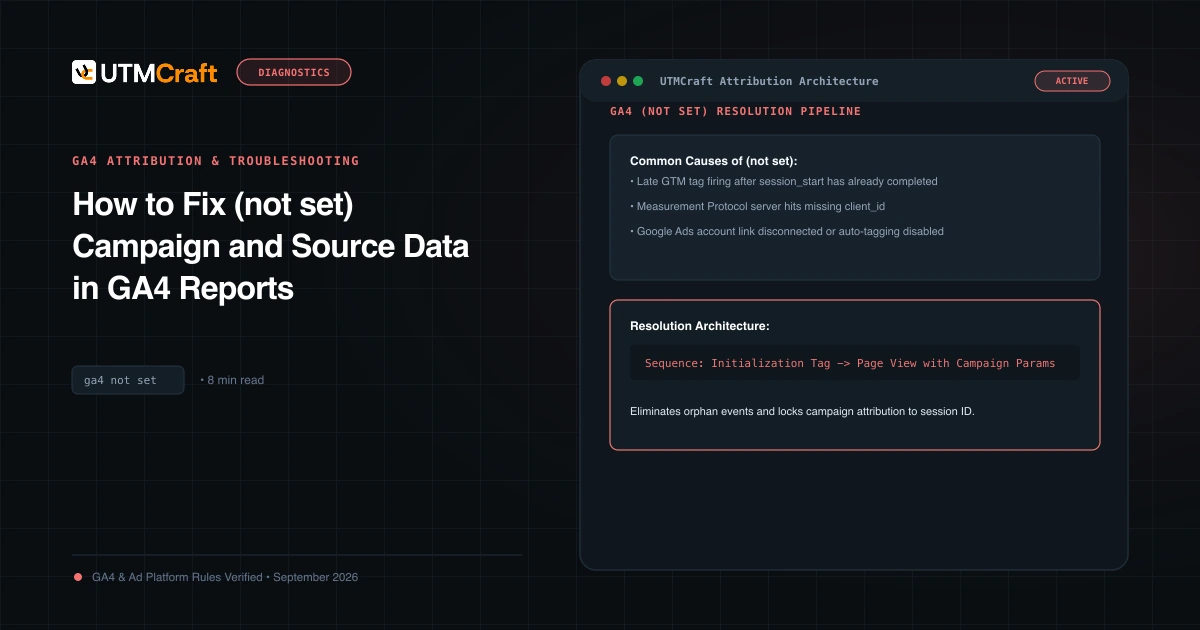
Table of Contents
Seeing (not set) in your Google Analytics 4 reports indicates that GA4 recorded an event, but the queried dimension was completely missing from the incoming event payload. Understanding why this happens allows you to fix underlying implementation defects.
What (not set) Actually Means in GA4
(not set) is a placeholder name used by Google Analytics when it has not received any information for the dimension you have selected. For instance, if you view the Session campaign report and see (not set), it means sessions were recorded where no campaign name could be determined.
The 5 Major Causes of (not set) in Acquisition Reports
- Partial UTM Parameters: Someone tagged a link with
utm_source=google&utm_medium=cpc, but leftutm_campaigncompletely blank. The resulting session campaign is(not set). - Session Timeout Continuity: If a user leaves a browser tab open for over 30 minutes and later interacts with the page, GA4 generates a new session. If no referrer is present, the new session can register
(not set)campaign dimensions. - Google Ads Auto-Tagging Without Link: GCLID is present on the URL, but the Google Ads account is not properly linked to the GA4 property.
- Events Firing Before Config Tag: In Google Tag Manager, custom events triggered before the GA4 Configuration tag has initialized lack session context.
- Measurement Protocol Server Hits: Offline webhook events sent without
ga_session_id.
Measurement Protocol and Server-Side Attribution Loss
When sending backend conversion events (such as CRM closed-won deals or subscription renewals) into GA4 via the Measurement Protocol API, you must include both the client ID (client_id) and the session ID (ga_session_id) inside the event params. If you omit ga_session_id, GA4 records the event as an orphaned hit, displaying (not set) for all session-scoped dimensions!
Step-by-Step Fixes to Eliminate (not set)
- Always supply
utm_source,utm_medium, andutm_campaigntogether as an indivisible triad. - Verify Google Ads account linking in GA4 Admin > Product Links > Google Ads Links.
- Audit GTM trigger order to guarantee the GA4 config tag fires before all conversion events.
Sources & Authoritative References
- Why (not set) Appears in GA4 Reports (Google Analytics Help)
Related Measurement Guides
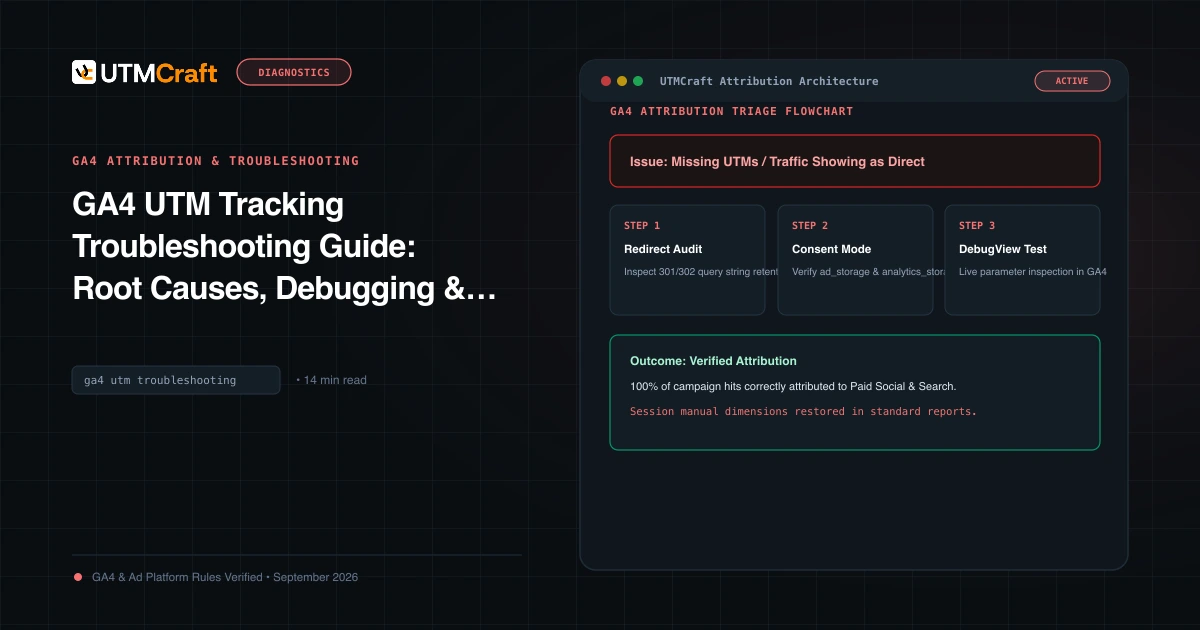
GA4 UTM Tracking Troubleshooting Guide: Root Causes, Debugging & Solutions
Diagnose and fix broken UTM tracking in Google Analytics 4. Comprehensive root cause analysis for Unassigned traffic, Direct spikes, (not set), and stripped query strings.
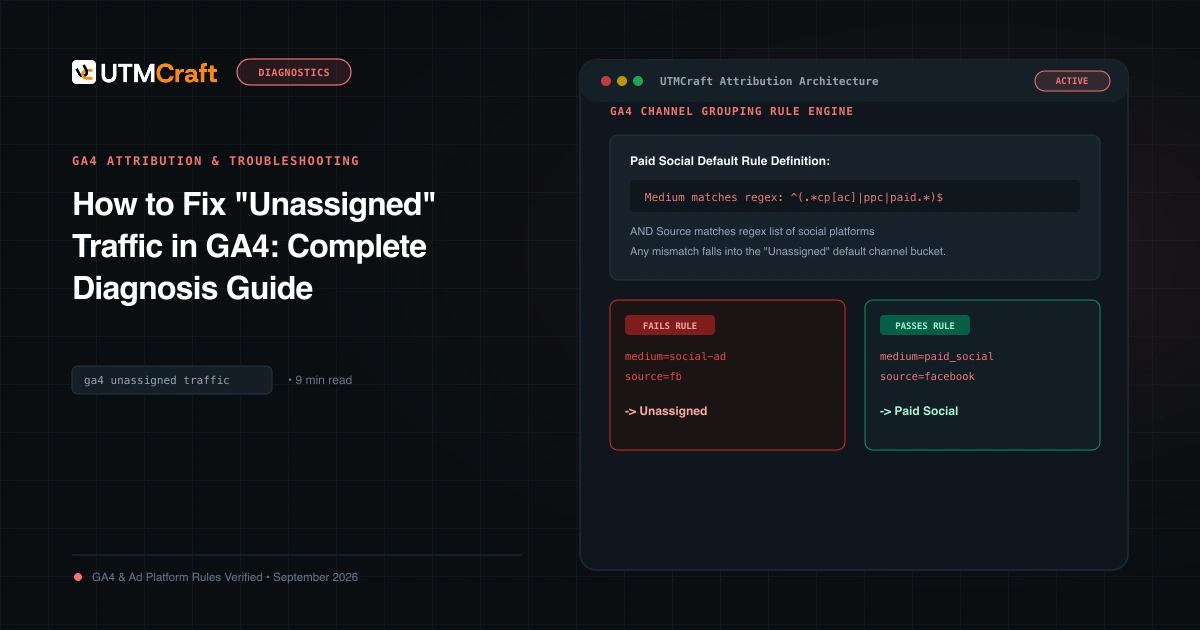
How to Fix "Unassigned" Traffic in GA4: Complete Diagnosis Guide
Why does GA4 show Unassigned traffic? Discover the exact channel grouping regex rules, common medium mistakes, and how to fix Unassigned traffic permanently.
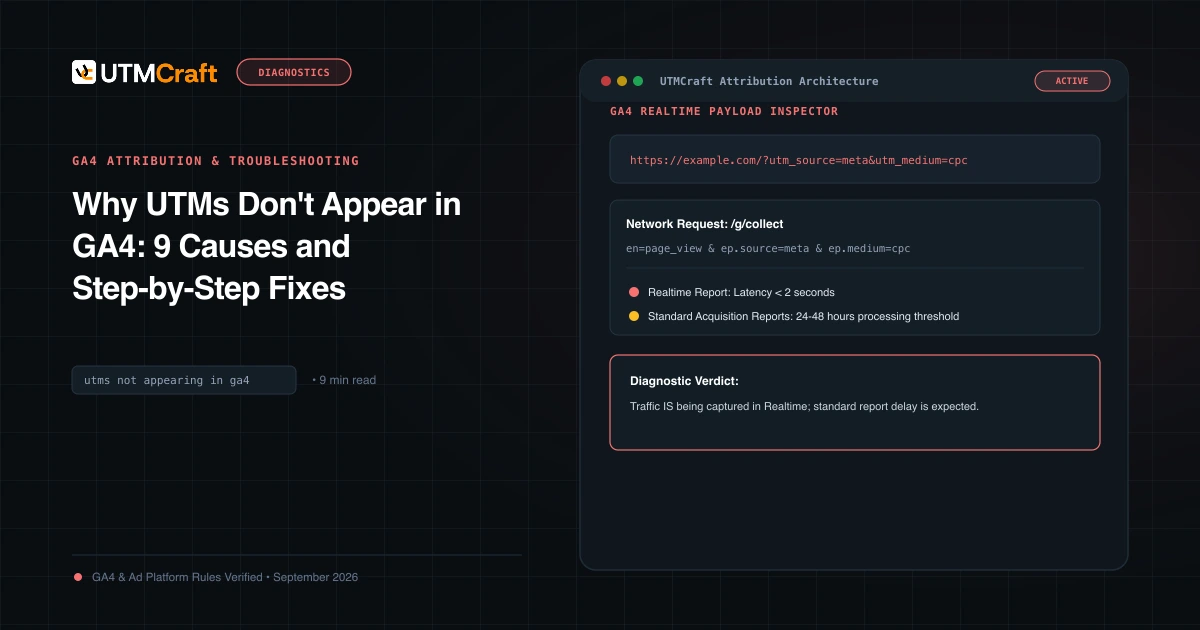
Why UTMs Don't Appear in GA4: 9 Causes and Step-by-Step Fixes
UTM parameters missing in Google Analytics 4? Diagnose the 9 most common reasons campaign data fails to appear in GA4 reports and fix them immediately.