Table of Contents
Google Ads now lets you mark Search partners and the Display Network as Low priority and cap how much of the daily budget they can use. Before you change those settings, make sure you can see each network separately in GA4. Otherwise you won't know whether a cap saved money or cut sales.
Google announced the controls on October 14, 2026, and is rolling them out globally "over the coming months" (Google). They are optional, but a related change in February 2027 will affect every Search campaign that uses Display. Documentation checked: October 16, 2026.
What Google launched on October 14
There are two connected controls, available for Search, Shopping, Performance Max and Demand Gen campaigns (Google Ads Help):
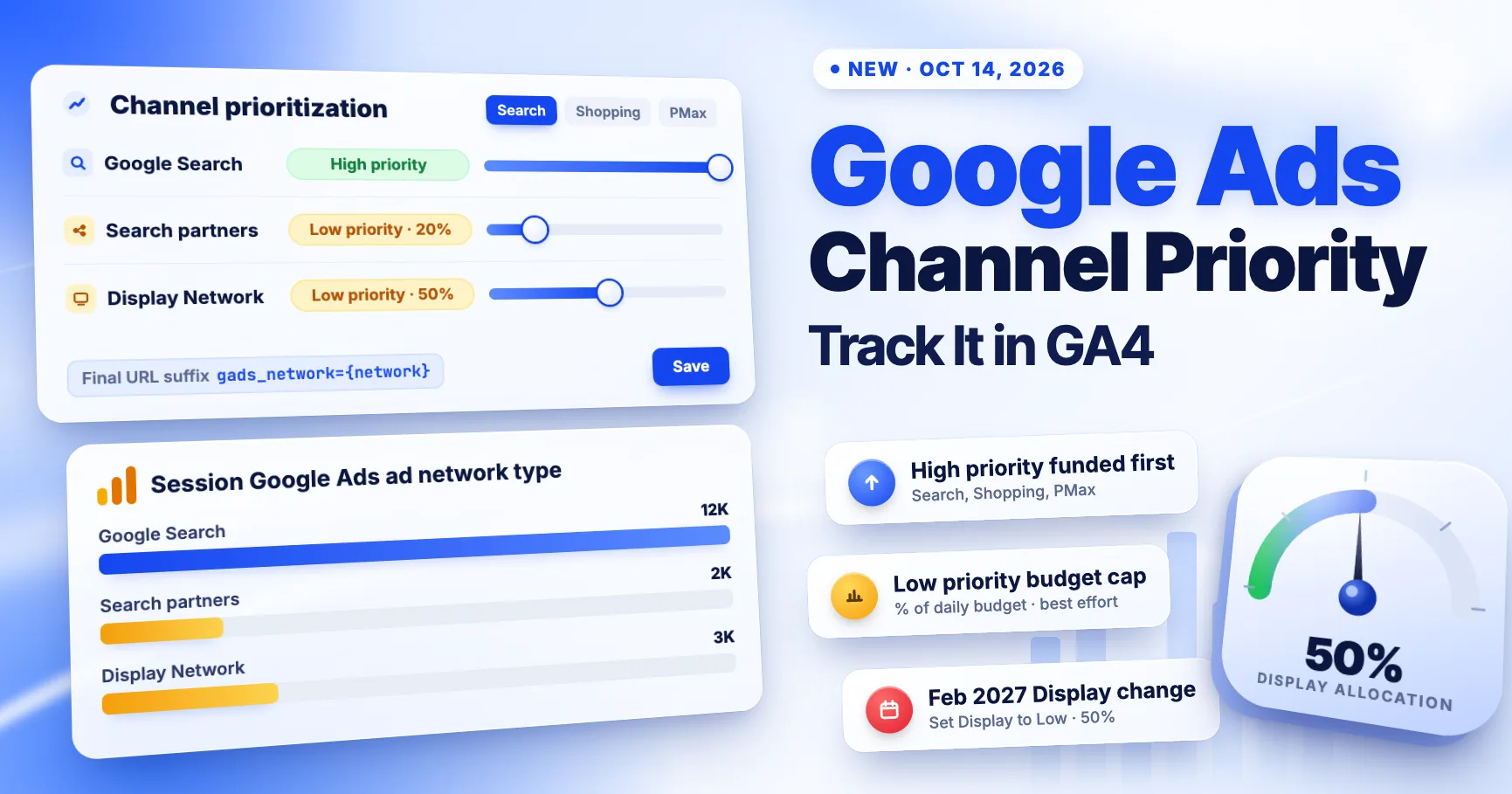
- Channel prioritization. Each channel is set to High or Low priority. Google funds High priority channels first, then spends what's left on Low priority ones. All channels default to High.
- Budget allocation. For a Low priority channel, you can set a maximum percentage of the campaign's average daily budget. Google calls this "best-effort", so it is not a hard cap.
Which channels you can adjust depends on the campaign type:
| Campaign type | Channels you can prioritize |
|---|---|
| Search | Google Search, Search partners, Google Display Network |
| Performance Max, Demand Gen | "Google channels" (Search, YouTube, Maps, Gmail and Discover grouped together) and other groupings shown in your account |
Details from the help page and Search Engine Roundtable worth knowing:
- Settings apply at account level (as a default), campaign level and to shared budgets.
- An allocation of 5% on a $1,000 average daily budget means about $50 a day. It resets daily, and unspent or overspent amounts don't carry over.
- Setting a Low priority channel to 0% means Google won't spend on it.
- For Target CPA or Target ROAS campaigns that aren't limited by budget, priority alone usually changes nothing. The percentage allocation is what has an effect.
The setting is in Account settings → Channel prioritization. Choose the campaign type, assign priorities, add optional percentages and save.
The February 2027 change for Search campaigns
Google says: "Starting in February 2027, for Search campaigns with the Google Display Network turned on, the current spend allocation setup will go away" (Google). Spend between Search and Display may shift after that.
To keep roughly today's behavior, Google suggests setting the Display Network to Low priority with a 50% budget allocation. Until February, Search campaigns with Display turned on and no priority settings keep the current Display Expansion behavior.
If you run Search campaigns with Display turned on, you have about four months to decide. Use that time to collect clean data per network, so the decision is based on results rather than defaults.
See each network in GA4
If your Google Ads account is linked to GA4 and auto-tagging is on, you already have the data. GA4 fills these dimensions automatically (Google):
- Session Google Ads ad network type: the ad network that sent the session.
- First user Google Ads ad network type: the network that first acquired the user.
- Google Ads ad network type (attribution scope): the network credited with a key event.
Build a free-form Exploration with Session Google Ads campaign and Session Google Ads ad network type as rows. Add Sessions, Engagement rate, Key events and Total revenue as metrics. Search partner and Display traffic usually behave very differently from Google Search, and this table shows it.
Look at the exact values your property returns. Google's examples are google.com, search partners and display network, but labels in your reports may be worded differently.
Performance Max is harder to split. Its traffic is grouped differently, so use Google Ads' own Performance Max channel reporting for channel-level spend and results.
Add {network} to your tracking template
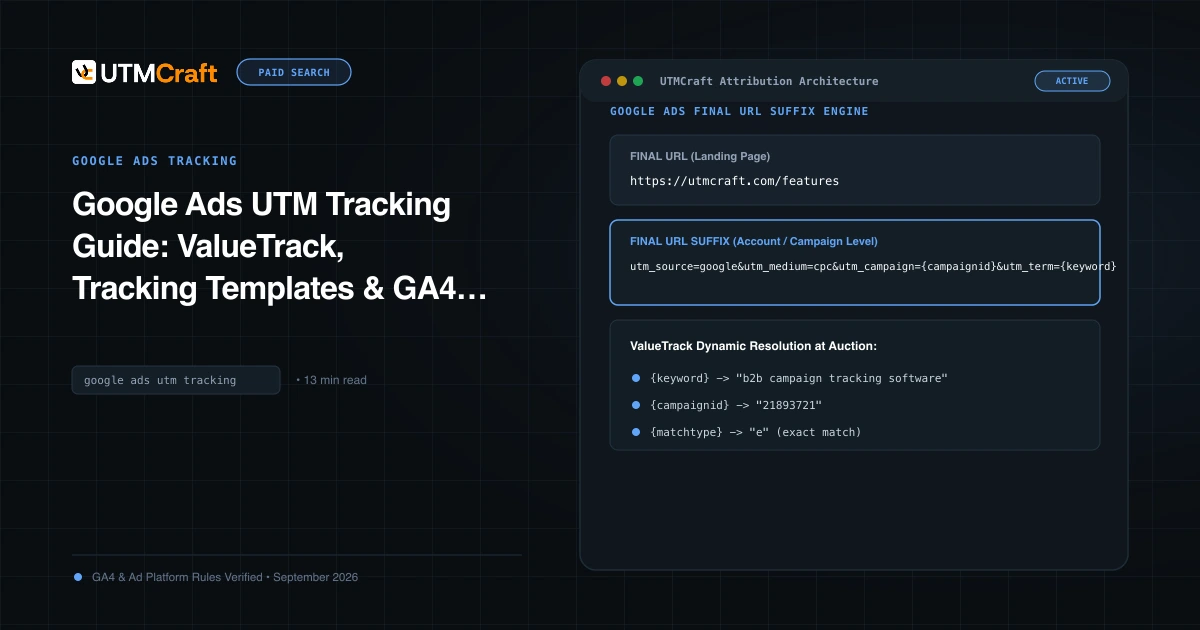
GA4 gets network data from the click ID. Your CRM, form tool and any non-Google analytics tool don't. The ValueTrack {network} parameter puts the network in the landing URL (Google Ads Help):
{network} value | Click came from |
|---|---|
g | Google search |
s | Search partners |
d | Display Network |
ytv / vp | YouTube / Google video partners |
x | All Performance Max traffic |
A simple account-level Final URL suffix:
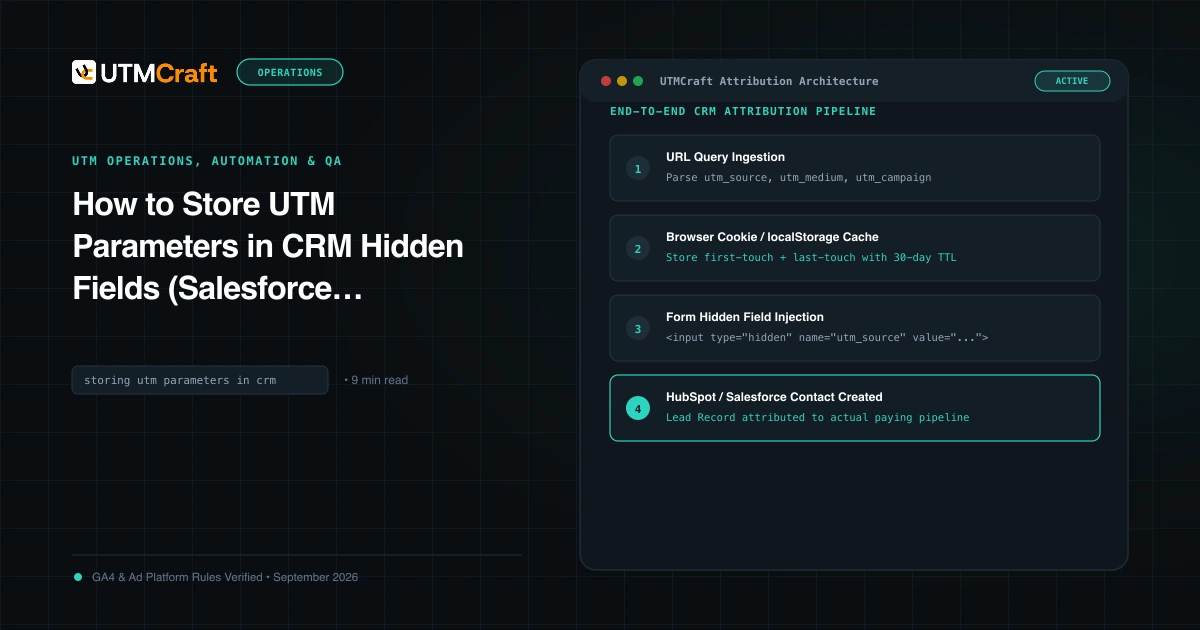
gads_network={network}&gads_campaign={campaignid}&gads_device={device}Then capture gads_network in a hidden form field, as described in storing UTM parameters in your CRM. Now every lead record shows whether it came from Search, Search partners or Display, so you can compare lead quality, not only click cost.
Two cautions:
- This won't change GA4 channels. With auto-tagging on, GA4 uses Google Ads data from the click ID for source, medium and campaign (Google). Keep auto-tagging on, and use the native network dimension in GA4.
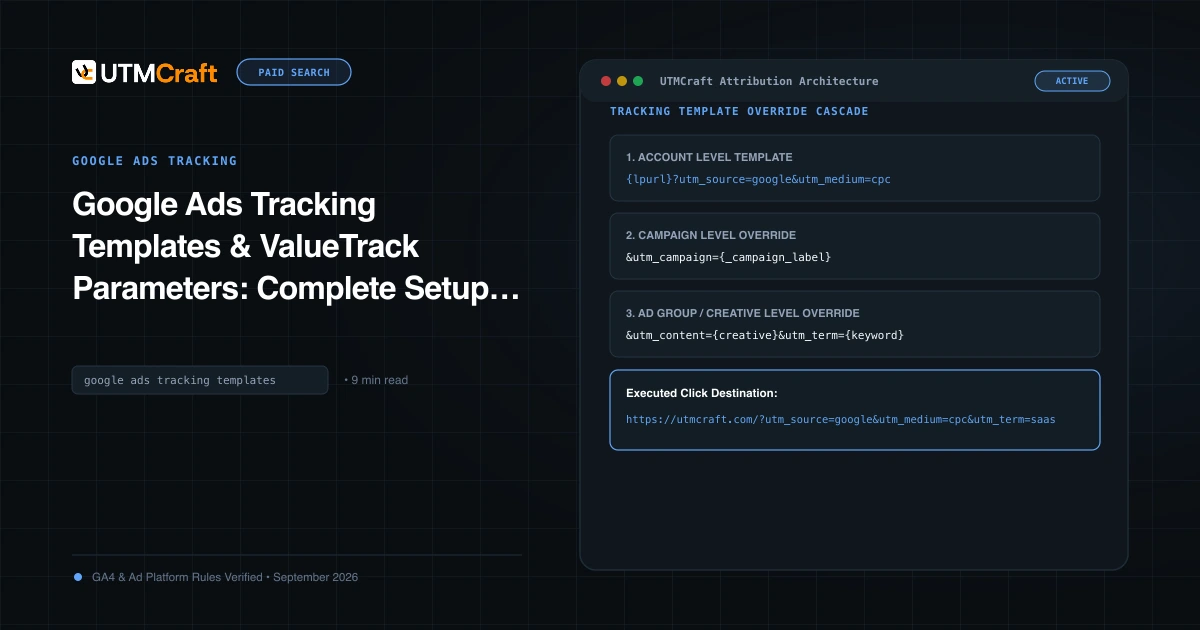
- Check the levels. Campaign or ad group suffixes override the account-level one. If you already have a suffix lower down, add the parameter there too. The tracking template guide explains the hierarchy.
Test one live ad: click it, check the final address bar for gads_network=g, and paste the URL into the UTM checker.
Run a clean Low priority test
- Record a baseline. Export two to four weeks of results by network: GA4 sessions, engagement rate and key events, plus Google Ads cost and conversions.
- Change one thing. For example, set Search partners to Low priority at 20% in a few campaigns and leave the others unchanged as a comparison.
- Annotate the date in GA4 and your dashboards.
- Wait for conversion lag. Don't judge it in three days. Compare at least two full weeks.
- Compare cost per key event by network, not just total spend. A cap that cuts cheap, converting partner traffic is a loss, not a saving.
Timing matters this quarter. Changing budget rules in the middle of Black Friday week makes before and after comparisons very hard. Make the change in early November or after the holidays. The Black Friday tracking checklist lists other pre-sale checks.
Quick answers
Does channel prioritization change my UTMs or tracking templates?
No. It changes where Google spends your budget, not how clicks are tagged. Existing templates, suffixes and auto-tagging keep working.
Do Search partners show as a separate source in GA4?
No. With auto-tagging, Search partner clicks are still google / cpc. Use the Session Google Ads ad network type dimension to separate them.
Is the budget allocation a hard cap?
No. Google calls it best-effort, and daily spend on a Low priority channel can sometimes exceed the percentage you set.
Do I have to change anything before February 2027?
Only if you run Search campaigns with Display turned on. To keep roughly today's behavior, Google suggests Display at Low priority with a 50% allocation.
For the broader setup, read Discord Launches Ads Manager and Mobile Video Quests. Browse the Advertising News & Updates guides to choose another troubleshooting task.
References
- Guide your campaign spending with new priority and allocation features (Google)
- About channel prioritization and budget allocation (Google Ads Help)
- New Google Ads Controls: Channel Prioritization & Budget Allocation (Search Engine Roundtable)
- Track clicks with ValueTrack parameters (Google Ads Help)
- Analytics dimensions and metrics (Google Analytics Help)
- Benefits of Google Ads auto-tagging (Google Analytics Help)