Table of Contents
- 1. Every team names the campaign differently
- 2. Reusing last year's links and campaign names
- 3. SMS, push, affiliate and QR mediums that land in Unassigned
- 4. No utm_content on email variants, SMS sends or ad creatives
- 5. UTMs on your own site banners and internal links
- 6. Sale-page redirects and link shorteners that drop parameters
- 7. Turning off Google Ads auto-tagging, or expecting manual UTMs to win
- 8. Meta dynamic parameters that never resolve
- 9. Affiliate and creator links built by partners
- 10. Last-minute links that skip QA
- Before you compare BFCM 2026 with 2025
- Pre-BFCM UTM checklist and timeline
Most Black Friday UTM tracking problems come from many teams building links at once without one shared rulebook. Email, SMS, paid social, Google Ads, affiliates, creators and in-store QR codes often all launch in the same week. When each team spells the campaign differently, uses a medium GA4 doesn't recognise or routes traffic through a redirect that drops the query string, the sale's results are split across rows or hidden in Unassigned.
This year the key dates are Thanksgiving on Thursday, November 26, 2026, Black Friday on Friday, November 27 and Cyber Monday on Monday, November 30. That leaves about six weeks to fix the problems below before the first early-access email goes out.
Each mistake below covers why it hurts your data, how to spot it in GA4 and how to fix it. If you need the full ecommerce checkout picture (payment gateway referrals, feed URLs and cost import keys), see ecommerce UTM mistakes. This article focuses on the BFCM launch window.
1. Every team names the campaign differently
The email team writes Black-Friday. Paid social uses BFCM_2026. The agency running Meta ads uses bf26. All three describe the same sale, but GA4 reports them as three separate campaigns.
Why it hurts: Google states that UTM parameter values are case sensitive. utm_source=google and utm_source=Google are different values (Google Analytics Help). So bfcm-2026 and BFCM-2026 become two rows in a Session campaign report, and nobody totals them correctly at 9 a.m. on Black Friday.
There's one useful nuance. GA4's default channel group definitions aren't case sensitive (Google Analytics Help), so utm_medium=Email still lands in the Email channel. The channel totals may look fine while the campaign and source rows underneath are split.
How to spot it: In Reports > Acquisition > Traffic acquisition, switch the primary dimension to Session campaign and search for black, bf, cyber and bfcm. Several rows for one sale means the naming has drifted.
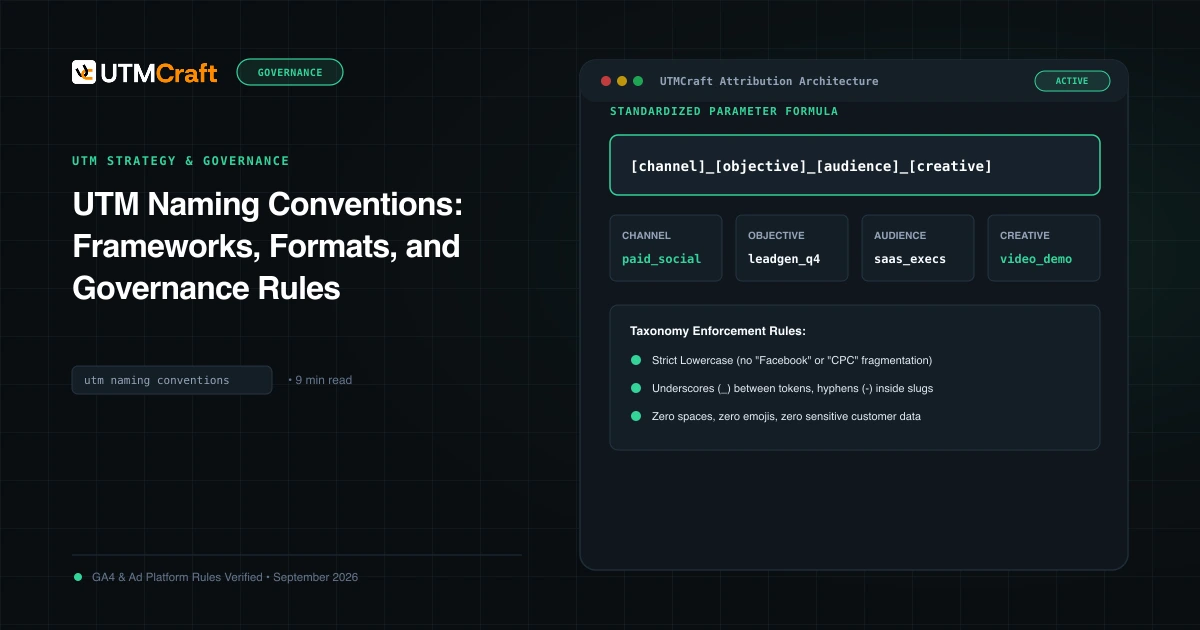
Fix: Publish one naming sheet before anyone builds a link. Use lowercase only and choose one separator. Name the sale once:
| Parameter | Rule | Example value |
|---|---|---|
utm_campaign | One shared name for the whole sale, with the year | bfcm-2026 |
utm_source | The platform or sender, lowercase | klaviyo, facebook, google, creator-jane |
utm_medium | A value that matches a GA4 channel rule (see mistake 3) | email, sms, paid_social, affiliate |
utm_content | Phase + variant | early-access-hero-a, cyber-monday-sms-2 |
utm_term | Optional; audience or keyword for manual campaigns | vip-list |
If you want phase-level campaigns (bfcm-2026-early-access, bfcm-2026-cyber-monday), keep the same prefix so a "begins with" filter still captures everything. The UTM naming conventions guide covers how to set up and enforce a naming sheet.
2. Reusing last year's links and campaign names
Copying the 2025 email template or influencer brief is fast. It also brings along utm_campaign=bfcm-2025 and a landing page that may now redirect somewhere else.
Why it hurts: BFCM 2026 traffic gets credited to last year's campaign, so year-over-year comparisons mix two sales. Old links that still circulate, such as saved posts, evergreen QR codes and old link-in-bio pages, also keep adding visits to whichever campaign name they carry.
How to spot it: In the Session campaign report for November 2026, look for any 2025 campaign names with sessions after the 2026 sale begins.
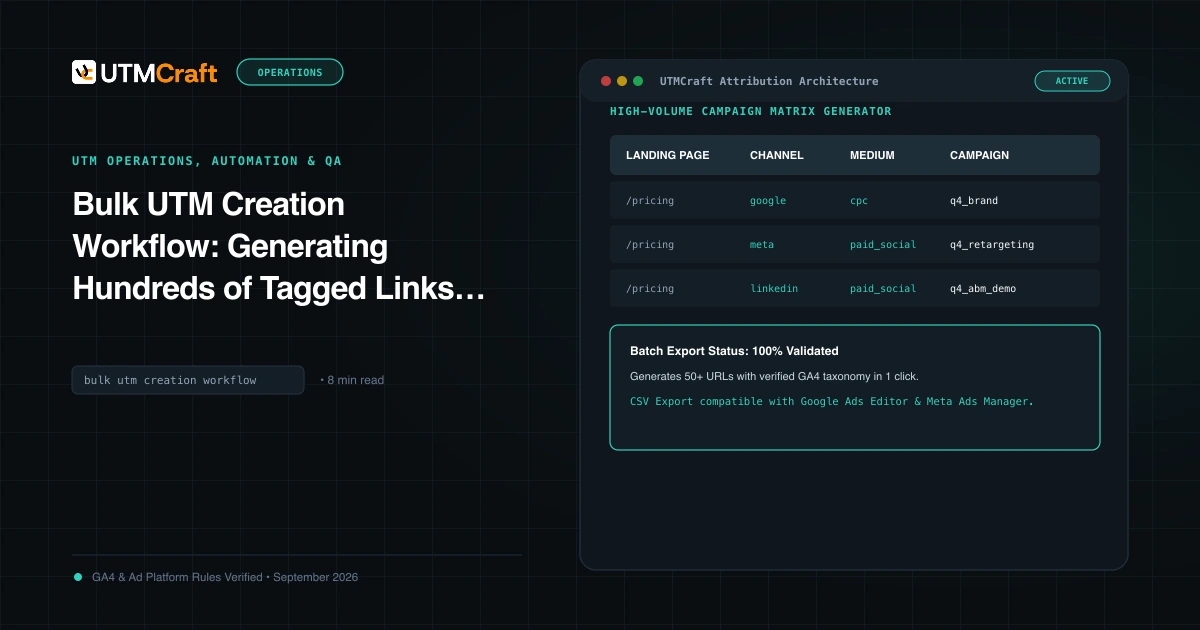
Fix: Search your email platform, SMS flows, ad accounts and creator briefs for 2025 before cloning anything. Rebuild links from the 2026 sheet instead of editing old URLs by hand. Bulk building in the UTMCraft builder or a bulk UTM workflow makes it practical to regenerate every link from one source of truth.
3. SMS, push, affiliate and QR mediums that land in Unassigned
During BFCM, most of the new SMS, push and QR traffic shows up all at once. It's also where improvised utm_medium values are most common.
Why it hurts: GA4 assigns channels using fixed rules. According to Google's default channel group definitions:
- SMS matches only when the source or medium is exactly
sms. - Mobile Push Notifications matches when the medium ends with
push, containsmobileornotification, or the source is exactlyfirebase. - Affiliates matches a medium of
affiliate. - Email matches a source or medium of
email,e-mail,e_mailore mail.
Traffic that matches no rule is classified as Unassigned. Some values that commonly fail:
| Value used | Likely result | Use instead |
|---|---|---|
utm_medium=text or sms_blast | Not the SMS channel (needs exact sms) | sms |
utm_medium=pushnotif | Doesn't end with push or contain notification | push or web_push |
utm_medium=affiliates | Not an exact affiliate match | affiliate |
utm_medium=newsletter with utm_source=klaviyo | Neither value matches the email rule | utm_medium=email |
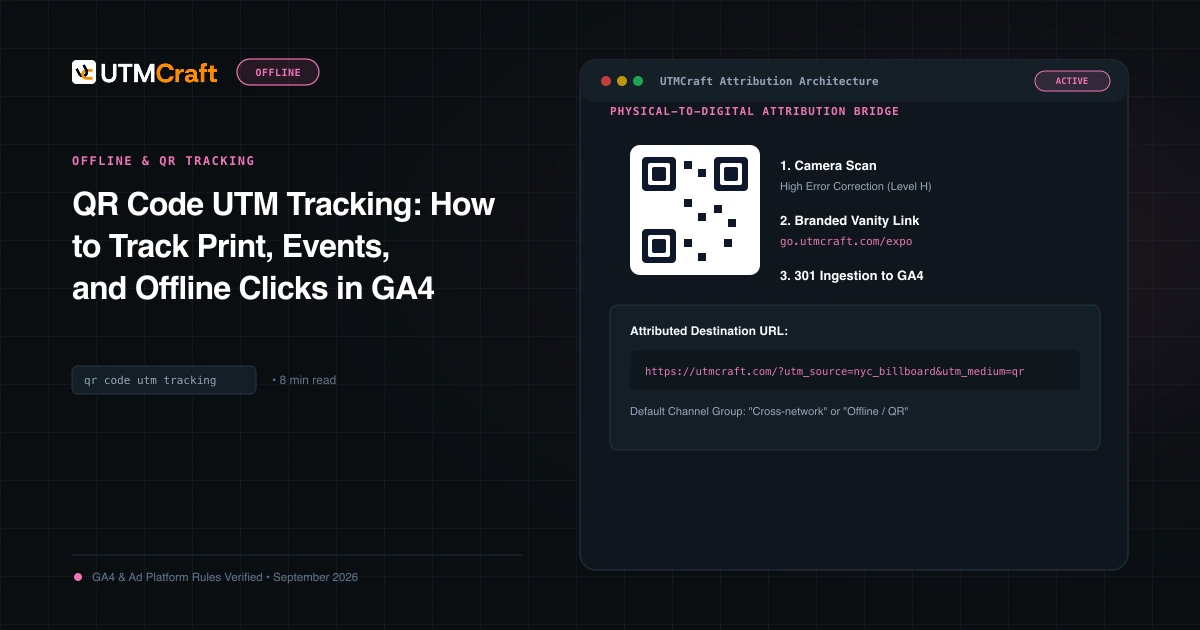
utm_medium=qr | No QR channel exists in the default rules | Choose the channel the placement represents; see the QR code UTM guide |
How to spot it: In Traffic acquisition, set the primary dimension to Session default channel group, click Unassigned and add Session source / medium as a secondary dimension. The GA4 Unassigned traffic guide walks through the full audit.
Fix: Put the approved medium values in the naming sheet as a dropdown and not as free text. The utm_medium guide lists values that map cleanly.
4. No utm_content on email variants, SMS sends or ad creatives
BFCM programmes typically include several emails and texts, plus multiple creatives per ad set. If all of them share utm_source, utm_medium and utm_campaign, GA4 can only say "the BFCM email worked". It can't tell you which send or which hero image.
Why it hurts: You lose the comparison you most want after the sale: early access versus Black Friday morning versus the Cyber Monday "last chance" send.
How to spot it: Add Session manual ad content as a secondary dimension to your BFCM campaign rows. If it shows (not set) for most sessions, the variants weren't tagged. (Our guide on finding utm_content and utm_term in GA4 explains which dimension to use.)
Fix: Plan utm_content values as part of the send calendar, for example ea-email-1-hero, bf-sms-1 and cm-email-3-lastcall. Keep them short and readable, because people will filter on them under time pressure.
5. UTMs on your own site banners and internal links
The homepage gets a "Black Friday is live" banner, and someone tags it with ?utm_source=homepage&utm_medium=banner&utm_campaign=bfcm-2026 to measure clicks.
Why it hurts: UTMs are meant to describe how a visitor reached your site. When a visitor from a paid ad clicks an internally tagged banner, those internal campaign values can replace the real acquisition source for later activity. Your own homepage then gets credit for sales your ads or emails drove. Note that banner is also one of the mediums GA4 maps to Display, so internal clicks can look like display advertising.
How to spot it: Look for your own domain or labels such as homepage, site or header in Session source, or for a sudden spike in Display that matches your banner launch.
Fix: Remove UTMs from internal links. To measure on-site promotions, use GA4's ecommerce view_promotion and select_promotion events, which are designed for internal promotions such as banners (Google Analytics developer docs).
6. Sale-page redirects and link shorteners that drop parameters
BFCM often involves temporary routing. /black-friday redirects to /collections/sale, the sale page moves to /cyber-monday on Monday, and SMS links go through a shortener.
Why it hurts: If any hop in the chain drops the query string, the landing page receives no UTMs. The visit then falls back to whatever referrer information is available, which is often none for SMS and app traffic. Google Ads click IDs face the same risk. Google advises that if your site uses redirects, you should make sure the GCLID is passed to the final landing page (Google Ads Help).
How to spot it: A jump in Direct or Referral traffic on launch day that doesn't match the size of a send, or BFCM campaign rows with far fewer sessions than your email or SMS platform reported in clicks.
Fix: Click every tagged link once it's in its final form, including after shortening, and confirm that the address bar on the final page still shows every parameter. Set up the Cyber Monday redirect early and test it before Monday, not during the swap. The guides on redirects removing UTMs and redirect UTM mistakes cover server rules and how to trace redirect chains.
7. Turning off Google Ads auto-tagging, or expecting manual UTMs to win
Under deadline pressure, someone may add manual UTMs to Google Ads or Performance Max final URLs to "line up with the other channels", or turn auto-tagging off because a landing page errored.
Why it hurts: Google Ads describes auto-tagging as a required feature, now on by default for new accounts, and says it's needed for functions such as importing Google Ads data into Analytics (Google Ads Help). When both methods are present and the GCLID can be used, GA4 uses the auto-tagged values for source, medium and other traffic-classification dimensions (Google Analytics Help). Your manual utm_campaign=bfcm-2026 won't replace the Google Ads campaign name in Session campaign, though UTMs still populate GA4's manual traffic-source dimensions (Google Analytics Help). The result is two different "truths" depending on which dimension a stakeholder opens.
Google also notes that when the click ID can't be used and any UTM is present, GA4 derives the traffic-source values from the UTMs, and missing UTM parameters show up as (not set) (Google Analytics Help). Partial manual tagging can therefore create gaps.
How to spot it: Check that Google Ads traffic appears as google / cpc with the expected campaign names, and that Performance Max campaigns are classified under Cross-network, which GA4's rules assign to that campaign type (channel definitions).
Fix: Keep auto-tagging on. Report Google Ads BFCM performance by Google Ads campaign name and use a consistent naming prefix inside Google Ads itself. If you also add UTMs as a fallback, make them complete. See Google Ads auto-tagging vs UTMs for the trade-offs.
8. Meta dynamic parameters that never resolve
Meta's URL parameters field lets you use dynamic tokens such as {{campaign.name}}, which Meta fills in with the real value when the ad is clicked. It's convenient when you're launching dozens of BFCM ad sets.
Why it hurts: A typo in the token syntax, or a link built outside the URL parameters field, can send the literal token text to your site. Your campaign report then contains rows like {{campaign.name}} or its URL-encoded form %7B%7Bcampaign.name%7D%7D, and those sessions aren't tied to a campaign.
How to spot it: Search Session campaign and Session manual ad content for {{ or %7B.
Fix: Copy one tested parameter string into every BFCM ad and don't let people retype it. Confirm that the values expand by clicking a live, delivered ad. Reading the template alone doesn't prove anything. The Meta dynamic URL parameters guide covers syntax and the common reasons raw tokens appear.
9. Affiliate and creator links built by partners
Affiliates and creators usually get a brief and build or shorten the link themselves, often through their own network's redirect.
Why it hurts: You get each partner's own spelling of the campaign, mediums that miss the Affiliates rule (mistake 3) and redirect wrappers that may strip parameters. Creator traffic with a non-social source and utm_medium=influencer matches no default channel rule, so it can end up in Unassigned.
How to spot it: Filter Session source for partner or creator names and check which channel they fall into.
Fix: Send partners finished, tested links rather than instructions. Give each creator a stable source identifier (creator-jane) and match it to their promo code so link visits and code redemptions can be reconciled. The influencer UTM tracking guide has a creator naming formula, and the ecommerce UTM mistakes article covers affiliate wrappers.
10. Last-minute links that skip QA
The flash sale extension, the "we're live" push notification and the 11 p.m. Cyber Monday email are the links most likely to be built in a hurry and never tested.
Why it hurts: These sends often go to your most engaged audience at your highest-converting moment. A broken or untagged link here costs the most attribution per click. Fixing a link afterwards doesn't rewrite data GA4 has already processed.
How to spot it: Compare each send in your email or SMS platform's click report against the matching utm_content row in GA4 the next morning.
Fix: Pre-build the "extension" and "last chance" links in October, even if you may never use them. Require every new link to go through the same sheet and a quick check: click it, confirm the final URL and confirm the parameters are lowercase and complete. The UTM QA checklist and how to test UTMs give the full routine.
Before you compare BFCM 2026 with 2025
Year-over-year comparisons are only meaningful if both years were measured the same way. Before you present a "Black Friday was up X%" slide, check the following:
- Campaign names: Did 2025 use the same
utm_campaignstructure? If not, map the old names to the new ones before comparing. - Mediums and channel groups: If your medium values or any custom channel groups changed between years, channel totals aren't like-for-like. Compare at source/medium level when channel totals look odd.
- Platform attribution settings: If you pull Meta results through the API, Meta's developer blog says that from January 12, 2026, the Ads Insights API no longer returns the 7-day view (
7d_view) and 28-day view (28d_view) attribution windows (Meta for Developers). A 2025 report built on those windows can't be reproduced the same way for 2026. Compare on a window that's still available to both years. - Calendar alignment: Compare by event day (Black Friday to Black Friday), not by calendar date. Black Friday 2026 falls on November 27.
Pre-BFCM UTM checklist and timeline
| When | What to do |
|---|---|
| Oct 14 – Oct 30 | Publish the naming sheet (campaign, approved mediums, content patterns). Audit last year's templates, flows and briefs for 2025 values. Check internal banners for UTMs. |
| Nov 2 – Nov 13 | Build all planned links in bulk from the sheet. Set up and test redirects for /black-friday and /cyber-monday. Confirm Google Ads auto-tagging is on. Paste one tested Meta parameter string into every BFCM ad. Send finished links to affiliates and creators. |
| Nov 16 – Nov 20 | Click-test one live link per channel (email, SMS, push, paid social, Google Ads, affiliate, QR). Confirm each one appears in GA4 with the expected source, medium, campaign and channel. Pre-build "extension" and "last chance" links. |
| Nov 23 – Nov 25 | Freeze the naming sheet. New links are created only from it. Brief anyone on call over the holiday weekend. |
| Nov 26 – Dec 1 | Each morning, check Unassigned, (not set), raw {{ tokens and duplicate campaign spellings. Fix live links at once and note the time of each fix. |
| After the sale | Record any known gaps (for example, "SMS send 2 untagged, Nov 27") alongside the report so later comparisons account for them. |
The checklist is the most important part of this article. If your teams agree on one naming sheet, one list of approved mediums and one live click per channel before Thanksgiving, most of the mistakes above won't reach your reports.
For the broader setup, read 15 UTM Tracking Mistakes That Ruin Your GA4 Data (and How to Fix Them). Browse the UTM Mistakes & Tracking Audits guides to choose another troubleshooting task.
References
- URL builders: Collect campaign data with custom URLs (Google Analytics Help)
- Default channel group (Google Analytics Help)
- How traffic source dimensions are updated (Google Analytics Help)
- Benefits of Google Ads auto-tagging (Google Analytics Help)
- About auto-tagging (Google Ads Help)
- Measure ecommerce (Google Analytics developer documentation)
- Ads Insights API metric availability updates (Meta for Developers)