Table of Contents
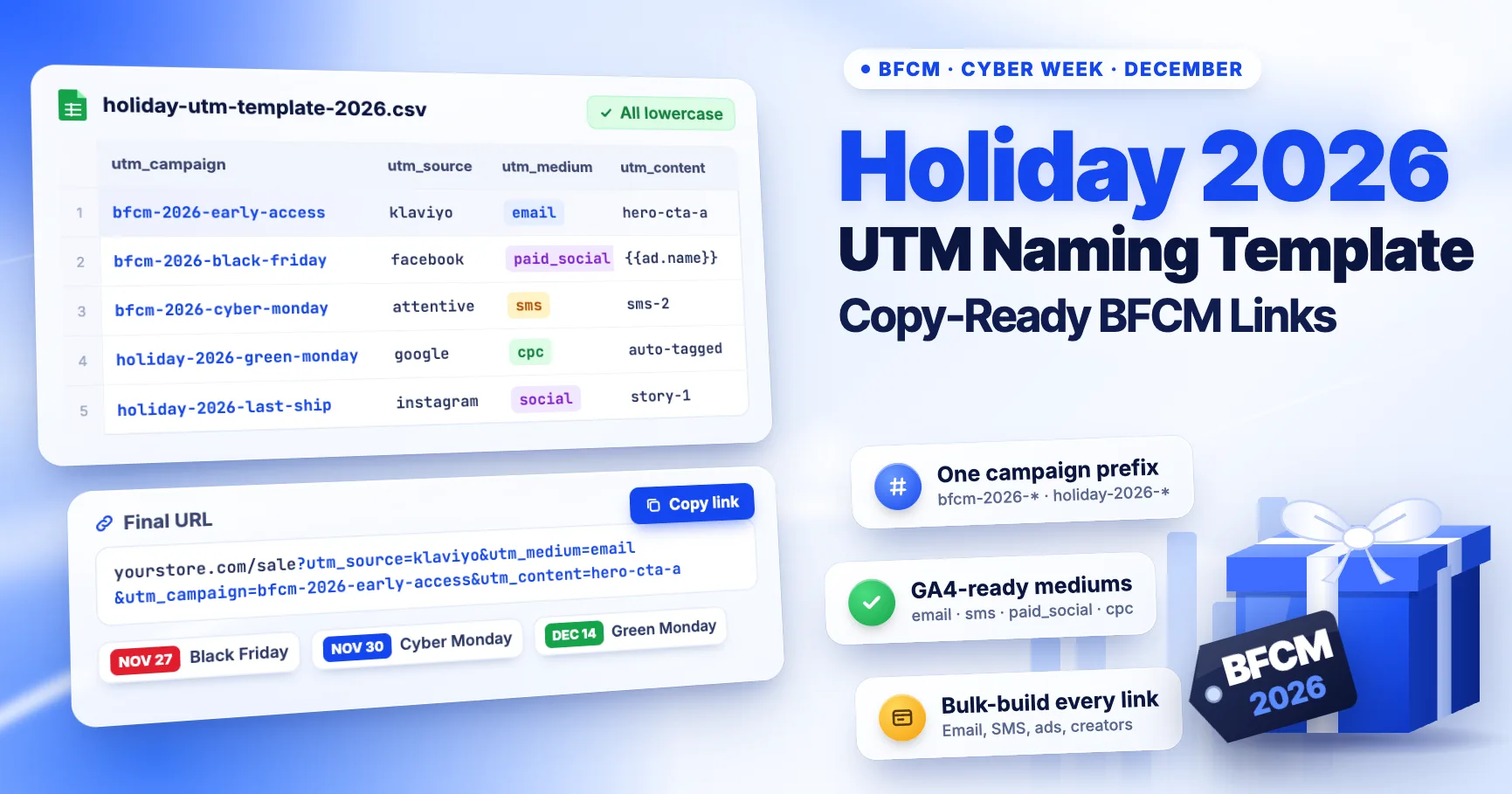
Use one campaign name per sale phase, one fixed source and medium per channel, and a utm_content value that names the exact link. Below are the names for every key 2026 holiday date, link templates for email, SMS, push, paid social, affiliates and QR codes, and a CSV you can load into a bulk builder.
This is the hands-on template. If you want the reasons behind each rule and the mistakes to avoid, read 10 UTM tracking mistakes that can wreck your Black Friday data first. Channel rules checked against Google's documentation: October 16, 2026.
The naming rules in one table
| Parameter | Rule | Example |
|---|---|---|
utm_campaign | Season prefix + year + phase | bfcm-2026-cyber-monday |
utm_source | The platform or sender, never the channel | klaviyo, facebook, attentive |
utm_medium | Only values that match a GA4 channel rule | email, sms, paid_social |
utm_content | Placement + variant | hero-cta-a |
utm_term | Optional: audience or segment | vip |
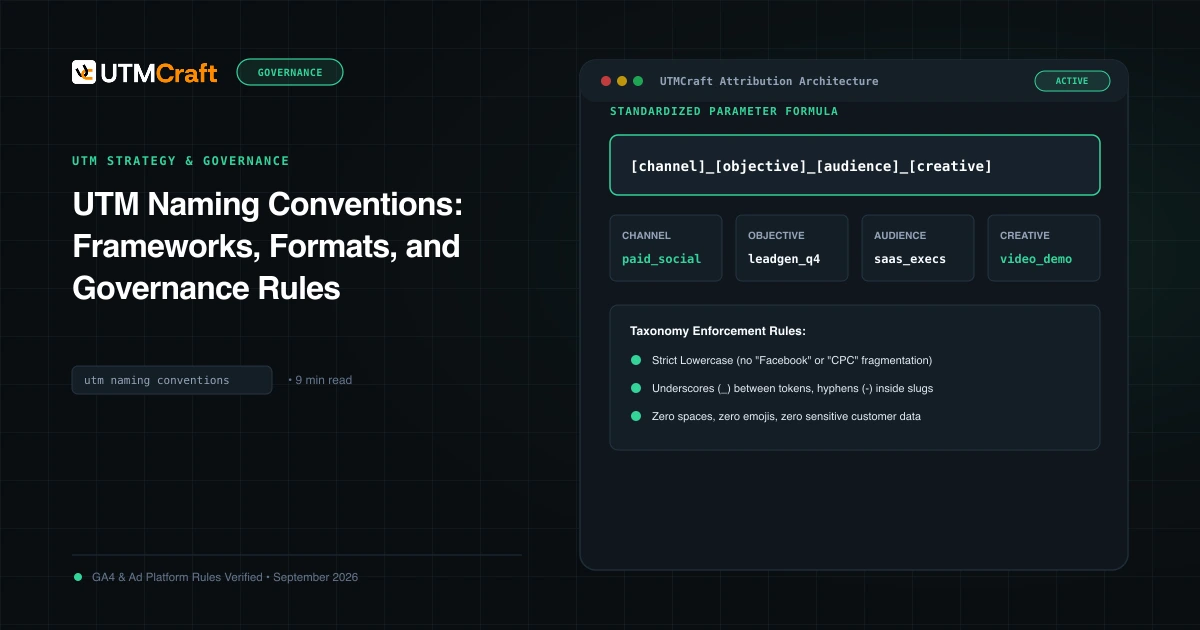
Lowercase everything and use hyphens inside values. Google says UTM values are case sensitive, so BFCM-2026 and bfcm-2026 report as two campaigns (Google). Leave spaces, emoji and personal data out of every value.
Holiday 2026 campaign calendar
Use bfcm-2026- for the Black Friday to Cyber Monday window and holiday-2026- for December. One regex, ^(bfcm|holiday)-2026, then rolls up the whole season.
| Dates (2026) | Phase | utm_campaign |
|---|---|---|
| Nov 16–25 | Early access / VIP | bfcm-2026-early-access |
| Thu Nov 26 | Thanksgiving | bfcm-2026-thanksgiving |
| Fri Nov 27 | Black Friday | bfcm-2026-black-friday |
| Sat Nov 28 – Sun Nov 29 | Weekend | bfcm-2026-weekend |
| Mon Nov 30 | Cyber Monday | bfcm-2026-cyber-monday |
| Tue Dec 1 – Sun Dec 6 | Cyber Week extension | bfcm-2026-cyber-week |
| Mon Dec 14 | Green Monday | holiday-2026-green-monday |
| Your last-ship date | Shipping cut-off | holiday-2026-last-ship |
| Dec 26 onward | Post-holiday / clearance | holiday-2026-post-holiday |
Adjust the early-access dates to your own launch. If Giving Tuesday (December 1) is a separate push for you, add bfcm-2026-giving-tuesday. Decide the full list now and share it with every team, agency and partner before the first link goes out.
Copy-ready links by channel
Replace the domain, path and campaign phase. Each medium below matches a GA4 default channel rule (Google).
| Channel | Query string | GA4 channel |
|---|---|---|
?utm_source=klaviyo&utm_medium=email&utm_campaign=bfcm-2026-black-friday&utm_content=hero-cta-a | ||
| SMS | ?utm_source=attentive&utm_medium=sms&utm_campaign=bfcm-2026-black-friday&utm_content=sms-1-link | SMS |
| Web or app push | ?utm_source=onesignal&utm_medium=web-push&utm_campaign=bfcm-2026-cyber-monday&utm_content=push-1 | Mobile Push Notifications |
| Meta ads | utm_source=facebook&utm_medium=paid_social&utm_campaign=bfcm-2026-black-friday&utm_content={{ad.name}}&utm_term={{adset.name}} | Paid Social |
| TikTok ads | utm_source=tiktok&utm_medium=paid_social&utm_campaign=bfcm-2026-black-friday&utm_content=__CID_NAME__ | Paid Social |
| Organic social | ?utm_source=instagram&utm_medium=social&utm_campaign=bfcm-2026-black-friday&utm_content=story-swipe | Organic Social |
| Affiliates and creators | ?utm_source=creator-name&utm_medium=affiliate&utm_campaign=bfcm-2026-black-friday&utm_content=bio-link | Affiliates |
| In-store QR code | ?utm_source=store-window&utm_medium=qr&utm_campaign=bfcm-2026-black-friday&utm_content=poster-a | Unassigned (see below) |
Notes for each platform:
- Meta and TikTok strings go in the platform's URL parameters field, without the leading
?. Dynamic tokens fill in at click time. If you see the literal text{{ad.name}}in GA4, read Meta dynamic parameters not working. Our TikTok guide covers its macros. - Paid Social requires a source that GA4 recognises as a social site and a paid medium.
paid_socialmatches the paid rule, andfacebookandtiktokare on Google's social list. - Google Ads doesn't need UTMs. Keep auto-tagging on (Google Ads Help) and put the phase in the Google Ads campaign name, for example
bfcm-2026-black-friday-search. GA4 reads it from the click ID. - QR codes have no GA4 default channel, so
qrlands in Unassigned. That's fine if you report it with a custom channel group rule (Medium exactly matchesqr), which also applies to past data. See QR code UTM tracking. - Your own website banners get no UTMs. A tagged internal link starts a new session and overwrites the visitor's real source.
A utm_content pattern that answers "which link?"
During a sale, people ask questions like "Did the hero button or the footer link sell more?" and "Which of the three SMS sends worked?" Use one pattern so every team's answers can be compared:
[placement]-[element]-[variant]

hero-cta-a        email hero button, version A
grid-product-3    third product tile in an email
sms-2-link        second SMS send of the phase
story-swipe       Instagram story link
poster-a          printed poster, design A
Keep it short and readable. Ad platforms can fill utm_content with the ad name, so name your ads with the same pattern.
Bulk CSV starter
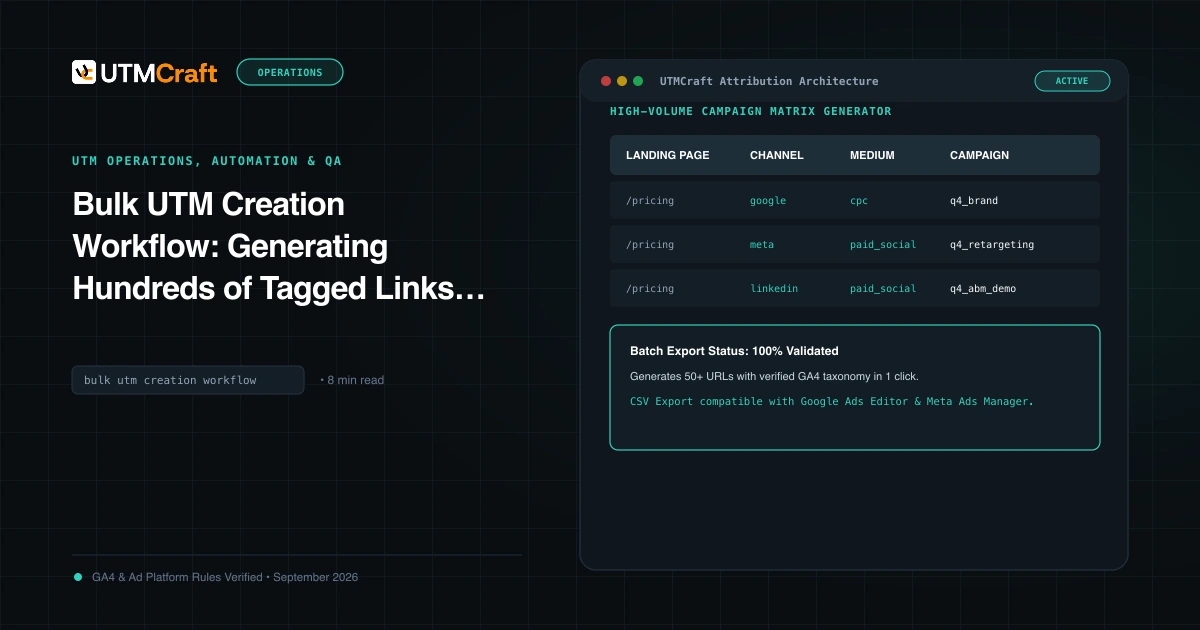
Copy these rows into a spreadsheet, add your landing pages and generate the links in one go with the bulk UTM builder:
landing_page,utm_source,utm_medium,utm_campaign,utm_content,utm_term
https://yourstore.com/sale,klaviyo,email,bfcm-2026-early-access,hero-cta-a,vip
https://yourstore.com/sale,klaviyo,email,bfcm-2026-black-friday,hero-cta-a,
https://yourstore.com/sale,attentive,sms,bfcm-2026-black-friday,sms-1-link,
https://yourstore.com/sale,onesignal,web-push,bfcm-2026-cyber-monday,push-1,
https://yourstore.com/gifts,instagram,social,bfcm-2026-black-friday,story-swipe,
https://yourstore.com/gifts,creator-name,affiliate,bfcm-2026-black-friday,bio-link,
https://yourstore.com/sale,store-window,qr,bfcm-2026-black-friday,poster-a,
Before the launch, open one link from each row on a phone, follow any redirect and confirm the final URL still contains every parameter. The bulk UTM workflow and UTM QA checklist cover the review step.
Roll everything up in GA4
- Go to Reports → Acquisition → Traffic acquisition and set the primary dimension to Session campaign.
- Search for
2026. Every holiday phase should appear, with no stray spellings likeBFCM_2026orblack-friday. - In an Exploration, filter Session campaign with the regex
^(bfcm|holiday)-2026and break it down by Session default channel group to compare channels for the whole season. - Check the Unassigned row daily during sale week. Anything other than your QR traffic there points to a medium typo.
Comparing with last year? If 2025 used different names, note that in the report rather than renaming anything. GA4 doesn't rewrite past campaign values.
Quick answers
Should Black Friday and Cyber Monday be separate campaigns?
Yes, if they have different offers or creative. Shared prefixes keep them easy to combine, and separate phases show which day actually drove sales.
Should I put the year in the campaign name?
Yes. Old links in saved posts, QR codes and evergreen flows keep collecting visits for years. The year stops 2025 traffic from mixing into 2026 results.
What utm_medium should influencer links use?
Use affiliate if creators are paid per sale, so their traffic lands in the Affiliates channel. For unpaid or flat-fee posts, use social. See influencer UTM tracking.
Can I fix campaign names after the sale?
Not in GA4. Collected campaign values stay as they are. You can group them in Explorations or Looker Studio, which is why it's worth agreeing the names before launch.
For the broader setup, read UTM Strategy Guide: How to Build a Tracking System That Stays Clean at Scale. Browse the UTM Strategy & Governance guides to choose another troubleshooting task.
References
- URL builders: Collect campaign data with custom URLs (Google Analytics Help)
- Default channel group (Google Analytics Help)
- Custom channel groups (Google Analytics Help)
- About auto-tagging (Google Ads Help)