Table of Contents
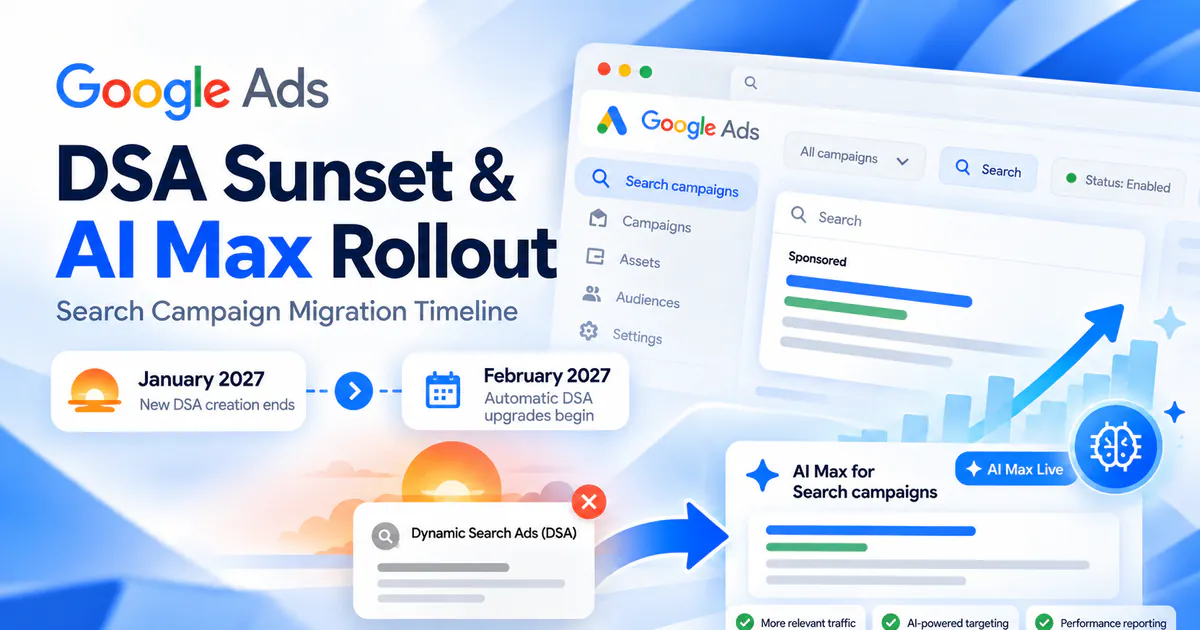
Google has moved the automatic upgrade of Dynamic Search Ads (DSA) to AI Max to February 2027. Use the extra time to review page targeting, ads and tracking, then test a campaign before a wider change. Here is the revised timeline and what to check.
- September 2026: ACA and campaign-level broad match upgrades to AI Max continue; Google expected eligible upgrades to finish by the end of September.
- Through January 2027: Google’s June 11 developer update says advertisers can create and edit DSA campaigns until the January cutoff.
- Starting February 2027: Google Ads Help says remaining DSA campaigns will be automatically upgraded to AI Max.
The Confirmed DSA and AI Max Timeline
Google first announced a September 2026 transition, then revised the DSA schedule on June 11. The updated plan separates DSA migration from two other legacy settings:
- DSA campaigns: the automatic upgrade is scheduled to begin in February 2027. Google restored DSA campaign creation on June 15, 2026; its Ads Developer Blog says new DSA creation is removed in January 2027.
- Automatically Created Assets (ACA) and campaign-level broad match: the delay does not apply to these. Google says their automatic upgrades continue starting in September 2026, with eligible upgrades expected to conclude by month-end.
So the practical distinction is: the DSA window was extended, while the ACA and campaign-level broad-match transition remained on the September schedule. Check the notices and status in each Google Ads account rather than assuming all campaigns share one date. Google’s updated migration announcement and June developer update provide the timeline details.
One point to verify in your account: Google Ads Help describes the DSA destination as AI Max, while the June developer update describes remaining campaigns as moving to Performance Max or AI-powered Search. Since Google’s wording differs across these official pages, review the destination shown in each campaign’s upgrade notice before planning a bulk change.
Why the Change Matters to Advertisers
DSA uses a site’s pages to match relevant searches and generate headlines. That can be useful for large catalogs, frequently changing inventory, and advertisers who need to cover relevant queries beyond a hand-built keyword list. It also means the campaign depends on site content and page-targeting rules being accurate.
AI Max moves DSA into a Search campaign setup with standard ad groups and responsive search ads. That creates a useful opportunity to review messaging, URL selection, and search-term controls. It also creates a migration task: if your team has rules that protect certain pages, custom tracking at dynamic-target level, or a reporting process built around DSA, those details need to be checked before and after the change.
This is not evidence that every advertiser will lose performance or that every account should upgrade immediately. The business risk is operational: an unreviewed transition can make it harder to spot a landing-page, ad-approval, lead-quality, or reporting change quickly. A planned test gives you a baseline and a chance to catch those issues while you still have time to adjust.
What Changes During an Upgrade
Google’s upgrade guidance describes several structural changes. Dynamic ad groups convert to standard ad groups, and existing Dynamic Search Ads become responsive search ads. Google generates the minimum static assets needed using text customization. You can choose whether to enable Final URL expansion and use URL exclusions to control destinations.
Review legacy URL rules carefully. Google says some older rule types-such as rules based on page title or page content-become read-only after upgrading. If a rule is unsupported, the upgrade dialog can identify it and mark it read-only. Save a record of your current rules and verify the resulting targeting before moving important spend.
Google says the upgrade tools map DSA targets to modern equivalents and are intended to preserve historical reporting and reduce learning disruption. Treat that as the migration design, then verify the details in your account. Keep the original and post-upgrade reports available so you can compare performance on equivalent dates and conversion definitions.
Google’s Comparison Graphic and Video
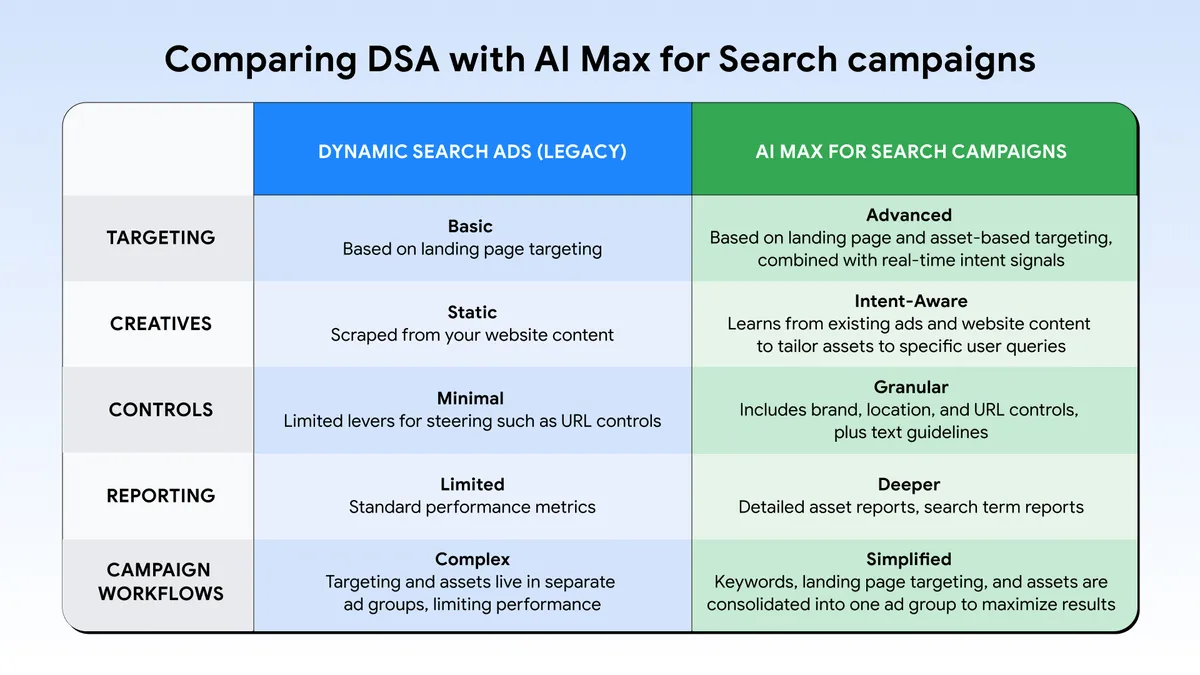
Google’s comparison highlights the shift from DSA’s page-based targeting toward AI Max’s combination of search-term matching, creative assets, and controls. Use it as a high-level product overview; the migration checklist below focuses on what to validate in your own account.
A Practical Migration Checklist
- Inventory DSA campaigns. Record campaign status, spend, conversions, conversion value, target CPA or ROAS, and the business owner. Include paused campaigns if you may reactivate them.
- Save what currently works. Export your dynamic targets, page feeds, URL inclusions and exclusions, ad descriptions, search terms, headlines, and landing-page results. Mark pages that must never receive paid traffic, such as expired offers or unavailable products.
- Capture a fair baseline. Save a representative period of cost, qualified leads or sales, conversion value, search terms, and landing pages. Use the same attribution model and conversion actions when you compare results later.
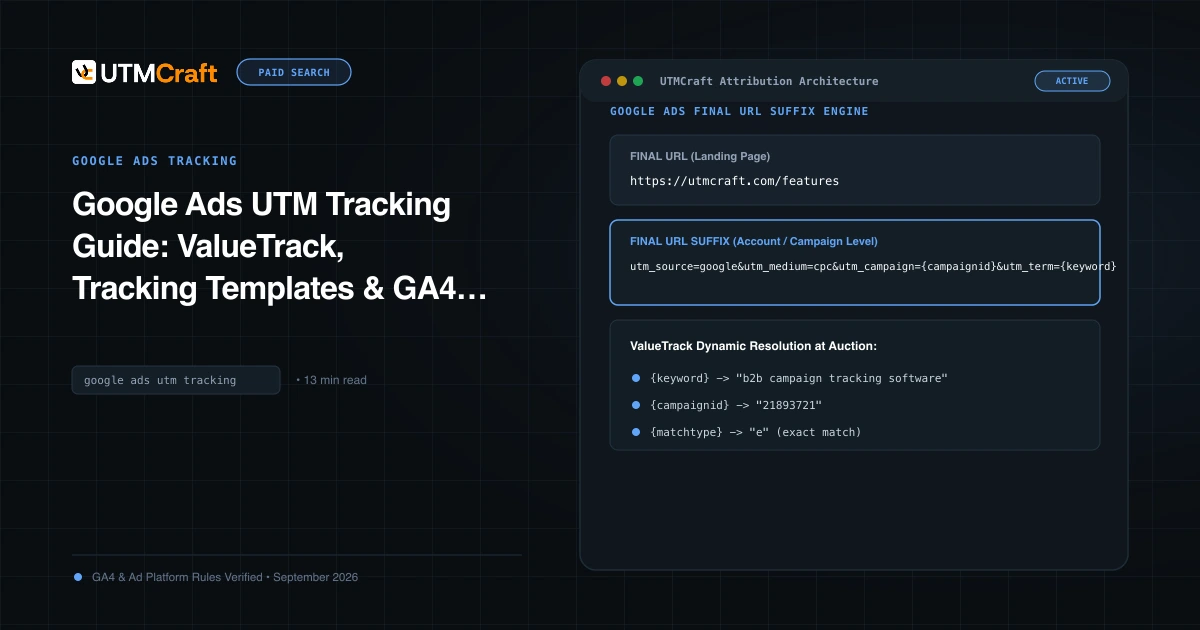
- Check measurement before changing campaigns. Document account, campaign, ad-group, and dynamic-target tracking templates; Final URL suffixes; ValueTrack tokens; auto-tagging; and any UTMs your CRM or analytics tools require. See our Google Ads tracking guide for a review of ValueTrack and UTM setup.
- Test one representative campaign. Use Google Ads’ upgrade flow or an eligible experiment. Confirm the target mapping, generated responsive search ads, policy status, final URLs, URL exclusions, and conversion actions before expanding the rollout.
- Monitor business outcomes after the change. Compare qualified conversions, revenue or lead quality, cost per result, search terms, and landing pages-not just clicks. Check that the intended tracking parameters reach the final page and remain available in downstream analytics or CRM records.
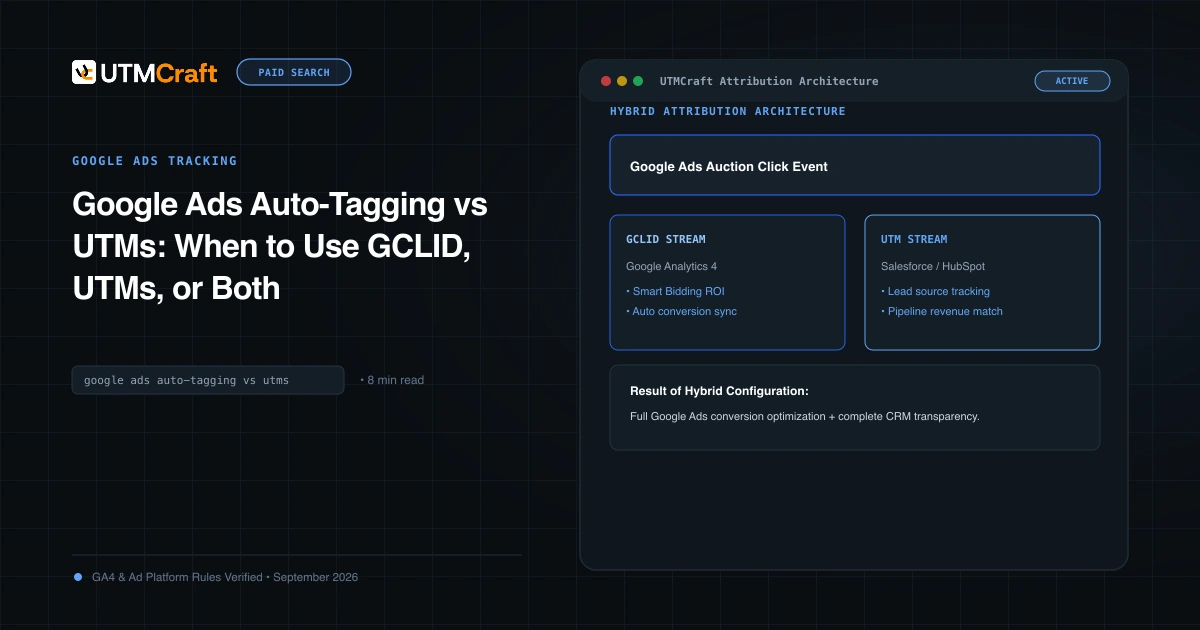
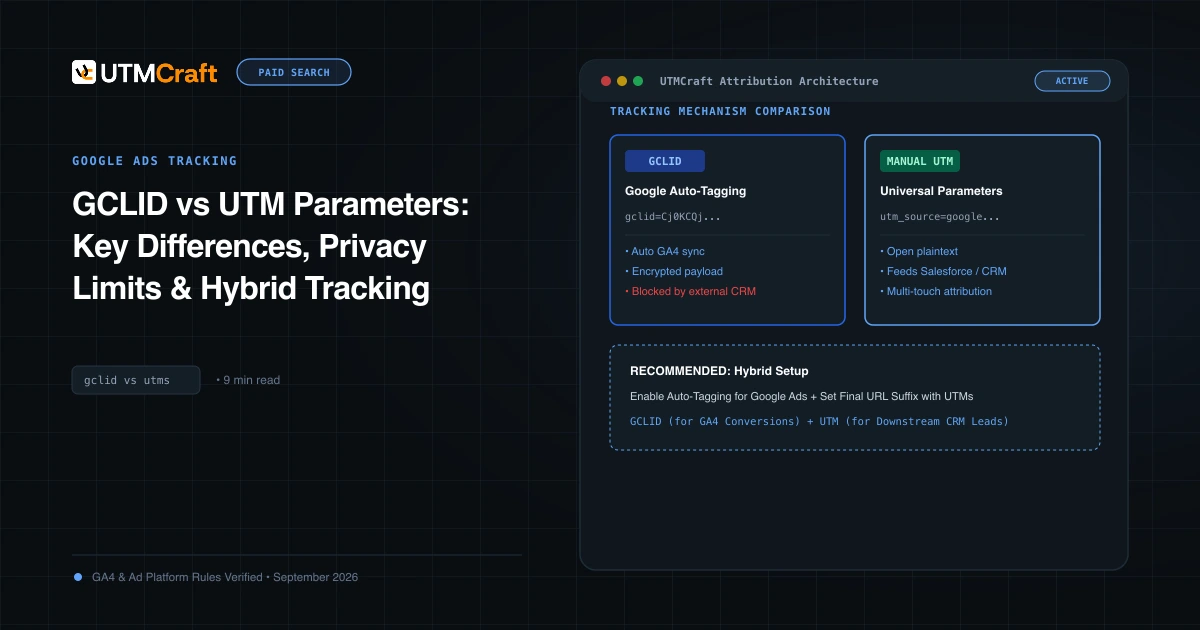
If you use UTMs alongside Google Ads auto-tagging, keep the naming convention stable while you test. Changing campaign structure and tagging at the same time makes it harder to tell whether a result came from the migration or from a measurement change. Our guide to Google Ads auto-tagging and UTMs explains how to use both consistently.
Should You Upgrade Before February?
Use the extra time to audit, document, and test. If DSA is important to revenue and your team can review the results, a controlled voluntary migration can give you more time to adjust than waiting until the automatic transition. If the campaign is stable and you do not have a safe test plan yet, first map its targeting and measurement dependencies; avoid a rushed account-wide change made only to beat the date.
For each campaign, decide based on evidence: are the resulting search terms relevant, do the ads meet policy and brand requirements, do users reach the intended pages, and do qualified conversions remain measurable? Keep a clear owner and a rollback or pause plan for material issues.
Common Questions
When does Google start automatically upgrading DSA campaigns?
Google Ads Help currently says automatic upgrades begin in February 2027. Google’s June developer update says the ability to create new DSA campaigns ends in January 2027, so these are separate dates.
Does the February delay also cover ACA and campaign-level broad match?
No. Google’s updated announcement says those upgrades continue starting in September 2026 and are expected to finish by the end of September for eligible campaigns.
Will Google preserve my DSA targeting and history?
Google describes its tools as mapping DSA targets and preserving historical reporting, and its upgrade flow explains how ad groups, ads, and unsupported URL rules change. Review the account-specific confirmation screen and verify the migrated campaign before relying on those settings.
What should I check first if leads or sales change?
Compare search terms and landing pages, then check ad eligibility, conversion actions, auto-tagging, tracking templates, UTMs, and the destination URL. Separate an actual change in lead or sales quality from a reporting change before adjusting bids or budgets.
For the broader setup, read Google Begins September 2026 Spam Update: Global Rollout May Take Two Weeks. Browse the Search News & Updates guides to choose another troubleshooting task.
References
- We’re upgrading Dynamic Search Ads to AI Max (updated June 11, 2026) (Google Ads & Commerce Blog)
- Dynamic Search Ads automigration delayed to February 2027 and campaign creation restored (Google Ads Developer Blog)
- Set up AI Max for Search campaigns: upgrade from DSA (Google Ads Help)
- About Dynamic Search Ads (Google Ads Help)