

6 LinkedIn UTM Mistakes That Make Campaign Reporting Messy
Stop LinkedIn traffic from landing in Referral or Organic Social. Fix the 6 critical UTM errors in Sponsored Content, Message Ads, and dynamic macros.
Table of Contents
- Why LinkedIn Ads Often Report as Referral in GA4
- The 6 Critical LinkedIn UTM Mistakes
- 1. Lowercase Dynamic Macro Tokens (Must Be Uppercase)
- 2. Using utm_medium=social Instead of paid_social
- 3. Putting UTMs Only in Intro Text Links
- 4. Neglecting Lead Gen Form Destination Links
- 5. Failing to Capture li_fat_id for Offline Conversions
- 6. Inconsistent Naming Across InMail, Document, and Feed Ads
- The Standard LinkedIn Ads UTM Formula
- Frequently Asked Questions
LinkedIn Ads carry some of the highest CPCs in digital marketing, often exceeding $10 to $25 per click. Yet all too often, LinkedIn campaign traffic lands in Google Analytics 4 under lnkd.in / referral or Organic Social due to syntax errors in dynamic URL parameters.
Why LinkedIn Ads Often Report as Referral in GA4
LinkedIn routes ad clicks through its link wrapper (lnkd.in). If your destination URL lacks explicit UTM parameters, GA4 reads the HTTP referrer header and classifies the visit as generic organic referral traffic.
The 6 Critical LinkedIn UTM Mistakes
1. Lowercase Dynamic Macro Tokens (Must Be Uppercase)
Unlike Meta, LinkedIn's dynamic URL macro parameters require strict uppercase inside double curly braces. Writing {{campaign_name}} fails; you must write {{CAMPAIGN_NAME}}.
2. Using utm_medium=social Instead of paid_social
Setting utm_medium=social causes GA4 to group your expensive Sponsored Content into Organic Social. Always use utm_medium=paid_social or utm_medium=cpc.
3. Putting UTMs Only in Intro Text Links
In Single Image Ads, users click both the introductory text and the large image card. If you only tag the URL inside the body text, card clicks land without tracking.
4. Neglecting Lead Gen Form Destination Links
When prospects submit a LinkedIn Lead Gen Form, the confirmation screen offers a "Visit Website" button. Marketers frequently leave this button untagged, losing post-lead attribution.
5. Failing to Capture li_fat_id for Offline Conversions
LinkedIn’s first-party click ID (li_fat_id) is essential for matching CRM leads to ad conversions. Ensure your landing page forms capture this parameter.
6. Inconsistent Naming Across InMail, Document, and Feed Ads
Document Ads, Sponsored InMail, and Conversation Ads perform differently. Differentiate ad types in utm_content (e.g. utm_content=doc_ad_whitepaper).
The Standard LinkedIn Ads UTM Formula
utm_source=linkedin&utm_medium=paid_social&utm_campaign={{CAMPAIGN_NAME}}&utm_content={{CREATIVE_NAME}}_{{CREATIVE_ID}}&utm_term={{CAMPAIGN_GROUP_NAME}}Frequently Asked Questions
Why are LinkedIn macros showing as raw text in GA4?
This happens when you click test ad previews inside LinkedIn Campaign Manager. Dynamic macros only expand when an actual impression or live click occurs.
What is the correct medium for LinkedIn Ads in GA4?
Use paid_social or cpc. Both match GA4 Default Channel Grouping rules for Paid Social.
Sources & Authoritative References
- URL tracking parameters in Campaign Manager (LinkedIn Help)
Related Measurement Guides
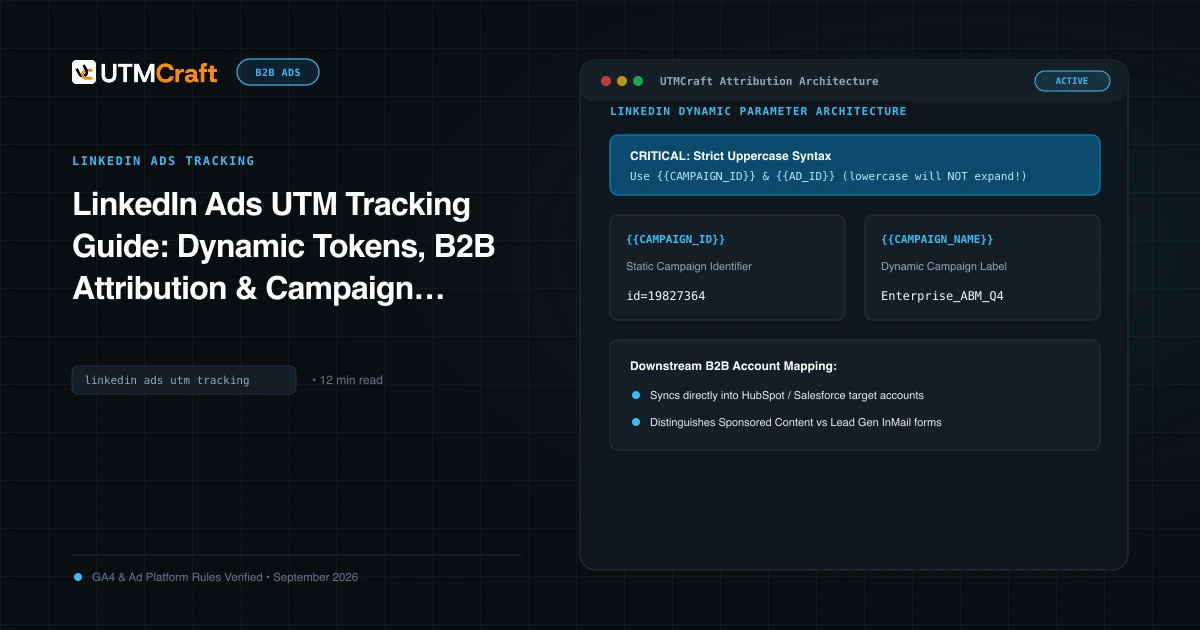
LinkedIn Ads UTM Tracking Guide: Dynamic Tokens, B2B Attribution & Campaign Setup
Complete guide to LinkedIn Ads UTM tracking. Configure dynamic URL parameters (CAMPAIGN_ID, AD_SET_ID, AD_ID), B2B hierarchy, and GA4 Paid Social reporting.
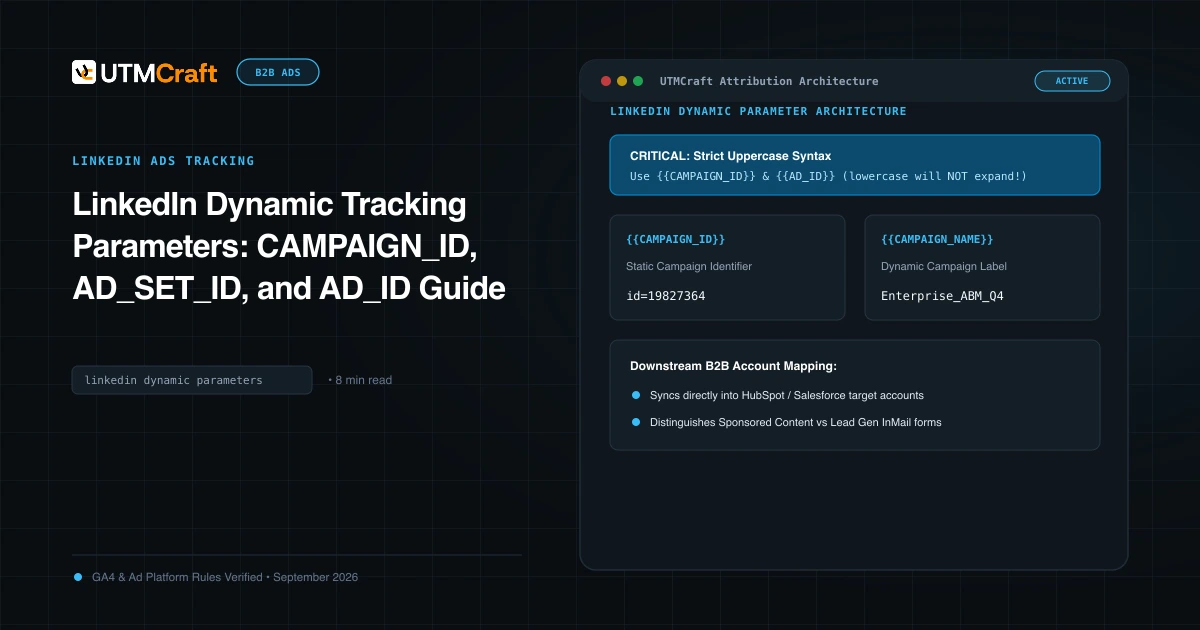
LinkedIn Dynamic URL Parameters: Token Syntax & QA Guide
Use LinkedIn Campaign Manager URL tokens correctly. Check uppercase syntax, map dynamic values to UTM fields, and verify expansion before launch.
15 UTM Tracking Mistakes That Ruin Your GA4 Data (and How to Fix Them)
Discover the 15 most destructive UTM tracking mistakes breaking GA4 attribution, causing Unassigned traffic, and corrupting ad ROI—with actionable fixes.