Table of Contents
From November 12, a new Meta Pixel setting called "Measure conversions on customer devices" switches on by default for eligible pixels. Meta says it will catch purchases it currently misses by matching them on the shopper's phone or computer. Ads Manager will probably report more purchases and a higher ROAS, while your store orders and GA4 stay the same. The change lands 15 days before Black Friday. This guide covers what changes, what it does to your reporting, and what to check.
Status checked: October 31, 2026. The change was first reported on October 18 by the German e-commerce blog Wortfilter, citing an email from Meta. PPC Land and Stape have since confirmed the setting in Events Manager. Meta has a Help Center article on the feature, but no announcement post or changelog, and the article gives no start date. The date comes from the label in Events Manager.
What Meta is changing
The setting sits in each pixel's settings in Events Manager, under the older "Automatically include more detailed page and product info" switch. Its grey label reads "Measurement starting November 12, 2026." Meta's description in the panel says: "Meta measures conversions from your ads so you can see which ads are working. With this feature on, that measurement happens on your customer's device instead of exclusively on Meta servers."
Meta's help text says the feature helps "measure conversions that would otherwise go unmeasured". It matches an ad interaction to a later conversion on the device, using information the customer already gave the business, such as an email address, plus "temporary, non-identifying device information". According to Meta, the identifying information is not sent to Meta. Only the fact that a conversion happened, and which campaign gets the credit, goes back.
"Instead of exclusively" suggests this is a second path next to the Pixel and the Conversions API, not a replacement. Meta's notice, as reported, says no code changes are needed and that the rollout will be gradual.
What we know and what we do not
| Question | Answer as of October 31 |
|---|---|
| Is it on by default? | Yes, for eligible pixels, from November 12. There is no opt-in step |
| Which regions? | Meta says it "is not active for people located in the EU and UK" |
| Which sites qualify? | According to Meta's help pages, as summarised by MetricMaven and Relevant Audience: the pixel must be on the page itself, not in an iframe or an image-only pixel, and the site must require login with an email address or mobile number. Stores with only guest checkout may see little or no change |
| Do attribution windows change? | No. Meta says the attribution window and model stay the same. The setting changes which conversions can be measured, not how they are credited |
| Is purchase value included? | Not stated |
| Does it feed bidding and optimisation? | Not confirmed. Meta's help text mentions improving "campaign performance with a stronger signal", which suggests it may |
| How is consent handled? | Not stated |
| Can I turn it off? | Yes, per pixel, at any time |
What it does to your reporting
Meta and GA4 drift further apart
Meta purchases and GA4 purchases from Meta never match. Meta counts views and clicks inside its own attribution windows. GA4 credits the session that carried your UTMs, under its own attribution model. This setting widens the gap from a known date. Meta gains a new way to claim purchases, while GA4 receives nothing new from it. If you track the ratio of Meta-reported purchases to GA4 purchases with utm_source=facebook or instagram, expect it to rise after November 12 even if no real behaviour changed. Stape puts it plainly: "An increase in attributed conversions does not necessarily mean an increase in the actual number of conversions."
ROAS and CPA comparisons break on November 12
Reported cost per purchase may fall and ROAS may rise on the same spend. That makes week-on-week comparisons across November 12 unreliable, and Black Friday comparisons with last year more so, because last year's numbers were counted without this path. Budget rules or automated bid caps that react to Meta-reported CPA could shift spend toward Meta for a reason that has nothing to do with performance.
Accounts will change unevenly
Because the feature does not apply to EU and UK users and needs a logged-in customer, the uplift will differ by region and by store. A brand selling in both the US and Germany may see its US Meta ROAS improve against its German ROAS for this reason alone. Agencies comparing clients should note which ones require login.
The same month as product browsing
This is the second Meta default to change in a month. Product browsing, which started on October 28, pushes link clicks and GA4 sessions apart. On-device measurement pushes Meta purchases and GA4 purchases apart. If both are on, keep a note of which one started when, so you can tell their effects apart.
Should you turn it off?
| Turn it off if | Consider leaving it on if |
|---|---|
| You need Meta numbers that are comparable with last year's Black Friday | You judge Meta on store orders or blended revenue, not Ads Manager ROAS |
| Budget rules or bid caps react automatically to Meta-reported CPA | Your customers log in and you want Meta's delivery to get more purchase signal |
| Your legal team has not reviewed how it fits your consent setup | Your consent and privacy review has signed it off |
| You report Meta results to clients who compare them with their own sales data | You can annotate the change and explain the jump to whoever reads the reports |
Yiqi Wu, CEO of Aimerce, told PPC Land: "I wouldn't opt out by default." His suggestion is to keep it on, compare Meta-attributed purchases with actual orders by day, and opt out "if your numbers stop matching the orders and you can't figure out why." That is a sensible default if you can watch the data closely through November.
How to check and turn it off
- In Meta Events Manager, open Data sources and select your pixel.
- Open Settings. Below the Meta Pixel settings section, find Measure conversions on customer devices.
- Switch it off if you have decided to opt out. You can switch it back on at any time.
- Repeat for every pixel. The setting is per pixel, not per ad account or business portfolio, so agencies need to check each client's dataset.
- Write the date and the setting into your campaign log, so a later change in the data has an explanation.
Checklist before November 12
- Record a baseline now: Meta-reported purchases and purchase value by day, actual store orders, and GA4 purchases from Facebook and Instagram sessions for the last 28 days.
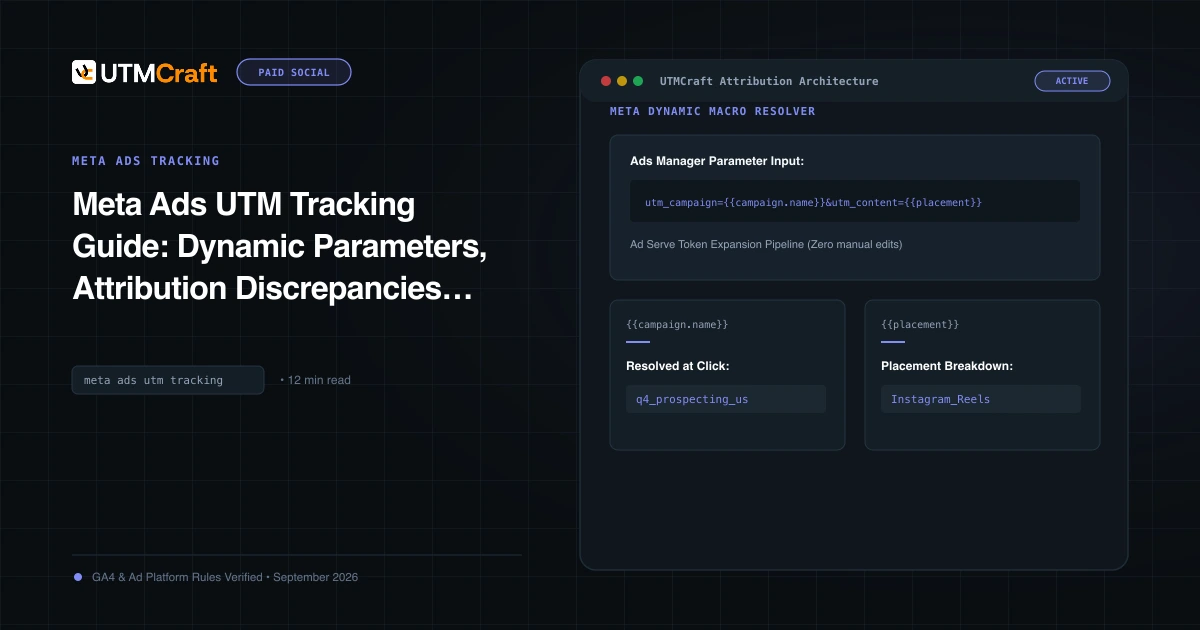
- Make sure Meta traffic is tagged the same way everywhere, using the URL parameters field and dynamic tokens. GA4 is your fixed reference while Meta's counting changes, so its side needs to be clean. Our Meta Ads UTM guide has the setup.
- Keep the Conversions API running. Meta deduplicates Pixel and server events, and every source agrees this feature works alongside them, not instead of them.
- Store UTMs on the order or lead record, so your own data can say which channel a sale came from. See storing UTMs in your CRM.
- Add an annotation for November 12 in GA4, Looker Studio and any client report.
- Check any automated rules that act on Meta CPA or ROAS, and widen their limits or pause them for the first week.
- From November 13, compare the daily ratio of Meta purchases to store orders against your baseline. A step up from November 12 is this setting, not your ads.
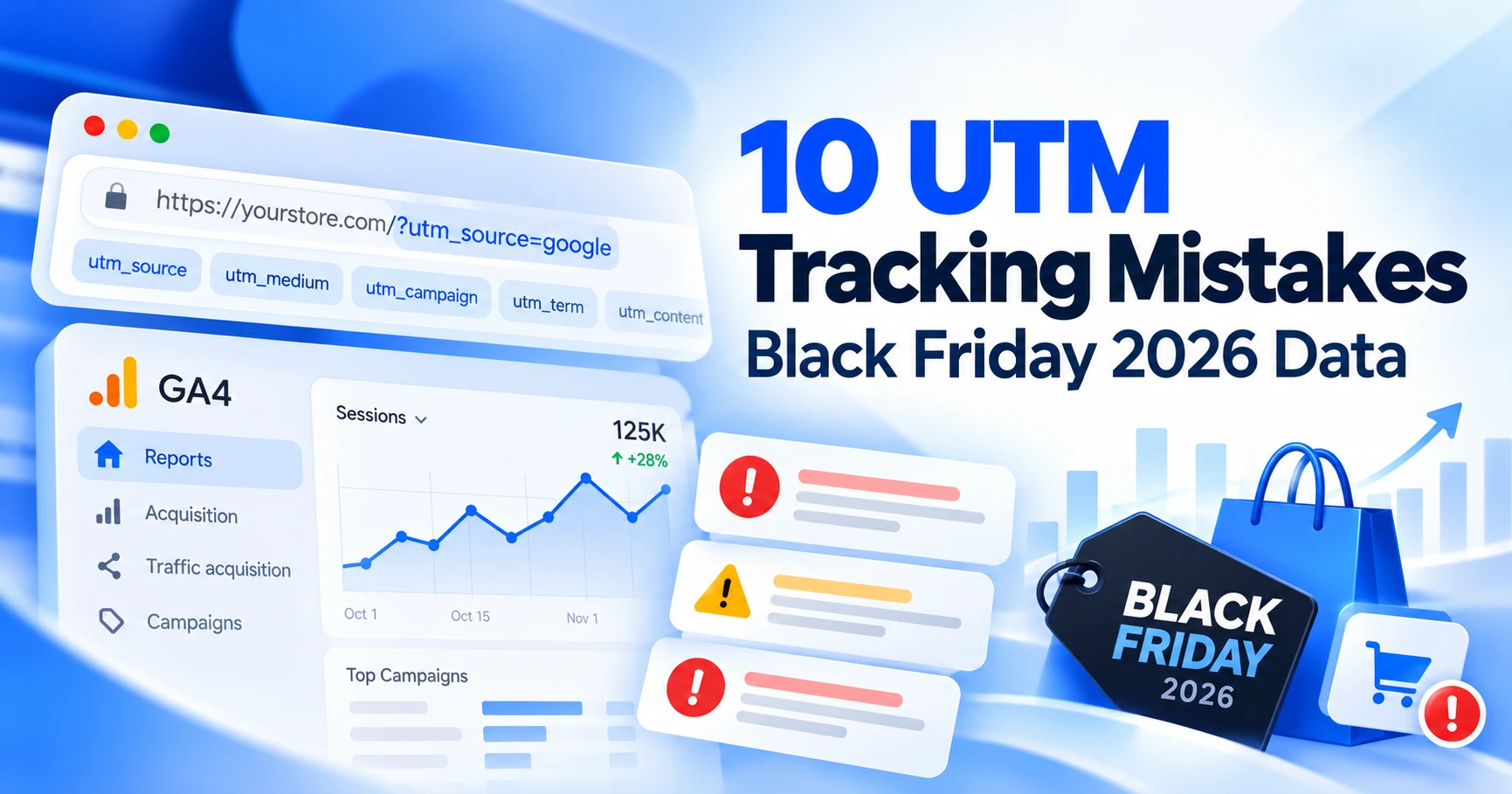
The rest of your pre-BFCM tracking checks are in 10 UTM tracking mistakes that can wreck your Black Friday data.
Quick answers
Will this change my GA4 numbers?
No. The setting only affects what Meta counts. GA4 still credits sessions and purchases by your UTMs and its own attribution, as set out in its default channel group rules.
Do I need to change my pixel code?
No, according to Meta's notice. The pixel does need to sit directly on the page, not inside an iframe, for the feature to work at all.
Does it work if customers check out as guests?
Meta's help pages, as reported, say the site must require login with an email address or phone number. A store with only guest checkout is unlikely to qualify.
Is this the same as Aggregated Event Measurement?
No. It is a new, separate setting in Events Manager. Meta has not explained how it interacts with its other measurement methods.
For the broader setup, read Discord Launches Ads Manager and Mobile Video Quests. Browse the Advertising News & Updates guides to choose another troubleshooting task.
References
- Meta Pixel will count more conversions from Nov 12 unless advertisers opt out (PPC Land)
- Meta on-device conversion measurement: what it changes (Stape)
- Meta Pixel turns on 'Measure conversions on customer devices' by default outside the EU and UK (Relevant Audience)
- About measuring conversions on customer devices (Meta Business Help Center)
- Conversions API (Meta for Developers)
- Default channel group (Google Analytics Help)