Table of Contents
On October 28, Meta will add "product browsing" to existing Facebook and Instagram ads unless you opt out. After a tap, some people will see a product page inside Facebook or Instagram before they reach your website. That extra step sits between the ad click Meta counts and the session GA4 records, a month before Black Friday. This guide covers what changes, what it does to your tracking, and what to check.
Status checked: October 26, 2026. The change was announced in a notice to advertisers, first reported by PPC Land on October 15. As of that date Meta had published no Help Center article, changelog or newsroom post about it, so check the notice in your own Business Suite and Ads Manager.
What Meta is changing
Product browsing already existed as an optional Advantage+ creative enhancement. Meta is changing the default for running ads from off to on. The notice reads: "Starting October 28, 2026, we'll add product browsing to your existing ads." After a tap, people "may see an experience on Facebook or Instagram with product info and personalized suggestions."
Meta backs the change with one statistic: about 3% more conversions on average, from a test with roughly 117,700 advertisers between August 6 and 21, 2026, in e-commerce, consumer goods and retail. The notice does not define the conversion, the attribution window, or whether those conversions happened on advertisers' sites or inside Meta's apps.
What we know and what we do not
| Question | Answer as of October 26 |
|---|---|
| Which ads change? | Existing Facebook and Instagram ads. The notice does not list formats, placements or objectives; reports so far are from stores and catalog advertisers |
| Do new ads start with it on? | Not stated |
| Is a catalog required? | Not stated. Advertisers report the in-app page draws on the connected Meta catalog |
| Does the opt-out cover every ad account? | Not stated. The notice button may apply to one account or a whole business portfolio |
| Are URL parameters kept when someone continues to the site? | Not stated. Neither the notice nor the coverage mentions UTMs, URL parameters, the pixel or the Conversions API |
| Can I turn it off later? | Yes, per ad, in the ad's Advantage+ creative and destination settings |
What it does to your tracking
Link clicks and GA4 sessions drift apart
Every person who taps, browses inside the app and leaves without visiting your site is still an ad interaction for Meta but never becomes a GA4 session. Some of that gap always exists, because of slow pages and consent banners. Product browsing adds a new, larger leak that starts on a known date. If you compare Meta link clicks with GA4 sessions from Meta, expect the ratio to worsen from October 28 even if nothing on your site changed.
The click may not reach the page you tagged
Your UTMs are set on the ad's website URL or in the URL parameters field. If a user picks a suggested product on Meta's page, they may arrive on a different product URL. Meta has not said whether it carries your parameters onto that URL. If it does not, those sessions will still usually show a Facebook or Instagram referrer, so GA4 will file them as Organic Social rather than Paid Social. That is how GA4's default channel group treats untagged traffic from social sites.
If your tags are set in the URL parameters field with Meta dynamic URL parameters such as {{campaign.name}} and {{ad.id}}, check them first. They are more likely to be applied to whatever URL Meta builds than tags hard-coded into one product link. Our Meta dynamic URL parameters guide shows the setup.
Landing page tests and utm_content get noisy
A/B tests on Meta traffic assume every visitor arrives at the page you chose. With product browsing on, some arrive after seeing Meta's version of your product first, and some arrive on a different product. Some advertisers report the feature also turned single-image creatives into catalog-style carousels without Ads Manager showing the change. If utm_content describes a creative concept, it may describe an ad the user never saw. Using {{ad.id}} keeps the value tied to the ad object instead.
Should you opt out?
| Opt out if | Consider leaving it on if |
|---|---|
| You are running or planning landing page tests on Meta traffic before Black Friday | You sell from a well-maintained catalog and judge Meta on store revenue, not GA4 sessions |
| Your catalog titles, prices or languages do not match your site | Your catalog is accurate and you can afford a measured test |
| Your landing pages carry offers, codes or consent flows a Meta page would skip | Every product page on your site tracks and converts the same way |
| Your UTMs are hard-coded into single product URLs | Your UTMs are set in the URL parameters field with dynamic tokens |
A middle path: opt out by default, then turn product browsing on for one campaign with a matching control campaign, and compare store orders rather than Meta-reported conversions.
How to opt out
- Find the product browsing notice in Meta Business Suite or Ads Manager and click Opt out before October 28. Check which account it applies to, because the notice does not say.
- Repeat for every ad account you manage. Agencies should not assume one click covers a client portfolio.
- After October 28, open each ad's Advantage+ creative and destination settings and confirm product browsing is off.
- Recheck ads you duplicate or edit. JumpFly and other agencies report that Advantage+ enhancements can switch back on when an ad is copied.
- Write the date and setting into your campaign log, so a later change in the data has an explanation.
Checklist before and after October 28
- Record a baseline now: link clicks by campaign in Ads Manager and Paid Social sessions from Meta in GA4 for the last 14 days.
- Move hard-coded UTMs into the URL parameters field and use dynamic tokens. The full setup is in our Meta Ads UTM guide.
- Store UTMs in a hidden form field or the order record, so the CRM keeps the source if GA4 misses it. See capturing UTMs in forms.
- Add a GA4 annotation for October 28.
- From October 29, open a GA4 Exploration with Landing page + query string as rows, filtered to Facebook and Instagram sources. Look for product pages you never used as ad destinations and check whether they still carry your tags.
- Watch Organic Social sessions on product pages. A jump that starts on October 28 points to untagged clicks coming through Meta's product page.
- Click a live ad on your phone, browse through the in-app page to your site, and check the final URL, as described in how to test UTMs.
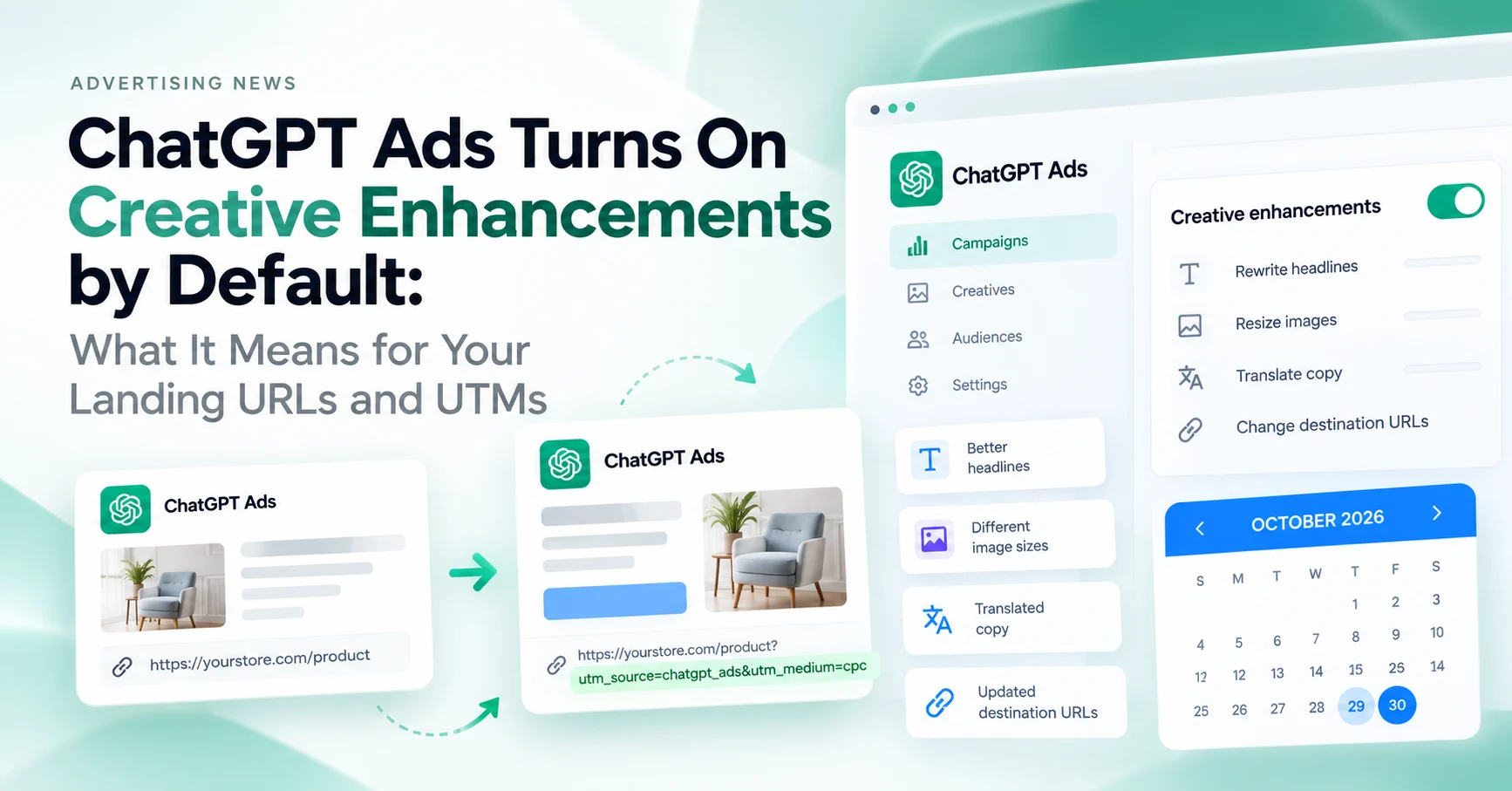
This is the second ad platform this month to switch on an automated change to where clicks land by default. The same checks apply to ChatGPT Ads creative enhancements, which start on October 29 or 30.
Quick answers
Will product browsing remove my UTM parameters?
Meta has not said. Test it yourself in the first days after October 28. Tags set in the URL parameters field are the safest bet.
Will conversions from the in-app page show in GA4?
Only if the user continues to your website and converts there. Anything that happens only inside Facebook or Instagram is visible in Meta's reporting, not in GA4.
Is this the same as Meta Shops checkout?
The notice describes a browsing step with product info and suggestions, not a checkout. Meta has not documented how it relates to Shops.
Does it affect lead generation or app ads?
The notice does not list objectives. Reports so far come from retail and catalog advertisers. Check the Advantage+ creative settings on your other ads anyway.
For the broader setup, read Discord Launches Ads Manager and Mobile Video Quests. Browse the Advertising News & Updates guides to choose another troubleshooting task.
References
- Meta will turn on product browsing in existing ads on October 28 (PPC Land)
- Meta product browsing turns on 28 Oct: how to opt out (Relevant Audience)
- Meta's Advantage+ settings: why they keep reappearing (JumpFly)
- Collect campaign data with custom URLs (Google Analytics Help)
- Default channel group (Google Analytics Help)