Table of Contents
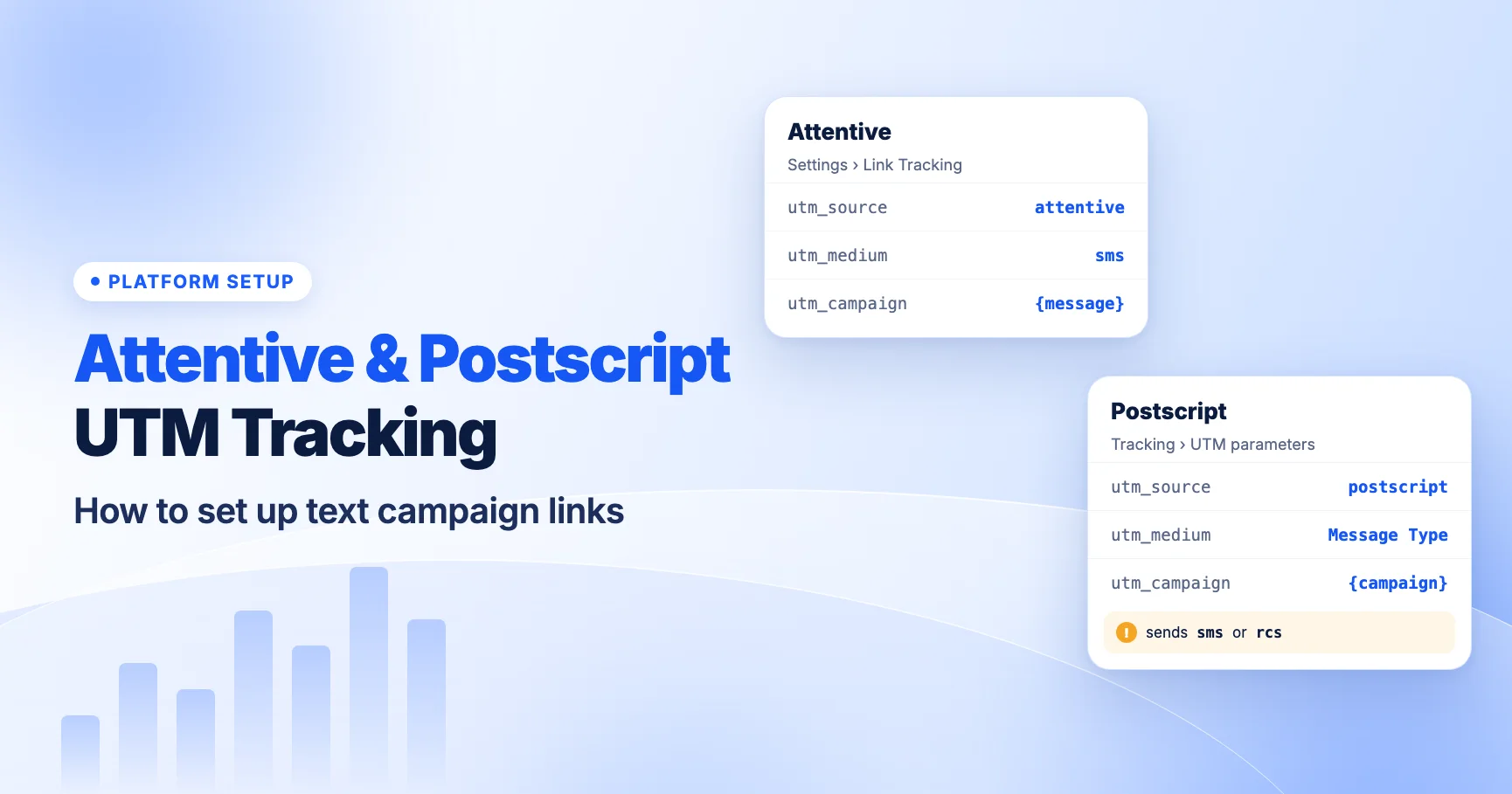
Attentive and Postscript can both add UTM parameters to every text message link for you, and both tag SMS clicks with an SMS medium by default, which is what GA4's SMS channel looks for. The details differ. Attentive sets global defaults under Link Tracking with separate values for campaigns and journeys. Postscript now uses a Message Type token that can output sms or rcs, and GA4 does not put rcs in the SMS channel.
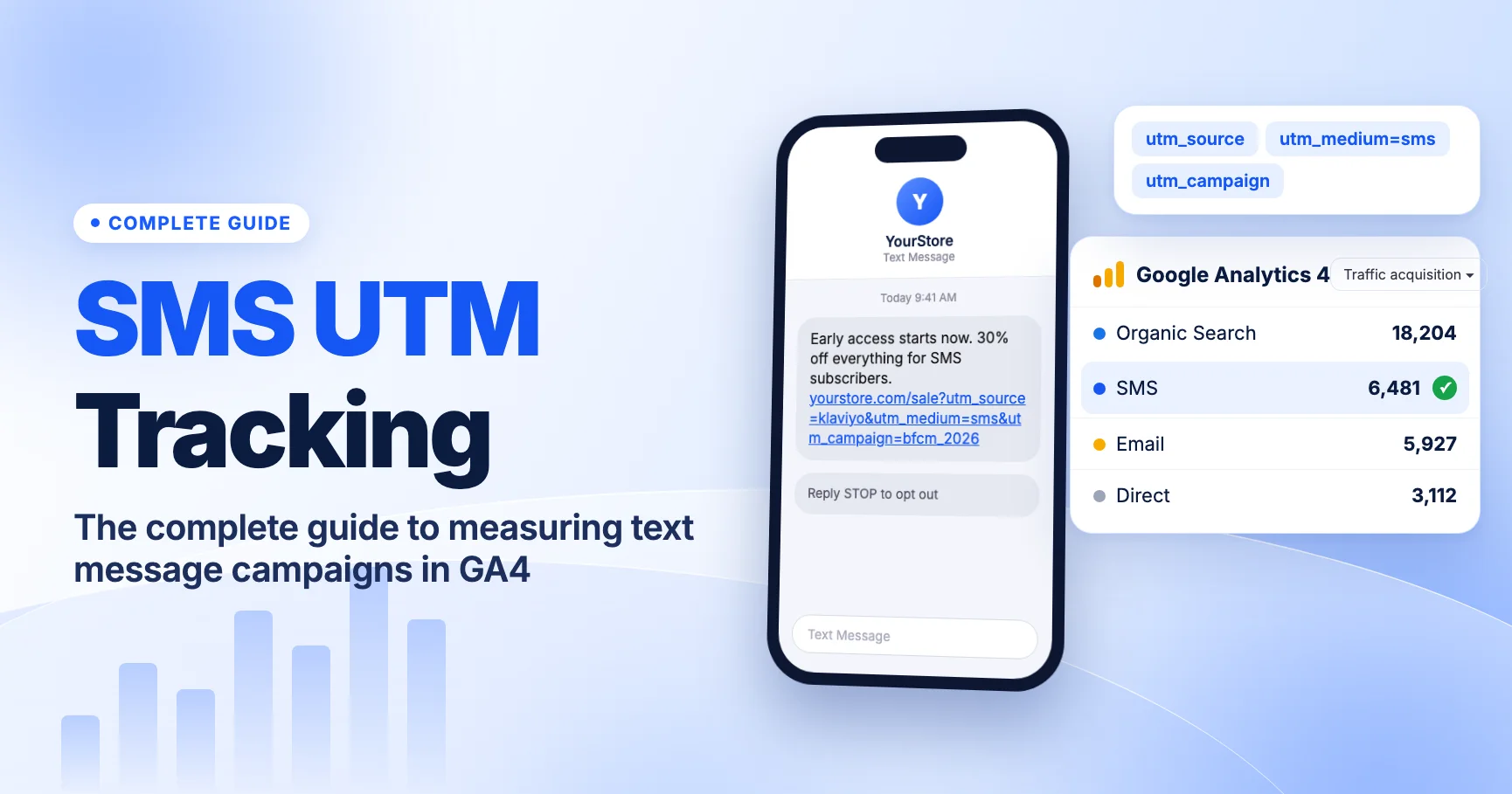
This guide walks through both setups, the RCS gap in GA4 and how to close it with a custom channel group. For platform-neutral basics, see our complete guide to SMS UTM tracking in GA4.
Attentive vs Postscript at a glance
This table summarizes what each vendor's help center describes. Defaults can differ by account and change over time, so check your own settings and a test message before relying on any value.
| Attentive | Postscript | |
|---|---|---|
| Where global UTMs live | Settings > Link Tracking | Global UTM parameters in account settings; custom params under Tracking |
Default utm_source | attentive | Check your account |
Default utm_medium | sms for texts (email for email) | Message Type token: SMS or RCS depending on the channel used |
Default utm_campaign | Message name variable | Included by default; check what it outputs |
| Campaign vs automation values | Separate Campaign and Journey values | Check your account |
| Per-message changes | Override at message level; custom params per link in the shortlink editor | Check your account |
| GA4 gotcha | Variables can't be used in source or medium | rcs is not in GA4's SMS channel |
Setting up Attentive link tracking
Attentive's help center article Set up global link tracking describes account-wide UTM defaults under Settings > Link Tracking. The defaults it describes are:
utm_source=attentiveutm_medium=smsfor text messages (emailfor email)utm_campaignset to a variable that outputs the message name
With those defaults, an Attentive text click should arrive in GA4 with source attentive, medium sms and the message name as the campaign. GA4's SMS channel rule matches when source or medium is exactly sms, so these sessions should land in the SMS channel. Confirm this in your own account, since a teammate may have changed the defaults.
Campaigns vs journeys
Attentive keeps separate values for Campaigns (one-off sends) and Journeys (automated flows such as welcome or browse abandonment). Set both. A common gap is a clean campaign setup and a journey setup nobody has looked at since launch.
We recommend keeping source and medium identical across both, and using utm_campaign to tell them apart. For example, you might prefix journey names with journey- if Attentive's naming doesn't already make the difference clear in GA4. Our SMS UTM naming templates show patterns that hold up.
Message-level overrides and custom parameters
You can override the global values on an individual message. Attentive also lets you add custom parameters to individual links through the shortlink editor, as described in Add custom link tracking parameters to journey text messages. That is useful for utm_content, for example to tell apart two links in the same message.
Two rules keep this safe:
- Don't override the medium per message. One-off changes are how
SMS,textandsmsend up side by side in GA4. - No personal data in any parameter. Never put a phone number, name or email in a UTM. Google's policies prohibit sending personal data to Analytics.
Variables in source and medium
Attentive's help center says variables can't be used in utm_source or utm_medium. That's a sensible limit. Source and medium should be fixed values so GA4 can group traffic reliably. Use variables in utm_campaign or custom parameters instead. Check the help article for the variables your account supports.
Setting up Postscript UTM parameters
Postscript's article Adjust your global UTM parameters lists three default parameters: utm_medium, utm_source and utm_campaign. Custom parameters live under Tracking.
The Message Type token
Postscript used to apply a static "SMS" medium. It replaced that with a Message Type token. The token tags traffic as SMS or RCS, depending on the channel the message was actually delivered on. Postscript says shops using the default setting were migrated automatically. If you had customized the medium, check whether your account uses the token or still has your own value.
That change makes sense as RCS grows. Apple added RCS support in iOS 18 in 2024, and RCS business messaging on iPhone depends on carrier support. A subscriber may receive one send as RCS and the next as SMS. The token records which one it was.
What actually shows up in GA4
Don't assume the output. Check two things in your GA4 data:
- Case. Does the medium arrive as
smsorSMS? GA4's channel matching appears to ignore case in practice, but mixed case still splits rows in source/medium reports. - sms vs rcs. Do you see any sessions with medium
rcs? If so, those are not in your SMS channel.
To check, open Reports > Acquisition > Traffic acquisition, switch the dimension to Session source / medium and search for your Postscript source.
The RCS gap in GA4 and how to fix it
GA4's default channel group defines SMS as source or medium exactly matching sms. There is no RCS channel, and rcs doesn't match any other rule. So when Postscript's token outputs rcs, those sessions go to Unassigned.
That can make SMS look like it's shrinking when your subscribers have simply moved to RCS-capable phones. Both are text programs from the same platform. You want them in one channel, with the option to split them.
Create a custom channel group
You can't edit the default channel group, but you can create a custom one. Google's custom channel groups article covers the details. Steps:
- In GA4, go to Admin > Data display > Channel groups.
- Create a new channel group. The simplest start is to copy the default group so all the standard channels come with it.
- Add a new channel named SMS & RCS.
- Set the condition: Medium matches regex
^(sms|rcs|mms)$. - Move the new channel above Unassigned and above the original SMS channel. GA4 evaluates channel rules in order and uses the first match.
- Save. Then pick the new group in the channel dimension of your reports.
Custom channel groups apply retroactively, so past rcs sessions will also show under SMS & RCS when you use the new group. That differs from changing UTMs, which only affects new sessions.
If you want to see RCS on its own, leave the channel combined and use Session medium as a secondary dimension. Or create two channels, SMS and RCS, with exact matches. We recommend the combined channel for most stores, because it keeps one line for text-message performance.
Don't patch it with a static medium
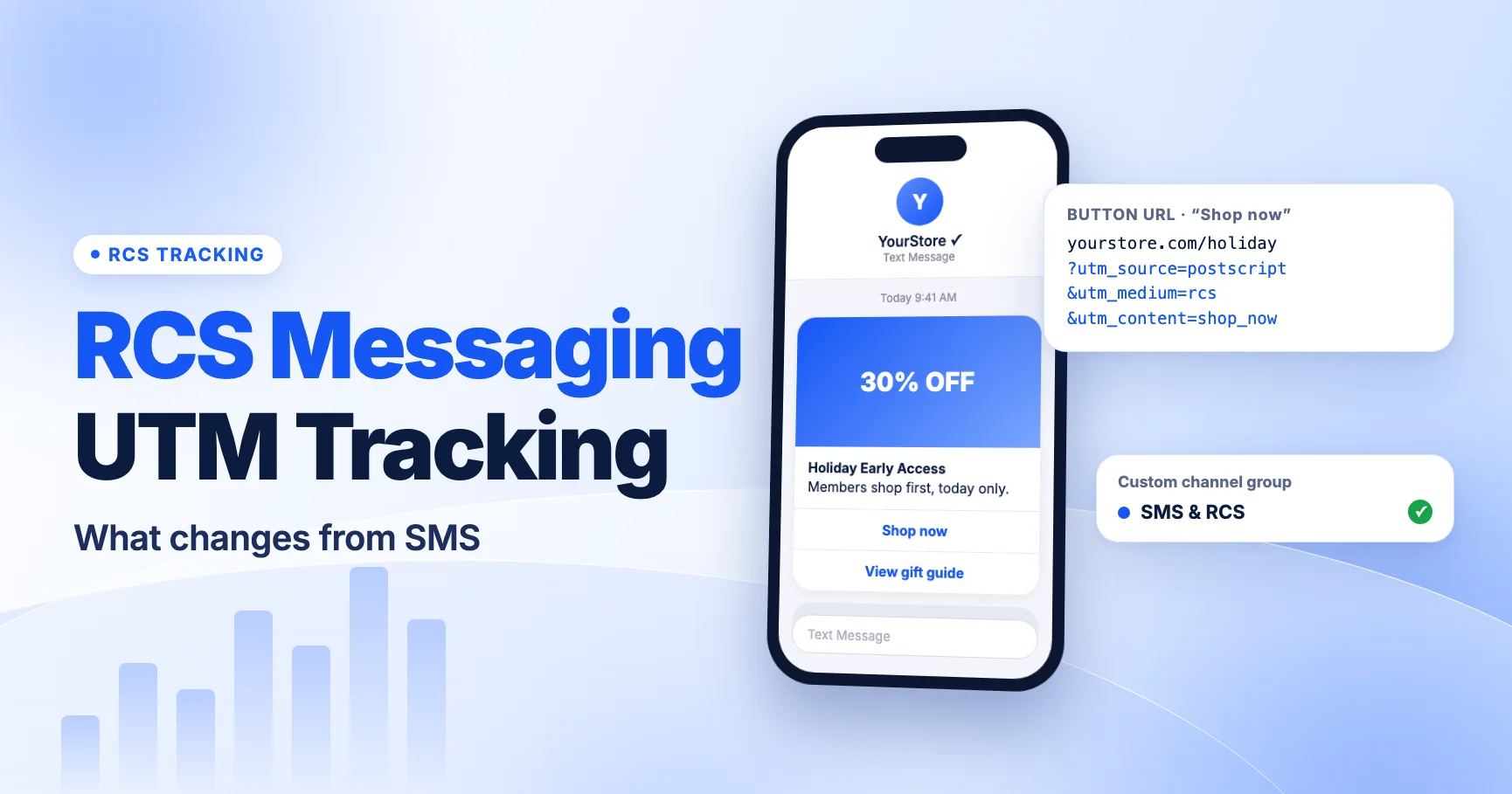
You could replace the token with a static sms so everything lands in GA4's SMS channel. That works, but you lose the ability to tell SMS and RCS apart. The custom channel group keeps both. For more on what changes with RCS, including rich-card buttons whose URLs need UTMs too, see RCS business messaging UTM tracking.
Test a real link before you send
Both platforms shorten links to save characters. A GSM-7 SMS holds 160 characters, or 153 per segment when split, and a single emoji switches the message to 70 characters, or 67 per segment. The UTMs stay on the destination URL behind the short link. That means the only reliable test is to tap the short link itself:
- Send a test message to your own phone from the same campaign or journey type you will use.
- Tap the link and let it redirect.
- Copy the final URL from the browser address bar.
- Check
utm_source,utm_mediumandutm_campaignare all there and spelled as expected. - If the parameters are missing, check for a redirect on your own site that drops the query string. See do UTM parameters survive link shorteners.
Then check GA4 Realtime or wait for the standard reports to update, and confirm the session shows the source and medium you expected.
If you use more than one platform
Stores that run SMS through one vendor and email through another, or that are migrating between SMS vendors, should line up their values:
- Same medium everywhere.
smsfor text, whichever platform sends it. - Source names the platform.
attentive,postscriptorklaviyo. That lets you compare vendors without breaking the SMS channel. If you'd rather report all text messages under one source, pick that value and apply it everywhere. - Same campaign style. Use one naming pattern, such as
2026-11-bfcm-early-access, across tools.
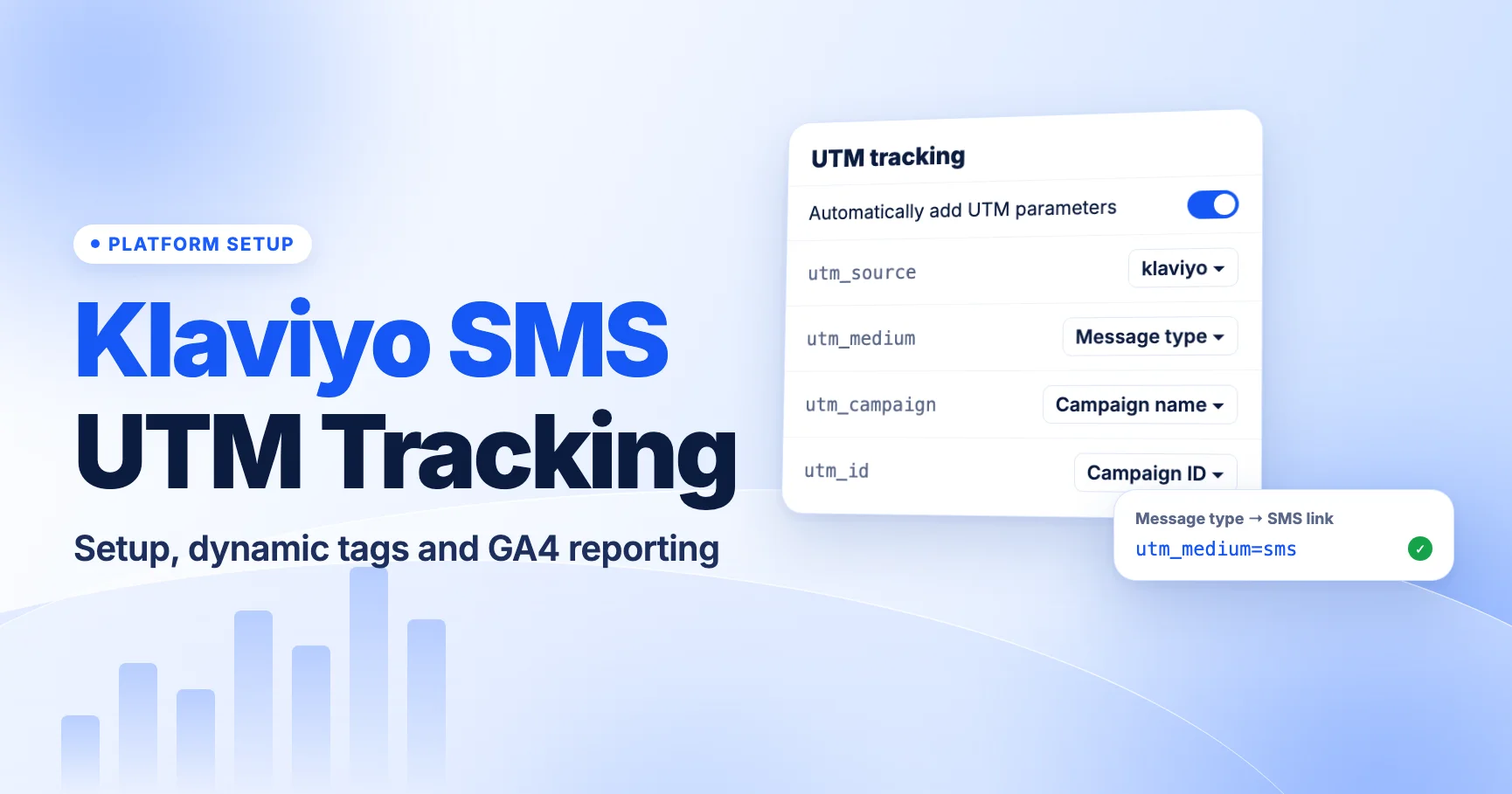
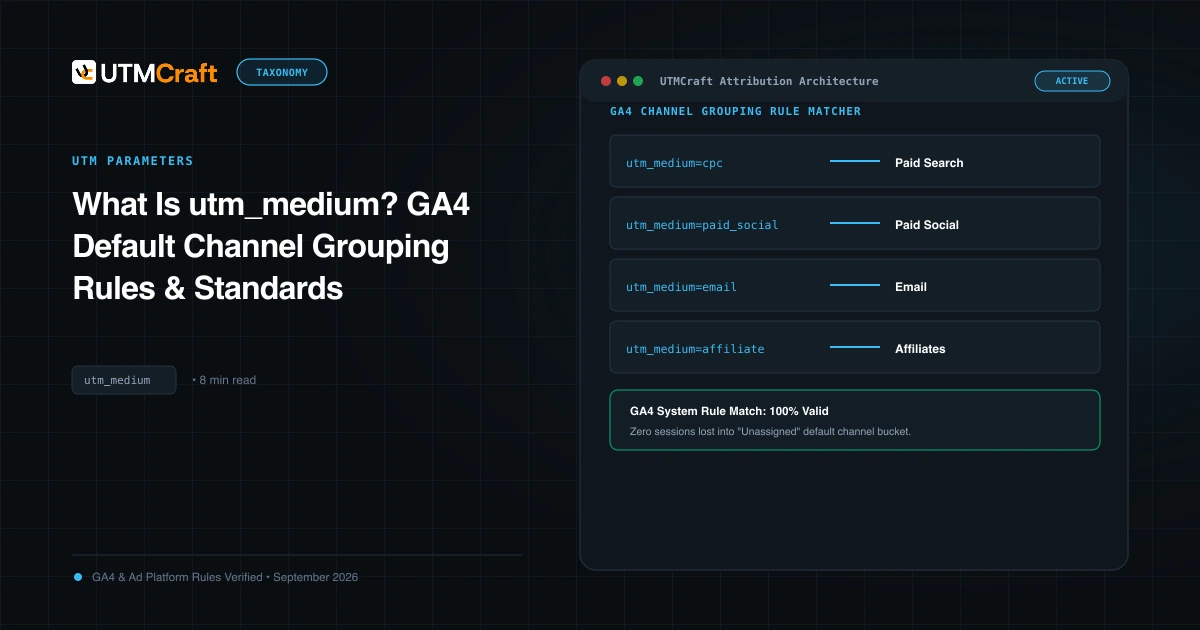
If you also send SMS from Klaviyo, read our Klaviyo SMS UTM tracking guide for the legacy-settings issue that affects older accounts. Our utm_medium guide covers the other channel values.
What to do now
- Attentive: open Settings > Link Tracking and confirm source, medium and campaign values for both Campaigns and Journeys.
- Postscript: open your global UTM settings and confirm the medium uses the Message Type token.
- Send a test message from each, tap the short link and read the final URL.
- In GA4, check Session source / medium for
rcsand for mixed-case values. - If
rcsappears, create a custom channel group with an SMS & RCS channel matching^(sms|rcs|mms)$, placed above Unassigned. - Check no parameter contains a phone number, name or email.
FAQ
What UTM parameters does Attentive add by default?
Attentive's help center describes utm_source=attentive, utm_medium=sms for texts and utm_campaign set to the message name. Your account may differ, so check Settings > Link Tracking and a test link.
Why is some Postscript traffic Unassigned in GA4?
Postscript's Message Type token can output RCS when a message is delivered over RCS. GA4's default SMS channel only matches sms, so rcs sessions fall into Unassigned. A custom channel group fixes this.
Will a custom channel group fix my past data?
Yes. Custom channel groups apply retroactively in GA4 reports. Changing UTM values does not; that only affects new sessions.
Can I use variables in utm_source or utm_medium in Attentive?
Attentive's help center says no. Use variables in utm_campaign or custom parameters, and keep source and medium as fixed values.
For the broader setup, read SMS UTM Tracking: The Complete Guide to Measuring Text Message Campaigns in GA4. Browse the SMS & Messaging Tracking guides to choose another troubleshooting task.
References
- Set up global link tracking (Attentive Help Center)
- Add custom link tracking parameters to journey text messages (Attentive Help Center)
- Adjust your global UTM parameters (Postscript Help Center)
- [GA4] Default channel group (Google Analytics Help)
- [GA4] Custom channel groups (Google Analytics Help)