Table of Contents
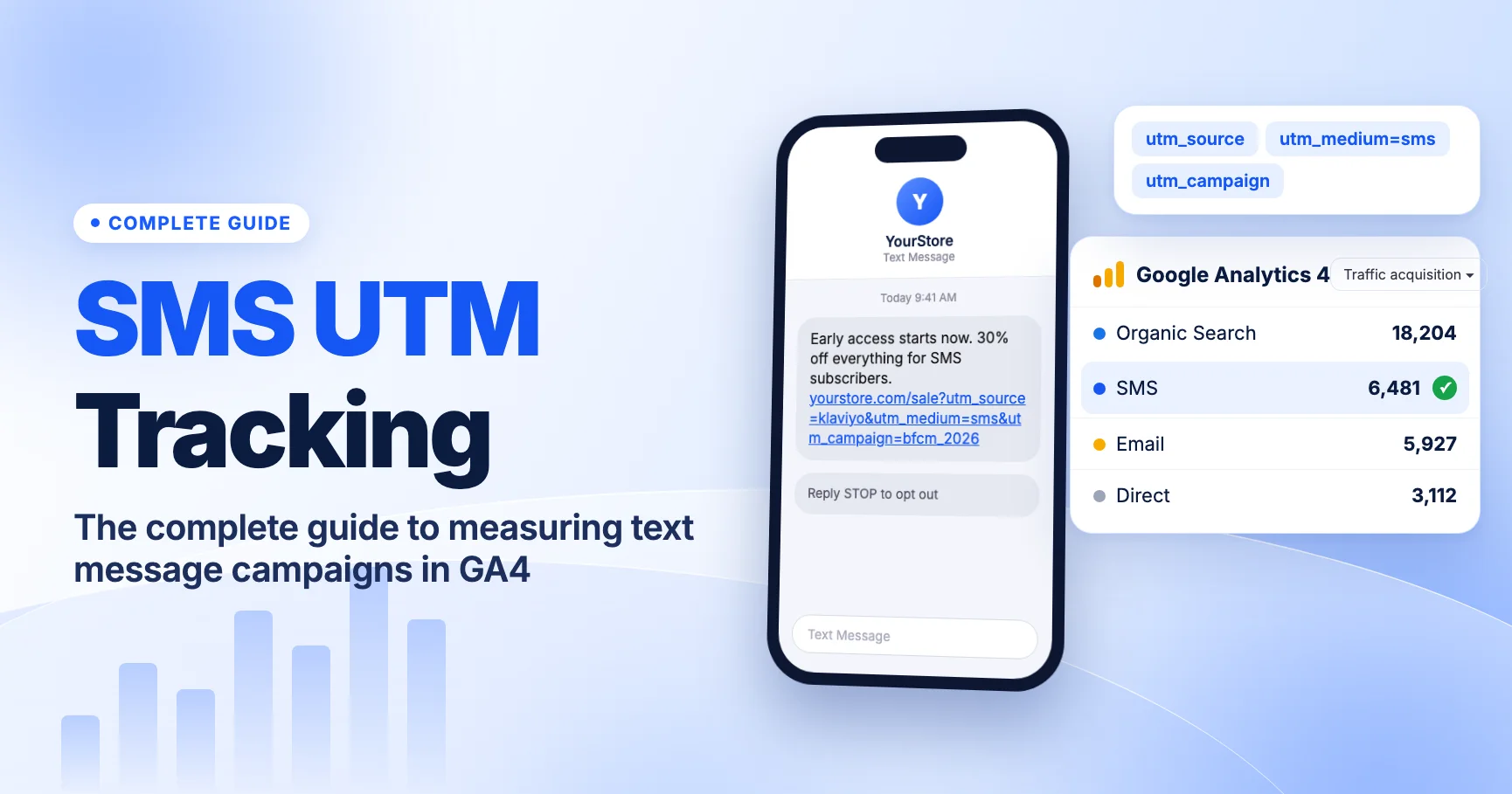
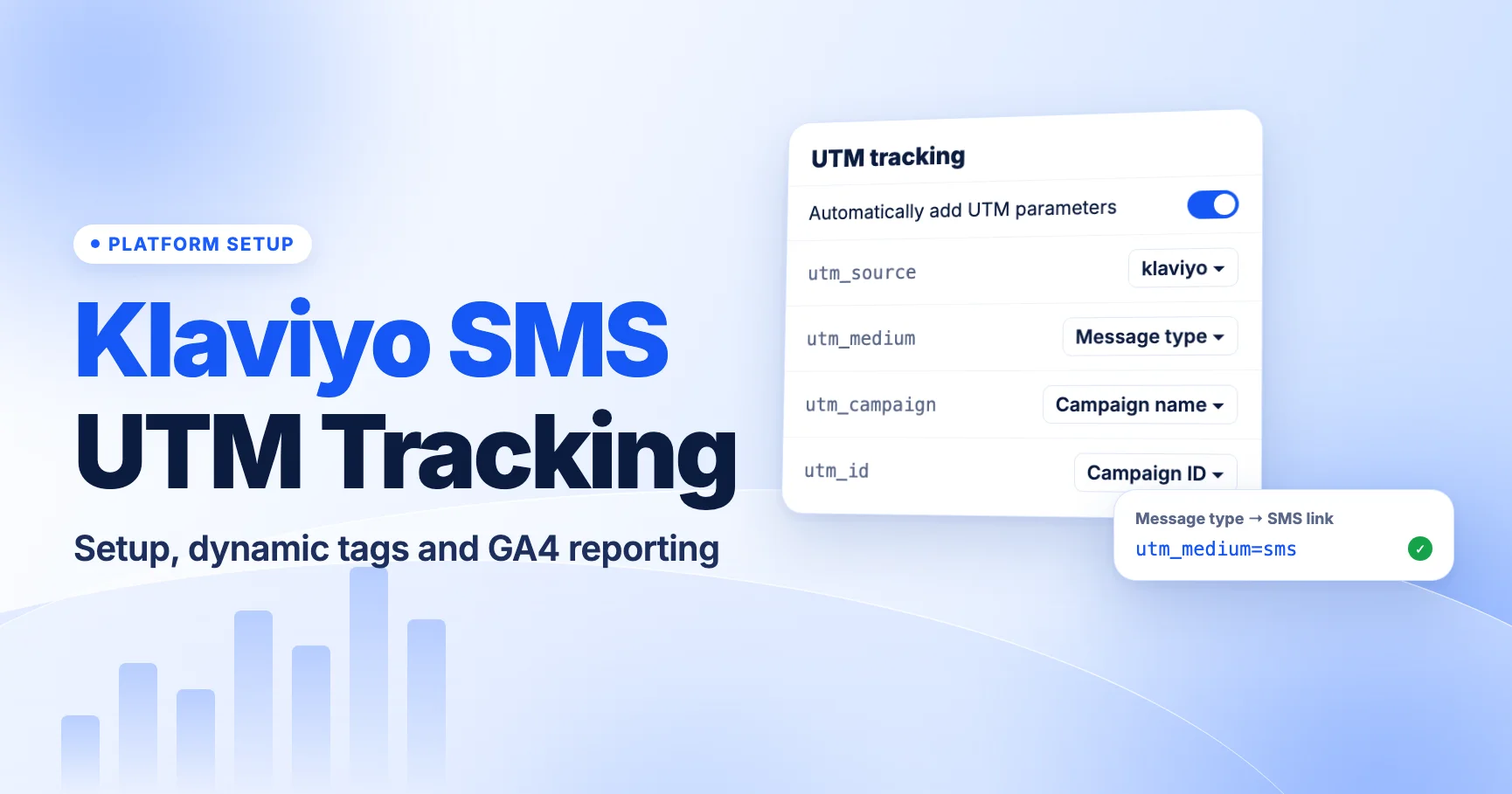
Klaviyo can tag every SMS link with UTM parameters automatically, and since June 2, 2025 its default utm_medium outputs sms for text messages, which is exactly what GA4's SMS channel looks for. The catch: accounts that customized and saved their UTM settings before that date keep their old values. If yours still sends utm_medium=campaign or utm_medium=flow, your SMS clicks land in Unassigned instead of SMS.
This guide covers where Klaviyo's UTM settings live, which values to use for SMS, how campaign and flow overrides work, how to use dynamic values without leaking personal data, and how to find the traffic in GA4. For the wider picture across every SMS platform, start with our complete guide to SMS UTM tracking in GA4.
How Klaviyo adds UTM parameters
Klaviyo appends UTM parameters to the links in your messages when automatic UTM tracking is turned on. According to Klaviyo's help center (Understanding UTM tracking in Klaviyo):
utm_sourceandutm_mediumare always included when tracking is on.utm_campaign,utm_idandutm_termare optional.- You can add up to five custom parameters.
- You can set account-wide defaults and then override them for an individual campaign or flow.
The same settings cover more than SMS. Klaviyo uses them for email, SMS, WhatsApp and push links. That is why the medium value matters so much: one setting decides whether every channel you send from Klaviyo gets sorted correctly in GA4.
Klaviyo does not publish one fixed utm_source value that applies to every account, and defaults can change. Before you rely on any value, send a test message to your own phone, open the link and read the full landing URL. We cover that test step below.
The June 2025 medium change (and the legacy-settings gotcha)
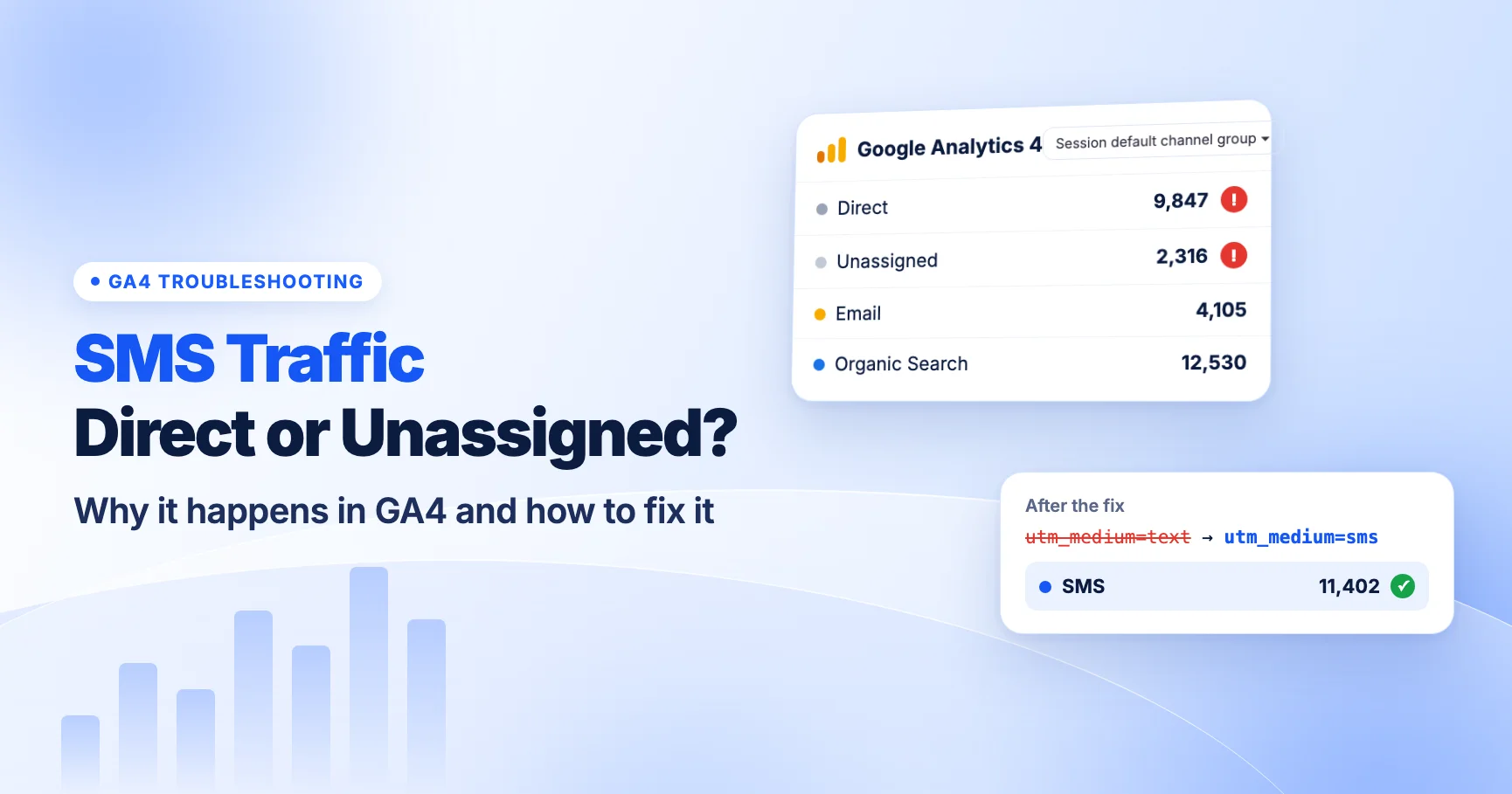
Before June 2, 2025, Klaviyo's default utm_medium told you how the message was sent: campaign or flow. That is useful inside Klaviyo, but GA4 has no channel rule for either word. Sessions with utm_medium=campaign or utm_medium=flow do not match SMS, Email or anything else in the GA4 default channel group, so they fall into Unassigned.
On June 2, 2025, Klaviyo changed the default medium to a Message type value. It outputs the channel the message was sent on: sms for SMS links, and email, WhatsApp or push for those channels. For SMS, that lines up with GA4's rule: the SMS channel matches when source or medium exactly equals sms.
Who still has the old values
Klaviyo says accounts that customized and saved their UTM settings before June 2, 2025 keep those saved values. The new default did not overwrite them. So if someone on your team edited UTM tracking in 2023 or 2024, your account may still be sending campaign or flow as the medium today.
This is the most common reason we see Klaviyo SMS traffic under Unassigned in GA4. It also tends to go unnoticed, because nothing looks broken in Klaviyo. Clicks and revenue still show in Klaviyo's own reports. Only GA4's channel view is wrong.
| What your SMS link shows | What GA4 does with it | Fix |
|---|---|---|
utm_medium=sms | SMS channel | Nothing. Keep it. |
utm_medium=campaign or flow | Unassigned | Switch the medium to Message type (or a static sms) |
utm_medium=SMS or text | text goes to Unassigned; uppercase may still match, but do not rely on it | Use lowercase sms exactly |
| No UTM parameters at all | Usually Direct, because SMS apps send no referrer | Turn on automatic UTM tracking |
How to check your Klaviyo UTM settings
Klaviyo's help center gives this path. Menu names can move, so if you don't see it exactly, search Klaviyo's help center for "UTM tracking".
- Click your account name, then Settings.
- Open Other, then UTM tracking.
- Confirm Automatically add UTM parameters to links is turned on.
- Look at the value set for
utm_medium. If it is Message type, SMS links should outputsms. If it is a static word such as campaign or flow, or a custom value, that is a legacy setting. - Note the
utm_sourcevalue and whetherutm_campaignis on and what it outputs.
Then confirm with a real message. Settings screens tell you what should happen. A test link tells you what does happen.
- Send a test SMS (or a campaign to a one-person test list) to your own phone.
- Tap the link. If Klaviyo shortened it, let it redirect.
- In the phone's browser, copy the full address bar URL and paste it somewhere you can read it.
- Check that
utm_source,utm_mediumandutm_campaignare present, spelled as you expect and lowercase.
Testing the tapped link matters because SMS links are often shortened to save characters. The UTMs live on the destination URL behind the short link. If a redirect on your own site drops the query string, the tags disappear before GA4 sees them. See how UTM parameters survive link shorteners and redirects that remove UTMs.
Recommended values for Klaviyo SMS
Here is the setup we recommend. Adjust the source and campaign values to your own naming convention, but leave the medium alone.
| Parameter | Recommended setting | Why |
|---|---|---|
utm_medium | Message type (outputs sms for SMS) | Matches GA4's SMS channel and keeps email, push and WhatsApp separate |
utm_source | A fixed platform name, for example klaviyo | Lets you filter Klaviyo traffic across channels. Check what your account outputs today |
utm_campaign | Campaign or flow name, lowercase, no spaces if you can control it | Separates each send in GA4 reports |
utm_id | Optional. Campaign or flow ID | Useful if you join GA4 data with Klaviyo exports |
utm_term | Optional. Leave off for SMS unless you have a clear use | Keeps reports clean |
If you prefer a static medium over the Message type token, use lowercase sms for SMS. Do not use text, txt, mms or sms-campaign. GA4 requires an exact match on sms, so none of those land in the SMS channel. GA4's channel matching appears to ignore case in practice, but we recommend lowercase everywhere so your reports don't split one value into two rows. Our SMS UTM naming conventions post has ready-to-copy templates.
One thing to watch with a static medium: Klaviyo's account settings cover several channels. A static sms applied account-wide could tag email or push links as SMS too. Message type avoids that, which is why we recommend it.
Campaign and flow overrides
Klaviyo lets you override the account defaults on an individual campaign or flow. Overrides are useful, but they are also where tracking drifts.
- Use overrides for campaign names, not mediums. Changing
utm_campaignfor one big send (for example a Black Friday launch) is fine. Changingutm_mediumper message is how a team ends up withsms,SMSandtextin the same report. - Audit old flows. Flows run for months or years. A welcome or abandoned-checkout flow built before June 2025 may carry its own override. Open each live SMS flow and check its UTM tab.
- Check after cloning. When you clone a campaign or flow, check whether the copy kept the original override and campaign name.
Exact screen names for overrides differ by editor and may change. If you can't find the UTM option on a message, check Klaviyo's help article for the current location, then confirm with a test send.
Dynamic values: useful and risky
Klaviyo offers dynamic values for campaign-level parameters, including the name or ID of the list or segment a campaign was sent to. That can help you compare audiences in GA4, for example VIP customers versus new subscribers, without building a separate campaign name for each.
Use them with care:
- Never put personal data in a UTM. Google's policies prohibit sending personally identifiable information to Analytics. That rules out phone numbers, names and email addresses in any parameter, including the five custom ones. If you add a custom parameter, use a fixed value or a non-personal ID only.
- Check segment names before they go out. A segment name like "Lapsed - spent over 500" becomes visible in the URL and in GA4. Rename segments you would not want a customer to see, or use the ID instead.
- Expect odd characters. List names with spaces, ampersands or emoji will be URL-encoded. GA4 will show them, but they are harder to filter. We recommend short, lowercase list names if you plan to use them in UTMs.
- Don't over-split. If every send produces a new campaign value per segment, your GA4 campaign report gets long fast. Decide which question you're answering first.
Also think about SMS length. A GSM-7 SMS holds 160 characters, or 153 per segment when split. One emoji or curly quote switches the whole message to UCS-2, which holds 70 characters, or 67 per segment. Long URLs with many parameters are a big reason brands shorten SMS links. The UTMs stay on the destination URL behind the short link, so they don't cost you characters, but they still need to survive the redirect.
Finding Klaviyo SMS traffic in GA4
Once your links carry utm_medium=sms, here is how to see the results.
Traffic acquisition
- Open Reports > Acquisition > Traffic acquisition.
- The default dimension is Session primary channel group. Look for the SMS row.
- To split by platform, change the dimension to Session source / medium and look for your Klaviyo source with
sms. - Add Session campaign as a secondary dimension to see each campaign or flow.
If there is no SMS row at all, check the date range. New tagging only affects sessions after the change. Old sessions keep the channel they were given.
Compare GA4 with Klaviyo's own numbers
Klaviyo and GA4 will not agree exactly. Klaviyo counts clicks and attributes revenue with its own attribution rules. GA4 counts sessions and, by default, attributes conversions with its own model. A click that opens a browser where consent is declined may not reach GA4 at all. Use GA4 to compare SMS against your other channels on the same terms, and use Klaviyo for message-level detail. Don't expect the totals to match.
Find Unassigned SMS traffic from the past
If you fixed a legacy setting, older sessions remain in Unassigned under the default channel group. To spot them, open Traffic acquisition, filter Session primary channel group to Unassigned and set the dimension to Session source / medium. Rows with your Klaviyo source and campaign or flow are your old SMS and email clicks mixed together. Because those values don't say which channel the message used, you may not be able to separate SMS from email for that period. Note the change date in your reporting so nobody reads it as a sudden jump in SMS traffic. Our guide on why SMS traffic shows as Direct or Unassigned covers this in more depth.
Troubleshooting
| Symptom | Likely cause | What to check |
|---|---|---|
| SMS clicks show as Unassigned | Legacy medium (campaign/flow) or a custom value | Account UTM settings and per-flow overrides |
| SMS clicks show as Direct | UTMs missing or stripped before the page loads | Automatic tracking toggle; tap a test link and read the final URL; redirects on your site |
| Email and SMS both under SMS | Static sms medium applied to every channel | Switch medium to Message type |
| Two rows for the same campaign | Mixed case or a manual override | Overrides on cloned campaigns and flows |
Campaign shows as (not set) | utm_campaign turned off | Turn on the campaign parameter in UTM settings |
For a general process, use our UTM QA checklist before each major send.
What to do now
- Open Klaviyo UTM tracking settings and confirm automatic UTM parameters are on.
- Check the
utm_mediumvalue. If it is not Message type, decide whether you're on a pre-June-2025 legacy setting and switch it. - Open every live SMS flow and check for UTM overrides.
- Send a test SMS to your phone, tap the link and confirm
utm_medium=smsin the final URL. - Check that no parameter, custom or dynamic, carries a phone number, name or email.
- In GA4, confirm new SMS sessions appear under the SMS channel within a day or two of sending.
- Write down the date you fixed the setting so later reports have context.
FAQ
Does Klaviyo add UTM parameters to SMS links automatically?
Yes, if automatic UTM tracking is turned on in your account settings. Klaviyo always includes utm_source and utm_medium when it is on. Confirm with a test message, since settings vary by account.
Why does my Klaviyo SMS traffic show as Unassigned in GA4?
The most likely cause is a legacy medium. Accounts that customized and saved UTM settings before June 2, 2025 may still send utm_medium=campaign or flow. GA4 has no channel rule for those values, so the sessions land in Unassigned. Switch the medium to Message type.
Should utm_medium be SMS or sms?
Use lowercase sms. GA4's SMS channel rule needs the value sms exactly. Lowercase also keeps your reports from showing two rows for the same thing.
Can I use list or segment names in my UTMs?
Yes, Klaviyo offers dynamic list and segment names and IDs for campaign values. Make sure the names are fit for customers to see and never contain personal data. IDs are safer than names.
Will fixing the medium update my old GA4 data?
No. GA4 assigns a channel when it processes a session, so the change only affects new sessions. Older traffic stays where it was.
For the broader setup, read SMS UTM Tracking: The Complete Guide to Measuring Text Message Campaigns in GA4. Browse the SMS & Messaging Tracking guides to choose another troubleshooting task.
References
- Understanding UTM tracking in Klaviyo (Klaviyo Help Center)
- [GA4] Default channel group (Google Analytics Help)
- [GA4] Custom channel groups (Google Analytics Help)