Table of Contents
- Why SMS needs UTM parameters
- How GA4 classifies SMS traffic
- The recommended SMS UTM setup
- Short links and message length
- Platform setup: Klaviyo, Attentive and Postscript
- RCS and push notifications
- How to QA SMS links before you send
- How to report SMS in GA4
- Choose a focused guide
- What to do now
- FAQ
To measure text message campaigns in GA4, add UTM parameters to every link you send and set utm_medium=sms in lowercase, exactly. SMS links open in the phone's browser with no referrer, so an untagged click lands in Direct. A tagged click with a medium GA4 doesn't recognize, like text or sms-campaign, lands in Unassigned. Tag the destination URL before you shorten it, check what your SMS platform adds on its own, and test the short link on a real phone before every send.
This guide covers the full setup: why SMS needs UTMs, how GA4 decides what counts as SMS, a naming setup you can copy, how short links affect tracking, what Klaviyo, Attentive and Postscript do by default, where RCS and push fit, how to QA, and how to report SMS in GA4. At the end, you'll find links to focused guides on each topic.
Why SMS needs UTM parameters
When someone taps a link on a web page, the browser usually sends a referrer. GA4 reads it and can tell the visit came from, say, a search engine or a social site. A text message is different. The link opens from the messaging app, and the browser gets no referring page. GA4 has nothing to go on.
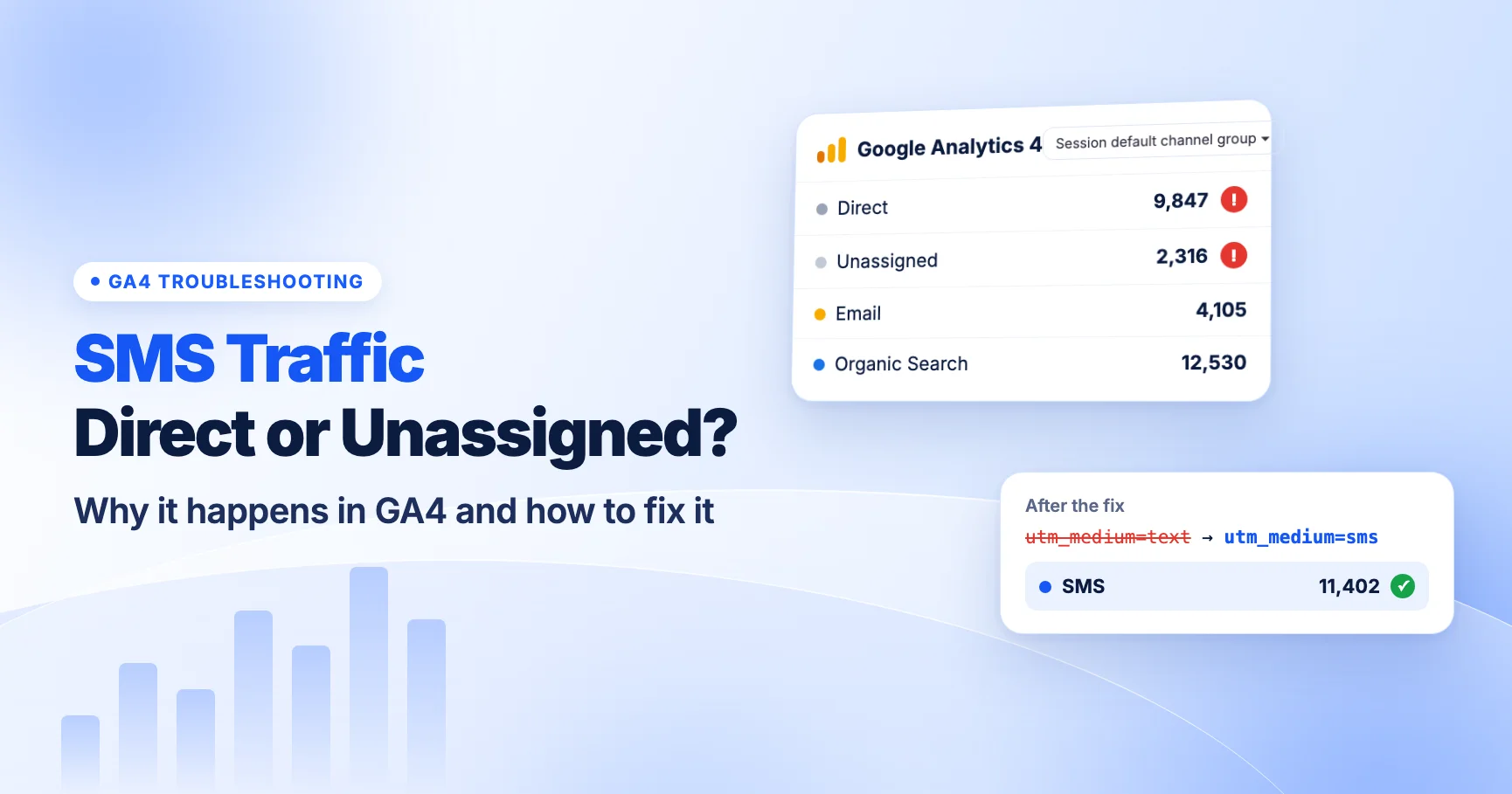
Without UTMs, that session is reported as Direct. Your SMS revenue gets mixed in with people who typed your URL, used a bookmark, or came from an app that also strips the referrer. You can't tell whether last week's text drove sales or not.
UTM parameters fix this. They put the source information into the URL itself, so GA4 doesn't need a referrer:
utm_sourcesays who sent the traffic (your SMS platform or your brand's SMS program).utm_mediumsays what kind of channel it is. For text messages this should besms.utm_campaignsays which send or flow it came from.utm_content(optional) says which link inside the message was tapped.
Two things make SMS trickier than email. Messages are short, so long tagged URLs eat into your character count. And most SMS platforms add UTMs for you, which is helpful until their defaults don't match what GA4 expects. Both are covered below.
If your SMS traffic is already showing up in the wrong place, start with why SMS traffic shows as Direct or Unassigned in GA4.
How GA4 classifies SMS traffic
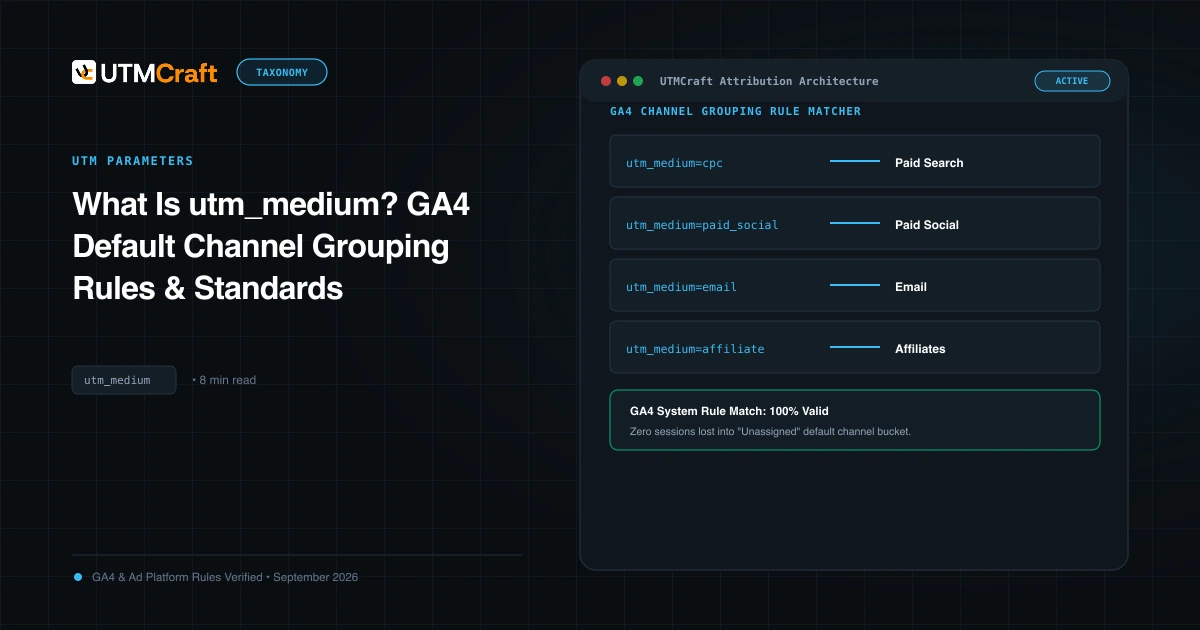
GA4 sorts sessions into channels using the default channel group. Each channel has a rule based on source and medium. The SMS rule is short: a session is SMS when the source exactly matches sms or the medium exactly matches sms. [GA4] Default channel group.
"Exactly matches" is the important part. These values do not match the SMS rule:
textortxtsms-campaign,sms_marketingorsmsblastmmsrcscampaignorflow(old platform defaults)
GA4 treats channel rules as case-insensitive in practice, but we recommend using lowercase sms exactly so your source/medium reports don't split into SMS and sms rows.
Here is how a few common setups end up in GA4:
| What the link carries | Default channel in GA4 | Why |
|---|---|---|
| No UTMs | Direct | No referrer and no campaign data |
utm_medium=sms | SMS | Medium exactly matches sms |
utm_source=sms, any medium that matches no earlier rule | SMS | Source exactly matches sms |
utm_medium=text | Unassigned | No channel rule matches text |
utm_medium=rcs or mms | Unassigned | Not part of the SMS rule |
utm_medium=campaign or flow | Unassigned | Generic value with no channel rule |
utm_medium=push | Mobile Push Notifications | Medium ends with "push" |
Unassigned is GA4's bucket for sessions that match no channel rule. Seeing SMS revenue there almost always means a medium problem, not a tracking failure. For a general walkthrough, see GA4 Unassigned traffic and Direct traffic troubleshooting.
One more note on source. Because the rule also accepts utm_source=sms, some teams put sms in the source. We don't recommend it. Source should name the sender (your platform or program), and medium should name the channel. That keeps your source/medium report readable and matches how you tag email and paid traffic. More on the split in the utm_source guide and the utm_medium guide.
The recommended SMS UTM setup
Here is the setup we recommend for most brands. It lands in the SMS channel, stays readable in reports, and works whether you send from a platform or tag links yourself.
| Parameter | Recommended value | Example | Notes |
|---|---|---|---|
utm_source | Your SMS platform or program name, lowercase | klaviyo, attentive, postscript | Keep it the same for every send from that tool |
utm_medium | sms | sms | Exactly this. No variations |
utm_campaign | The send or flow name, lowercase with hyphens | 2026-11-bfcm-early-access, flow-abandoned-cart | Include a date for one-off sends |
utm_content | Which link in the message | main-link, reply-offer | Optional. Most texts have one link |
A finished link looks like this:
https://yourstore.com/collections/sale?utm_source=klaviyo&utm_medium=sms&utm_campaign=2026-11-bfcm-early-access&utm_content=main-link
Campaign naming
Separate one-off campaigns from automated flows. A date prefix like 2026-11- makes sends easy to sort. Flows run for months, so give them a stable name like flow-welcome or flow-browse-abandon and don't date them. Use lowercase, hyphens, and no spaces. Spaces turn into %20 or + and look different across tools. Our utm_campaign guide and naming conventions guide cover this in more depth.
What never goes in a UTM
Never put phone numbers, names, email addresses or any other personal information in UTM values. Google's policies don't allow sending personal data to Analytics, and SMS makes this an easy mistake because platforms have personalization tags for phone and name. Use a list name, segment name or campaign ID instead.
Keep it consistent
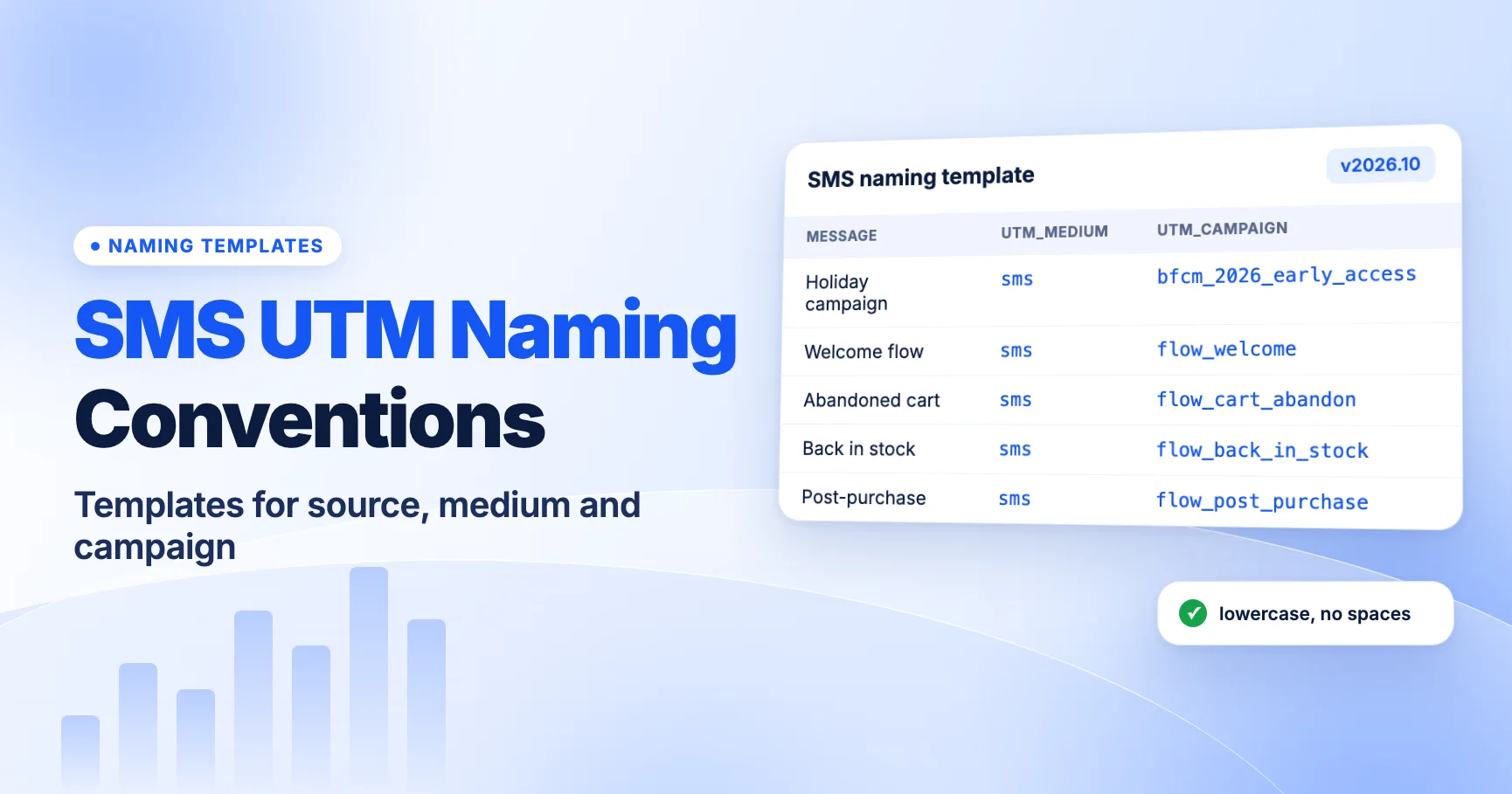
The value of UTMs comes from consistency. If one teammate uses sms and another uses text, half your data goes to Unassigned. Write your values down, share them, and generate links from one template. For ready-to-copy templates, see SMS UTM naming conventions.
Short links and message length
A tagged URL can easily run past 120 characters. In a text message, that's a real cost.
A single SMS holds 160 characters when it uses the standard GSM-7 character set. Longer messages are split into segments of 153 characters each. If the message contains any character outside GSM-7, such as an emoji or a curly quote, the whole message switches to UCS-2 encoding. Then a single message holds 70 characters, and each segment holds 67. Many platforms bill per segment, so a long URL can double or triple the cost of a send.
That's why most brands send short links. The SMS shows something like yourbrand.co/x7Kp2, and the shortener redirects to the full tagged URL. The UTMs live on the long destination URL, not in the text.
When short links break tracking
A redirect, whether 301 or 302, keeps the UTMs only if they're on the destination URL the shortener has stored, or if the shortener is set to pass query strings through. Problems usually come from:
- Shortening the bare URL and adding UTMs to the short link instead. Many shorteners drop that query string.
- A second redirect on your own site (for example,
httptohttps, or an old product URL to a new one) that drops the query string. - Editing the destination in the shortener after launch and forgetting the tags.
- Your SMS platform shortening a link that already has its own UTMs, then adding a second set. See duplicate UTM parameters.
The fix is simple: always test the short link itself, on a phone, and check the final URL in the address bar. Testing the long URL tells you nothing about the redirect. For details, read do UTM parameters survive link shorteners? and redirects removing UTMs.
Platform setup: Klaviyo, Attentive and Postscript
Most SMS platforms add UTM parameters automatically. That saves time, but you need to know what they add, because their defaults decide which GA4 channel your traffic lands in. Defaults change over time and older accounts can keep old settings, so always check your own account.
| Platform | Where to find it | Default medium for SMS | What to check |
|---|---|---|---|
| Klaviyo | Account name > Settings > Other > UTM tracking | "Message type", which outputs sms | Older accounts may still send campaign or flow |
| Attentive | Settings > Link Tracking | Described as sms for text messages | Message-level overrides and custom params |
| Postscript | Global UTM parameters (custom params under Tracking) | Message Type token: sms or rcs | Whether rcs shows up in GA4 |
Klaviyo
In Klaviyo, utm_source and utm_medium are always on. utm_campaign, utm_id and utm_term are optional, and you can add up to five custom parameters. You turn tracking on with the "Automatically add UTM parameters to links" toggle, and you can override settings for a single campaign or flow. Understanding UTM tracking in Klaviyo.
The key date is June 2, 2025. Klaviyo changed the default utm_medium from campaign/flow to "Message type", which outputs sms for SMS links (and email, WhatsApp or push values for those channels). But accounts that customized and saved their UTM settings before that date keep their old values. If your account is older, your SMS links may still send utm_medium=campaign or flow, and GA4 will put that traffic in Unassigned. Full walkthrough: Klaviyo SMS UTM tracking.
Attentive
Attentive sets global defaults under Settings > Link Tracking. Its help center describes the defaults as utm_source=attentive, utm_medium=sms for text (and email for email), and utm_campaign set to a message name variable. Campaigns and Journeys have separate values, and you can override at the message level. Set up global link tracking.
You can also add custom parameters per link in the shortlink editor. Add custom link tracking parameters. Attentive's help center says variables can't be used in utm_source or utm_medium, so those stay fixed. Confirm the values in your own account before relying on them.
Postscript
Postscript adds utm_medium, utm_source and utm_campaign by default, and you can add custom parameters under Tracking. Postscript replaced its static "SMS" medium with a Message Type token that tags traffic as SMS or RCS depending on which channel actually delivered the message. Shops on default settings were migrated automatically. Adjust your global UTM parameters.
That has a GA4 side effect. If the token outputs rcs, GA4's default SMS rule won't match it, and those sessions go to Unassigned unless you set up a custom channel group (covered below). Check what values actually appear in GA4, including case. For both Attentive and Postscript, see Attentive and Postscript UTM tracking.
If you tag links yourself
If your platform doesn't add UTMs, or you turned that off, build links with a UTM builder and paste the tagged URL in before the platform shortens it. Don't do both. If the platform adds tags on top of your manual ones, you can end up with duplicate parameters, and GA4 may read the wrong value.
RCS and push notifications
SMS isn't the only short-message channel your team may be sending. Two others come up often.
RCS
RCS is the richer successor to SMS. Apple added RCS support in iOS 18 in 2024, but RCS business messaging on iPhone depends on carrier support. RCS messages can include rich cards and suggested-action buttons. The URLs behind those buttons are set by the sender, so they need UTMs just like a plain text link.
The tracking catch is the medium. If your platform tags RCS sends with utm_medium=rcs, as Postscript's Message Type token can, GA4's default channel group won't count them as SMS. They'll show in Unassigned. You can keep rcs as a separate medium and add a custom channel group, or decide to tag both as sms. We cover the trade-offs in RCS business messaging UTM tracking.
Push notifications
GA4 has its own channel for push. A session is Mobile Push Notifications when the medium ends with "push", contains "mobile" or "notification", or the source exactly matches "firebase". [GA4] Default channel group.
- Web push that opens a URL works like any other link. Tag it with a medium such as
web-pushorpush. - App push that deep-links into your app is measured by the app SDK, not your website. Campaign data there needs app-side handling.
Don't tag push links with sms, even if the same team sends both. You'll lose the ability to compare them. See push notification UTM tracking for setup.
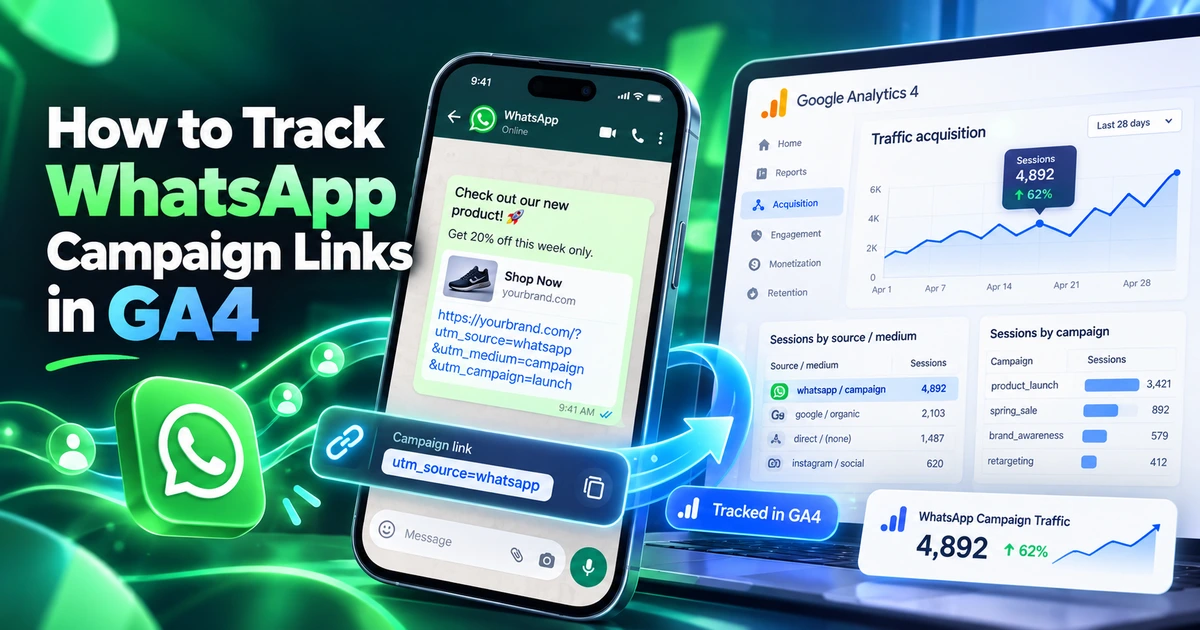
Sending on WhatsApp too? That has its own tagging guide: how to track WhatsApp campaign links in GA4.
How to QA SMS links before you send
Most SMS tracking problems can be caught in five minutes before a send. Here's the routine we recommend:
- Send a test message to a real phone. Use your platform's test send, not a preview in the editor. You want the exact short link the customer will get.
- Tap the link. Let it open in the phone's default browser.
- Check the final URL. Look at the address bar after all redirects. Confirm
utm_source,utm_medium=smsandutm_campaignare there and spelled the way you expect. Check for duplicate parameters. - Check GA4 Realtime. Open Reports > Realtime and look for your session. Add a comparison or look at the source/medium card to confirm the values arrived.
- Check that the page works. Make sure the landing page loads, the offer is right, and any discount code applies.
Do this for every new campaign, every new flow message, and after any change to your platform's UTM settings. Also re-test after a site migration or a change to your redirect rules.
A few extra checks are worth doing once per quarter:
- Look at last month's source/medium report for any SMS-looking rows that didn't land in the SMS channel.
- Filter the Unassigned channel for your SMS platform's source to catch medium drift.
- Check the flows you set up long ago. They often still use old link settings.
For a general QA routine, see the UTM QA checklist and how to test UTMs. Before a big season, also read 10 SMS tracking mistakes that break your holiday campaign data.
How to report SMS in GA4
Once your links are tagged, reporting is straightforward.
Traffic acquisition report
- Go to Reports > Acquisition > Traffic acquisition.
- Make sure the primary dimension is Session default channel group.
- Find the SMS row. That's your tagged SMS traffic.
- To break it down, add a filter for Session default channel group = SMS, then change the dimension to Session campaign or Session source / medium.
To see which link in a message was tapped, add Session manual ad content as a secondary dimension. That's where utm_content shows up. See how to find utm_content and utm_term in GA4.
If you see (not set) where a campaign should be, read GA4 (not set). If tagged traffic doesn't appear at all, see UTMs not showing in GA4.
Custom channel group for SMS and RCS
If you send RCS or MMS and tag them with their own medium, build a custom channel group so all your text-message traffic is reported together.
- Go to Admin > Data display > Channel groups.
- Create a new channel group. GA4 starts you with a copy of the default rules.
- Add a channel named something like SMS & RCS with the condition: medium matches regex
^(sms|rcs|mms)$. - Move it above any rule that could catch those sessions first. Channel rules are evaluated in order.
- Save. Then choose your custom group as the dimension in Traffic acquisition.
Custom channel groups apply retroactively, so you'll see past RCS sessions move out of Unassigned too. [GA4] Custom channel groups.
Comparing SMS with email
SMS and email often reach the same customers. Before you judge one against the other, be clear about which attribution view you're using: the session-scoped Traffic acquisition report credits the session that converted, while conversion paths and attribution reports can share credit. We walk through a fair comparison in SMS vs email attribution in GA4.
Choose a focused guide
This guide gives you the full picture. When you need detail on one part, pick the guide that matches your problem:
- SMS traffic in the wrong channel? Read why SMS traffic shows as Direct or Unassigned in GA4 (and how to fix it).
- Setting naming rules for your team? Use the SMS UTM naming conventions templates.
- Using short links? Read do UTM parameters survive link shorteners?
- On Klaviyo? Follow Klaviyo SMS UTM tracking: setup, dynamic tags and GA4 reporting.
- On Attentive or Postscript? Follow Attentive and Postscript UTM tracking.
- Sending push notifications? Read push notification UTM tracking for web and app push.
- Moving to RCS? Read RCS business messaging UTM tracking: what changes from SMS.
- Preparing for the holidays? Check 10 SMS tracking mistakes that break your holiday campaign data.
- Comparing SMS and email? Read SMS vs email attribution in GA4.
What to do now
Work through this list before your next send:
- Open your SMS platform's UTM settings and write down the source, medium and campaign values it adds.
- Confirm the medium is
sms, lowercase. If it'scampaign,flow,textor anything else, change it. - Check whether your platform sends RCS and what medium it uses for those messages. If it's
rcs, create a custom channel group. - Check old flows and any manually tagged links for outdated values.
- Make sure no UTM value contains a phone number, name or email.
- Send a test to a real phone, tap the short link, and check the final URL and GA4 Realtime.
- In Traffic acquisition, check the SMS row and filter Unassigned for your SMS source to catch anything that slipped through.
If you build links by hand, use UTMCraft to generate them from one template so every teammate uses the same values.
FAQ
What should utm_medium be for SMS?
Use sms, lowercase, exactly. GA4's default SMS channel only matches when the source or medium is exactly sms. Values like text, txt or sms-campaign go to Unassigned.
Why does my SMS traffic show as Direct in GA4?
The link had no UTM parameters, or they were lost in a redirect. SMS apps don't pass a referrer, so GA4 has nothing else to identify the source. Tag the destination URL and test the short link on a phone.
Do I need UTMs if my SMS platform reports clicks and revenue?
Yes, if you want SMS to show up correctly in GA4. Platform reports use their own attribution rules. UTMs let GA4 report SMS next to every other channel with the same rules.
Should RCS messages use utm_medium=sms or rcs?
Either can work. sms lands in GA4's default SMS channel with no extra setup. rcs lets you compare the two channels, but you'll need a custom channel group or those sessions go to Unassigned.
Can I put the customer's phone number in a UTM to track who clicked?
No. Never put phone numbers, names, emails or other personal information in UTMs. Google doesn't allow personal data in Analytics. Use your SMS platform's own reporting for person-level data.
Choose a focused guide
Use these guides when you need to investigate a specific part of this topic.
- Why SMS Traffic Shows as Direct or Unassigned in GA4 (and How to Fix It)
SMS clicks land in Direct when links lack UTMs and in Unassigned when the medium isn't exactly sms. How to diagnose each in GA4 and fix your text links.
- SMS UTM Naming Conventions: Templates for Source, Medium and Campaign
Copy-ready SMS UTM templates for campaigns, flows and holiday sends. Set utm_medium=sms, pick one source rule and keep GA4 SMS reports clean.
- Do UTM Parameters Survive Link Shorteners? SMS Short Link Tracking Explained
UTMs survive link shorteners when they sit on the destination URL. How SMS short links redirect, where to put UTMs, segment math and how to test.
- Klaviyo SMS UTM Tracking: Setup, Dynamic Tags and GA4 Reporting
Set up Klaviyo SMS UTM tracking so texts land in GA4's SMS channel. Covers the June 2025 medium change, legacy settings, dynamic tags and GA4 reports.
- Attentive and Postscript UTM Tracking: How to Set Up Text Campaign Links
Set up Attentive and Postscript UTM tracking for text links. Covers global defaults, journey overrides, the sms vs rcs Message Type and a GA4 channel fix.
- Push Notification UTM Tracking: Web and App Push Links in GA4
How to tag web and app push links so GA4 reports them as Mobile Push Notifications, which utm_medium values work, and why app deep links need extra setup.
- RCS Business Messaging UTM Tracking: What Changes from SMS
How to tag RCS rich card and button links, whether to use utm_medium sms or rcs, how SMS fallback affects GA4 data, and how to build an SMS & RCS channel group.
- 10 SMS Tracking Mistakes That Break Your Holiday Campaign Data
Fix the SMS tracking mistakes that send BFCM 2026 texts to Direct or Unassigned in GA4: wrong mediums, untested short links, legacy defaults and RCS tags.
- SMS vs Email Attribution in GA4: How to Compare Channels Fairly
Compare SMS and email fairly in GA4: last click vs data-driven, attribution settings, conversion paths, platform vs GA4 revenue and a repeatable method.
References
- [GA4] Default channel group (Google Analytics Help)
- [GA4] Custom channel groups (Google Analytics Help)
- Understanding UTM tracking in Klaviyo (Klaviyo Help Center)
- Set up global link tracking (Attentive Help Center)
- Add custom link tracking parameters to journey text messages (Attentive Help Center)
- Adjust your global UTM parameters (Postscript Help Center)